
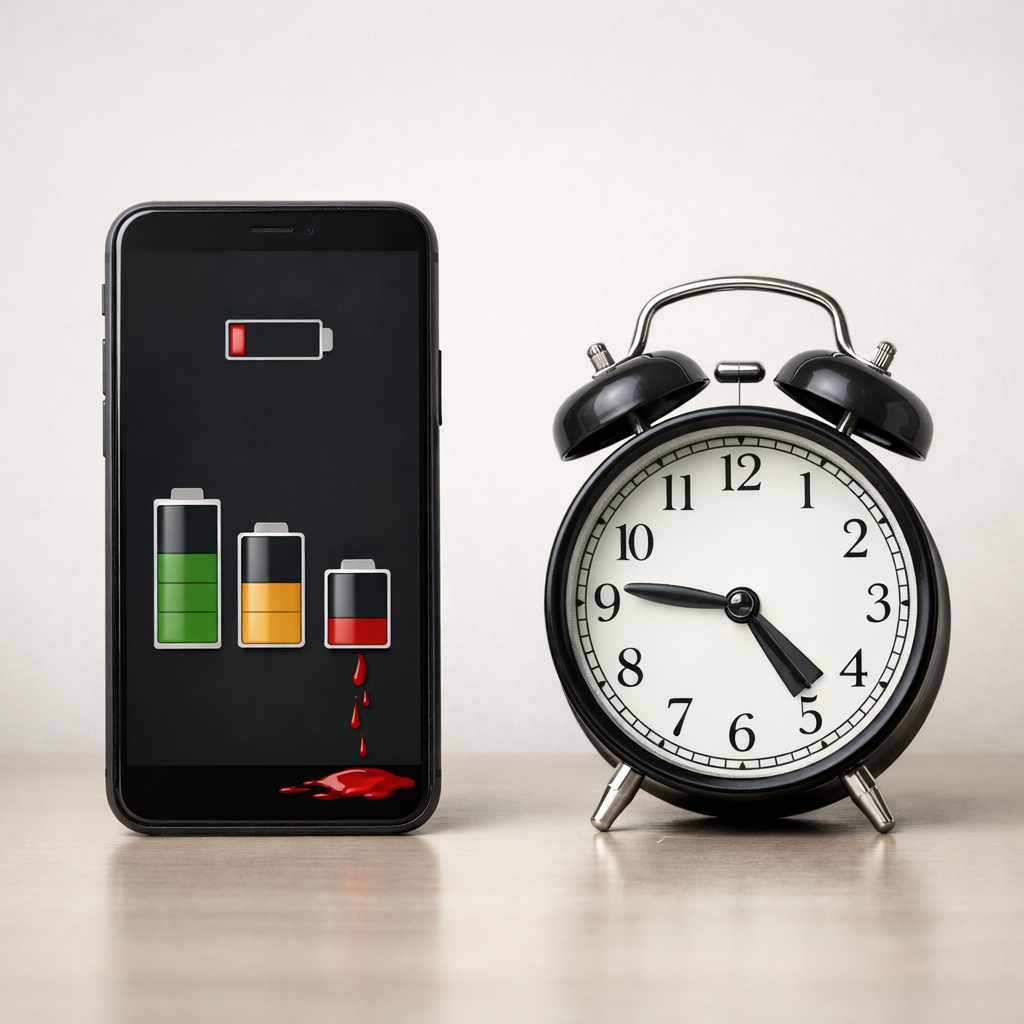
Device Battery Drains Faster Over Time — Normal Aging or Excessive Wear?
Diagnose why your device battery drains quickly even when unused, distinguishing between normal aging and underlying power delivery faults causing excessive battery wear.
Battery health determines how much charge a battery can store and how efficiently it delivers power. Over time, all rechargeable batteries degrade due to charging cycles, temperature, and normal chemical wear.
The guides below explain how battery health works and why some devices limit charging to protect battery lifespan.
Diagnose why your device battery drains quickly even when unused, distinguishing between normal aging and underlying power delivery faults causing excessive battery wear.
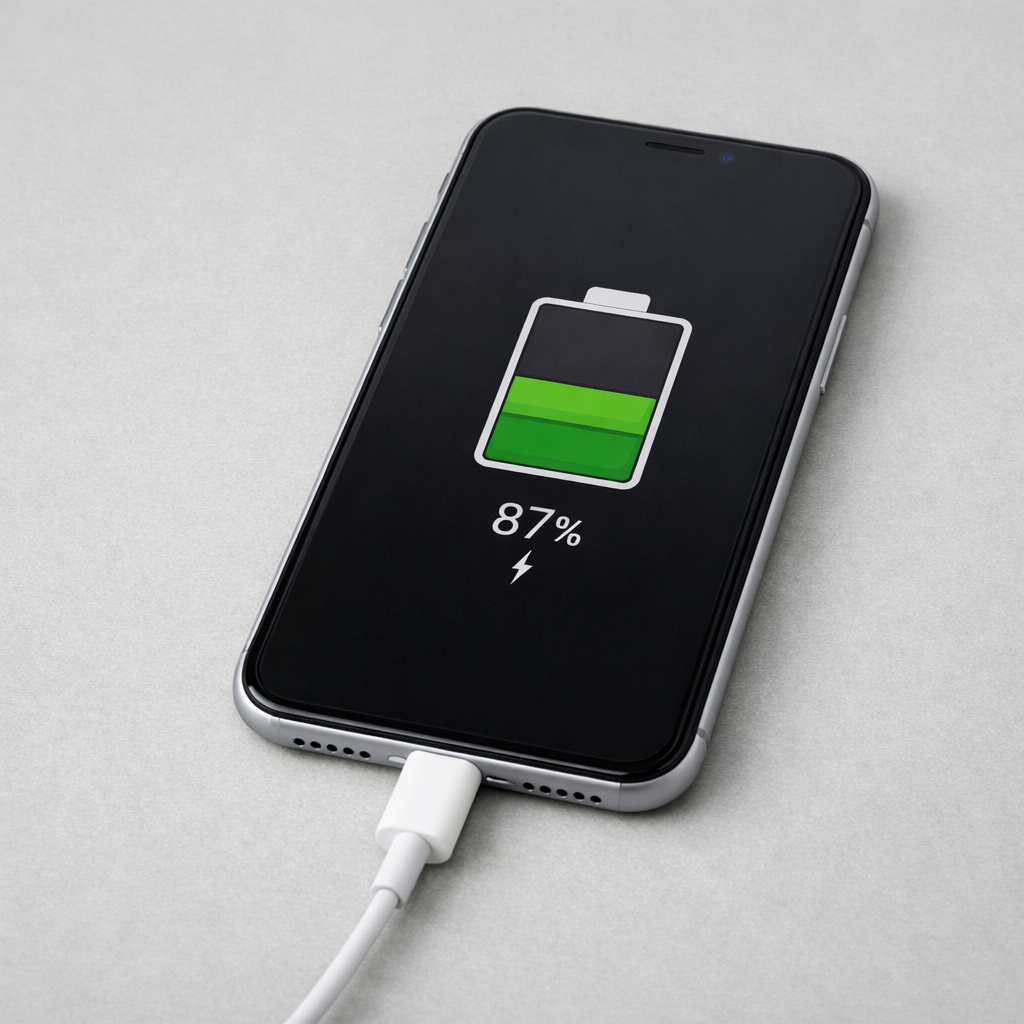
Learn why your device may stop charging at less than 100 percent, focusing on adaptive charging features versus potential battery capacity loss and how to identify the cause.
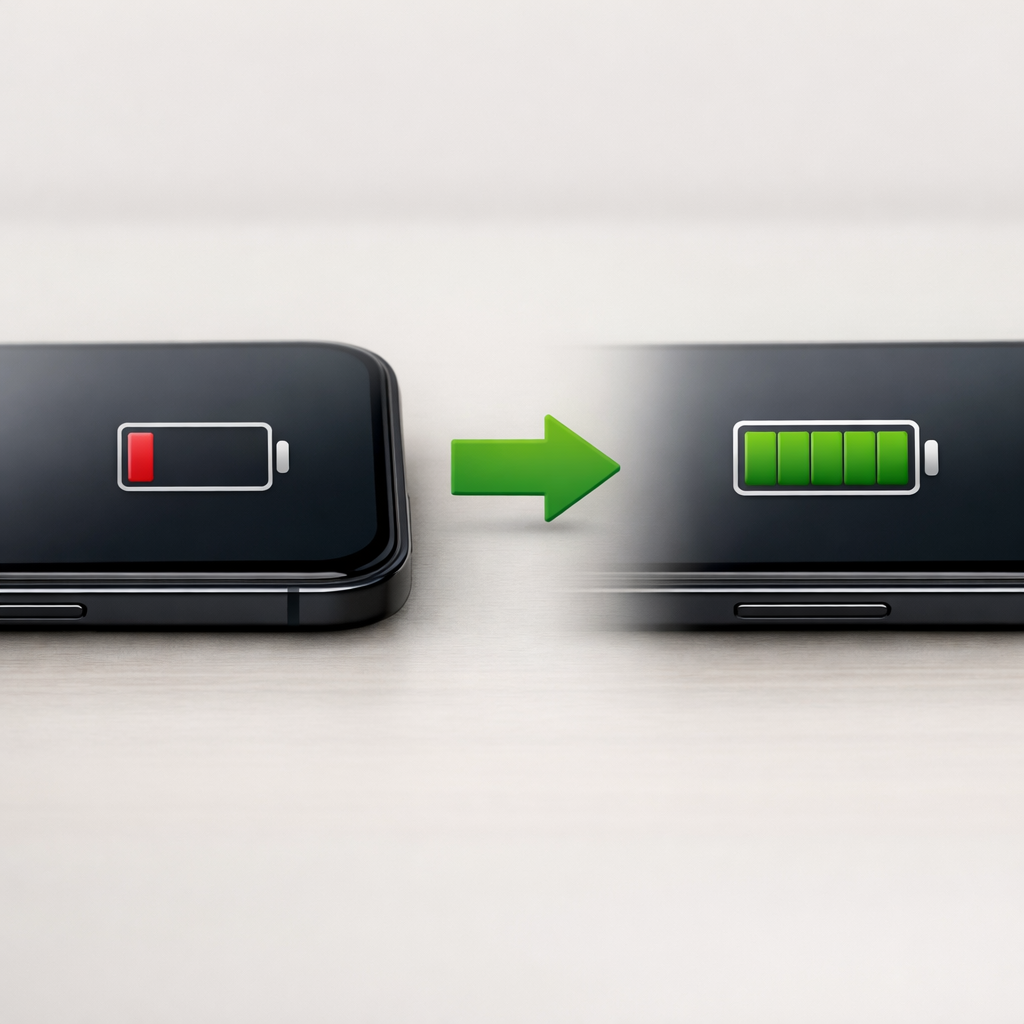
Diagnose sudden battery percentage jumps in devices by identifying if background services or hardware leaks are causing low-power standby drain, calibration errors, or sensor failures.
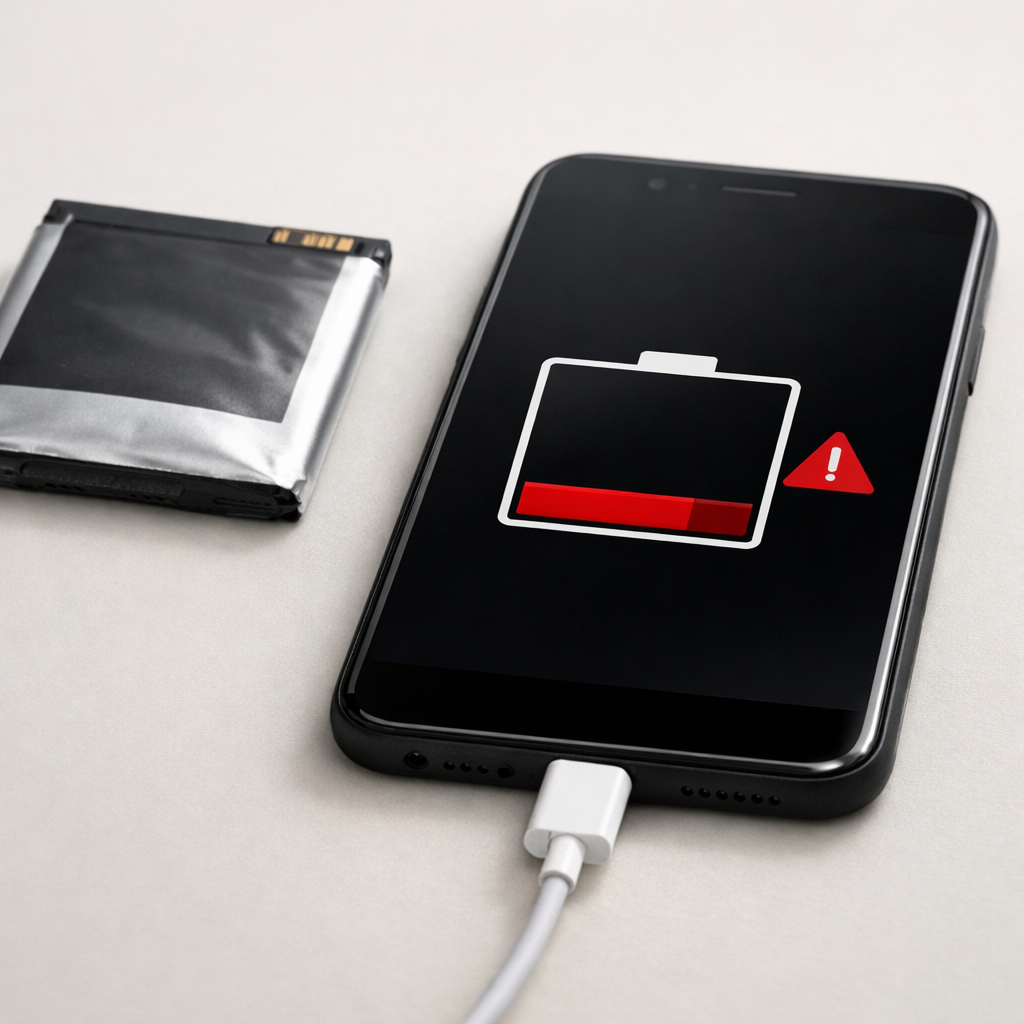
Diagnose why your device battery won’t hold a charge by identifying power negotiation issues or determining if battery wear or internal failure is limiting charge acceptance.
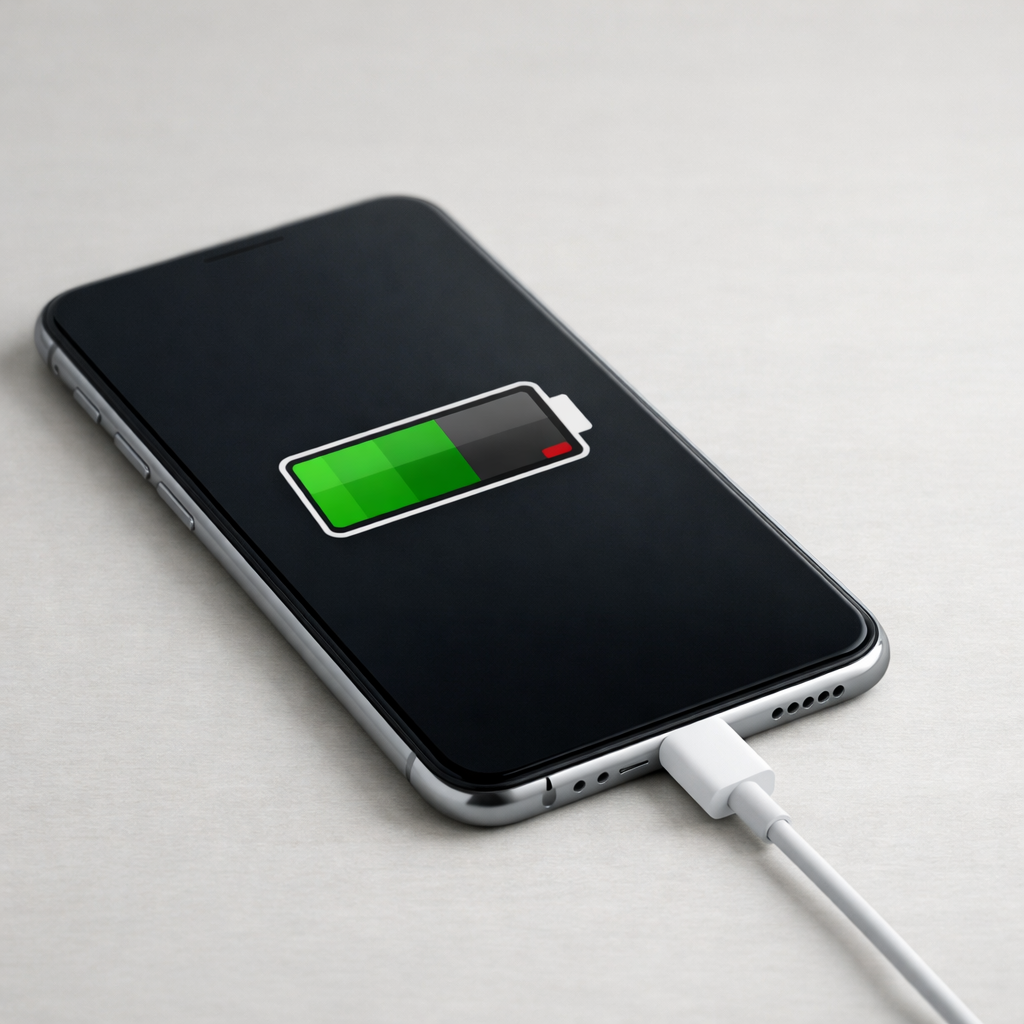
Diagnose why your device isn’t charging fully by identifying unstable voltage input or internal charging regulation issues that limit battery capacity or disrupt proper charging control.

Diagnose why your power bank won’t hold a charge by identifying signs of battery capacity loss or internal cell failure caused by heat accumulation and cell degradation.

A fast drop in phone battery health can feel alarming, especially when you rely on your device all day and aren’t sure what is normal.
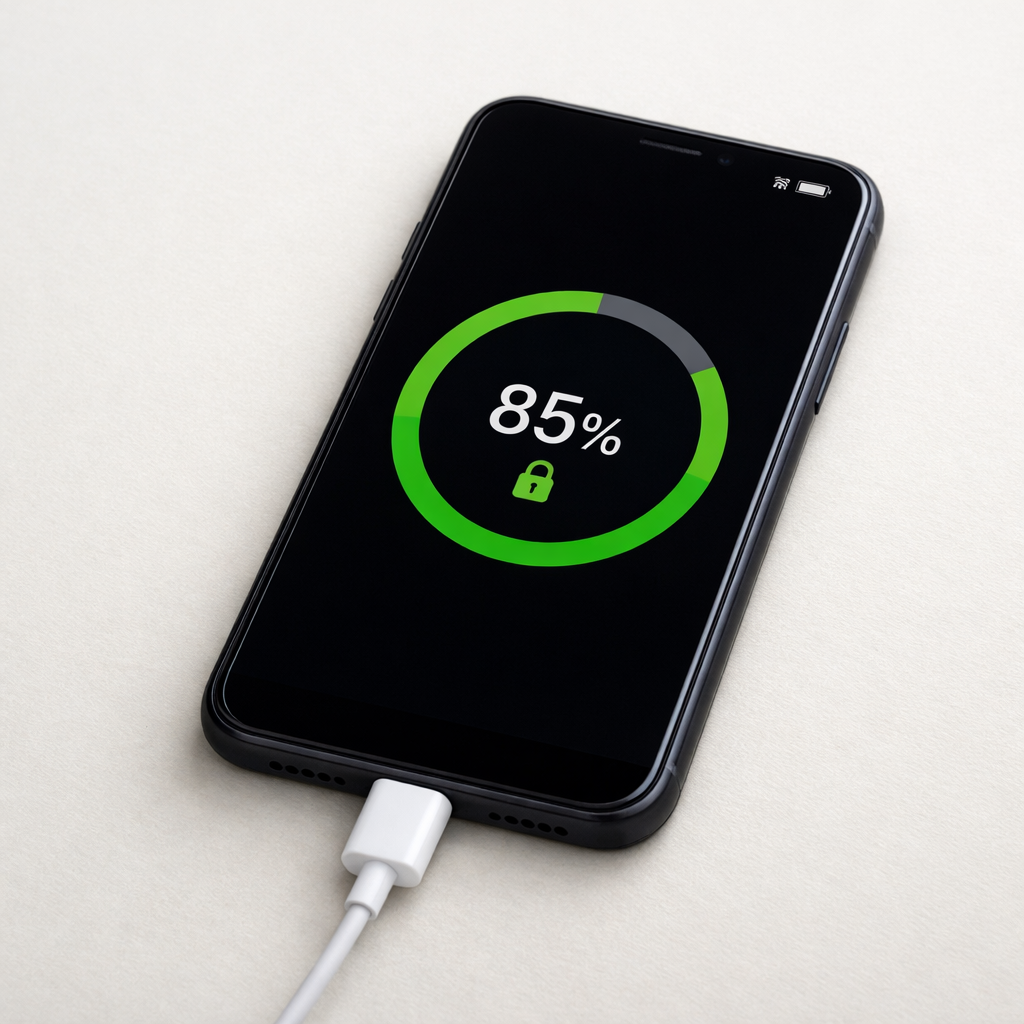
Learn why some phones stop charging at 85 percent, how battery protection features work, and how output circuit issues in external battery packs can cause incomplete charging.
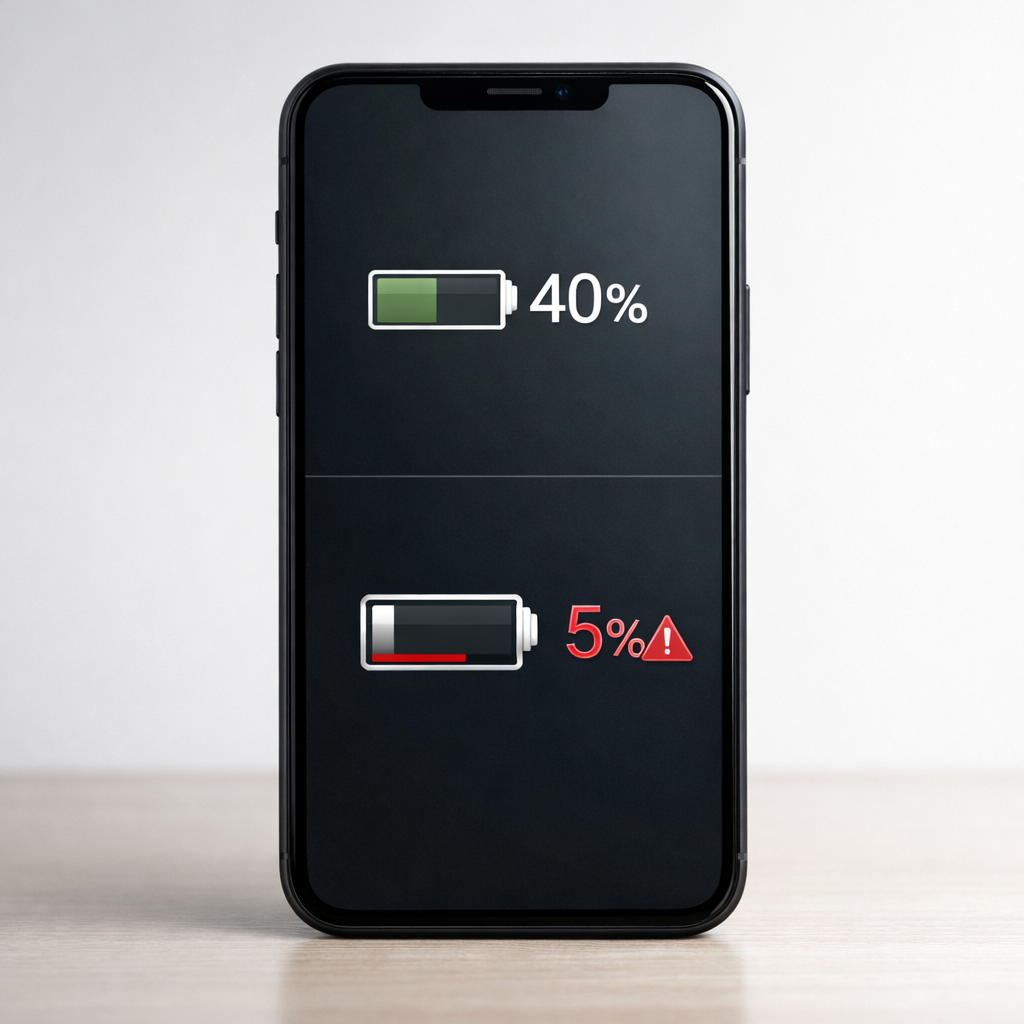
Diagnose sudden phone battery drops at 40 percent by understanding battery protection algorithms, calibration errors, and signs of battery wear to identify the true cause and solution.
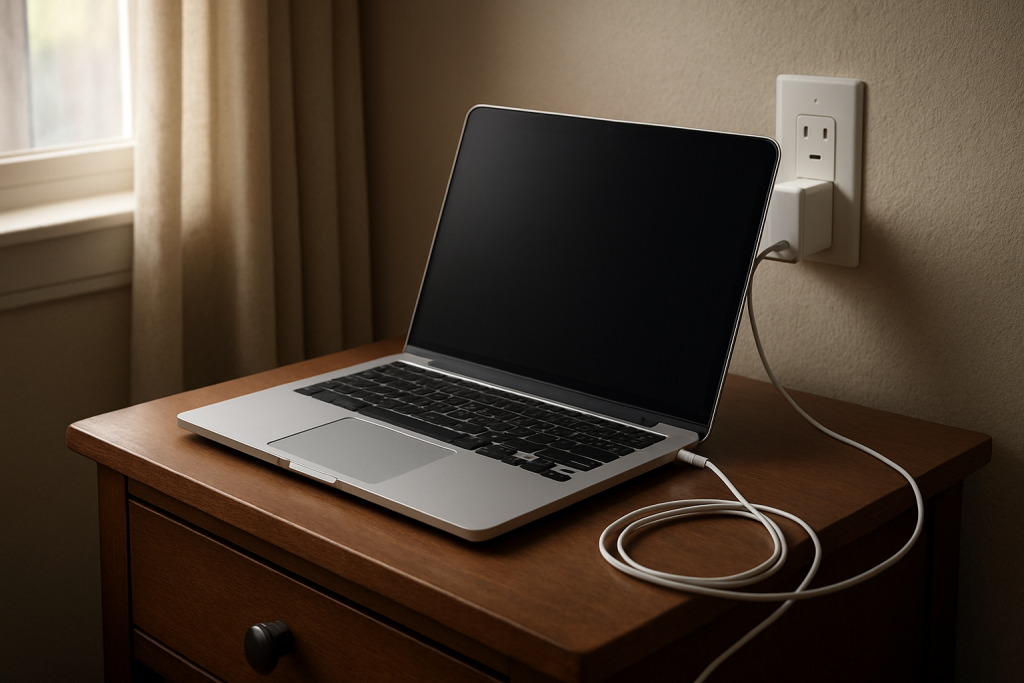
A laptop stopping short of 100% can feel like a warning sign, even when it may be normal battery behavior rather than a serious problem.