
Phone Battery Drops Suddenly at 40 Percent — Calibration Error or Battery Wear?
Quick Answer
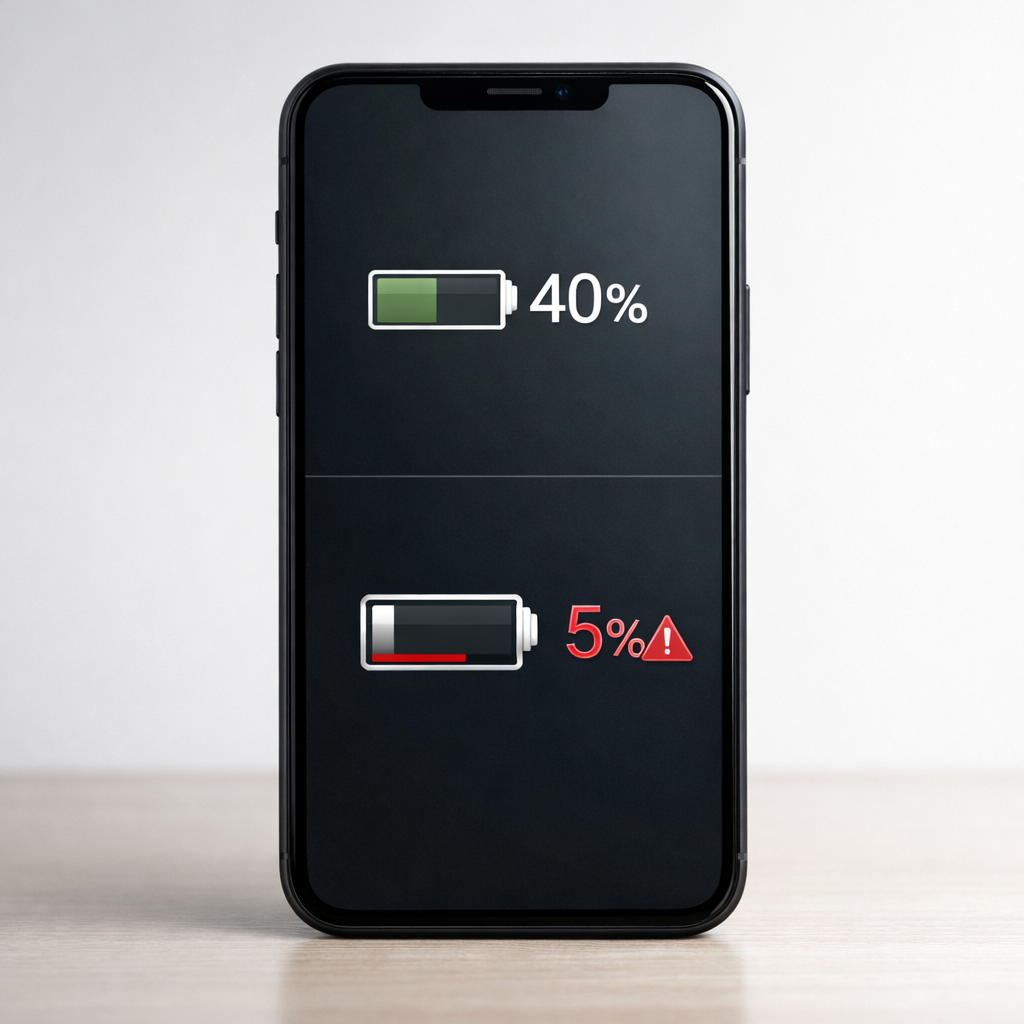
When your phone “falls off a cliff” around 40%, the most common reason is a battery protection and estimation system (often tied to optimized charging) choosing a safer cutoff because it thinks the battery can’t deliver stable voltage at that level. The phone may show 40%, but under load the battery voltage dips, and the system rapidly corrects the percentage or shuts down to protect your data and hardware.
This is especially common after major updates, after changing charging habits, or on batteries that have aged a bit. Many users see it improve within a week or two of normal use as the phone re-learns the battery’s behavior, but a worn battery can keep doing it until replaced.
If you need a fast fix
- Restart the phone and then use it normally for 10–15 minutes on battery (avoid games) to let the battery gauge settle.
- Disable any “Optimized Charging” or “Battery protection” limit for a few days and charge to 100% on a reliable charger.
- Enable Low Power Mode/Battery Saver before it reaches 45% and avoid heavy tasks to reduce sudden voltage drops.
Quick Diagnosis Table
| Symptom | Most likely cause |
|---|---|
| Battery drops fast from ~45% to ~35% (or shuts off) during camera use or gaming | Protection algorithm reacting to voltage sag from an aging battery or cold temperature |
| Battery percentage is stable until ~40%, then plummets right after an OS update | Battery gauge needs recalibration after software changes and new battery protection logic |
| Phone powers off at 40% and comes back showing 10–20% after reboot | Fuel gauge correction because reported percentage didn’t match real voltage under load |
| Drop happens mostly when it’s cold or the phone is outdoors | Cold temporarily reduces battery voltage, triggering protective cutoff behavior |
| Drop started after using a cheap cable, loose port, or car charger | Inconsistent charging history and heat can confuse estimation and accelerate wear |
Why This Happens
Your phone doesn’t measure “percent” directly. It estimates battery level using voltage, current, temperature, and usage history, then applies battery protection rules to avoid sudden shutdowns and battery stress.
With optimized charging and battery protection enabled, the phone may be more conservative about how it interprets mid-range percentages. If the battery’s voltage dips too low when you open the camera, turn on 5G, or brighten the screen, the system can quickly revise the estimate downward or trigger a protective shutdown.
In everyday terms: the phone thinks it has 40% left, but the battery behaves more like it has much less, so the phone “corrects” the number abruptly to match reality and keep the device stable.
Most Common Causes (Ranked)
- 1) Battery protection algorithm reacting to voltage instability: When the battery can’t hold voltage well at mid-charge, the system may drop the displayed percentage quickly or shut down to prevent data loss. This is more noticeable with optimized charging and protection features that prioritize stability over smooth percentage changes.
- 2) Battery gauge needs recalibration after updates or habit changes: A major OS update, a reset, or switching from frequent top-ups to long charges can temporarily confuse the estimate. The phone needs a few cycles of normal use to re-learn the battery curve.
- 3) Normal battery wear (higher internal resistance): As batteries age, they sag more under load even if they still charge to 100%. That sag often shows up as sudden drops around 20–50% rather than a smooth decline.
- 4) Temperature effects (especially cold): Cold makes a battery behave “smaller” and less stable, and protection logic may cut in earlier. You may see a sudden drop outside that doesn’t happen indoors.
- 5) Heavy load spikes at the wrong time: Camera flash, GPS navigation, hotspot, 5G, and games can create short power spikes. If that happens near the phone’s conservative threshold, a drop around 40% becomes much more likely.
- 6) Charging accessories or port issues affecting charging history: Intermittent cables, dirty ports, and low-quality chargers can cause heat and uneven charge data, which can worsen estimation and sometimes speed up wear.
If the drop becomes less frequent or shifts downward over several days, that gradual improvement usually points to calibration learning rather than a battery that’s failing fast.
How to Check the Problem Safely
- Check 1: Note the pattern for 2–3 days: does it happen at the same percentage, during the same app (camera/game), or only when the phone is cold?
- Check 2: Look at battery health (if your phone provides it) and recent battery usage. A low health percentage or “service recommended” message supports battery wear.
- Check 3: Test with a lighter load: when it reaches 45%, enable Battery Saver and avoid camera/games. If the drop stops, it’s likely voltage sag triggering protection.
- Check 4: Try a controlled charge: use a known-good wall charger and cable, charge uninterrupted to 100%, then restart the phone and observe the next discharge.
- Check 5: Check temperature: if the phone feels cold (or very hot), let it return to room temperature and see if behavior improves on the next cycle.
Safety note: do not try to “fix” this by freezing the phone, overheating it, or using unknown fast chargers, as heat and poor power can accelerate battery damage.
How to Fix It
- Fix 1 (easiest): Turn off Optimized Charging/Battery protection limits for 3–7 days and charge to 100% at least once daily. This gives the battery gauge cleaner data and can reduce abrupt mid-range corrections.
- Fix 2: Do one gentle calibration cycle: charge to 100%, keep it on the charger for about 30–60 minutes after it hits 100%, then use it down to around 10–15% before charging again. This helps the phone refine its estimate without pushing the battery to stressful deep discharge.
- Fix 3: Reduce load near 40% to prevent voltage dips: enable Battery Saver at 50%, lower screen brightness, and avoid camera flash or gaming until you pass the drop zone. If the issue is protection reacting to sag, lowering demand can stop the sudden fall.
- Fix 4: Update the OS and battery-related apps, then restart. Manufacturers sometimes tune battery protection thresholds and estimation in updates, especially after widespread reports of sudden drops.
- Fix 5 (advanced/last resort): Back up your data and perform a settings reset (or full reset if necessary) only if the problem started after a software change and persists for weeks. This can clear corrupted battery stats or power management settings, but do it only after trying safer steps.
Signs of Battery or Hardware Damage
- Phone shuts off at 30–60% repeatedly even after a week of normal use and charging.
- Battery percentage jumps up and down by 10–20% within minutes.
- Phone gets unusually hot during light tasks or while charging.
- Noticeable swelling, screen lifting, or the back panel not sitting flat.
- Charging is erratic (connects/disconnects) with multiple known-good cables.
- Battery drains extremely fast at idle (for example, 10–20% per hour with the screen off).
- Device only works reliably when plugged in or drops dramatically as soon as you unplug.
When Repair Is No Longer Worth It
If the phone is older, has poor battery health, and the sudden drop happens daily, a battery replacement is usually the most practical fix. Repeated shutdowns can also stress storage and increase the risk of data issues, so waiting too long can cost more than the battery itself.
As a rule of thumb, if a battery replacement is a small fraction of the cost of a similar used replacement phone, repair makes sense. If the phone also has charging port issues, overheating, or a damaged screen, consider putting that money toward a newer device instead.
How to Prevent This Problem in the Future
- Keep optimized charging on most of the time, but allow a full 100% charge occasionally so the gauge stays accurate.
- Avoid heavy use (gaming, hotspot, 4K video) while the phone is cold; let it warm to room temperature first.
- Use a reputable charger and cable to reduce heat and inconsistent charging behavior that can confuse estimation.
- Try to stay in the 20–80% range for daily use, but don’t panic if you sometimes go to 100% for travel days.
- Enable Battery Saver earlier (around 30–40%) if your phone is prone to voltage sag under load.
- Keep the phone cool while charging; remove thick cases if it gets warm.
- After major OS updates, give the phone several normal cycles to re-learn battery behavior before assuming the battery is failing.
FAQ
Is a sudden drop at 40% always a calibration problem?
No. It can be calibration, but it is often the protection system responding to a battery that can’t maintain voltage under load. If it improves over 1–2 weeks or after a few controlled charging cycles, calibration is more likely. If it keeps happening and worsens, wear is more likely.
Should I fully drain my phone to 0% to “recalibrate” it?
Usually no. Deep discharges can be stressful for lithium batteries and may make things worse if the battery is already weak. A safer approach is a gentle cycle down to 10–15% and then charge back to 100% once, then return to normal use.
What if it only happens when I use the camera or a game at 40%?
That strongly suggests voltage sag under high demand, which triggers the protection logic to correct the percentage or shut down. Try Battery Saver at 50%, lower brightness, and avoid heavy apps near that level. If it still happens, battery replacement is the most reliable long-term fix.
Mark Reynolds explains battery and charging issues in a practical way, focusing on what actually helps in real situations. For more guidance, see the step-by-step troubleshooting guide.
For a full overview of this issue and step-by-step solutions, read the complete troubleshooting guide.





