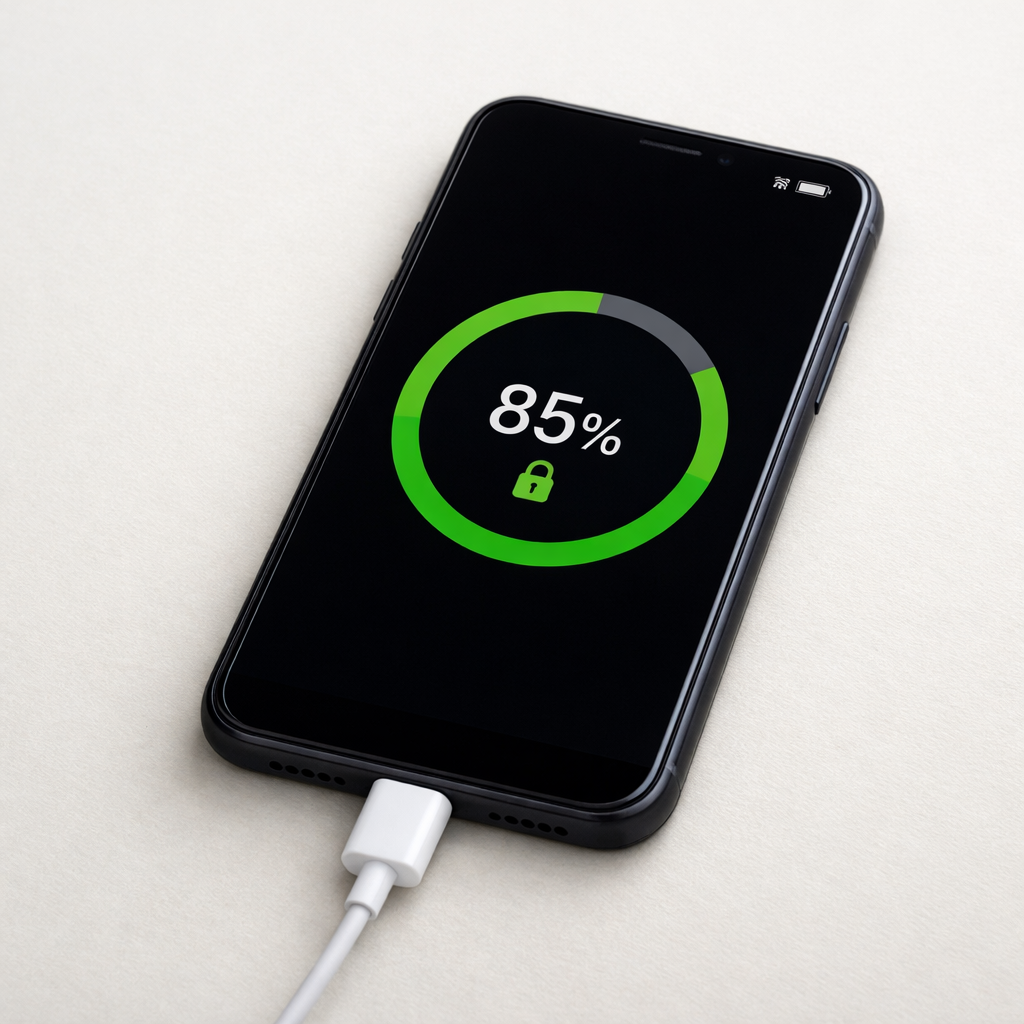
Phone Charging Stops at 85 Percent — Battery Protection Feature Explained
Quick Answer
If your phone regularly stops charging at around 85% when using a power bank, the most likely cause is output circuit degradation inside the external battery pack. As the power bank ages, its internal components can no longer hold a stable voltage under load, so your phone slows or pauses charging to protect the battery.
This usually means the power bank is nearing the end of its useful life for fast or high-level charging, even if it still “works.” Many people notice this after months to a few years of regular use, especially with cheaper packs, heavy daily charging, or frequent heat exposure.
If you need a fast fix
- Try charging from a wall charger (not the power bank) to confirm the phone can go past 85% normally.
- Swap to a different cable and use the power bank’s main port (often the higher-output USB-C/PD port).
- Let the phone cool and charge with the screen off; heat makes the phone reduce charge rate near higher percentages.
Quick Diagnosis Table
| Symptom | Most likely cause |
|---|---|
| Stops at 85% mainly on a specific power bank, but reaches 100% on wall power | Power bank output circuit can’t maintain stable voltage/current near the top-off phase |
| Battery % hovers at 83–86% and won’t climb unless you unplug/replug | Power bank protection/handshake resets due to voltage sag or noisy output |
| Charging is fine until the phone warms up, then stalls near 80–90% | Heat triggers phone charge throttling; weak power bank output makes it more noticeable |
| Power bank shows plenty of charge, but phone cycles between charging and not charging | Aging boost converter or worn port/cable causes intermittent power delivery |
Why This Happens
Charging from 0% to around 70–80% is the easy part for most chargers. After that, the phone shifts into a “top-off” style of charging that needs a steady, clean power supply while it carefully controls battery voltage and temperature.
An older power bank may still light up, show 3–4 LEDs, and charge small devices fine. But inside, the output circuit that converts the power bank’s battery voltage into stable USB power (the boost converter and related components) can weaken with age, heat, and repeated high-current use.
When that output circuit can’t keep the voltage stable, the phone detects the wobble and reduces charging or pauses, often around 80–90%. Cause leads to symptom like this: weak power bank output under load → phone sees unstable or insufficient power → phone limits charging to protect battery health → percentage appears stuck around 85%.
Most Common Causes (Ranked)
- 1) Output circuit wear inside the power bank: The boost converter and filtering components degrade, creating voltage dips at higher charge levels. Your phone responds by slowing or stopping charging near 85% to avoid stressing the battery.
- 2) Weak or unstable fast-charge negotiation: If the power bank can’t reliably hold USB-C PD or other fast-charge modes, the phone may repeatedly renegotiate power. That back-and-forth often shows up as stalling near 80–90%.
- 3) Increased internal resistance in the power bank cells: Aging cells sag more under load, especially when the pack is below half charge. The converter then struggles to supply clean power, which can stop the charge climb near the top-off phase.
- 4) Port or cable losses that become “too much” near 85%: Worn USB ports, loose connectors, or thin/old cables add resistance. The phone might tolerate it early on, but later charging is more sensitive and will throttle sooner.
- 5) Power bank low-current auto-shutoff behavior: Some packs shut off when they think the device is done or drawing less power. Near 85–95%, the phone often pulls less current, which can trigger the pack to pause output.
- 6) Heat from the power bank or phone: Heat raises electrical resistance and triggers battery protection logic in the phone. If the power bank is already struggling, a warm device can be the final push that causes the stall.
If the “stuck at 85%” point gradually improves after changing the cable/port or charging in a cooler spot, that usually indicates a borderline power delivery problem rather than a sudden phone battery failure.
How to Check the Problem Safely
- Check 1: Charge from a known-good wall charger for one full session (from about 40% to 100%). If it reaches 100% normally, the phone is likely fine and the power bank is the culprit.
- Check 2: Try a different high-quality cable (shorter is often better). Then repeat the same test with the power bank to see if the stopping point changes.
- Check 3: Switch ports on the power bank. Use the port labeled PD, QC, or the highest watt rating, since weak ports may struggle most as charging slows and power negotiation changes.
- Check 4: Test with a second device (another phone or tablet) on the same power bank. If two devices stall or disconnect, the power bank output is likely unstable.
- Check 5: Feel for excess heat during charging. If the power bank becomes hot to the touch or the phone is unusually warm, stop and let both cool before testing again.
Safety note: do not keep forcing repeated unplug/replug cycles for hours, and do not charge under a pillow or in direct sun, because heat accelerates wear and increases risk.
How to Fix It
- Fix 1 (easiest): Use a different cable and clean the connectors (remove lint carefully). This reduces voltage drop, which helps the phone maintain a stable top-off charge past 85%.
- Fix 2: Use the power bank’s best output mode (USB-C PD if available) and avoid splitting power to multiple devices. A stable, higher-capacity output path is less likely to sag and trigger charging pauses.
- Fix 3: Charge the phone from the power bank when the power bank is above 50% (or freshly charged). Output circuits and cells perform better with more headroom, so the phone is less likely to stall near 85%.
- Fix 4: Reduce heat and load: turn on Airplane Mode or Low Power Mode, stop gaming/video, and charge with the screen off. Less phone power draw keeps charging steadier and can prevent the power bank from “hunting” or dropping out.
- Fix 5 (advanced/last resort): Replace the power bank if the issue persists across cables and devices. Output circuit degradation is not realistically repairable for everyday users, and continuing to use an unstable power source can cause annoying disconnects and extra heat.
Signs of Battery or Hardware Damage
- Power bank or phone gets excessively hot during charging (hotter than “warm”).
- Charging repeatedly starts and stops every few minutes, even with a new cable.
- Power bank turns off at moderate battery levels or the indicator jumps unpredictably.
- Burning smell, crackling sound, or discoloration around the port.
- Power bank casing is swollen, separating, or feels pressurized.
- Phone shows “Liquid detected,” “Accessory not supported,” or frequent charging warnings with multiple chargers.
- USB port feels loose, the cable wiggles easily, or charging works only at certain angles.
When Repair Is No Longer Worth It
For most power banks, repair is not cost-effective because the failing parts are internal and not designed for service. If your phone charges normally from a wall charger but stalls at 85% on a specific power bank, replacement is usually the practical solution.
As a guideline, if the power bank can’t reliably charge a phone past 85–90% with multiple cables and devices, its value is in emergency use only. Put the money toward a reputable pack with the right wattage for your phone, rather than risking more heat and frustration.
How to Prevent This Problem in the Future
- Buy a power bank with sufficient output headroom (the right PD wattage for your phone), so the output circuit isn’t stressed at its limit.
- Avoid charging phones and power banks in hot environments; heat is a major driver of output circuit and cell degradation.
- Use quality cables and replace them when they loosen or fray, since cable resistance makes power delivery instability worse.
- Don’t drain the power bank to 0% routinely; deep cycles increase strain and speed up aging-related voltage sag.
- Store the power bank partially charged (around 40–70%) if you won’t use it for weeks, and top it up every few months.
- Do not leave a power bank in a car or direct sun, where high temperatures can permanently reduce performance.
- When possible, avoid running multiple high-draw devices from one pack at once, especially near the end of the pack’s charge.
FAQ
Is stopping at 85% always a phone “battery protection” feature?
Not always. Some phones do have optimized charging features that pause around 80–90% based on your routine, but those usually still reach 100% later (for example, near your wake-up time). If it happens mainly with one power bank and not with wall charging, it points more to unstable power bank output than a phone-only setting.
Why does it stop at 85% even though the power bank shows it has plenty of charge?
The indicator LEDs show remaining energy, not the quality of the output. A worn output circuit can have enough stored energy but still fail to deliver stable voltage when the phone becomes picky during the top-off phase. That mismatch often looks like “battery left, but charging won’t finish.”
Will using the power bank like this damage my phone battery?
Usually the phone protects itself by slowing or pausing charging, so serious damage is unlikely from occasional use. However, repeated on-off charging and excess heat are not ideal for long-term battery health. If you see frequent disconnects or unusual warmth, switch to a stable charger and consider replacing the power bank.
Battery issues rarely come from a single cause. Mark Reynolds focuses on identifying patterns and simple fixes that apply in most situations. For more details, read the complete guide.
For a full overview of this issue and step-by-step solutions, read the complete troubleshooting guide.