
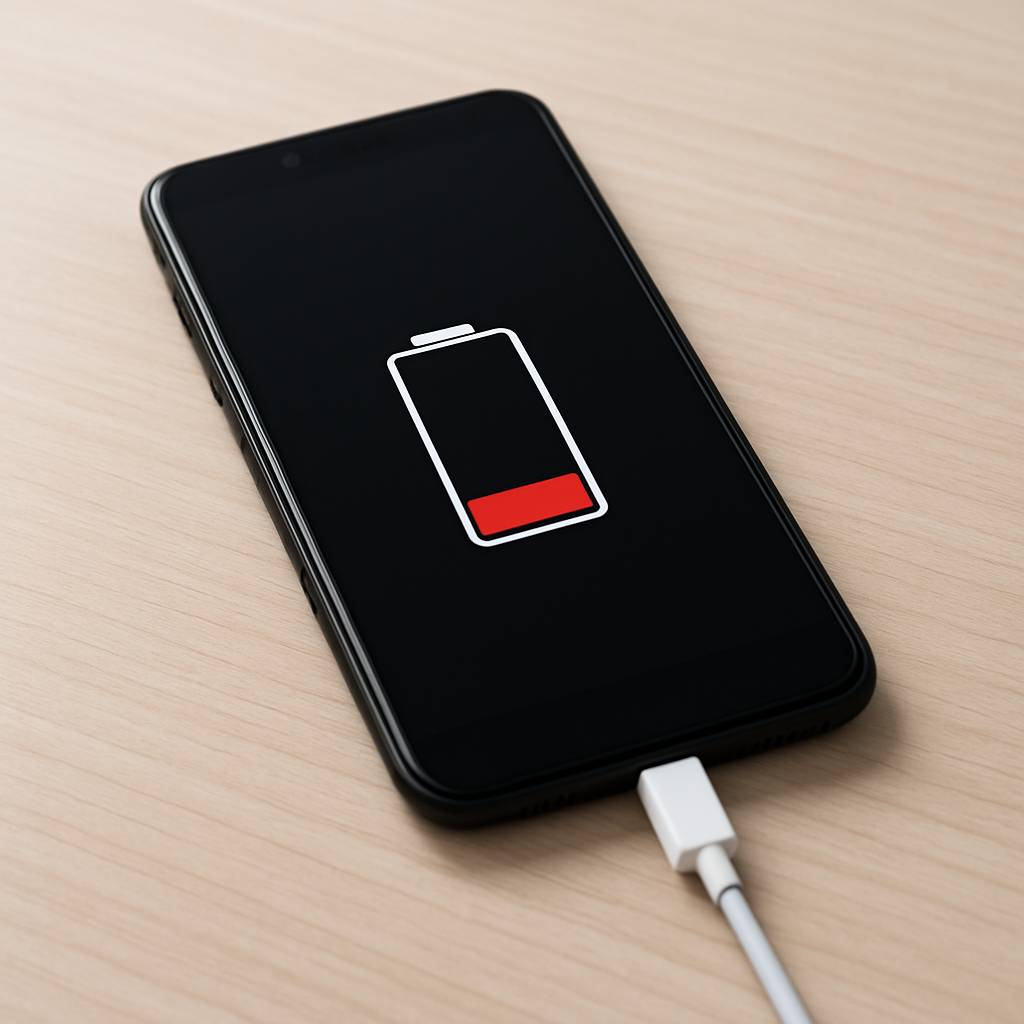
Phone Charging But Not Increasing Battery Level — Power Loss or Charging Circuit Fault?
Quick Answer
If your phone says it’s charging but the battery percentage won’t go up, the most common reason is power loss between the charger and the battery. The phone may be drawing power to run the screen, apps, and radios, but a regulation fault (or anything that causes voltage drop) prevents enough stable power from reaching the battery to actually charge it.
In many cases this shows up as a battery level that stays flat for 10–30 minutes, or only increases when the phone is idle or turned off. If it never increases even after an hour on a known-good charger, the charging path or battery may be failing.
If you need a fast fix
- Use a different charger and cable (preferably the original or a reputable fast charger) and plug directly into a wall outlet.
- Turn on Airplane Mode and lower screen brightness, then leave the phone untouched for 15–20 minutes to reduce power use.
- Clean and dry the charging port gently (no metal tools), then reconnect firmly and make sure the plug is fully seated.
Quick Diagnosis Table
| Symptom | Most likely cause |
|---|---|
| Charging icon shows, but % stays the same while using the phone | Input power is too low or unstable, so the phone runs on incoming power without charging the battery |
| % increases only when the phone is off or in Airplane Mode | Power regulation is borderline; reduced load finally leaves enough power to charge |
| Charging starts and stops, or “slow charging” appears | Cable/adapter voltage drop, dirty port, or negotiation issue causing regulation to throttle |
| Phone gets warm near the top/bottom while “charging” with little gain | Charging circuit is limiting current due to heat or faulty regulation, reducing real charge rate |
| Battery % jumps up/down after reboot | Battery gauge calibration errors or a weak battery causing unstable readings |
Why This Happens
Your phone’s charger provides power, but the phone still has to regulate and distribute that power. Some power goes to the phone’s current workload (screen, CPU, 5G/Wi‑Fi, background syncing), and only the leftover goes to the battery.
If the charging system can’t deliver a steady amount of power to the battery, the phone may show the charging symbol but the battery level won’t rise. This can happen with a weak charger, a damaged cable, a dirty port, or a failing internal charging component that can’t hold the right voltage/current.
In simple terms: the charger arrives, but the power gets “lost” on the way, so the phone runs but the battery doesn’t fill.
Most Common Causes (Ranked)
- 1) Charger or cable can’t maintain stable power: Cheap or worn cables create resistance, causing voltage drop and “charging” that never becomes real battery gain.
- 2) Power regulation throttling due to heat: If the phone is hot (gaming, navigation, sunlight), the charging circuit reduces current to protect the battery, so the percentage barely moves.
- 3) Dirty, loose, or damaged charging port: Pocket lint or a slightly loose connector increases resistance and triggers unstable charging that looks connected but delivers little power.
- 4) Background drain higher than charge rate: 5G, hotspot, GPS, screen-on time, and heavy apps can consume as much as (or more than) the charger provides, especially on low-watt chargers.
- 5) Battery health is poor: An aging battery may accept charge very slowly, heat up quickly, or report percentage inaccurately, making progress appear stuck.
- 6) Internal charging circuit fault: A failing charging IC or damaged power path on the board can limit current or mis-handle regulation, preventing normal charging even with good accessories.
If you see slow but steady improvement after changing the charger/cable and reducing phone usage, it usually means the battery and charging circuit are still working, but the input power or load was the problem.
How to Check the Problem Safely
- Check 1: Try a known-good wall charger and cable, then watch the battery percentage for 15 minutes with the screen off.
- Check 2: Feel for excessive heat. If it’s warm to hot, unplug and let it cool, then try charging again in a cooler place.
- Check 3: Inspect the cable ends and charging port for lint, corrosion, or wobble. If the plug doesn’t click in firmly, power loss is likely.
- Check 4: Reduce drain: enable Airplane Mode, close heavy apps, and disable hotspot, then compare charging speed.
- Check 5: If your phone supports it, look at battery/charging stats in Settings (battery usage, charging type, or “charging rapidly/slowly”) to see if it is negotiating properly.
Safety note: Avoid metal picks or spraying liquids into the port, and stop charging immediately if you smell burning, see swelling, or the phone becomes uncomfortably hot.
How to Fix It
- Fix 1 (easiest): Swap to a quality charger and cable and use a wall outlet. This reduces voltage drop and ensures the phone gets enough regulated power to both run and charge.
- Fix 2: Clean the charging port carefully. Power loss often comes from lint preventing full contact, which increases resistance and makes charging unstable.
- Fix 3: Cool the device and charge idle. Remove thick cases, stop gaming, and keep the phone out of sunlight so the charging circuit doesn’t throttle current.
- Fix 4: Reduce background drain and restart once. A restart can stop stuck processes, and lower drain means more of the incoming power reaches the battery.
- Fix 5 (advanced/last resort): Test wireless charging (if supported) or another charging method. If wireless works normally but wired does not, the port or wired charging circuitry likely needs repair.
Signs of Battery or Hardware Damage
- Battery percentage drops quickly after unplugging, even after a long charge.
- The phone only charges at a certain angle or loses charging when touched.
- Visible corrosion, bent pins, or a loose charging port that won’t hold the cable firmly.
- Phone becomes very hot during charging, especially near the battery or charging port area.
- Battery percentage jumps (for example, from 35% to 55%) or is stuck at a number for hours.
- Unexpected shutdowns at 10–30% or sudden reboots when unplugged.
- Swollen battery signs: screen lifting, back cover bulging, or the phone rocking on a flat surface.
When Repair Is No Longer Worth It
If a known-good charger/cable, a clean port, and low usage still can’t raise the battery level, the issue is often a worn battery or a charging circuit/port failure. At that point, the fix usually requires parts and labor rather than settings changes.
As a rule, consider replacement if repair cost is a large fraction of the phone’s current value, or if the phone also has other problems (poor battery life, overheating, cracked screen). If the phone is otherwise in good shape, a battery or port replacement can be a cost-effective way to restore normal charging.
How to Prevent This Problem in the Future
- Use reputable chargers and cables that match your phone’s fast-charging standard to avoid unstable regulation and voltage drop.
- Avoid charging while gaming or using navigation in direct sun, since heat forces the charging circuit to slow down.
- Keep the charging port clean by avoiding pocket lint buildup and unplugging gently (don’t yank the cable).
- Don’t use extremely long or thin cables for fast charging, as they increase resistance and reduce charging power.
- If your phone supports it, enable optimized charging features to reduce long-term battery stress and regulation strain.
- Replace damaged cables early, especially if they feel loose, get hot, or cause charging to start/stop.
- When possible, charge in the 20–80% range for daily use to reduce wear that can make charging appear “stuck” later.
FAQ
Why does my phone say “charging” but the battery percentage won’t move?
The phone can detect the charger connection and show the icon even when the actual charging power reaching the battery is too low. This usually happens due to voltage drop from a bad cable/adapter, a dirty port, or charging throttling from heat or high usage. Reducing load and trying a known-good charger is the quickest test.
Is it normal for charging to pause at certain percentages?
Yes, brief slowdowns can be normal, especially above 80% where many phones charge more slowly to protect the battery. What’s not normal is being stuck for an hour at low to mid percentages (like 20–60%) on a good charger with the phone idle. That points more toward power loss, overheating, or hardware issues.
Will a battery replacement fix “charging but not increasing”?
It can, especially if the battery is old, heats up quickly, or the percentage readings jump around. However, if the real issue is the charging port, cable, or charging circuit, replacing the battery alone may not help. If wireless charging works but wired does not, the port or wired charging path is the more likely culprit.
For a full overview of this issue and step-by-step solutions, read the complete troubleshooting guide.
Mark Reynolds writes about battery behavior, charging issues, and practical troubleshooting for everyday device problems. For a step-by-step overview, see the full battery troubleshooting guide.





