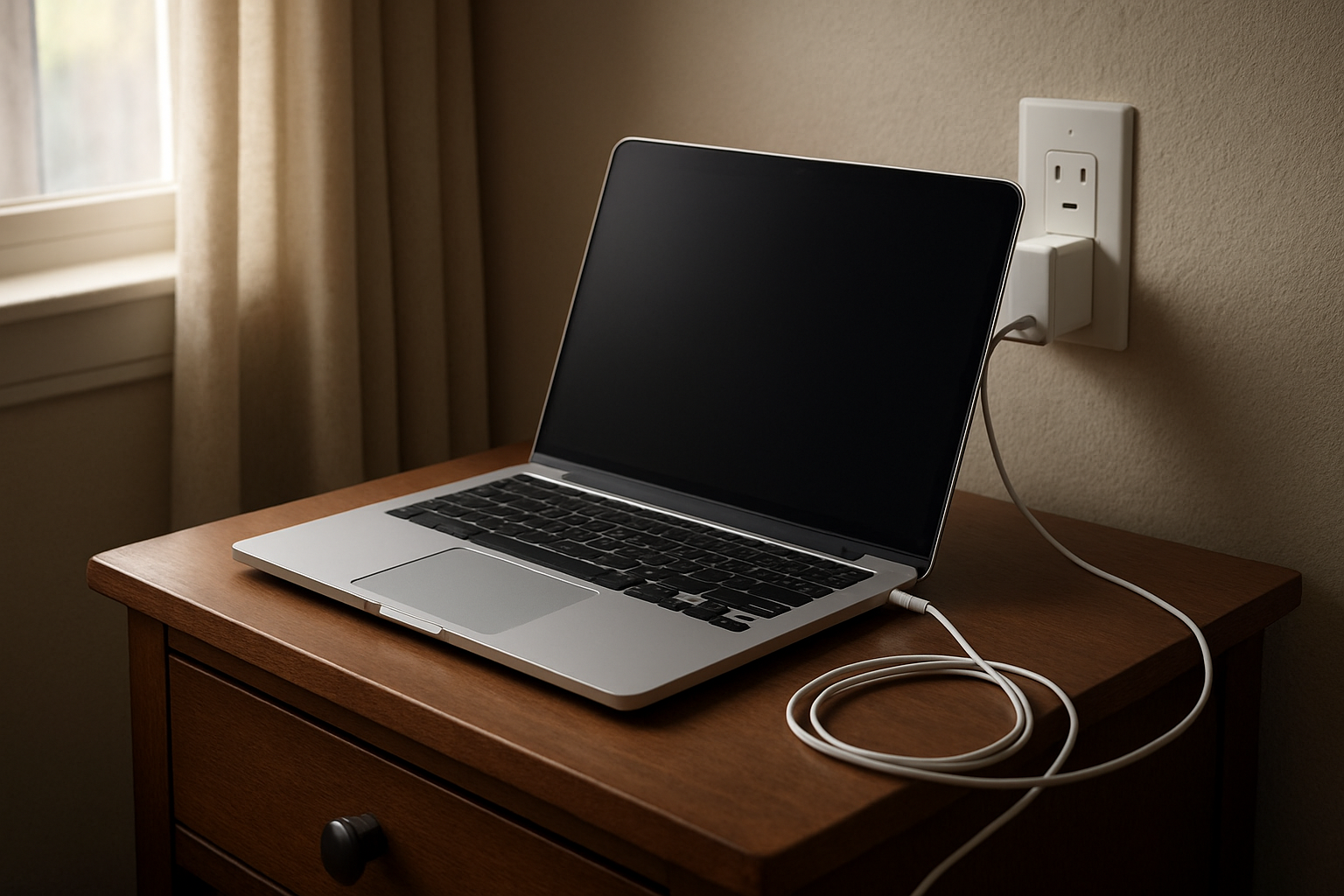
You plug your laptop in before bed, expecting to wake up to a nice clean 100%. Instead, you open the lid in the morning and see 95%. Or 98%. Or it says fully charged even though the number is clearly not 100. That small difference shouldn’t feel like a big deal, but somehow it does.
And once you notice it, it’s hard to ignore.
A laptop battery is one of those things you don’t think about much until it starts acting a little strangely. Then every percentage point feels loaded with meaning. Is it protecting itself? Is the battery getting old? Is the charger failing? Or is this the beginning of a much bigger problem?
Something feels off.
Why This Situation Feels So Frustrating
The frustration usually isn’t about the missing 2% or 5%. It’s about what that missing number seems to suggest. People want a full battery because full feels dependable. It feels finished. If your laptop stops short, even by a little, it can feel incomplete in a way that is weirdly unsettling.
There’s also a real tension here. You want the battery topped off because you need the machine ready when you leave the house, head into class, or start work. At the same time, you may have heard that keeping a battery at 100% all the time can wear it down faster. So now the thing you want for convenience also feels like the thing that might hurt it long term.
That’s what makes this issue stick in your head. You’re trying to do the right thing, but the signals don’t line up. The laptop says charged, the number says not quite, and your gut says maybe something is failing.
What People Usually Notice First
For a lot of people, it starts with a small morning surprise. The laptop was plugged in all night, no interruptions, and yet the battery stopped early. It doesn’t seem dramatic, but it creates doubt right away. If it didn’t reach 100 overnight, what else is it not doing?
A student feels it differently. You’ve got class in an hour, you need every bit of battery life you can get, and now the charge seems to creep up slowly or stall near the top. You keep checking the number like somehow that will help. It doesn’t.
Remote workers notice it too, especially when the laptop stays plugged in most of the day. You start watching the battery icon more than you should. Maybe it hovers in the high 90s. Maybe it drops a little, then charges again. The laptop still works, but your confidence in it starts slipping.
Gamers often see the same pattern and take it personally. Heavy use, heat, fans going, battery not reaching full. It’s easy to look at that and think the system is wearing out right in front of you. It’s not completely broken. But it’s not right either.
Why It Can Be Confusing
Part of the problem is that “full” does not always literally mean 100 percent in the way people expect. Some laptops are designed to stop charging at a certain point to reduce battery stress. Others may report battery levels in a way that feels inconsistent, especially near the top end. So you may see a machine act full at 95%, then reach 100% another day, then stop at 97% later on.
That changing stopping point can be deeply annoying because it makes the problem feel random. If it always stopped at 95, you might accept it. But when the number moves around, it creates doubt. Is this normal behavior, temporary battery management, or an early sign of battery aging?
That’s where a lot of people end up searching for reassurance and finding mixed answers. If you’re dealing with that right now, this explanation of why a laptop may not charge to 100% covers the most common reasons in a straightforward way.
And honestly, the battery percentage itself can be misleading. It looks precise, but it doesn’t always feel trustworthy. That tiny number is supposed to give you certainty. Instead, it often gives you more questions.
The Hidden Impact on Daily Use
This kind of issue gets dismissed because the laptop still turns on and still charges. But the effect on daily life is real. When a device feels unpredictable, even in a small way, you start planning around it differently. You bring the charger more often. You hesitate before leaving without it. You second-guess whether the battery is actually ready.
That mental drag adds up.
It can affect productivity more than people admit. A remote worker who doesn’t trust the battery is less likely to move freely around the house or take the laptop out for a few hours. A student who sees the charge behaving oddly before class starts out distracted. A gamer who expects power dips may lower settings or keep checking status instead of just enjoying the game.
At the heart of it, this is about control versus uncertainty. We rely on our laptops constantly, and we expect them to be predictable. When the battery starts sending mixed signals, even subtle ones, it can make the whole device feel less reliable than it actually is.
When It’s Probably Nothing Serious
If the laptop charges normally most of the time, holds a decent amount of battery during actual use, and doesn’t shut down unexpectedly, there’s a good chance this is not a serious failure. Some systems intentionally slow or pause charging near the top. Some are designed to protect long-term battery health, especially if they spend a lot of time plugged in.
Heat can also change charging behavior. So can background activity, power settings, and battery health features that quietly limit charging without making it obvious. In those cases, seeing 95% to 99% now and then may be less about damage and more about management.
Annoying, yes. Dangerous, probably not.
When You Should Pay More Attention
The situation deserves a closer look when the battery percentage keeps falling while plugged in, the laptop only charges at certain angles, the charger feels inconsistent, or battery life drops sharply in a short time. The same goes for swelling, unusual heat, warning messages, or a laptop that suddenly dies long before the battery should be empty.
If the not-quite-100 issue comes along with other symptoms, that matters. One odd charging cap is one thing. A pattern of weaker performance, shorter runtime, and unreliable charging is something else.
Trust your experience here. If your laptop feels different in a bigger way, not just numerically different, pay attention to that.
Simple Ways to Improve the Situation
Sometimes the best move is to stop chasing the exact number and look at the bigger pattern. Does the laptop get you through the time you need? Does it charge consistently from low to high? Does it behave the same way across several days, or was this a one-off moment?
Using the original charger when possible can help remove one source of uncertainty. So can keeping the laptop cooler and avoiding heavy strain while it charges. If your system has built-in battery care settings, it’s worth checking whether a charging limit is turned on. A lot of people forget those features exist until the battery stops short and starts raising questions.
It also helps to update your expectations a little. Not every healthy battery reaches 100 in the exact way you think it should, every single time. That doesn’t mean your concern is silly. It just means the number is not the whole story.
Still, I get it. Seeing 98% after hours on the charger can be maddening.
Conclusion
When a laptop won’t charge to 100%, the hardest part is often not the battery itself. It’s the uncertainty. You want a simple signal that says everything is fine, and instead you get a number that feels almost right but not fully reassuring.
That’s why this issue bothers people more than it seems like it should. We depend on these machines every day, and even small signs of inconsistency can shake our trust.
Sometimes it really is normal. Sometimes it’s just battery care doing its job. And sometimes it’s the first hint that the battery or charger needs attention. The trick is looking at the full pattern, not just the missing percentage.
Because a laptop that stops at 97% may still be healthy. But when it stops feeling reliable, that’s the part people really notice.