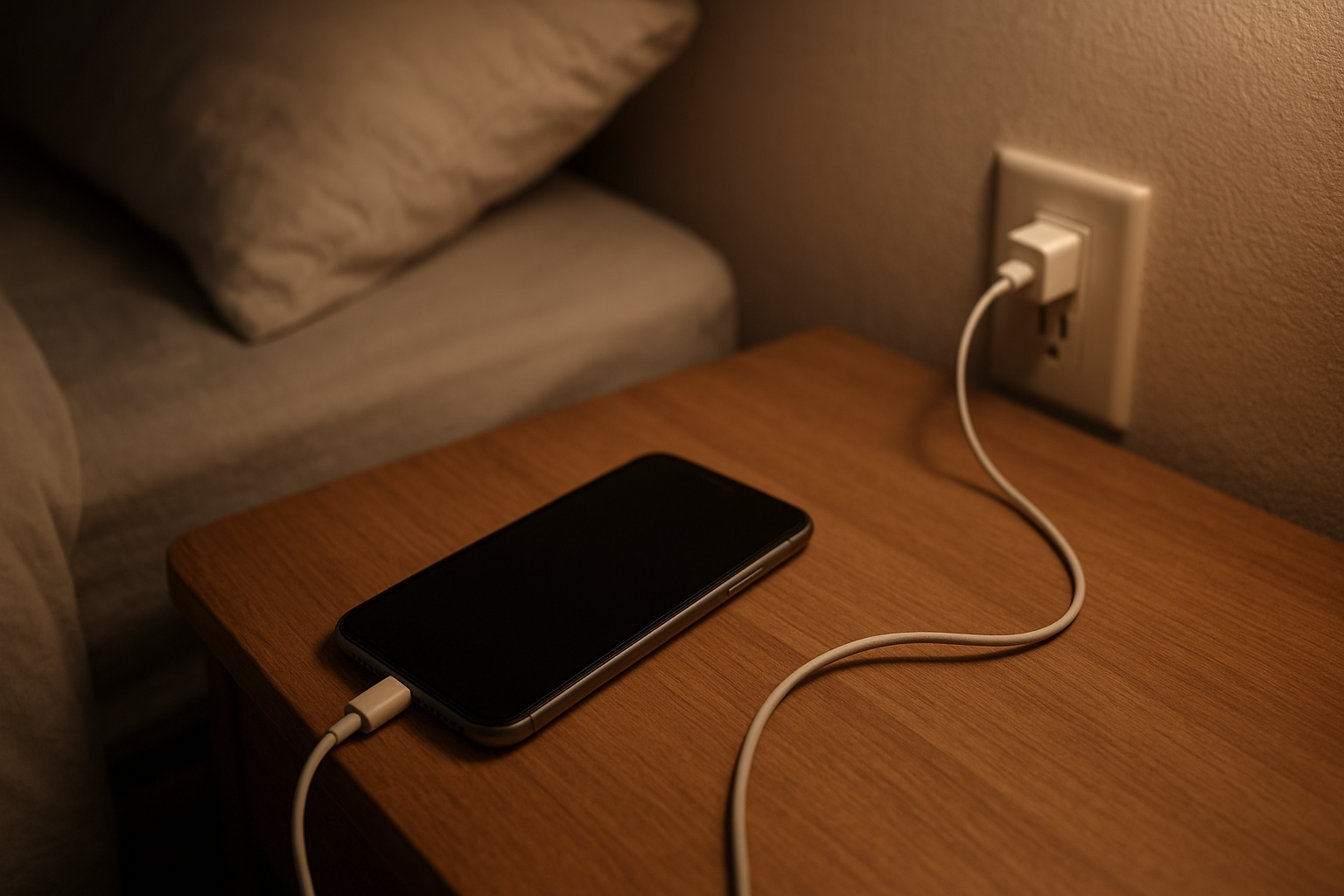
You unplug your phone before leaving the house, see 82 percent, and figure you are fine for the next few hours. Then you check again after a short drive or a few emails and it is suddenly at 61. Later, somehow, it sits at 58 for what feels like forever. That kind of battery behavior gets under your skin fast.
I have dealt with this on both phones and laptops, and the strange part is that the device still sort of works. It is not completely broken. But it is not right either. You stop trusting the number, and once that happens, every glance at the screen feels a little loaded.
Why This Situation Feels So Frustrating
The real problem is not just the battery itself. It is the uncertainty. You depend on the device to get through your day, answer messages, join meetings, navigate somewhere, or finish work, and now the one piece of information that is supposed to help you plan ahead feels unreliable.
That creates a weird low-grade stress. You want to stay calm and tell yourself it is probably a minor glitch, but then the percentage drops five points in a minute and your mind jumps to bigger problems. Is the battery failing? Is the charger causing it? Is the phone about to start shutting off at random?
And once you notice it, it’s hard to ignore.
You start checking more often instead of less. You keep a charger nearby. You hesitate before leaving home without a power bank. A simple convenience turns into one more thing to manage.
What People Usually Notice First
Usually it starts in ordinary moments, which somehow makes it more annoying. You are getting ready for work and glance at your battery after charging overnight, expecting it to be full and stable. Instead it shows one number, then another, and you are already wondering what kind of day this is going to be.
At work, it can be even worse because you are trying to focus on something else while the battery percentage acts strangely in the corner of the screen. Maybe it drops too fast during a video call. Maybe it hangs at one level and then falls hard all at once. You do not want to babysit your battery during the middle of the day, but there you are, watching it anyway.
Travel makes the whole thing feel bigger. If you are commuting or out running errands, there is no easy way to test whether the number is real. You just have to decide whether to trust it. That is a bad feeling when you need the device for tickets, directions, rideshare apps, or even just staying reachable.
Something feels off.
Why It Can Be Confusing
Battery issues like this are confusing because the number on the screen looks precise. It gives the impression that the device knows exactly how much charge is left, when in reality it is estimating. So when the estimate goes wrong, it feels like the device is lying to you.
The most common confusion is how quickly the number can change. One minute it seems stable, the next it is dropping fast enough to make you think something major just happened. Then there is the opposite problem, where the device stays on a percentage for a long time and gives you false confidence.
What really rattles people is when a phone or laptop shuts down while it still shows charge left. Even 10 percent feels like a promise. So when the device dies anyway, it breaks trust in a way that is hard to shake. If you are dealing with that kind of behavior, this explanation of why a battery percentage can be wrong helps make sense of it without turning it into a science lesson.
The other confusing part is that it can start during completely normal use. No dramatic drop, no obvious damage, no major software change that you remember. Just one day the battery starts acting a little odd, and then a little more odd, until it becomes part of your routine to worry about it.
The Hidden Impact on Daily Use
This kind of issue sounds small until you live with it for a while. Then you realize how much of your day is built around trusting everyday tools. A phone is not just a phone anymore. A laptop is not just a laptop. They hold schedules, messages, payment apps, maps, meetings, notes, and a hundred tiny tasks you do without thinking.
When the battery estimate stops feeling reliable, your productivity takes a hit in quiet ways. You delay things. You charge earlier than necessary. You avoid leaving without a cable. You close apps not because you need to, but because you are not sure what the device is going to do next.
It also adds a layer of stress that is easy to dismiss from the outside. But uncertainty is draining. Not dramatic. Just draining. You lose a bit of control over something important, and that can make even simple routines feel less smooth than they should.
It gets old.
When It’s Probably Nothing Serious
Sometimes the issue is more annoying than dangerous. A recent update, heavy app use, background activity, heat, or a battery meter that is temporarily out of sync can make the percentage seem jumpy without meaning the device is in immediate trouble.
If the device still charges normally, lasts roughly as long as expected overall, and does not shut down unexpectedly, there is a good chance the problem is minor. In those cases, the battery reading may be inaccurate in the moment, but the underlying battery may not be badly damaged.
That does not make it pleasant. But it can mean you are not dealing with the worst-case scenario.
When You Should Pay More Attention
If the device powers off with charge left, gets unusually warm while charging, drains very quickly during light use, or starts behaving this way more often over time, it is worth taking seriously. The same goes for swelling, charging that feels inconsistent, or a battery that never seems to reach a stable full charge.
Patterns matter here. A weird percentage once in a while is one thing. A battery that makes you nervous every day is another. If you are planning your day around avoiding a shutdown, that is usually a sign the issue has moved beyond a harmless glitch.
Trust your experience. If the device feels less dependable than it used to be, that is useful information.
Simple Ways to Improve the Situation
The most helpful approach is usually the calm one. Notice patterns before assuming the worst. Pay attention to whether the issue happens after certain apps, after long charging sessions, during hot weather, or after software changes. Sometimes the behavior is less random than it seems at first.
Keeping charging habits steady can help too. So can using a reliable charger and cable, avoiding extreme heat, and giving the device time to settle after updates or unusually heavy use. None of that is flashy, but small practical habits often make battery behavior feel more consistent.
If the device offers battery health information, it can be worth checking simply to get a clearer picture. Not to obsess over it. Just to replace guesswork with something more grounded. And if the issue keeps getting worse, having it looked at before it becomes a bigger disruption is usually easier than waiting until it fails at the worst possible time.
Sometimes peace of mind matters as much as the battery itself.
Conclusion
When a battery percentage stops feeling trustworthy, the frustration is not only about losing power. It is about losing confidence in something you use every day without thinking. That is why it feels so irritating, and why even small swings in the number can create outsized stress.
You want the device to tell you the truth. That is really it.
Most of the time, strange battery readings do not mean disaster. But they do deserve attention, especially if they start affecting how you work, travel, or plan your day. A battery should not feel like a guessing game. When it does, the problem is real, even before the device fully gives out.