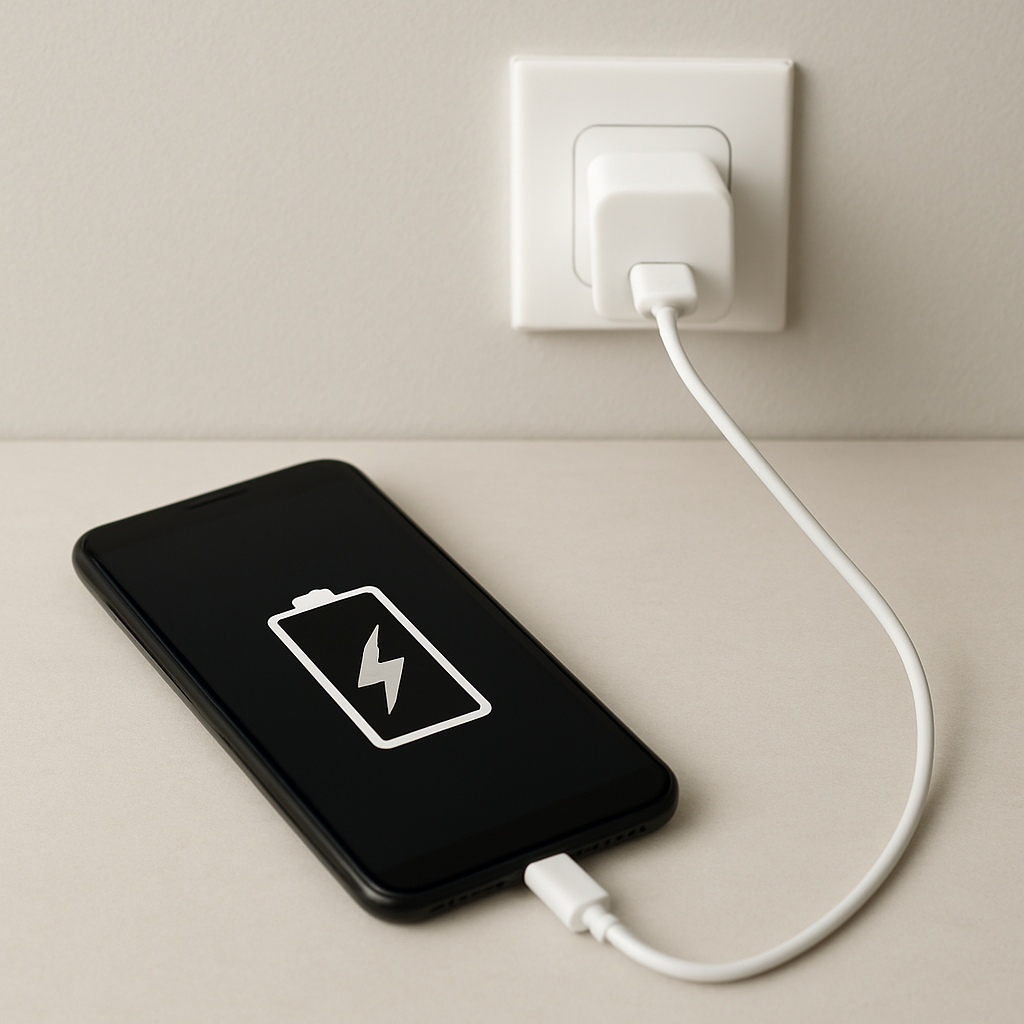
Charging Cable Overheating Dangerous — When Heat Means Fire Risk
Quick Answer
A charging cable that gets hot is usually overheating inside the cable, where the hidden metal conductors carry power. If those conductors are too thin, damaged, or forced to carry more current than they can handle, they heat up fast and can reach an unsafe temperature.
In many cases, heat shows up within the first 5–15 minutes of charging, especially during fast charging or when the cable is bent, pinched, or coiled. Warm is common, but “too hot to hold” or a burnt smell is a stop-now warning.
If you need a fast fix
- Unplug immediately from both the phone and the charger, then let everything cool on a non-flammable surface for at least 10 minutes.
- Swap to a known-good cable and charger (ideally the original or certified) and avoid fast charging until you know the cause.
- Stop bending or coiling the cable and charge with the cable laid straight and uncovered so heat can escape.
Quick Diagnosis Table
| Symptom | Most likely cause |
|---|---|
| Cable gets hot near the connector (phone end) | High resistance at the plug due to wear, contamination, or a damaged conductor close to the strain relief |
| Cable heats along its length | Internal conductors are too thin or damaged, causing overall resistive heating under load |
| Only heats during fast charging | Current is higher than the cable can safely carry, often with low-quality or non-certified cables |
| Heat plus flickering charge / disconnects | Intermittent contact from frayed strands, broken wire, or a loose connector increasing resistance |
| Charger block stays cool but cable is hot | Cable is the bottleneck: internal conductor overheating rather than the adapter |
Why This Happens
Charging cables heat up when electricity meets resistance, which is normal in tiny amounts. The danger starts when resistance rises inside the cable or at the connector, forcing the conductors to turn more power into heat.
Real-world triggers are common: repeatedly bending the cable near the phone, rolling it tightly in a bag, pinching it under a chair leg, or using a cheap cable with thin metal inside. Even if the outside insulation looks fine, the conductor strands can be partially broken, so the remaining strands run hotter.
Cause becomes symptom like this: damaged or undersized conductors increase resistance, resistance makes heat, and heat further weakens the cable, which can snowball into melting insulation, short circuits, and fire risk.
Most Common Causes (Ranked)
- 1) Conductor damage near the connector: The most common failure is right at the strain-relief area where the cable flexes. Broken strands reduce the wire’s “effective thickness,” raising resistance and overheating during normal charging.
- 2) Low-quality or too-thin cable conductors: Some cables look normal but use thin copper or poor alloys that overheat at fast-charge currents. The cable may work, but it runs close to unsafe temperatures.
- 3) Dirty, worn, or loose connector increasing resistance: Lint in a phone port, oxidation on the plug, or a connector that no longer fits snugly makes a small “choke point.” That hot spot often feels like it’s right at the plug.
- 4) Fast charging pushing higher current than the cable can handle: Many devices draw more power when the battery is low, which is when cables get hottest. A cable that’s fine at slow charge can overheat when the phone requests higher current.
- 5) Coiled, covered, or trapped cable that can’t shed heat: Coiling concentrates heat and can also stress the internal strands. Charging under a pillow, on a blanket, or inside a bag keeps heat from escaping and raises risk.
- 6) Liquid exposure or internal corrosion: Moisture can start corrosion inside the connector or cable, creating resistance and heat. This can happen after a spill, bathroom humidity, or rain exposure.
If the cable runs noticeably cooler after switching to a better cable or reducing fast charging, that gradual improvement usually indicates the old cable was the main bottleneck.
How to Check the Problem Safely
- Check 1: With everything unplugged and cool, inspect both ends of the cable for discoloration, warping, a chemical/burnt smell, or sticky/soft insulation.
- Check 2: Run your fingers along the cable to feel for bumps, thin spots, or “hinge” points where it has been sharply bent. Those areas often hide broken conductors.
- Check 3: Look inside the phone/tablet port with a bright light. If you see lint or debris, remove it carefully with a wooden toothpick (no metal tools) while the device is powered off.
- Check 4: Test with a known-good cable and a known-good charger, then charge for 5–10 minutes while occasionally touching the cable. Compare temperatures in the same spot.
- Check 5: If you have a USB power meter, check whether current draw is unusually high or unstable while the cable warms up, which can suggest a poor connection.
If anything becomes hot enough to be painful to touch, unplug immediately and do not continue “testing” it.
How to Fix It
- Fix 1 (easiest): Replace the cable with a reputable, correctly rated one (USB-IF certified, or the device maker’s cable). A properly sized conductor reduces resistance and lowers heat.
- Fix 2: Clean the device port and cable plug gently, then re-test. Better contact reduces the hot-spot effect at the connector.
- Fix 3: Disable fast charging (if your device allows it) or use a lower-power charger temporarily. Lower current means less internal conductor heating.
- Fix 4: Change the charging setup: lay the cable straight, don’t coil it, and keep it uncovered on a hard surface. Better airflow helps the cable shed heat and prevents heat buildup.
- Fix 5 (advanced/last resort): If multiple good cables overheat only with one specific charger or one device/port, replace the charger or have the device port inspected. A failing charger or worn port can force unstable power negotiation and create excess heating at the connection.
Signs of Battery or Hardware Damage
- Battery swelling, a lifting screen/back cover, or the phone rocking on a flat surface
- Device gets hot even when not charging, or heats rapidly at the start of charging
- Charging becomes very slow, repeatedly starts/stops, or only works at certain angles
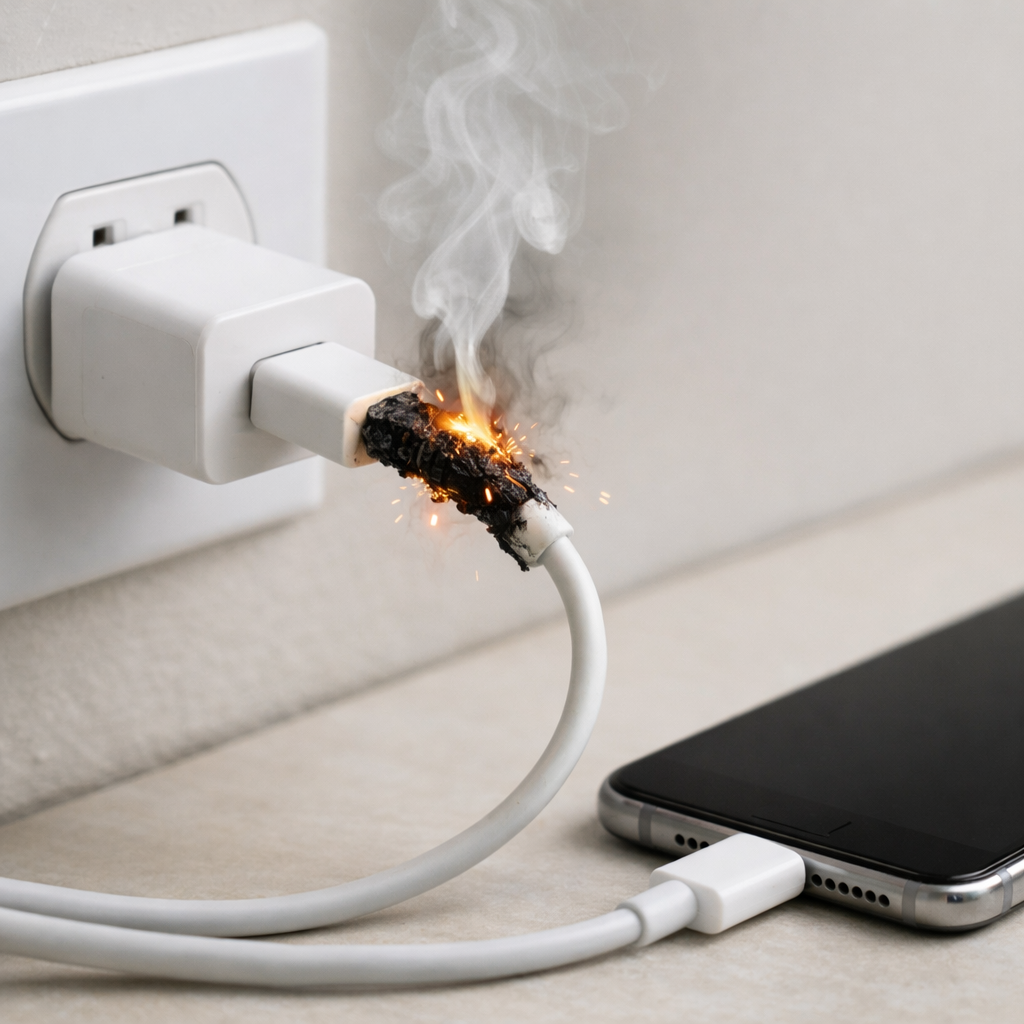
- Burning smell, visible smoke, or crackling/clicking near the port or cable
- Melted, glossy, or deformed plastic around the cable connector or device port
- Battery percentage jumps erratically or the device shuts off unexpectedly
- Port feels loose, pins look bent, or there is discoloration inside the port
When Repair Is No Longer Worth It
If the cable has any melting, charring, exposed wire, or a persistent burnt odor, replacement is the only safe choice. Cable repairs with tape or heat-shrink won’t restore damaged internal strands and can hide a growing hot spot.
As a rule, replace first and troubleshoot second because a good cable is inexpensive compared to the cost of a damaged phone, charger, or fire hazard. If a new certified cable still runs hot across multiple outlets, the value is in checking the charger and the device port rather than cycling through more cheap cables.
How to Prevent This Problem in the Future
- Buy cables rated for your device’s charging power, not just “fits the port,” and prefer certified or brand-name options
- Replace cables at the first sign of looseness, frequent disconnects, or heat near the connector
- Avoid sharp bends near the ends; leave a gentle loop so the strain relief isn’t constantly flexed
- Don’t coil tightly while charging, and don’t charge under pillows, blankets, or inside bags
- Keep ports clean and dry; remove lint occasionally and avoid charging right after liquid exposure
- Use the correct charger for your device and avoid no-name fast chargers that may negotiate power poorly
- Unplug by holding the plug body, not yanking the cable, to prevent strand breakage inside the insulation
FAQ
Is it normal for a charging cable to get warm?
A little warmth can be normal, especially during fast charging, but it should never be uncomfortable to hold. If the cable is hot near one spot, smells odd, or gets hotter over time, that points to resistance and internal conductor overheating. Treat “too hot to touch” as a stop-and-replace situation.
Why is the cable hotter than the wall charger?
When the cable is the weak link, its conductors or connector create the most resistance, so that’s where heat is produced. The wall charger may be operating normally while the cable is struggling to carry the current. This is common with thin, worn, or non-certified cables.
Can an overheating cable damage my phone or battery?
Yes, it can overheat the charging port area, damage connectors, and in worst cases contribute to battery stress. Heat can also melt insulation and create a short circuit, which is a serious safety risk. Replacing the cable early is one of the simplest ways to prevent expensive device damage.
For a full overview of this issue and step-by-step solutions, read the complete troubleshooting guide.
Battery issues rarely come from a single cause. Mark Reynolds focuses on identifying patterns and simple fixes that apply in most situations. For more details, read the complete guide.