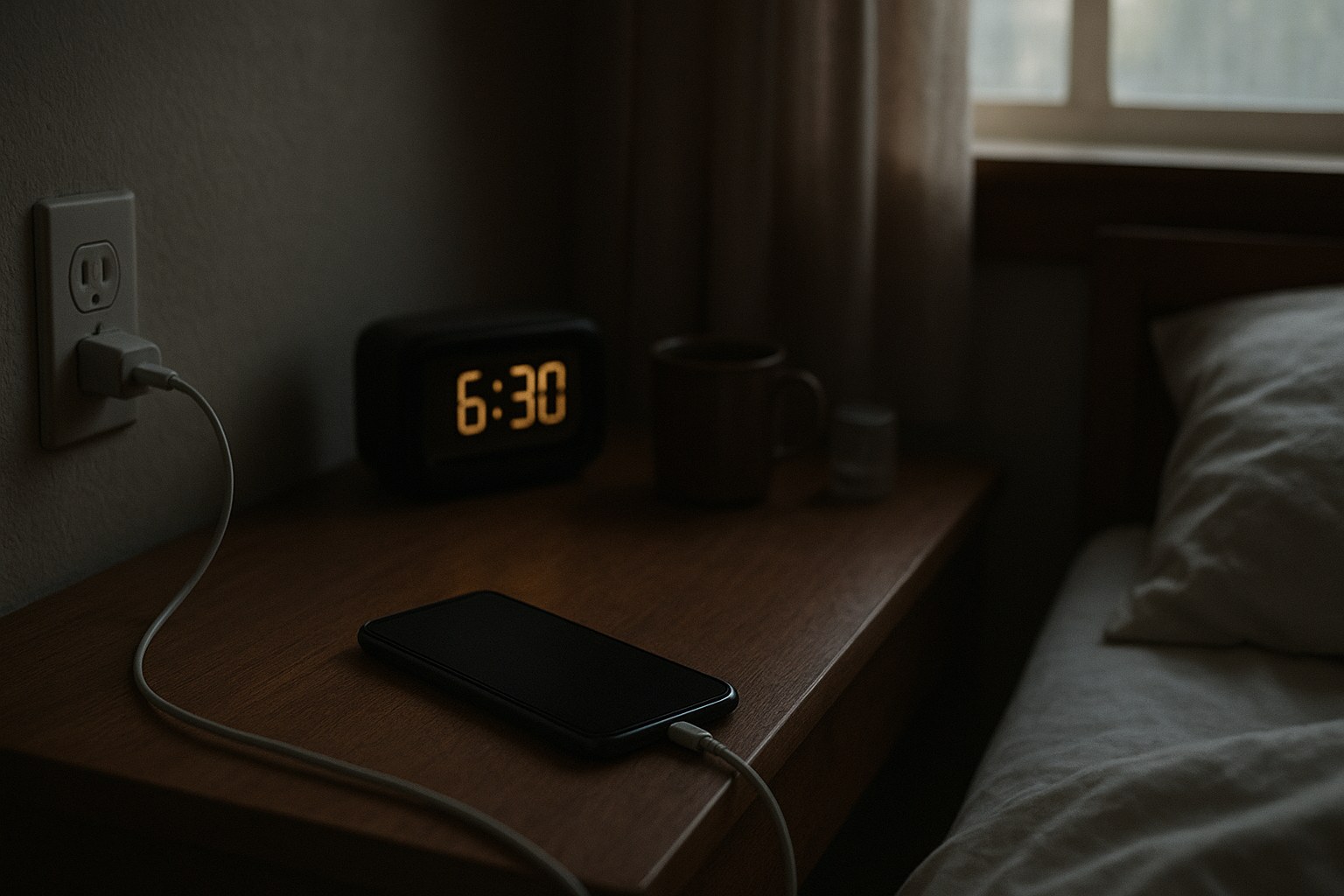
You leave your phone with what should be enough charge before bed, and somehow you wake up to a battery level that looks wrong. Maybe it dropped from 80% to 35% overnight. Maybe it was fully charged, but still lost enough power to make you nervous before work.
That kind of overnight battery drop is frustrating because your phone is supposed to be ready in the morning. Alarms, messages, calendar reminders, navigation, banking apps, and two-factor codes all depend on it. When the battery drops while the phone is sitting unused, it can make the device feel less reliable.
It is not only about the percentage. It is about trust. Once your phone starts the day lower than expected, you begin checking the battery more often, carrying a charger around, and wondering whether something is wrong in the background.
The good news is that overnight battery drain does not always mean the battery is failing. A phone can lose power during the night because of background apps, weak signal, cloud syncing, notifications, location activity, software updates, or battery age. The key is to look for the pattern instead of assuming the worst after one bad night.
Not sure where to start? Use the Battery Help Center if you are unsure whether your issue is battery drain, charging, battery health, overheating, or sudden power behavior.
Quick Answer
If your phone battery drops overnight, the most common causes are background activity, poor cellular signal, app syncing, notifications, location services, recent updates, or an aging battery. A small overnight drop can be normal, but repeated large drops usually mean something is waking the phone or using power while the screen is off.
The fastest way to troubleshoot it is to check battery usage in the morning, look for background activity, compare Wi-Fi and cellular signal conditions, restart the phone, and test whether the drain still happens after limiting unnecessary apps overnight.
Why Overnight Battery Drain Feels So Annoying
Most people do not notice overnight battery drain in a calm, technical way. They notice it when they wake up, reach for the phone, and immediately see a lower battery level than expected. That is why the problem feels bigger than a normal battery complaint.
Your phone is often the first tool you use in the morning. It holds your alarm, messages, calendar, weather, maps, payment apps, and work notifications. If the battery has dropped heavily before the day even starts, it creates friction immediately.
That frustration is useful information. It tells you the issue is not just about saving a few percent. It is about whether the phone still feels predictable. The goal is to find out whether the drain is normal background behavior, a settings issue, a signal problem, or a sign that the battery is becoming less reliable.
Why Your Phone Can Lose Battery Overnight
A phone is not completely inactive just because the screen is off. During the night, it may still receive notifications, sync email, back up photos, update apps, maintain a cellular connection, check location, or run system tasks.
That background activity is usually normal in small amounts. The problem starts when one app, setting, or network condition keeps the phone awake more than expected.
Background apps: messaging, email, social, cloud, weather, and smart home apps may refresh overnight.
Weak signal: a phone can use extra power trying to stay connected to cellular service.
Cloud syncing: photos, videos, messages, and app data may upload while you sleep.
Location services: some apps may check location in the background.
Recent updates: system or app updates can trigger extra background work.
Battery age: an older battery may lose charge faster and report percentage less smoothly.
How Much Overnight Battery Drain Is Normal?
A small amount of overnight battery drain is normal. Your phone still needs power for network connection, notifications, alarms, and background services.
What matters is the size and consistency of the drop. Losing a few percent overnight is usually not a big concern. Losing a large amount every night, especially when the phone is locked and unused, is more worth investigating.
Small drop: usually normal, especially with notifications and network connection active.
Moderate drop: worth checking if it happens often or started recently.
Large repeated drop: usually points to background activity, weak signal, syncing, heat, or battery health.
If the phone feels warm in the morning, that is an important clue. A warm phone usually means something was active during the night.
What to Check First in the Morning
The morning after a big battery drop is the best time to check what happened. Do not change every setting immediately. Start by looking for clues.
Check battery usage: look for apps with high background activity.
Look at signal quality: poor reception overnight can increase battery drain.
Notice heat: if the phone is warm, something may have been running.
Check recent updates: new system or app updates can temporarily increase drain.
Think about syncing: photo backups, cloud files, or messages may have uploaded overnight.
If the battery drop happened only once, it may have been temporary. If it happens several nights in a row, it is worth narrowing down the cause.
Common Causes of Phone Battery Dropping Overnight
Background Apps Keep Running
Some apps continue working after you stop using them. Messaging apps, email apps, social media apps, cloud storage, weather widgets, and security apps can all refresh overnight.
If one app shows unusual battery usage in the background, restrict its background activity, update it, or temporarily remove it to test whether the overnight drain improves.
Weak Signal Drains Battery While You Sleep
A weak cellular signal can drain battery even when the phone is not being used. If your bedroom has poor reception, the phone may keep searching for a stronger connection throughout the night.
This is especially likely if the drain is worse in certain locations. If the phone drains heavily at home but behaves normally elsewhere, signal conditions may be part of the issue.
Cloud Backups or Syncing Run Overnight
Phones often perform background syncing while idle, especially when connected to Wi-Fi. Photos, videos, app data, messages, and cloud files may upload overnight.
This can cause temporary battery drain after travel, after taking many photos, after restoring a phone, or after reconnecting to Wi-Fi.
Notifications Wake the Phone Repeatedly
Notifications can wake the device, trigger vibration, light up the screen, or cause background app activity. One notification may not matter much, but many notifications during the night can add up.
Quiet hours, focus mode, or reducing low-priority notifications can help if overnight alerts are part of the pattern.
Location Services Stay Active
Some apps use location in the background for maps, weather, delivery tracking, fitness, photos, or safety features. If too many apps have location access all the time, overnight battery drain can increase.
You do not have to turn location off completely. A better first step is to set non-essential apps to use location only while you are using them.
A Recent Update Is Still Settling
After a system update, your phone may re-index files, update apps, rebuild caches, or complete background tasks. Battery life can feel worse for a short time after a major update.
If the problem began immediately after an update, give it some time, then check battery usage again. If one app or system process keeps using power for several days, it may need attention.
The Battery Is Getting Older
Battery age becomes more likely if overnight drain is part of a bigger pattern. For example, the phone may also drain quickly during the day, shut down early, get warm easily, or show sudden percentage drops.
If the phone is older and battery health is poor, the battery may no longer hold charge as predictably as it used to.
Simple Fixes to Reduce Overnight Battery Drain
Start with small, reversible changes. The goal is to reduce unnecessary overnight activity without making the phone annoying to use.
Restart the phone: this can stop stuck background processes.
Limit background refresh: restrict apps that do not need to update overnight.
Use focus mode or quiet hours: reduce notification wake-ups while sleeping.
Review location permissions: limit background location for non-essential apps.
Use Wi-Fi when signal is weak: stable Wi-Fi may reduce cellular searching.
Check battery usage each morning: look for the same app or process repeating.
If you are not sure whether your phone has a real overnight drain problem, run a simple test.
Charge the phone to a normal level before bed.
Restart it.
Leave it in the same place overnight.
Do not plug it in during the test.
Check the battery percentage and battery usage in the morning.
If the phone only drops a little, the battery may be behaving normally. If it drops heavily again, check which apps or services used power overnight. If the drain is much lower in Airplane Mode, signal or wireless activity is probably involved.
When Overnight Battery Drain Is Probably Not Serious
One bad night does not always mean there is a major problem. Overnight battery drain may be temporary if it happened after a system update, a new app install, heavy photo syncing, travel, poor signal, or a night with unusual notifications.
If the phone still charges normally, lasts reasonably during the day, and the overnight drain does not repeat, the issue may not need major action.
When to Pay More Attention
Repeated heavy overnight drain deserves a closer look, especially if it comes with heat, shutdowns, sudden percentage drops, poor daytime battery life, or charging problems.
The phone loses a large amount of battery every night.
The phone feels warm in the morning.
The battery drops suddenly during the day as well.
The phone shuts down before reaching 0%.
The battery health reading is poor or dropping quickly.
The issue started after liquid exposure, impact, or visible damage.
If overheating, swelling, burning smells, liquid damage, or physical damage are involved, stop using questionable chargers or cables and consider getting the phone checked by a qualified repair professional.
Is it normal for a phone battery to drain overnight?
Yes, a small amount of overnight battery drain is normal because the phone still maintains network connection, notifications, alarms, and background services. A large drop every night is more likely to indicate background activity, weak signal, syncing, or battery health issues.
Why does my phone battery drop overnight even when I do not use it?
Your phone can still run background tasks while the screen is off. Apps may sync data, check notifications, use location, back up photos, or maintain network connection during the night.
Can poor signal drain my phone battery overnight?
Yes. If your phone has weak cellular signal while you sleep, it may use extra power trying to stay connected or searching for better reception.
Should I leave my phone charging overnight if the battery drains?
Leaving a phone plugged in overnight is common, and many modern phones manage charging automatically. However, if the phone gets hot, charges strangely, or drains quickly when unplugged, it is worth checking battery usage, charging behavior, and battery health.
Does overnight battery drain mean my battery needs replacing?
Not always. Overnight drain can come from background apps, weak signal, syncing, updates, location services, or notifications. Battery replacement becomes more likely if the phone is older, drains quickly in all situations, shuts down early, or has poor battery health.
Conclusion
Phone battery dropping overnight is frustrating because it affects the moment when you expect your phone to be ready. But it does not always mean the battery is bad. In many cases, the cause is background activity, weak signal, syncing, notifications, location use, recent updates, or temporary software behavior.
Start with the simple checks: review battery usage in the morning, look for background activity, restart the phone, reduce unnecessary overnight wake-ups, and pay attention to signal quality. If the problem repeats, compare it with battery health, charging behavior, and heat.
Mark Reynolds writes practical battery and charging guides for Power & Battery Guide, focusing on clear explanations, realistic first checks, and safe troubleshooting before replacing batteries, chargers, or devices.