Power Bank Not Holding Charge — Battery Capacity Loss or Internal Failure?
Quick Answer
The most common reason a power bank stops holding a charge is heat buildup from aging lithium cells. As the cells degrade, they waste more energy as heat during charging and discharging, so the bank “fills” quickly, drains quickly, or shuts off early.
This usually means the real usable capacity is much lower than the label, even if the LEDs still show full. Many everyday power banks start showing noticeable loss after 18–36 months, sooner if they’ve been used while hot (car, sun, bed, thick bag) or fast-charged frequently.
If you need a fast fix
- Let the power bank cool to room temperature, then try charging it and your device again in a cooler spot (avoid sunlight, cars, blankets, and pockets).
- Use a slower charger and cable (5V/2A if available) and avoid using the power bank while it is charging.
- Do one full, uninterrupted cycle: charge to 100%, wait 30 minutes, then discharge to around 10–20%, and recharge fully once.
Quick Diagnosis Table
| Symptom | Most likely cause |
|---|---|
| Charges to “100%” fast but only powers your phone briefly | Capacity loss from degraded cells; more energy is lost as heat |
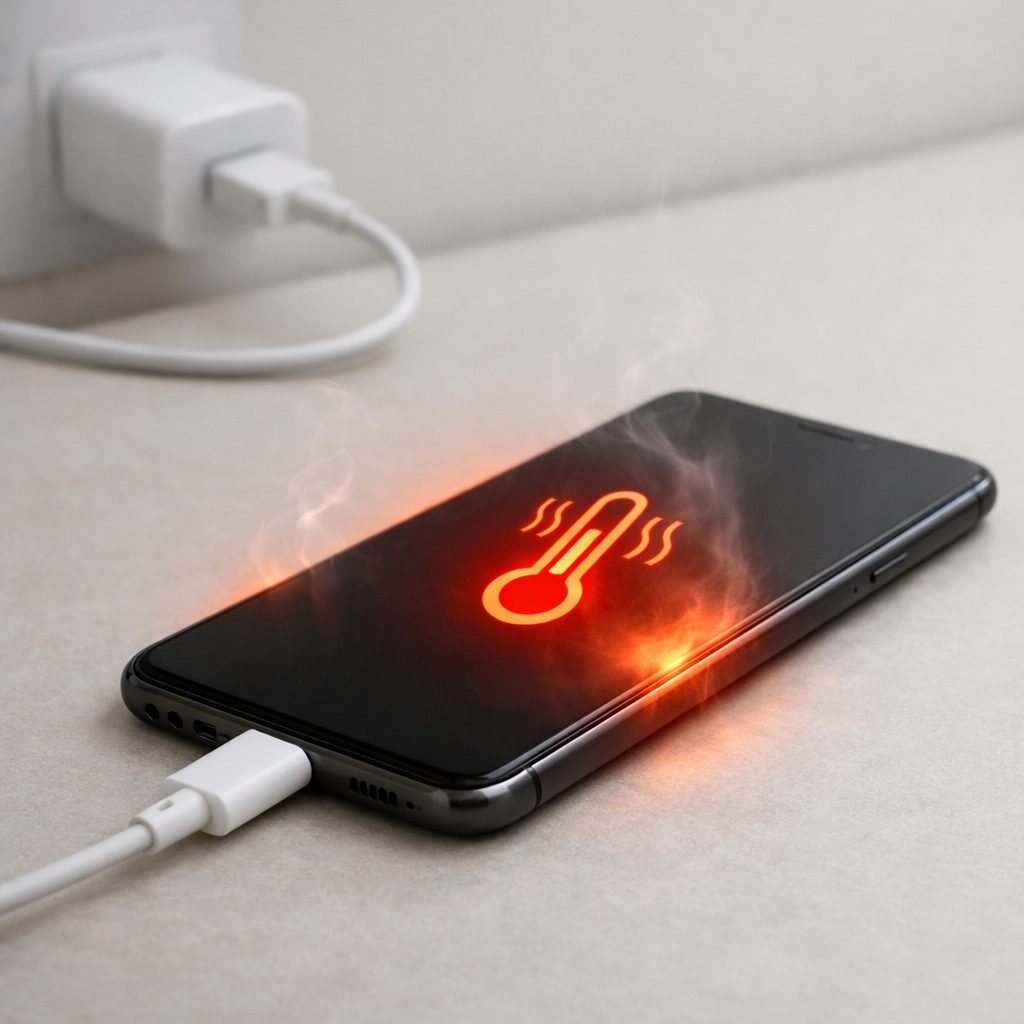
| Gets noticeably warm during charging or while powering a device | Higher internal resistance from aging cells, causing heat accumulation |
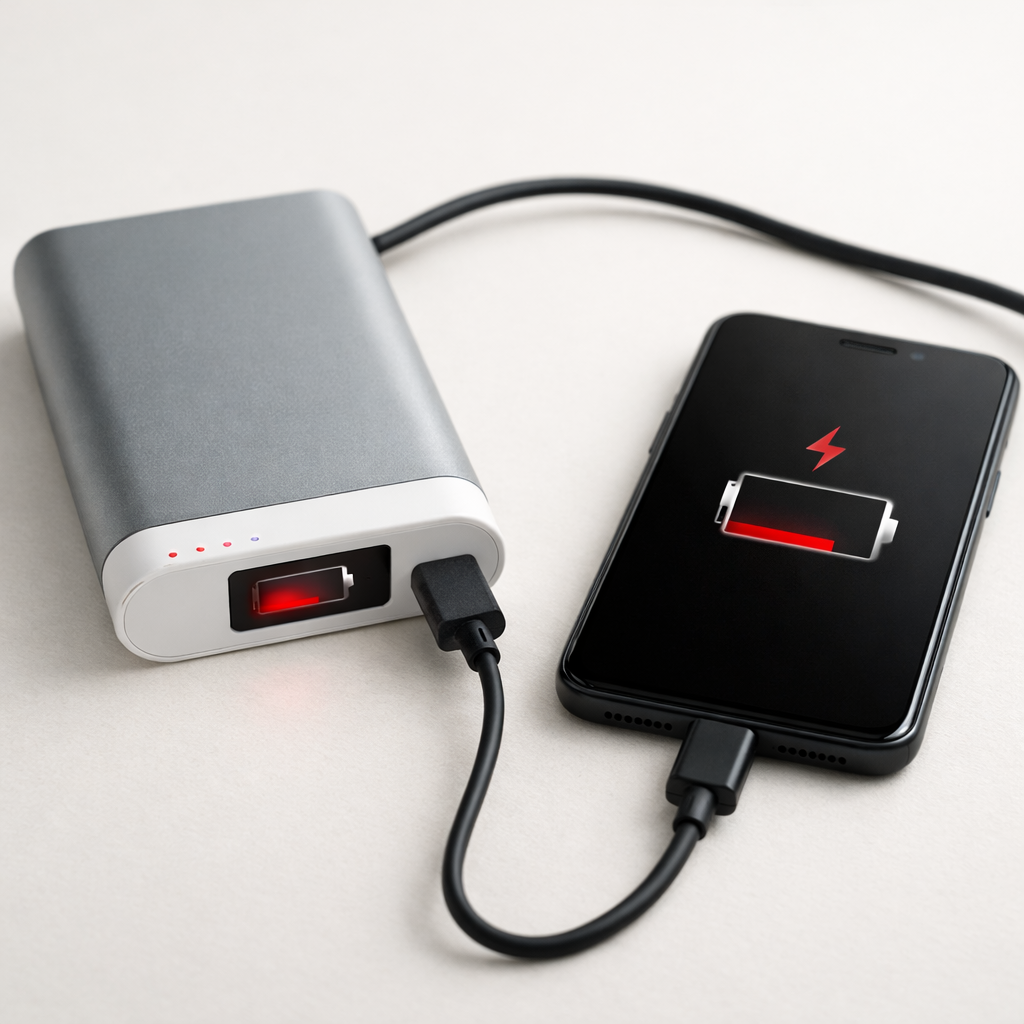
| Shuts off at 2–3 LEDs left or jumps from 3 bars to empty | Voltage sag under load from weak cells or a drifting fuel gauge |
| Works on low-power devices but fails with fast charging or tablets | Protection circuit trips due to heat, load spikes, or weak cell output |
Why This Happens
Inside a power bank are lithium cells plus a control board that manages charging, boosting voltage, and safety cutoffs. As lithium cells age, their internal resistance rises, which means they convert more of your charging power into heat instead of stored energy.
That extra heat is not just uncomfortable; it also speeds up wear. A power bank used in a warm car, stored in a bag while charging, or repeatedly quick-charged can slowly enter a cycle where heat causes more degradation, and more degradation creates even more heat.
In practical terms, degraded cells can look “normal” on the outside but behave like a smaller battery. The power bank may still reach “full,” yet it drops quickly because the usable capacity has shrunk and the voltage drops earlier under load.
Most Common Causes (Ranked)
- 1) Heat-stressed, degraded lithium cells: Repeated warmth during use or charging increases wear, so the bank holds less energy and runs hotter under the same load.
- 2) Fast charging and heavy loads raising internal temperature: Charging at high wattage or powering tablets/fast-charge phones pushes more current, which creates extra heat in older cells.
- 3) Using the power bank while it’s charging (pass-through use): Many models aren’t designed for it, and the combined load makes it run hotter and age faster.
- 4) Fuel gauge (LED/percentage) calibration drift: The indicator can become inaccurate over time, so it may show 100% even when the cells are far from a true full charge.
- 5) Poor cable/port contact causing repeated reconnects: Intermittent charging creates bursts of current and heat, and can make the bank appear to “not hold” when it’s actually not charging fully.
- 6) Internal protection circuit aging or solder fatigue: Heat cycling can weaken connections or cause the protection board to cut out early, especially under higher loads.
If the runtime improves a bit after cooler charging and a full cycle, that usually indicates gauge drift or mild cell imbalance rather than immediate hardware failure.
How to Check the Problem Safely
- Check 1: Charge the power bank in a cool, open area and lightly touch the case every 10–15 minutes; mild warmth is normal, but “hot to hold” is a red flag.
- Check 2: Try a different known-good cable and wall charger, then confirm the bank stays connected and charging for at least 30–60 minutes without dropping out.
- Check 3: Compare low vs high load: charge a small device (earbuds) and then a phone; if it only fails on the phone, weak cells or protection cutoffs are likely.
- Check 4: Note how quickly the LEDs drop in the first 10–20 minutes of use; a fast early drop often points to reduced usable capacity and voltage sag.
- Check 5: If your power bank has a screen, observe input/output watts; unusually high heat at modest watts suggests rising internal resistance from aging cells.
Do not puncture, open, or squeeze a power bank for inspection; damaged lithium cells can vent or ignite, especially if they have been overheating.
How to Fix It
- Fix 1 (easiest): Stop charging and using it in warm locations (car dashboards, direct sun, under pillows) because cooler operation reduces heat buildup and prevents deeper capacity loss.
- Fix 2: Switch to a slower charger for a week of normal use (for example, 5V/2A) to reduce heat stress; older cells often behave better at lower charge rates.
- Fix 3: Recalibrate the gauge with one controlled cycle: charge to full, wait 30 minutes, discharge to about 10–20%, then recharge to full; this can fix misleading LED levels.
- Fix 4: Avoid pass-through charging; charge the bank first, unplug it, then charge your phone from it, which reduces combined heat and early shutdowns.
- Fix 5 (advanced/last resort): If the power bank repeatedly overheats or shuts off under normal phone loads, replace it rather than attempting cell replacement, since most sealed units are not service-safe and repairs often cost more than a new reliable model.
Signs of Battery or Hardware Damage
- Case swelling, bulging seams, or the unit no longer sits flat
- Strong chemical or “sweet/solvent” smell
- Very high heat during charging or discharging, even at low loads
- Crackling, hissing, or clicking sounds from inside
- Charging stops and starts repeatedly with the same cable and charger
- LEDs flicker or the display resets when you plug in a device
- Ports are loose, scorched, or show melted plastic
When Repair Is No Longer Worth It
If your power bank runs hot, shuts off under normal phone charging, or shows any swelling or smell, replacement is the practical and safer choice. Degraded cells rarely “recover,” and continued heat stress can turn a simple capacity issue into a safety issue.
As a rule, if the bank delivers less than about half of its original real-world runtime, or if troubleshooting requires opening the case, the value is usually not there. A new quality power bank often costs less than the time and risk involved, and you get modern protections and better efficiency.
How to Prevent This Problem in the Future
- Keep the power bank cool while charging and discharging; heat is the fastest path to capacity loss.
- Avoid leaving it in cars, windowsills, or direct sun, even when not in use.
- Prefer moderate charge speeds for overnight or routine charging to reduce internal heating.
- Don’t use pass-through charging unless the manufacturer explicitly supports it.
- Store it around 40–70% charge if you won’t use it for weeks; fully full or fully empty storage accelerates aging.
- Don’t stack or cover it while charging; allow airflow around the case.
- Use good cables and clean ports so it doesn’t reconnect repeatedly and spike current/heat.
FAQ
Is it normal for a power bank to get warm?
Some warmth is normal, especially during fast charging or when powering a phone at higher wattage. What’s not normal is getting hot enough that it’s uncomfortable to hold or staying hot after you unplug it. Excess heat often points to aging cells with higher internal resistance.
Why does it say 100% but my phone only charges a little?
The indicator is an estimate and can drift with age, and degraded cells can still reach “full voltage” without holding much usable energy. Heat-related capacity loss also means more power is wasted internally instead of going to your phone. A full controlled cycle can sometimes improve the accuracy, but it won’t restore lost capacity.
Can I replace the batteries inside my power bank?
Most consumer power banks are not designed to be safely serviced, and opening them can damage cells or bypass safety features. If the unit has been overheating, cell replacement is especially risky because the cells may be unstable. For most users, replacing the entire power bank is safer and usually cheaper.
Understanding how batteries behave over time can make troubleshooting much easier. Mark Reynolds breaks these patterns down in simple terms. You can explore more in the full guide.
For a full overview of this issue and step-by-step solutions, read the complete troubleshooting guide.