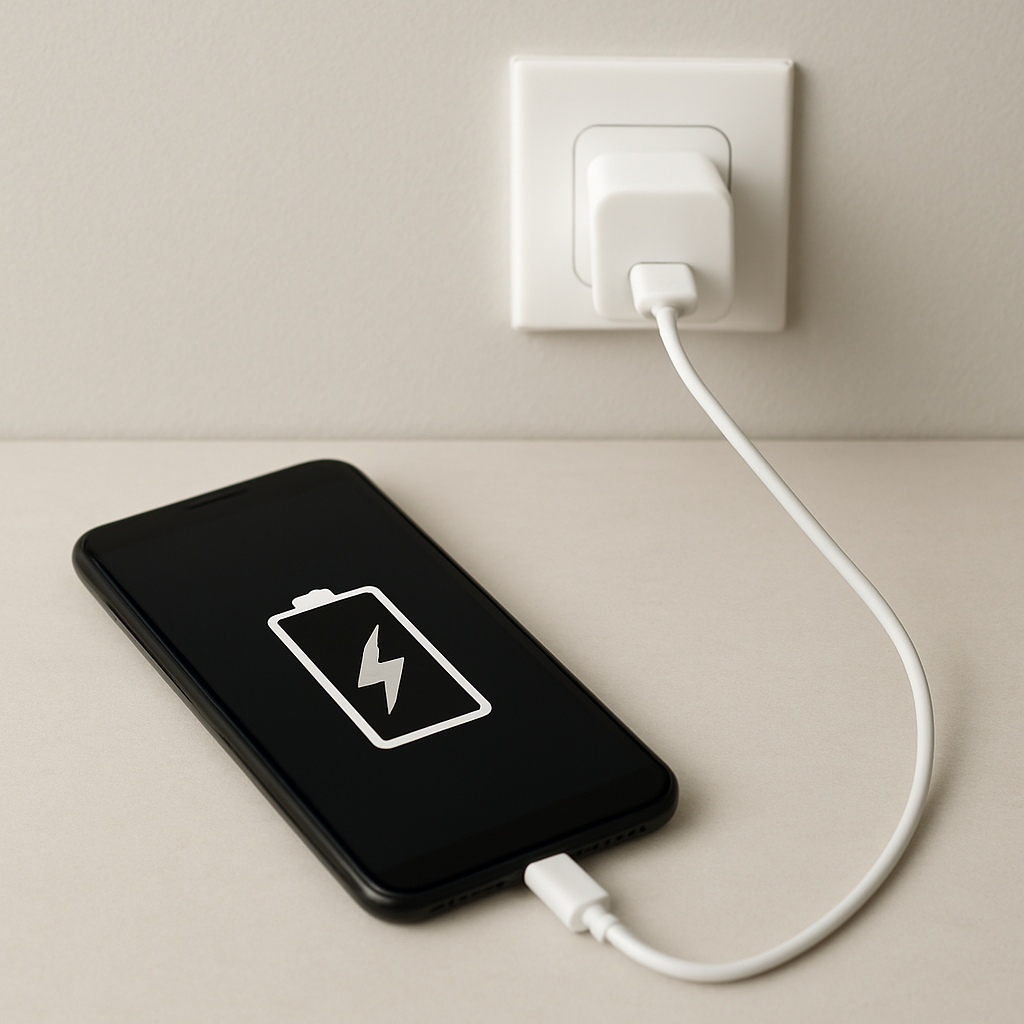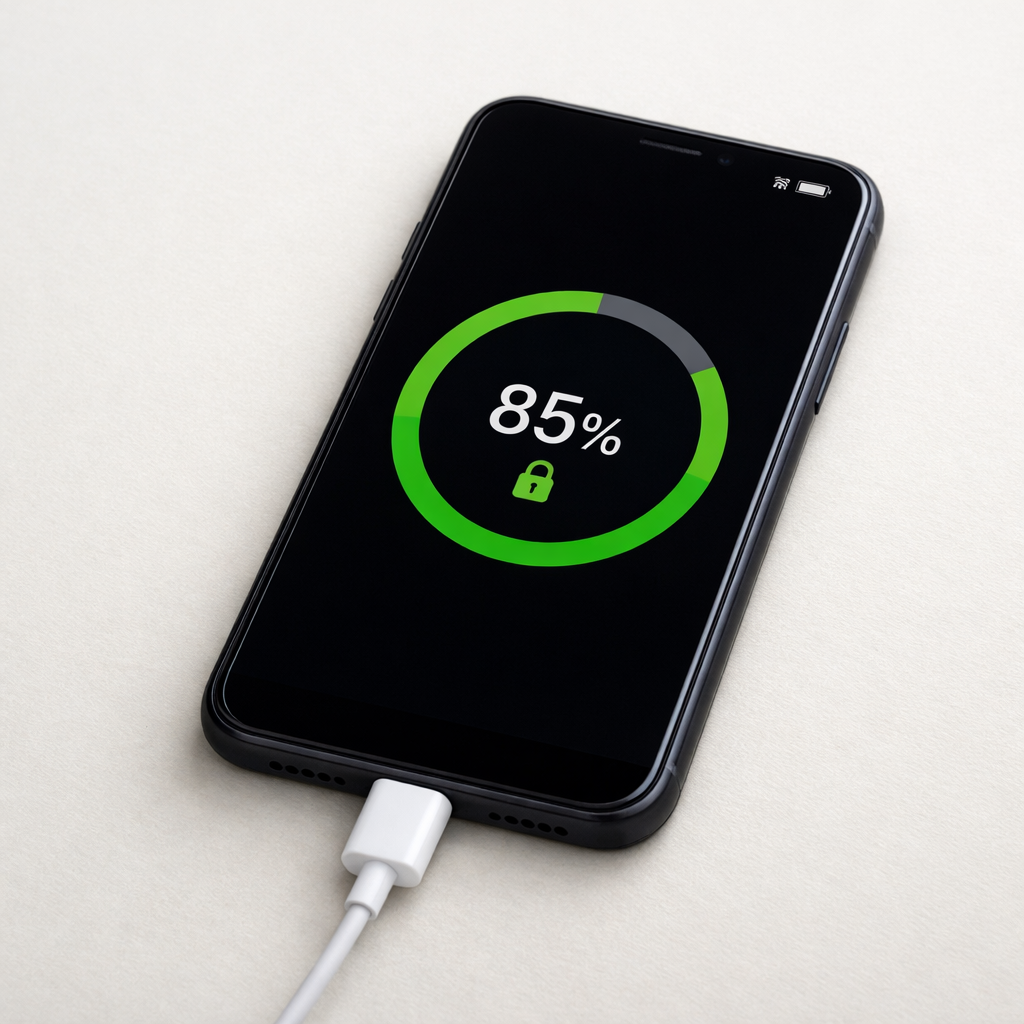
Power Bank Charging Stops Randomly — Power Regulation or Connection Issue?
Quick Answer
Most “random” charging stops are caused by the input side, not the battery itself: a loose or dirty port, a weak USB cable, or a charger that can’t hold steady power. When the power bank’s charging controller detects a drop, noise, or mismatch, it pauses charging to protect the cells.
This often shows up in the first few minutes (especially when charging starts at higher current), or later near 80–100% when the bank shifts to a slower “top-off” phase. If reseating the cable or changing the charger makes it reliable, the issue is almost always connection quality or power regulation.
If you need a fast fix
- Unplug both ends, firmly reinsert the cable into the power bank and charger, and place the power bank on a stable surface so the connector isn’t being bumped.
- Switch to a known-good cable (shorter is usually better) and try a different wall charger rated at least 5V/2A (or the power bank’s recommended input).
- Clean the input port gently with a dry, soft brush or compressed air, then try charging again without moving the device.
Quick Diagnosis Table
| Symptom | Most likely cause |
|---|---|
| Charging stops when the cable is touched or the bank is moved | Loose connector, worn cable, or debris in the input port |
| Charging starts, then stops in 1–10 minutes | Charger can’t maintain current, cable voltage drop, or input negotiation instability |
| Charging stops at a similar percentage (often 70–95%) | Normal taper behavior, or the controller is becoming heat-limited and pausing |
| Only charges with one specific cable/charger combo | Compatibility or regulation mismatch (PD/QC triggers, weak 5V mode, or bad cable) |
| LEDs blink oddly, resets, or shows “full” too early | Input brownouts causing controller resets, or internal battery/board calibration drifting |
Why This Happens
A power bank doesn’t just “accept power.” Inside, a charging controller monitors voltage, current, and temperature, and it will stop or pause if the input power isn’t stable enough or if something looks unsafe.
In real life, instability usually comes from the outside: a cable with high resistance, a worn plug that doesn’t grip well, lint in the port, or a low-quality wall adapter that sags under load. Even a slightly loose USB-C connection can create tiny disconnects that look like rapid unplugging and replugging.
When the input drops for a moment, the controller may reset or enter protection mode, so the symptom becomes “charging stops randomly,” even though the root cause is a momentary power or connection interruption.
Most Common Causes (Ranked)
- 1) Loose cable connection or worn cable: If the connector feels wiggly or charging changes when the cable moves, the bank is losing input for split seconds and pausing.
- 2) Charger output sag or poor-quality adapter: Some adapters cannot sustain their labeled output, so the voltage dips and the power bank stops to protect itself.
- 3) Dirty or damaged input port: Pocket lint, oxidation, or a bent pin reduces contact area, causing intermittent charging and controller resets.
- 4) USB-C/PD or fast-charge negotiation issues: Certain combinations of cable, charger, and power bank repeatedly renegotiate power, which can look like random start/stop behavior.
- 5) Heat limiting during charging: If the bank gets warm, the controller may pause charging until it cools, especially near the end of a fast charge.
- 6) Internal regulation or battery aging: An aging cell pack or failing charge board can trigger protection cutoffs even with good input power.
If the stops become less frequent after swapping the cable/charger or cleaning the port, that gradual improvement usually means the power bank itself is fine and the issue was the input path.
How to Check the Problem Safely
- Check 1: Test with a different wall charger you trust, preferably one with a stable 5V/2A or higher rating, and avoid charging from a laptop USB port for this test.
- Check 2: Swap to a different cable, ideally a shorter, thicker cable that is rated for charging (not just data). If charging becomes stable, the original cable is the culprit.
- Check 3: Inspect the input port with a light. Look for lint, dust, or a bent center tongue in USB-C or Micro-USB, and check whether the plug “clicks” in firmly.
- Check 4: Charge while the power bank is stationary for 20–30 minutes. If it only fails when moved, you’re dealing with a connection or port fit problem.
- Check 5: Feel for heat. If it gets hot to the touch and then stops, cool it in a shaded room and try again at a lower-power charger.
Safety note: do not poke metal tools into the port and do not charge a power bank that is swollen, leaking, or smells like chemicals.
How to Fix It
- Fix 1 (easiest): Replace the cable with a known-good charging cable and keep it short. This reduces voltage drop and prevents tiny disconnects that trigger the controller to stop.
- Fix 2: Use a better wall charger with steady output. A reputable 5V/2A–3A charger (or the bank’s recommended PD charger) prevents input sag that looks like an unplug event.
- Fix 3: Clean the input port gently using compressed air or a dry soft brush. Removing lint restores proper contact so the plug sits fully and charging stays continuous.
- Fix 4: Avoid fast-charge negotiation by switching ports or modes if available. For example, try a plain 5V USB-A port instead of a flaky USB-C PD setup to see if stability improves.
- Fix 5 (advanced/last resort): If the port is physically loose or the device only charges at a specific angle, the solder joints or connector may be failing. At that point, professional repair or replacement is safer than DIY unless you have electronics experience.
Signs of Battery or Hardware Damage
- Power bank becomes unusually hot during charging or stops only when it warms up, even with a good charger and cable.
- Swelling, bulging case, or the device no longer sits flat on a table.
- Crackling sounds, hissing, chemical smell, or any sign of leakage.
- Charging indicator behaves erratically: sudden jumps, instant “full,” or frequent resets with no cable movement.
- Input port feels loose inside the housing, or charging only works when the plug is held in place.
- Power bank shuts off under light load or shows drastically reduced capacity compared to when it was new.
- Visible scorch marks on the port, cable end, or charger plug.
When Repair Is No Longer Worth It
If the power bank shows swelling, overheating, or electrical smell, replacement is the practical choice because the risk outweighs any savings. If the input connector is worn and the unit is inexpensive, repair costs often exceed the value.
As a rule, replace if it’s an older, low-capacity model or if it can’t charge reliably with multiple known-good cables and chargers. Consider repairing only if it’s a premium high-capacity bank and the issue is clearly a simple port replacement by a qualified technician.
How to Prevent This Problem in the Future
- Use quality cables and replace them when the ends feel loose or the jacket is kinked near the connector.
- Avoid charging while the power bank hangs from the cable, which strains the port and loosens internal solder joints over time.
- Keep the input port clean by storing the bank in a pouch and not loose in a pocket with lint.
- Prefer reputable chargers with stable 5V output and proper safety certifications to prevent brownouts and noisy power.
- Don’t cover the power bank while charging; allow airflow so heat protection doesn’t pause charging.
- Stick to the power bank’s recommended input rating and avoid unreliable “fast charge” setups if you notice frequent renegotiation.
- Unplug by gripping the connector, not yanking the cable, to reduce wear on the port.
FAQ
Is it normal for a power bank to stop and start charging near 100%?
It can be normal for charging to slow down or pause briefly near the top, because the controller enters a “top-off” phase and reduces current. However, frequent on/off cycling with resets or blinking lights is more typical of an unstable cable, charger, or port connection. If it only happens at the very end and the bank isn’t hot, it may be normal behavior.
Can a bad USB cable really make charging stop completely?
Yes. A high-resistance or damaged cable can cause the voltage at the power bank to drop below what the controller needs, so it stops charging to protect the battery. If swapping to a thicker or shorter cable fixes the issue immediately, the cable was the problem even if it still “works” for other devices.
What charger should I use so the power bank doesn’t cut out?
Use a reputable wall charger that matches the power bank’s input spec (for many models, at least 5V/2A; for USB-C PD models, a compatible PD charger). Avoid very cheap adapters and unstable USB ports on older PCs or hubs. If PD causes instability, testing with a plain 5V USB-A charger is a good way to isolate negotiation problems.
Mark Reynolds focuses on everyday battery and charging problems, helping users understand what’s normal and what isn’t. For a full overview, check the battery troubleshooting guide.
For a full overview of this issue and step-by-step solutions, read the complete troubleshooting guide.