Power Bank Charging Very Slow — Power Input Limitation or Battery Damage?
Quick Answer
Most “charging very slow” complaints are caused by elevated internal resistance inside the power bank’s battery pack. When resistance rises, more of the incoming charging power turns into heat instead of stored energy, so the power bank intentionally reduces charging current to stay safe.
This usually means the battery is aging, has been stressed by heat, or has a weak cell. A typical healthy power bank (10,000–20,000 mAh) often takes about 3–8 hours to charge depending on the charger and input rating, but a high-resistance pack can stretch that to 10–20+ hours and may never reach 100% reliably.
If you need a fast fix
- Try a different wall charger and cable rated for the power bank’s input (for example, USB-C PD) and plug directly into a wall outlet.
- Charge at room temperature with the power bank uncovered and not in a bag, then stop if it gets hot to the touch.
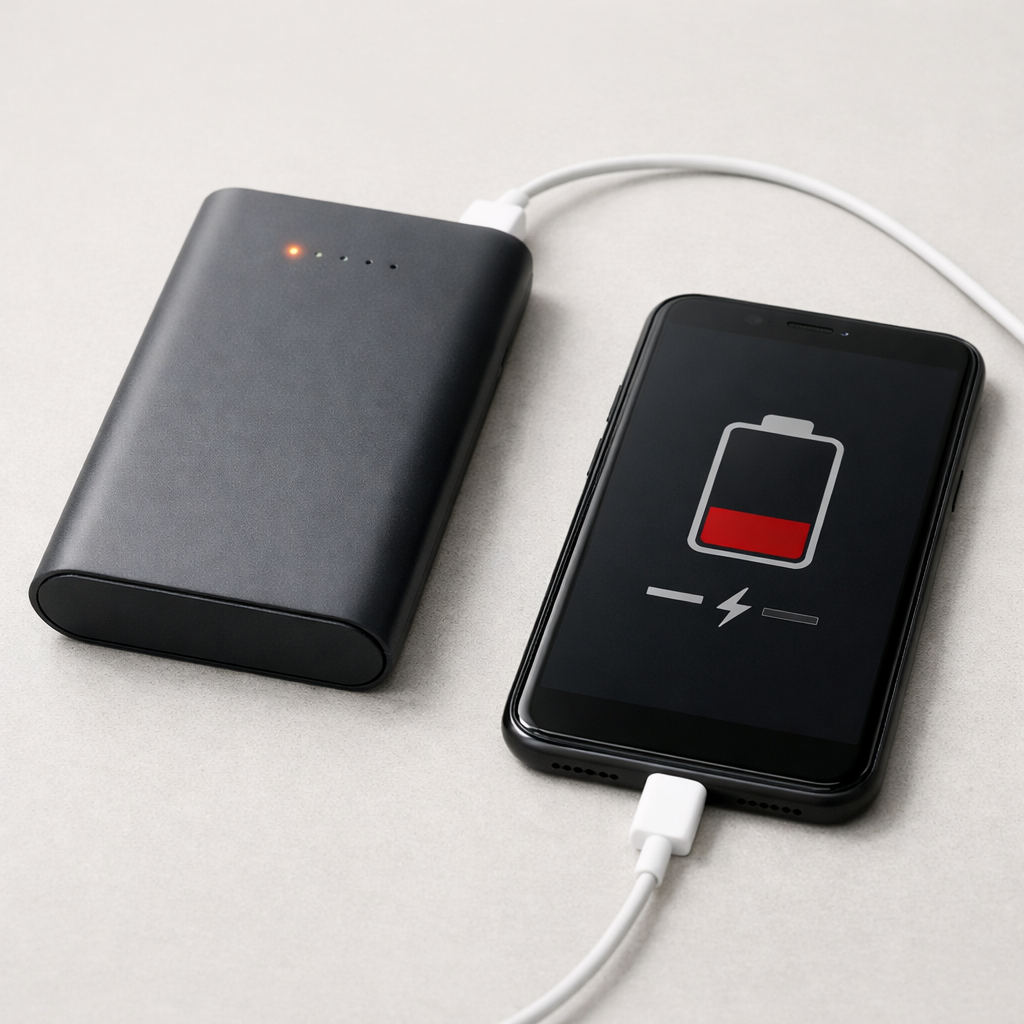
- Unplug everything from the power bank (no phone connected) and charge it alone to prevent power-sharing limits.
Quick Diagnosis Table
| Symptom | Most likely cause |
|---|---|
| Power bank gets noticeably warm early in charging and slows down | Elevated internal resistance causing heat, triggering current limiting |
| Charging starts normal then drops to a trickle at 30–70% | Weak/imbalanced cell group or protection circuit reacting to voltage spread |
| Only slow-charges on one cable/port, but works better on another | High cable resistance, dirty port, or damaged connector causing voltage drop |
| Charges slowly only when used in a backpack/car on a hot day | Thermal throttling from high ambient temperature plus internal resistance |
| Takes long time and capacity feels much smaller than before | Battery aging: resistance up, usable capacity down, efficiency reduced |
Why This Happens
Inside a power bank, lithium cells accept charge efficiently when their internal resistance is low. As the battery ages or gets stressed, resistance increases, so the same charging current creates more heat inside the cells and on the battery’s wiring and protection parts.
Modern power banks monitor temperature and voltage. If the battery warms up faster than expected, the charging controller reduces current to prevent overheating, swelling, or a safety shutdown. To you, it looks like the power bank “refuses” to fast charge or takes forever to finish.
A simple way to picture it is a kinked garden hose: the charger can provide water (power), but the restriction (resistance) makes less reach the end, and the restriction itself heats up. Higher resistance leads to heat, heat triggers protection, and protection slows charging.
Most Common Causes (Ranked)
- 1) Battery aging (higher internal resistance): After many cycles or long storage at high charge, the cells resist charging and heat up, so the power bank throttles the input.
- 2) Heat stress from charging or storage: Leaving it in a hot car, near a heater, or charging under a pillow accelerates resistance growth and forces the device to slow down to stay within temperature limits.
- 3) Bad cable or low-quality adapter causing voltage drop: A high-resistance cable wastes power as heat in the cable, making the power bank see low input voltage and reduce charging speed.
- 4) Input port wear, debris, or corrosion: A loose USB-C or micro-USB port can create a resistive connection that warms slightly and limits the current the controller will accept.
- 5) Power bank input limitation or protocol mismatch: Some models only fast-charge with specific standards (USB-C PD, QC, etc.), and otherwise fall back to slower 5V charging.
- 6) Cell imbalance or protection-board issues: One cell group reaching voltage limits early can force the whole pack into a slow balancing phase that looks like “stuck charging.”
If charging slowly improves after switching to a proper cable/charger and keeping the power bank cool, that usually indicates throttling or connection losses rather than sudden catastrophic battery failure.
How to Check the Problem Safely
- Check 1: Feel the temperature after 10–15 minutes of charging. Warm is normal, but it should not become hot quickly or feel uncomfortable to hold.
- Check 2: Try a known-good cable and wall charger. Use a short, thicker cable and a reputable adapter that matches the input rating printed on the power bank.
- Check 3: Test different input ports if your power bank has more than one. A big speed difference can point to a worn port or a bad connector.
- Check 4: Charge the power bank by itself with nothing connected to its outputs. Some models split limited power between charging the bank and powering devices.
- Check 5: If you have a USB power meter, observe input watts. A healthy fast-charge session should draw stable power; frequent dips can indicate throttling from heat or internal resistance.
Safety note: if you notice swelling, a burnt smell, or the unit becomes hot enough that you want to unplug it, stop charging immediately and move it to a non-flammable surface.
How to Fix It
- Fix 1 (easiest): Use the correct fast-charge input setup (proper port, cable, and adapter). This reduces voltage drop and lets the controller safely pull higher power.
- Fix 2: Cool the charging environment. Charge at room temperature, keep it uncovered, and avoid direct sun; lower temperature reduces throttling and improves efficiency.
- Fix 3: Clean and stabilize the connection. Gently remove lint from the port (without metal tools), and ensure the plug fits firmly; a better contact lowers resistive heating.
- Fix 4: Let it rest, then retry in shorter sessions. If the battery is heating from resistance, charging in a cooler window and letting it cool between sessions may complete a charge more reliably.
- Fix 5 (advanced/last resort): Consider replacement rather than repair if the unit still overheats or remains extremely slow across multiple chargers and cables. Battery packs and protection boards are not safely serviceable for most users.
Signs of Battery or Hardware Damage
- Power bank becomes hot quickly even at low charging power (for example, slow 5V charging).
- Bulging, swelling, or case deformation, even slight.
- Crackling sounds, hissing, or a sweet/chemical odor.
- Charging repeatedly starts and stops, or LEDs jump around unpredictably.
- Capacity drop: it “charges to 100%” but only delivers a small fraction of its old runtime.
- Input port feels loose, gets warm at the connector, or only works when the cable is held at an angle.
- It cannot reach full charge after an overnight charge using a known-good adapter and cable.
When Repair Is No Longer Worth It
For most consumer power banks, repair is rarely economical because the battery pack is sealed, matched cells are required, and the protection circuit is safety-critical. If slow charging is paired with heating, swelling, or large capacity loss, replacement is the safer choice.
As a rule, if the power bank is out of warranty and can no longer charge within a reasonable window (for example, more than double its normal time) despite using correct charging gear, the cost and risk of repair usually exceeds the price of a new, certified model.
How to Prevent This Problem in the Future
- Avoid heat: do not leave power banks in cars, direct sun, or on warm electronics while charging, since heat accelerates internal resistance growth.
- Use quality cables and adapters to minimize resistive losses and connector heating.
- Don’t charge under pillows, blankets, or inside tight bags where heat builds up.
- If you store it for weeks, leave it around 40–60% charge rather than full, which is gentler on lithium cells.
- Unplug after it reaches full, especially overnight, to reduce time spent warm at high charge.
- Don’t regularly run it to 0% if you can avoid it; shallow cycles are easier on the battery.
- Buy power banks with proper safety certifications and realistic input ratings so charging runs cooler and more efficiently.
FAQ
Is slow charging always a sign the battery is dying?
Not always. Slow charging can be caused by a weak cable, a low-power adapter, or a charging protocol mismatch. But if the power bank also heats up more than it used to, higher internal resistance from aging is a common reason.
Why does my power bank charge fast at first and then slow down a lot?
That pattern often happens when the battery warms up or when one cell group approaches its voltage limit. The controller reduces current to control temperature and safely top off the pack. If the slowdown is extreme and combined with heat, internal resistance or cell imbalance is likely.
Can I keep using a power bank that gets warm while charging?
Mild warmth is normal, especially with fast charging. If it becomes hot quickly, smells odd, swells, or frequently stops and restarts charging, stop using it and replace it. Those signs suggest the battery or internal connections are generating abnormal heat, which is a safety risk.
Mark Reynolds writes about real-world charging and battery behavior, with a focus on clear, practical troubleshooting. For more help, read the full step-by-step guide.
For a full overview of this issue and step-by-step solutions, read the complete troubleshooting guide.