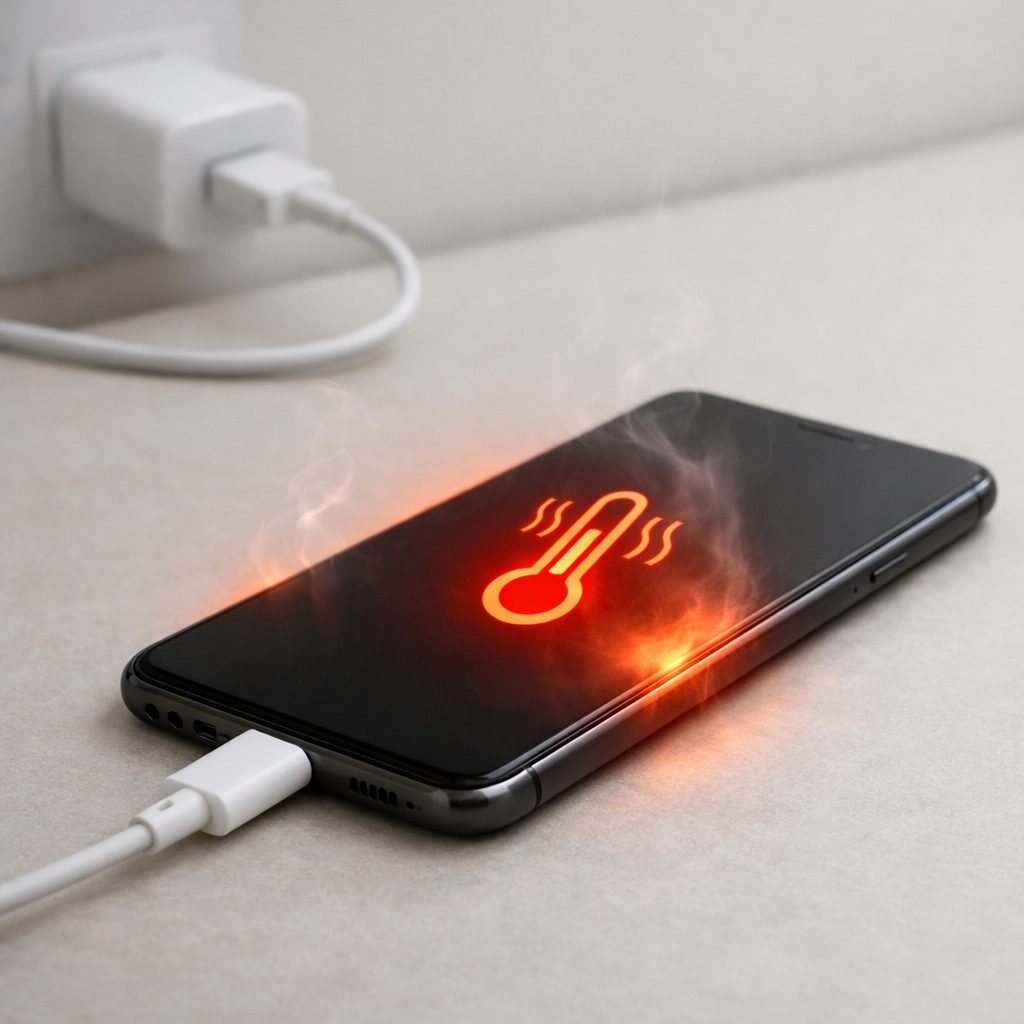
Device Charging Slow and Getting Hot — Power Loss or Thermal Regulation?
Quick Answer
The most likely cause is the power bank itself losing power internally while it tries to charge your device. This usually happens because of normal self-discharge (the bank slowly drains even when idle) or a small internal circuitry leak where the boost converter and control board keep drawing power, turning some of it into heat.
In many cases you will notice it within minutes to an hour: the power bank feels warmer than expected, charging speed drops, and the percentage on the bank falls faster than it should. A small amount of warmth is normal, but “slow and hot” together often means wasted power inside the bank rather than your phone being the main problem.
If you need a fast fix
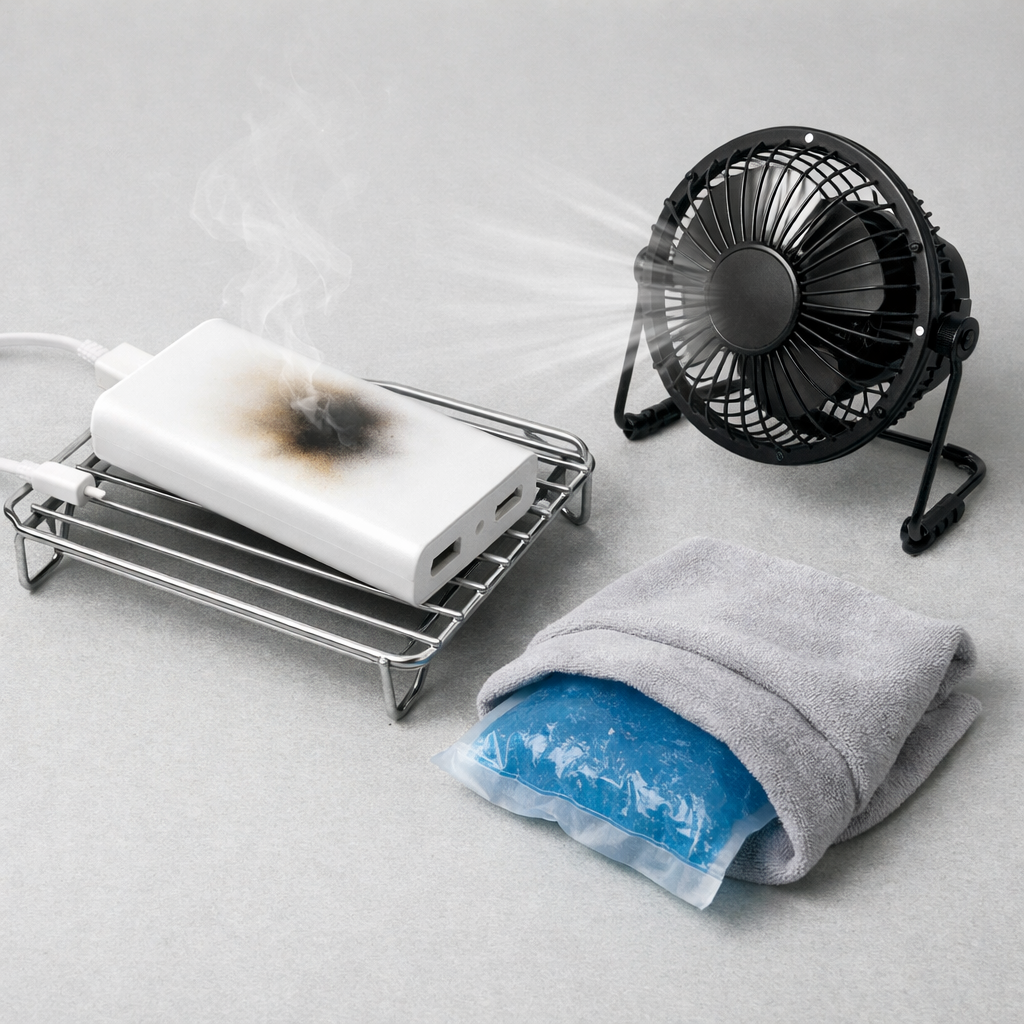
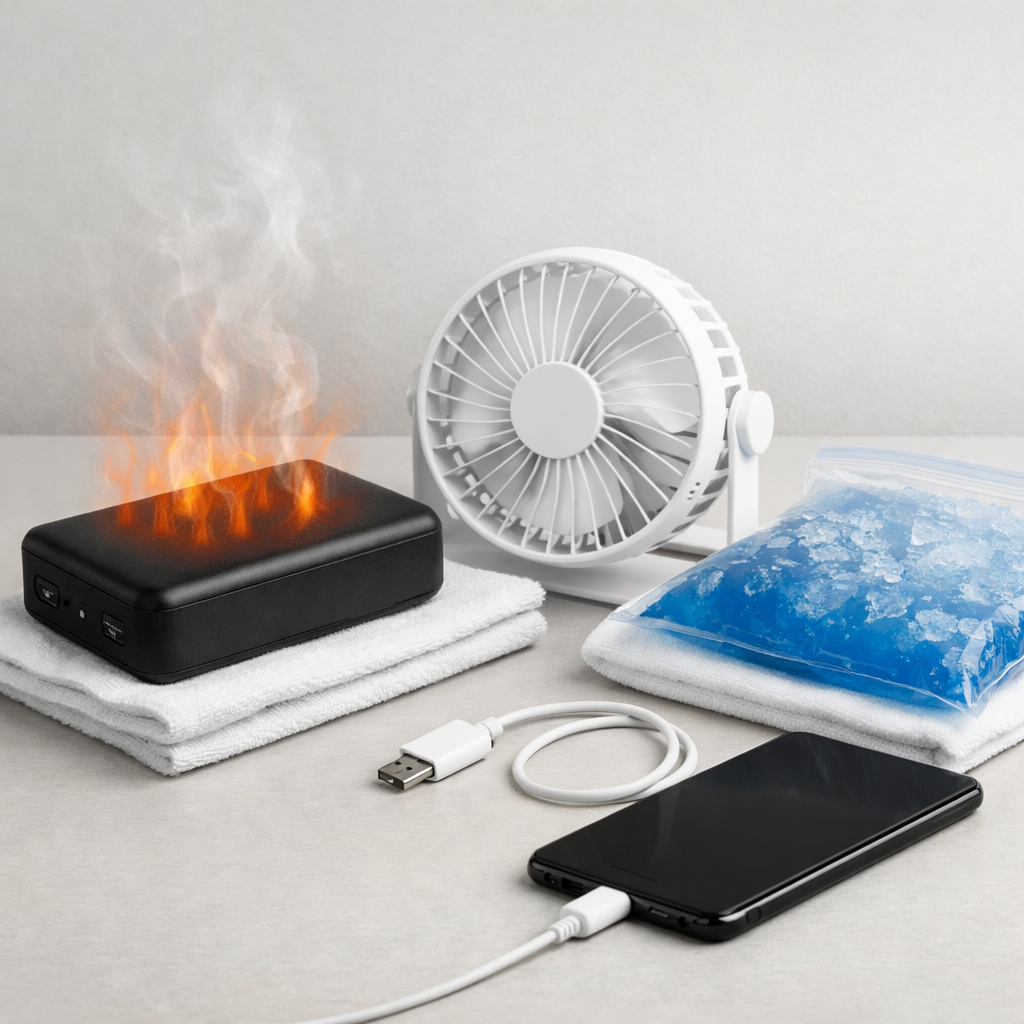
Unplug everything, let the power bank cool for 15–20 minutes, then try again with a different cable and a different output port (USB-A vs USB-C).
Charge your device with the screen off and no heavy apps running, and place the power bank on a hard surface (not a bed or couch) so heat can escape.
If the power bank gets hot quickly or smells odd, stop using it for this session and switch to a wall charger until you can test the bank safely.
Quick Diagnosis Table
Symptom
Most likely cause
Power bank loses 20–40% while the phone gains only 5–15%
Internal conversion losses plus self-discharge or circuitry leak wasting energy as heat
Charging starts fast, then slows after 5–15 minutes
Thermal regulation inside the power bank (or phone) reducing output to control temperature
Power bank feels warm even when nothing is plugged in
Idle drain from the boost circuit, display, or control board (abnormal self-discharge)
Phone says “Charging” but battery percentage barely rises
Power bank stuck at low current mode, cable resistance, or bank unable to hold stable voltage under load
Power bank gets hot when charging small devices (earbuds, watch)
Low-load inefficiency or “keep-alive” mode causing extra internal losses
Why This Happens
A power bank stores energy in internal cells, then a circuit boosts and regulates that energy into a steady 5V/9V/12V output for your device. That conversion is never perfect, so some energy becomes heat even when everything is working properly.
When a power bank has higher-than-normal self-discharge or a small internal leak, it keeps consuming power in the background. Think of it like a tiny appliance running inside the bank: the battery drains faster, the circuit warms up, and less usable power reaches your phone.
Cause leads to symptoms like this: the bank wastes energy internally, heat builds up, protection or thermal controls throttle output, and the result is slower charging and a hotter power bank.
Most Common Causes (Ranked)
1) Internal circuitry leak or high idle drain: Some power banks keep the boost converter partially awake, or the control board draws too much power. This creates heat and makes the bank “lose percent” faster than it delivers.
2) Normal self-discharge amplified by age: All lithium batteries slowly discharge, but older cells do it faster. A worn pack can drop noticeably over days, or even hours under load, and run warmer because it’s working harder.
3) Inefficient voltage conversion under your device’s load: High-power fast charging (or a device that keeps changing its draw) can make a marginal power bank waste more energy as heat, lowering real output.
4) Thermal throttling inside the power bank: Many banks reduce output current when they get hot. Charging becomes slow even though the cable is connected, because the bank is protecting itself.
5) Cable or connector resistance increasing heat: A worn or thin cable forces the bank to push harder, which can warm the bank and the connector. It also reduces the voltage your phone receives, so charging slows.
6) Low-load behavior with small devices: Some banks behave poorly with earbuds or watches, cycling power on and off or staying in a less efficient mode, which can feel like heat with little progress.
If things gradually improve after switching cables, letting the bank cool, or using a lower-power port, that usually indicates protection or efficiency issues rather than immediate catastrophic failure.
How to Check the Problem Safely
Check 1: Feel for heat pattern: warmth near one end is common, but “too hot to hold” or a rapidly heating spot is not. Stop the test if it becomes uncomfortable.
Check 2: Compare outputs: try USB-A and USB-C (or different ports) with the same device and cable. If one port runs much hotter or charges far slower, the issue may be localized to that circuit.
Check 3: Try a known-good cable: use a short, thicker cable from a reputable brand. If slow charging improves immediately, resistance was a major factor.
Check 4: Test idle loss: fully charge the power bank, unplug everything, and leave it for 24 hours. A small drop can be normal, but a large drop suggests abnormal self-discharge or internal leak.
Check 5: Check with a different device: if multiple phones charge slowly and the bank still gets hot, the bank is the common factor (not your phone).
Safety note: never cover the power bank while testing, and do not use it if you see swelling, hissing, smoke, or a sharp chemical smell.
How to Fix It
Fix 1 (easiest): Use a different cable and clean the ports gently (dry, no liquids). Lower resistance reduces wasted power and heat, and often restores normal charging speed.
Fix 2: Avoid maximum fast-charge mode for this bank. Use a standard 5V output or disable fast charging on the phone if possible, because lower power usually means less heat and less throttling.
Fix 3: Reset behavior by fully charging the bank, then doing one controlled discharge cycle (down to around 20–30%) and recharge. Some banks recalibrate their indicator and manage output more steadily afterward.
Fix 4: Stop using pass-through charging (charging the bank while it charges your phone). Many consumer banks run hotter and less efficiently in pass-through, increasing internal losses and throttling.
Fix 5 (advanced/last resort): If idle drain is clearly high (large percentage drop in 24 hours), replace the power bank rather than attempting repair. Internal leaks and failing cells are not user-serviceable safely.
Signs of Battery or Hardware Damage
Power bank becomes hot within a few minutes at normal load, not just warm.
Swelling, bulging case, or the casing separating at seams.
Crackling, hissing, or clicking sounds coming from the power bank.
Sharp sweet/solvent-like chemical smell (possible electrolyte venting).
Ports discoloring, melting, or the cable plug becoming unusually hot.
Power bank shuts off repeatedly even with moderate use, or cannot hold a charge for more than a short time.
Visible damage from a drop, water exposure, or the bank getting hot in a bag or car previously.
When Repair Is No Longer Worth It
Most power banks are sealed units, and the parts that cause leakage or overheating are not practical to repair safely at home. If the bank shows abnormal self-discharge, frequent overheating, or repeated shutoffs, replacement is typically the safest choice.
As a rule, replace if you need to babysit it to keep it cool, if it loses a large amount of charge overnight, or if it no longer provides even half of its expected runtime. The cost of a new reputable power bank is usually far lower than the risk of damaging a phone battery or dealing with a safety incident.
How to Prevent This Problem in the Future
Buy from reputable brands that list real capacity, protection features, and USB power profiles; cheap banks often have higher idle drain and worse efficiency.
Store power banks around 40–70% charge if you won’t use them for weeks, and top them up every 2–3 months to reduce deep self-discharge stress.
Avoid leaving a power bank plugged into a device overnight in a warm room; long sessions increase heat and can trigger throttling.
Use short, good-quality cables and avoid loose adapters; poor connections turn energy into heat at the plug and inside the bank.
Keep the bank cool: don’t charge on blankets, in direct sun, or inside a bag where heat can’t escape.
Prefer moderate charging power when possible; running a small bank at maximum output constantly speeds up aging and increases internal losses.
If your bank has a display or button, turn it fully off when stored (if supported) to reduce background drain.
FAQ
Is it normal for a power bank to get warm while charging?
Mild warmth is normal because the power bank is converting battery power to a stable charging voltage. It should not become painfully hot, and charging should not slow to a crawl at the same time. Hot plus slow often points to internal losses, throttling, or a failing pack.
Why does the power bank percentage drop quickly but my phone barely increases?
Some loss is expected because conversion isn’t 100% efficient, but a big mismatch usually means extra waste inside the power bank. High self-discharge, a leaky control circuit, or a bank that can’t hold voltage under load will burn more energy as heat and deliver less usable power to the phone.
Can thermal regulation reduce charging speed even if nothing is “broken”?
Yes. Many power banks and phones slow charging when they detect heat to protect the battery and electronics. If cooling the setup or using a lower-power output makes charging stable again, it’s likely thermal regulation responding to heat rather than an immediate failure, though repeated overheating can still mean the bank is aging.
Mark Reynolds writes about real-world charging and battery behavior, with a focus on clear, practical troubleshooting. For more help, read the full step-by-step guide.