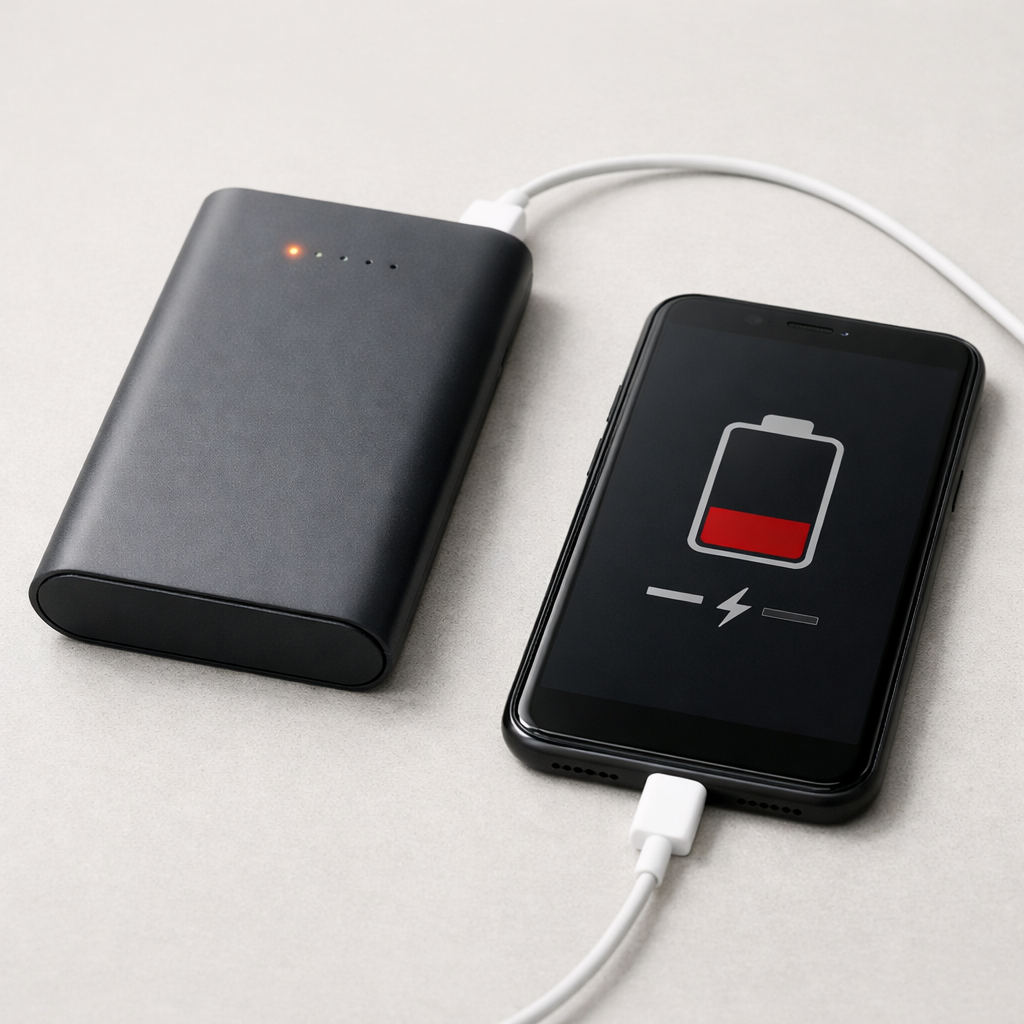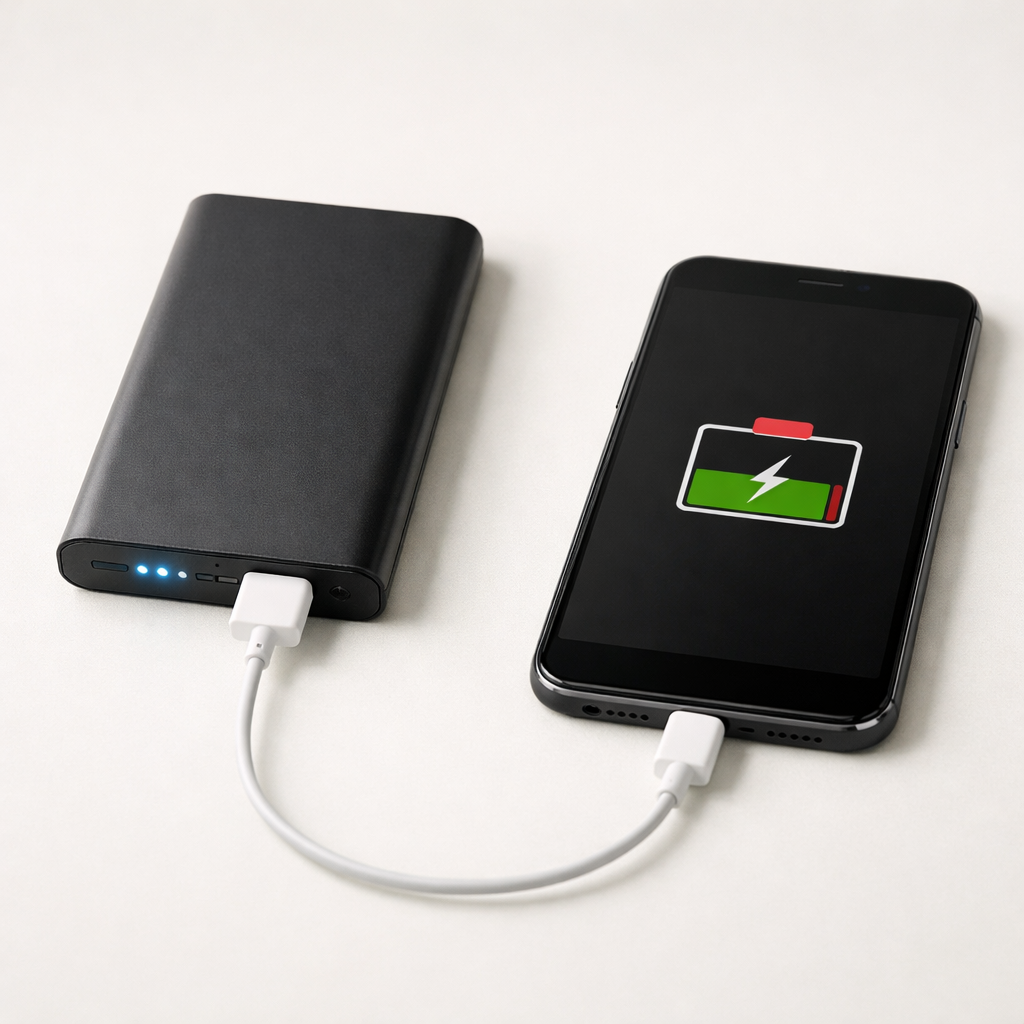
Power Bank Charging Stops Midway — Temperature Limit or Power Regulation Issue?
Quick Answer
Most of the time, a power bank that stops charging halfway is hitting an input wattage limitation (the charger/cable can’t provide what the power bank asks for) or it has degraded internal battery cells that can’t accept charge normally as the percentage rises.
This usually shows up around 50–80% because charging control becomes stricter as the battery fills. Many power banks also “pause” for a few minutes and then resume, especially if they’re negotiating USB-C power or cooling down slightly.
If you need a fast fix
- Switch to a known-good wall charger and cable (preferably the one that came with the power bank), then try charging from 20% to 80%.
- Move the power bank to a cooler spot and remove any case or bag so heat can escape.
- Unplug everything from the power bank’s outputs while it charges, then try again.
Quick Diagnosis Table
| Symptom | Most likely cause |
|---|---|
| Stops at the same percentage each time (often 50–80%) | Degraded internal cells or strict charge control reacting to cell imbalance |
| Stops only when using a specific charger, port, or cable | Input wattage limitation, poor cable, or unstable power negotiation |
| Charging restarts after unplugging/replugging, or after 5–20 minutes | Input power regulation hiccup or temporary protection trigger |
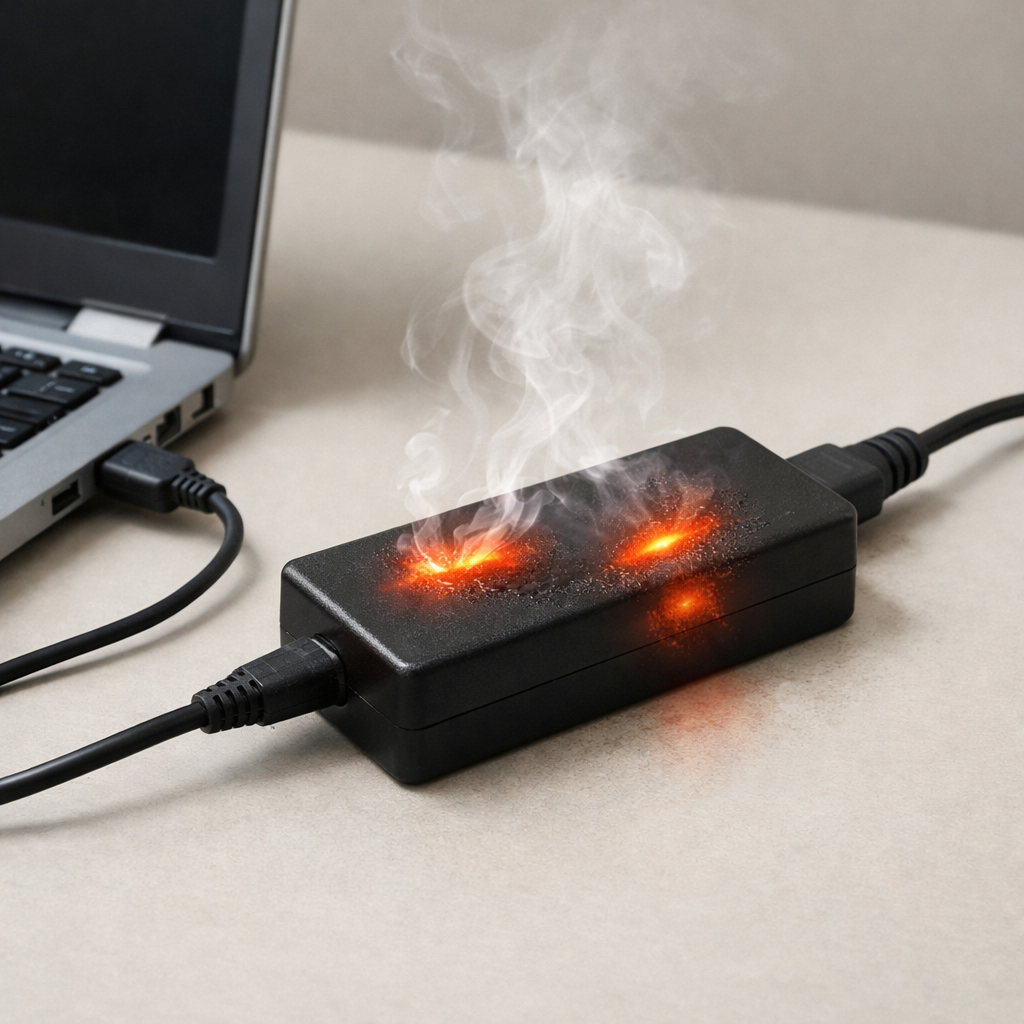
| Gets noticeably warm, then charging pauses | Thermal protection reducing or stopping charge to prevent overheating |
| Charges fine to 100% very slowly, but “fast charge” keeps failing | Charger/cable can’t sustain required watts, so the bank falls back or stops |
Why This Happens
A power bank doesn’t just “drink power” continuously. It has a charging controller that constantly checks input voltage, current, and battery condition, then decides how fast it’s safe to charge.
When the bank is low, it can often charge quickly without stress. As it reaches a higher percentage, it may reduce current to protect the cells, and it becomes more sensitive to weak chargers, long cables, and unstable USB-C fast-charge handshakes.
If the internal cells are aging, their voltage rises faster and their effective capacity drops. That can make the controller think the battery is “full enough” or “not safe to continue,” so charging stops midway or cycles on and off.
Most Common Causes (Ranked)
- 1) Input wattage limitation: The wall adapter, USB port, or cable can’t supply steady power at the level the bank expects, so the bank pauses or shuts charging off to protect itself.
- 2) Degraded internal battery cells: Older or heavily used cells may heat more and hit voltage limits earlier, causing charge to stop around the mid-to-high range.
- 3) USB-C/fast-charge negotiation issues: Some charger-bank combinations repeatedly renegotiate (PD/QC), and the bank may quit if the handshake fails or power fluctuates.
- 4) Heat buildup triggers protection: Warm rooms, direct sunlight, charging on fabric, or charging while the bank is also powering devices can push it past its temperature threshold.
- 5) High internal resistance from age or low-quality cells: As resistance rises, voltage spikes under charge, making the controller limit or stop charge earlier than expected.
- 6) Dirty/loose charging port: A worn or contaminated USB-C/Micro-USB port can intermittently drop power, which looks like “stops charging midway.”
If the stop point slowly improves after changing the charger/cable and charging in a cooler area, that usually indicates a power-delivery or heat-related issue rather than a sudden catastrophic failure.
How to Check the Problem Safely
- Check 1: Try a different wall charger with higher output (for USB-C PD, aim for 18–30W) and a short, good-quality cable, then see if it passes the usual “stopping” percentage.
- Check 2: Charge with nothing connected to the output ports. If it only stops when you’re also charging a phone, the bank may be overheating or power-limiting.
- Check 3: Feel for heat: warm is normal, but if it becomes hot to hold or noticeably hotter right before it stops, suspect thermal limiting or aging cells.
- Check 4: Test both input ports (USB-C and Micro-USB, if available). If one port works and the other fails, it points to port wear or input circuitry issues rather than battery health alone.
- Check 5: Watch the behavior after a replug. If it resumes instantly every time, it often indicates negotiation/power instability more than a true “full battery” condition.
Safety note: if you notice swelling, leaking, a chemical smell, or crackling sounds, stop using the power bank and move it to a non-flammable surface away from anything important.
How to Fix It
- Fix 1 (easiest): Use a stronger, reputable wall charger and a shorter cable. This helps because many “midway stops” are simply the bank refusing unstable or underpowered input.
- Fix 2: Avoid charging in hot conditions and don’t cover the bank. Lower temperature reduces protection triggers and helps weak cells accept charge more consistently.
- Fix 3: Don’t charge devices from the bank while the bank itself is charging unless the model explicitly supports stable pass-through charging. This reduces heat and prevents the controller from throttling or shutting off.
- Fix 4: Reset the charging session: discharge the bank to around 10–20%, then charge uninterrupted to about 80–90% using a reliable charger. This can stabilize the fuel gauge and reduce “false full” behavior caused by drifting calibration.
- Fix 5 (advanced/last resort): If your model supports firmware updates (rare but possible in premium USB-C PD banks), apply the manufacturer update or follow their reset procedure. It can fix certain PD negotiation bugs that cause repeated charge cutoffs.
Signs of Battery or Hardware Damage
- Bulging, swelling, or the case no longer sitting flat
- Strong chemical or sweet solvent-like smell
- Charging stops and the power bank becomes unusually hot in one spot
- Capacity drops suddenly (for example, it used to charge your phone twice and now barely once)
- Random shutdowns even at moderate remaining percentage
- Ports feel loose, wobbly, or require the cable to be held at an angle
- LED percentage indicators jump around or show obviously incorrect levels repeatedly
When Repair Is No Longer Worth It
Most power banks aren’t designed for practical, safe repair because the cells are sealed and the protection circuits are integrated. If the bank is swelling, overheating, or repeatedly stopping at the same point even with a known-good charger and cable, replacement is usually the safest option.
As a general rule, if the power bank is out of warranty and can’t reliably deliver its rated capacity, spending money on troubleshooting accessories or risky DIY cell work rarely makes sense. Put that budget toward a new bank from a reputable brand with proper USB-C PD support and safety certifications.
How to Prevent This Problem in the Future
- Use a charger that matches the power bank’s input spec (for USB-C PD banks, a quality 18–30W adapter is a common sweet spot).
- Use short, high-quality cables rated for the wattage you need; worn or thin cables cause voltage drop and charging cutoffs.
- Avoid charging in hot environments or in direct sun, and don’t leave a charging bank under pillows, blankets, or in a closed car.
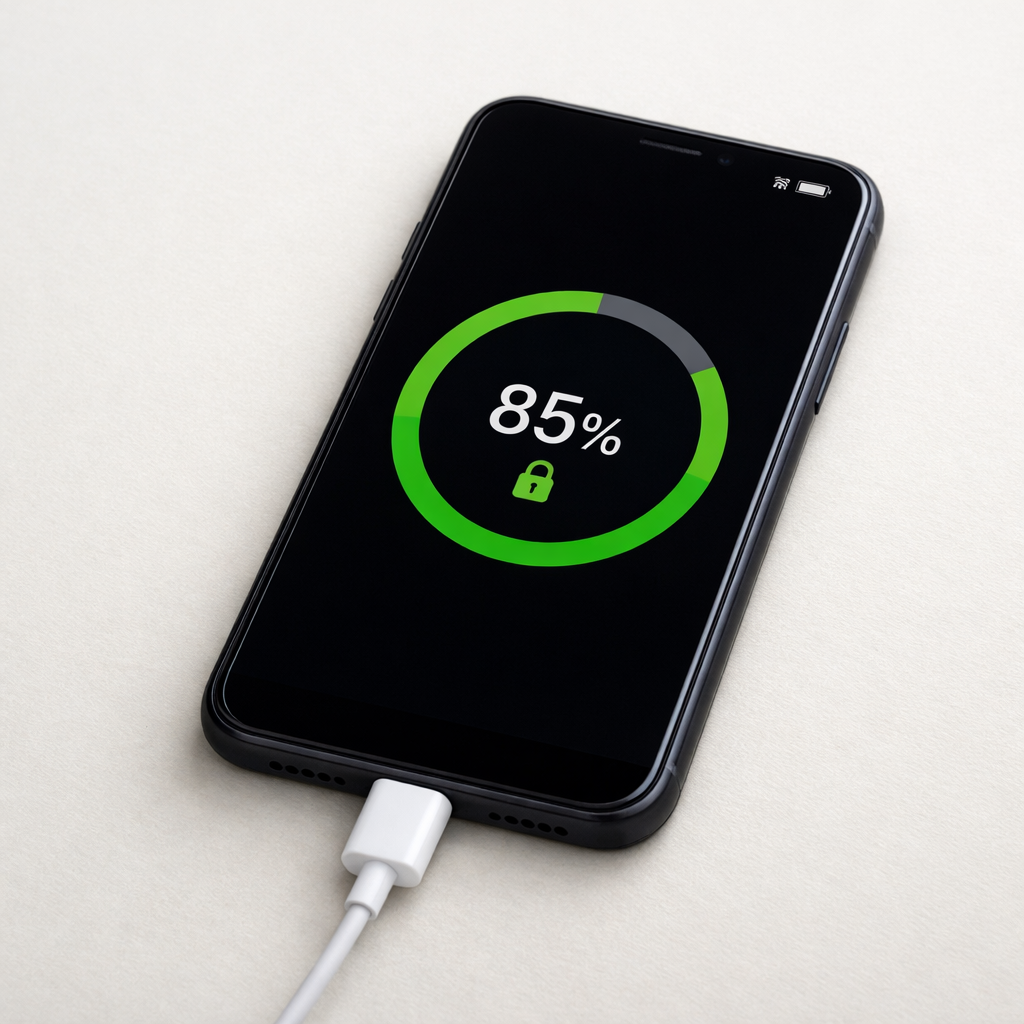
- Try to keep routine charging between about 20% and 80–90% for long-term battery health, especially for daily use.
- Don’t rely on pass-through charging regularly; it increases heat and stresses the bank’s power regulation.
- Store long-term at roughly 40–60% charge in a cool, dry place, and top up every few months.
- Replace the power bank if you see swelling, persistent overheating, or rapidly falling capacity, even if it still “sort of works.”
FAQ
Is it normal for a power bank to stop at 80%?
Sometimes, yes. Some power banks slow down dramatically near the top, and a weak charger or cable can make it look like it “stopped” when it’s really trickle charging. If it consistently halts at 80% and won’t move even after an hour on a good charger, degraded cells or a regulation issue is more likely.
Will a higher-watt charger damage my power bank?
Usually no, as long as the charger is reputable and the power bank supports the charging standard being used (like USB-C PD). The power bank decides how much power to draw, so a higher-watt adapter just gives it more headroom. The bigger risk is a low-quality charger that provides unstable voltage.
Why does unplugging and replugging make it charge again?
Replugging forces a new power negotiation and resets the charging session. If the original session hit an input limit, a brief voltage dip, or a handshake glitch, restarting can temporarily work. If you have to do this often, focus on the charger/cable first, then consider aging cells if the issue persists across multiple chargers.
Mark Reynolds writes about battery behavior, charging issues, and practical troubleshooting for everyday device problems. For a step-by-step overview, see the full battery troubleshooting guide.
For a full overview of this issue and step-by-step solutions, read the complete troubleshooting guide.