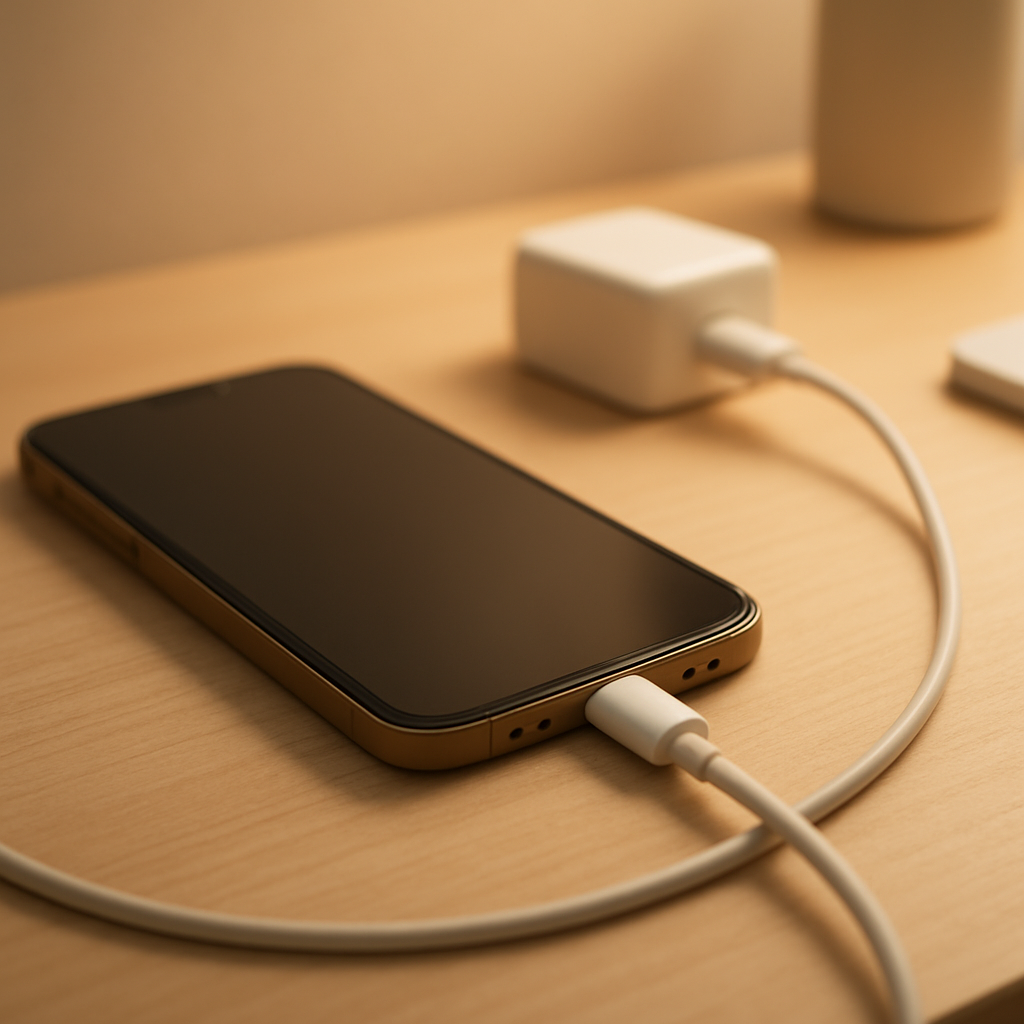
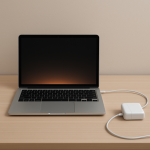
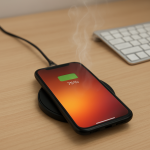
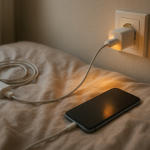
You plug something in, come back later, and touch the charger. This time, it’s not just warm. It feels hot. Not slightly uncomfortable, but enough to make you hesitate.
A warm charger is easy to ignore. A hot one is not. It raises a simple question: is this still normal, or is something starting to go wrong?
Quick Answer
A charger should never feel extremely hot to the touch. Some warmth is normal, especially during fast charging, but if the charger becomes too hot to hold comfortably, smells unusual, or shows signs of damage, it may indicate overheating or an electrical issue. In that case, it’s safer to unplug it and check the setup.
What’s Normal vs Dangerous
Normal: mild warmth during charging, especially at the start
Borderline: hot but still touchable for a short time
Not normal: too hot to hold, burning smell, discoloration, unstable charging
Quick Safety Checks
Place the charger on a hard, open surface (not fabric or bedding)
Plug directly into a wall outlet instead of a loose power strip
Check the cable and connector for damage or looseness
Stop using the charger if it feels unusually hot or different from normal
Why Chargers Get Hot
All chargers generate heat because they convert electricity from the wall into a usable form for your device. This process is not perfectly efficient, so some energy is always lost as heat.
The more power flowing through the charger, the more noticeable that heat becomes. That’s why chargers often feel hotter when fast charging or powering larger devices.
When Heat Becomes a Real Warning Sign
Heat becomes a problem when it goes beyond normal operating levels. A charger that feels very hot is often working harder than it should or struggling to manage power safely.
Internal components may be wearing out
Poor quality adapters can overheat more easily
Damaged cables increase electrical resistance
Loose outlets can create localized heat at the plug
If ignored, excessive heat can damage your device or reduce battery lifespan over time.
Common Causes of Overheating
Fast charging: higher power increases heat
Poor ventilation: heat gets trapped on soft surfaces
Low-quality chargers: inefficient components run hotter
Damaged cables: resistance builds up heat
Using the device while charging: extra load on the charger
How to Check the Problem
Feel where the heat is strongest (plug, cable, or charger body)
Try a different cable or charger
Use another wall outlet
Reduce usage while charging and see if temperature drops
Safety Tips (Important)
Never cover a charger while it’s in use
Avoid charging on beds, sofas, or enclosed spaces
Stop using any charger that smells or looks damaged
Use certified or original chargers whenever possible
When You Should Replace It
You should replace your charger if:
It becomes too hot to touch regularly
Charging is unstable or inconsistent
You notice physical damage or deformation
It’s an old or low-quality adapter
Related Situations
If your charger gets hot even when you’re not actively using your device, that’s a different issue and may point to a fault or power leak. You can read the detailed explanation here: