Introduction
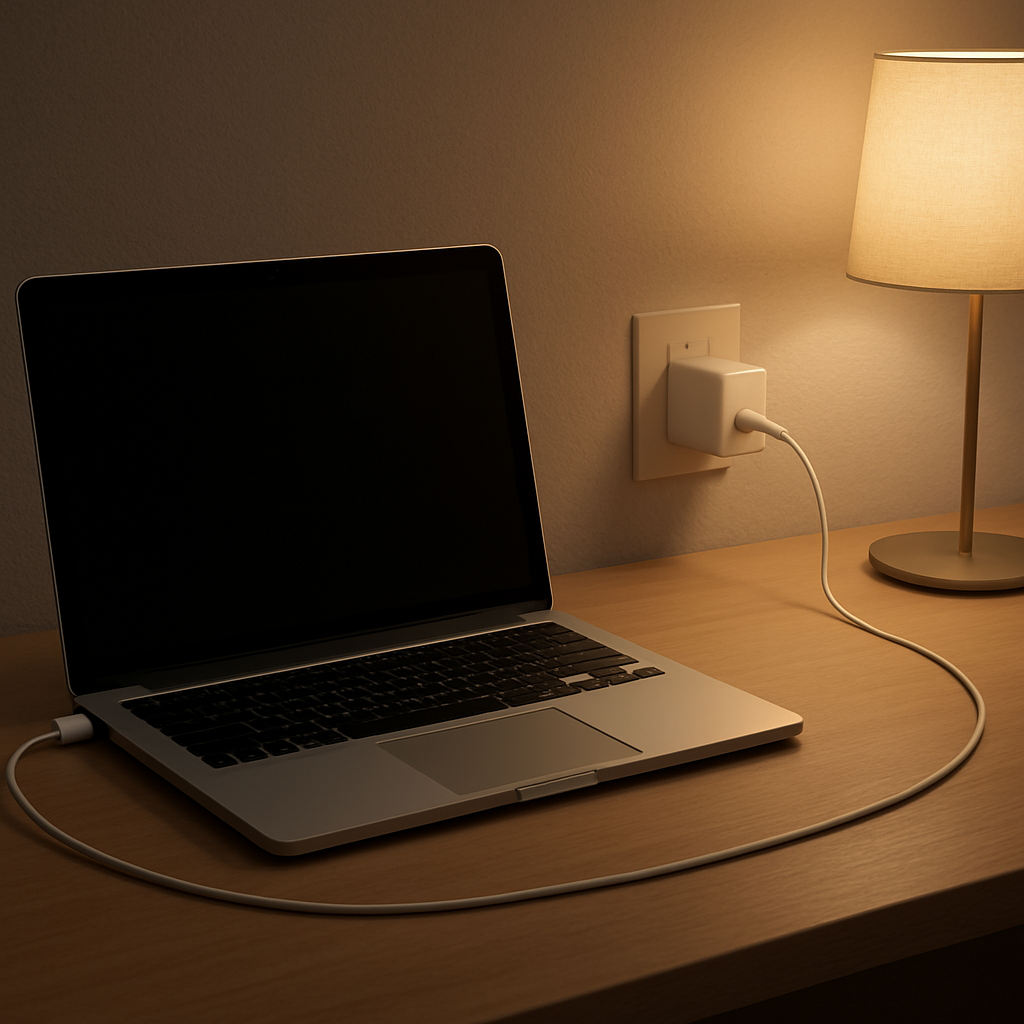
You plug your laptop in before going to bed and forget about it. No apps running, no heavy tasks, just a normal overnight charge.
Then in the morning, you unplug it and notice something different. The charger feels warmer than expected. Sometimes even hot.
That’s what makes it confusing. You weren’t using the laptop, so why does it feel like the charger has been working all night?
Quick Answer
A laptop charger getting warm overnight is usually normal. Even when your battery reaches 100%, your laptop continues to draw small amounts of power for background activity and battery maintenance. Over several hours, that steady energy flow can create noticeable heat.
However, a charger that feels very hot, uncomfortable to hold, or shows signs like smell, discoloration, or unstable charging may indicate a problem.
What’s Normal vs Not
- Normal: warm or moderately hot after several hours
- Expected: slightly hotter if airflow is limited or the laptop stays active
- Not normal: too hot to hold, burning smell, hot wall plug, unstable charging
Why It Still Uses Power Overnight
Reaching 100% doesn’t mean your laptop stops using electricity. It simply changes how it uses it.
Instead of actively charging, the system shifts into maintenance mode. It keeps the battery stable while handling background processes like updates, syncing, or system activity.
These processes use very little power individually, but over 6 to 10 hours, they add up. The charger continues working quietly the entire time.
Why It Feels Hot in the Morning
The key difference overnight isn’t intensity, it’s duration.
During the day, charging sessions are shorter. Overnight, the charger runs continuously for hours without interruption. Even moderate heat can build up when it doesn’t have time to dissipate.
This effect becomes stronger if the charger is placed on soft surfaces, behind furniture, or surrounded by cables. Heat gets trapped and slowly accumulates.
Common Causes of Excess Heat
- Poor ventilation: chargers on beds or carpet trap heat
- Continuous overnight load: background activity keeps power flowing
- High-wattage adapters: more power naturally generates more heat
- Aging chargers: lower efficiency increases heat output
- Loose outlets: poor contact can create localized heating
When You Should Pay Attention
There’s a difference between a charger that feels warm after hours and one that feels unstable or unpredictable.
- The charger is too hot to hold comfortably
- You notice a burning or electrical smell
- The wall plug or outlet feels warm
- Charging cuts in and out or behaves inconsistently
If you notice any of these signs, it’s better to stop using the charger and investigate.
Simple Ways to Reduce the Heat
You don’t always need to replace your charger. Small changes can make a noticeable difference.
- Place the charger on a hard, open surface
- Avoid covering it with fabric or other objects
- Let the laptop sleep instead of running overnight tasks
- Use a stable wall outlet instead of a worn power strip
Related Situations
If your charger feels hot even during normal daytime use, that may point to a different issue. This guide explains when heat becomes a real concern:
Charger hot to the touch — normal heat or electrical risk?
FAQ
Is it normal for a laptop charger to be warm in the morning?
Yes. After several hours of continuous use, it’s normal for a charger to feel warm or moderately hot.
Why is my charger still working when the battery is full?
Your laptop continues to draw small amounts of power for maintenance and background processes, even at 100%.
Should I unplug my charger overnight?
It’s not required, but unplugging can reduce heat and long-term wear if your charger tends to run warm.
Battery Help Center
For more charging and overheating issues, start here:
Overheating & Power Problems Troubleshooting