Charger Overheating Warning Signs — When to Stop Using It Immediately
Quick Answer
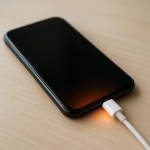
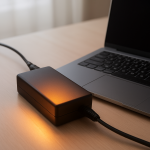
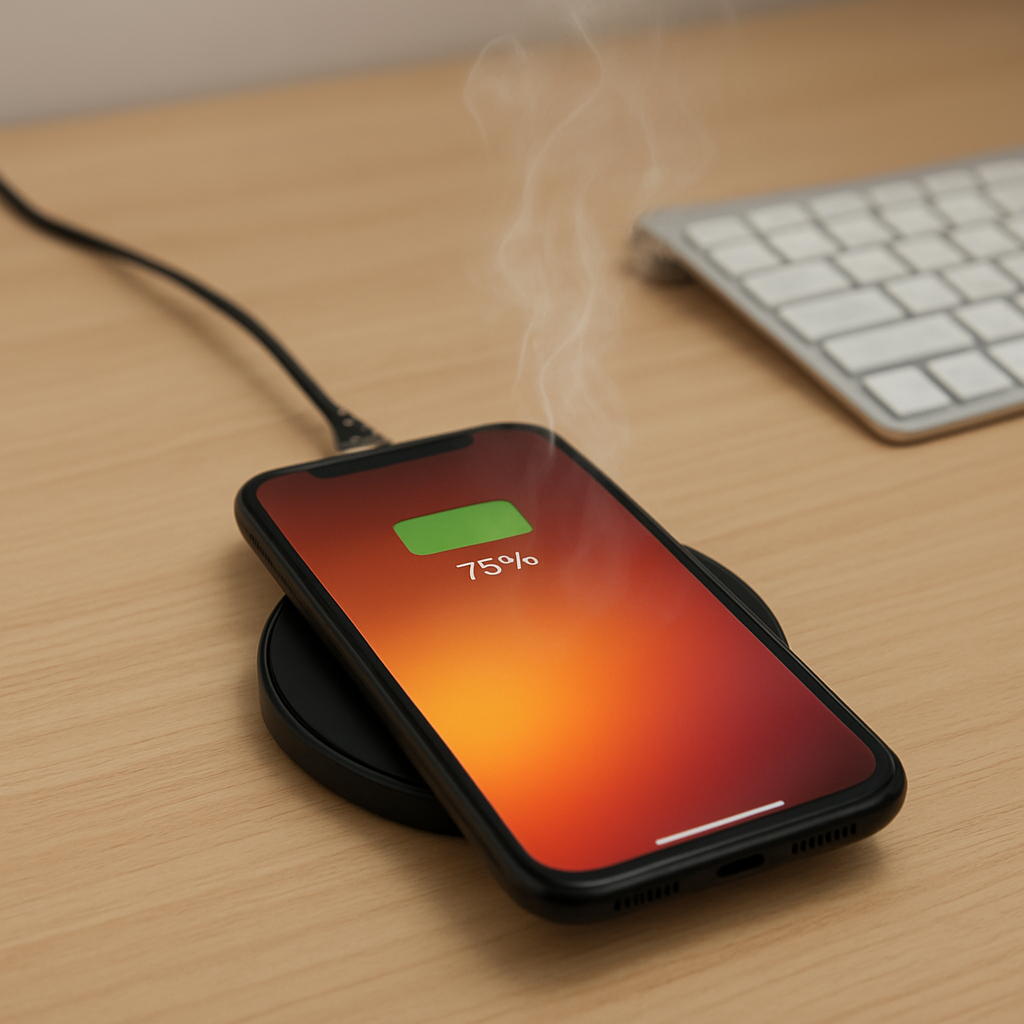
A charger that gets unusually hot is often hitting its thermal protection threshold, which is the built-in “too hot” limit where it may throttle power, shut off, or behave unpredictably. When a charger repeatedly reaches this point, it can signal internal stress or a developing failure, not just “normal warmth.”
It usually means the charger is working harder than it should due to poor airflow, high power draw, a damaged cable/port, or internal component wear. Mild warmth can be normal, but if it becomes hot within 5–15 minutes, or it gets hotter over days or weeks, treat it as a warning and stop using it until you identify the cause.
If you need a fast fix
- Unplug the charger from the wall and device, let it cool for 10–20 minutes, and do not wrap it in fabric or place it on a bed or couch.
- Try a different wall outlet and a known-good cable, then charge at a lower power (avoid fast charging if you can).
- If you smell burning, see discoloration, or the charger is too hot to hold comfortably, stop using it immediately and replace it.
Quick Diagnosis Table
| Symptom | Most likely cause |
|---|---|
| Charger becomes hot within 5–10 minutes of plugging in | Thermal protection is being approached due to high load, poor ventilation, or internal component aging |
| Charging repeatedly pauses, restarts, or slows down | Thermal throttling or intermittent cable/connector resistance causing heat spikes |
| Charger is warm in a cool room but gets very hot in a warm room | Ambient temperature and airflow pushing the charger over its thermal threshold |
| Hot plug tip or USB connector, while the charger body is less hot | Dirty, loose, or worn port/cable creating high resistance at the connection point |
| Buzzing, crackling, or faint “electrical” smell when charging | Internal damage, failing capacitors/transformer, or arcing at a loose connection |
Why This Happens
Chargers convert wall power into the lower voltage your phone, tablet, or laptop can use. That conversion is never 100% efficient, so some energy becomes heat, and the charger relies on its case and airflow to shed that heat safely.
When the charger is asked to deliver high power for fast charging, or when airflow is blocked (like under a pillow or behind a couch), heat builds faster than it can escape. If the internal temperature approaches the charger’s thermal protection limit, it may reduce output, cycle on and off, or run right at the edge of safe operation.
In practical terms, more resistance or more load equals more heat: a frayed cable, a loose plug, or a device pulling maximum wattage can push the charger into “overheating behavior,” which shows up as very hot plastic, charging dropouts, or sudden slow charging.
Most Common Causes (Ranked)
- 1) Too much heat buildup (blocked ventilation): Charging on a bed, rug, or inside a bag traps heat and pushes the charger toward its thermal cutoff.
- 2) High power draw and fast charging: 30W, 65W, or higher charging creates more heat, and a borderline charger can reach its thermal limit quickly during peak output.
- 3) Damaged or low-quality cable/connector: A worn cable or loose USB plug can create resistance at the connection, heating the plug and forcing the charger to work harder.
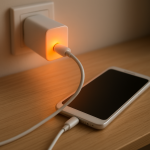
- 4) Loose wall outlet or poor contact: If the charger prongs wiggle or the outlet is worn, tiny gaps can cause heat and arcing, sometimes noticed as buzzing or a hot wall plug area.
- 5) Internal component aging or manufacturing defects: Over time, components can drift out of spec and run hotter, making thermal protection activate more often even under normal use.
- 6) Heat from the device or battery during heavy use: Gaming, navigation, or video calls while charging can heat the device, raising the overall temperature and triggering both device and charger thermal limits.
If the charger runs noticeably cooler after improving airflow or swapping the cable, that gradual improvement usually indicates the issue was external (environment or connection), not an immediate internal failure.
How to Check the Problem Safely
- Check 1: Unplug everything and inspect the charger body and plug for discoloration, warping, melted spots, or a chemical/burning smell.
- Check 2: Feel where the heat is strongest after 5 minutes of charging: the charger brick, the wall plug area, or the cable/connector end.
- Check 3: Try a known-good cable and charge the same device again in an open, cool area; if the connector no longer heats up, the old cable or port fit is likely the problem.
- Check 4: Reduce the load: turn off fast charging (if your device allows it), stop gaming, and use airplane mode for a few minutes to see if the charger temperature drops.
- Check 5: Test the charger with a different device that uses similar power; if it still overheats quickly, the charger itself is more likely at fault.
Safety note: if you see sparking, hear crackling, or smell burning, do not “test one more time” and do not use that outlet until it has been checked.
How to Fix It
- Fix 1 (easiest): Improve airflow by charging on a hard surface with space around the charger; it helps the charger shed heat so it stays below the thermal protection threshold.
- Fix 2: Replace the cable with a certified, properly rated one (USB-C PD rated for the wattage you use); good cables reduce resistance and prevent hot connectors.
- Fix 3: Lower charging power by using a smaller-watt charger or disabling fast charging; less output means less internal heat and fewer thermal cutoffs.
- Fix 4: Change outlets and stop using any outlet that feels hot or holds the plug loosely; solid contact prevents heat buildup at the prongs and reduces fire risk.
- Fix 5 (advanced/last resort): Replace the charger if overheating persists after the steps above; chargers are sealed safety devices, and repeated thermal-limit behavior can indicate internal failure that is not worth repairing.
Signs of Battery or Hardware Damage
- Battery swelling, a lifted screen, or a device that no longer sits flat on a table.
- Charging only works at certain cable angles, or the port feels loose and “wobbly.”
- Device gets unusually hot near the battery even when not charging.
- Random shutdowns or big battery percentage jumps (for example, 40% to 10% quickly).
- Burning smell, smoke, or visible residue around the charging port or charger plug.
- Charger or cable shows melting, darkened plastic, or a sticky/tarry feel.
- The charger trips a power strip, breaker, or GFCI outlet repeatedly.
When Repair Is No Longer Worth It
If a charger is getting hot enough to trigger thermal protection repeatedly, or it shows any melting, buzzing, or burning smell, replacement is the practical option. Chargers are not designed for user repair, and internal damage can turn into a shock or fire hazard without much warning.
As a rule, replace the charger if it overheats with multiple cables and outlets, or if it’s an off-brand model powering an expensive phone or laptop. Paying for a reputable, correctly rated charger is usually cheaper than replacing a damaged port, battery, or device.
How to Prevent This Problem in the Future
- Use a charger that matches your device’s required wattage and charging standard (for example, USB-C PD for many modern devices).
- Keep chargers in open air while charging; avoid beds, couches, blankets, and enclosed bags where heat can’t escape.
- Replace cables at the first sign of fraying, loose connectors, or intermittent charging to prevent resistance-based heating.
- Keep ports clean and dry; gently remove lint from phone ports to maintain a snug connection and reduce heat at the plug.
- Avoid heavy use while fast charging when possible; gaming and video calls add device heat that pushes the whole system toward thermal limits.
- Unplug the charger when not in use if it runs warm at idle, and avoid daisy-chaining cheap adapters or loose travel plugs.
- Watch for trend changes: if “normal warmth” becomes “hotter than last month,” treat it as early warning and act before a failure.
FAQ
Is it normal for a charger to get warm?
Yes, mild warmth is normal because power conversion creates heat. It should not be painful to touch, smell hot, or cause charging to pause and restart. If it becomes hot quickly or keeps getting hotter over time, that suggests it’s nearing its thermal protection limit too often.
What temperature is “too hot” for a charger?
If you can’t comfortably hold the charger for several seconds, treat it as too hot for safe everyday use. Many chargers are designed to throttle or shut down before dangerous internal temperatures, but relying on that protection repeatedly can still mean the charger is failing. When in doubt, stop using it and replace it.
Does a hotter charger mean faster charging?
Not necessarily. A charger running very hot may actually be throttling, which slows charging to protect itself. Cooler, stable operation is a better sign of a healthy charger delivering power efficiently.
For a full overview of this issue and step-by-step solutions, read the complete troubleshooting guide.
Mark Reynolds covers battery health, charging limits, and common device issues with a focus on clarity and practical fixes. For a deeper look, visit the full troubleshooting guide.