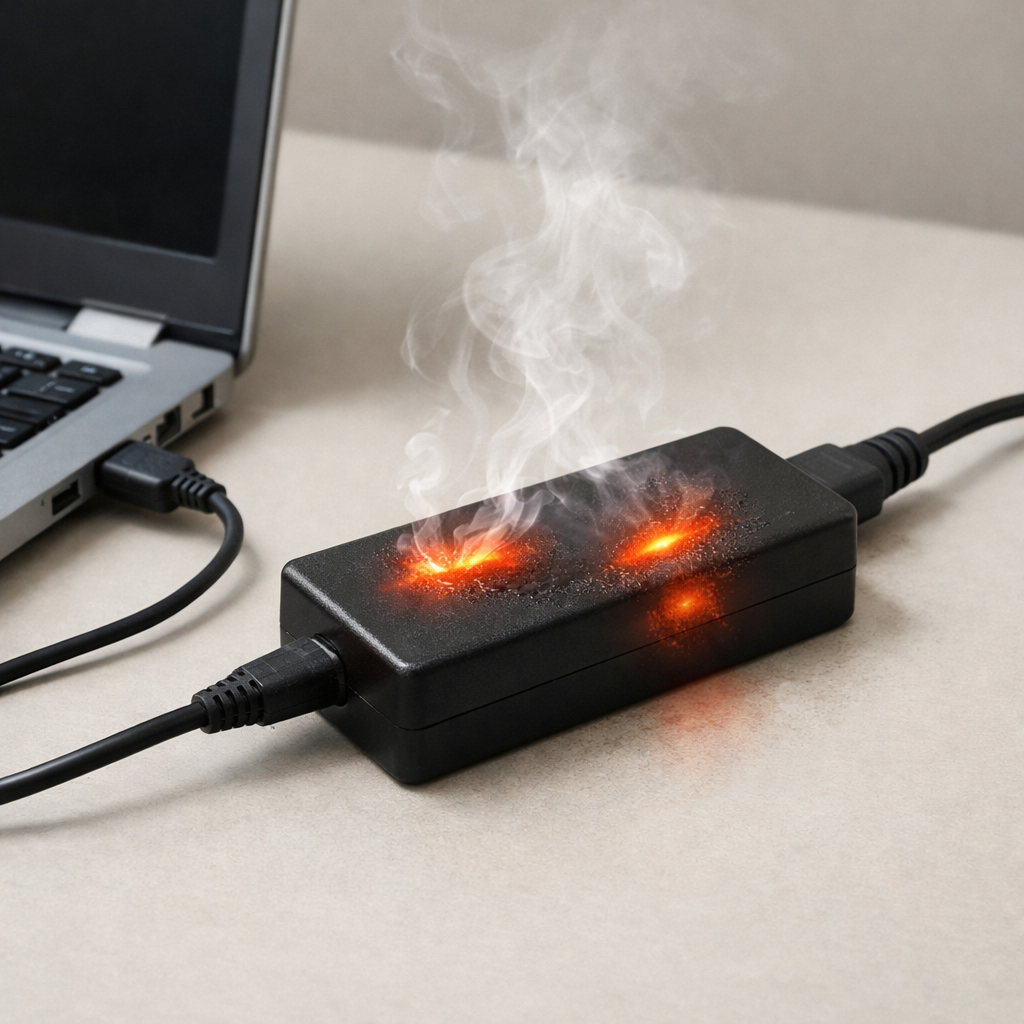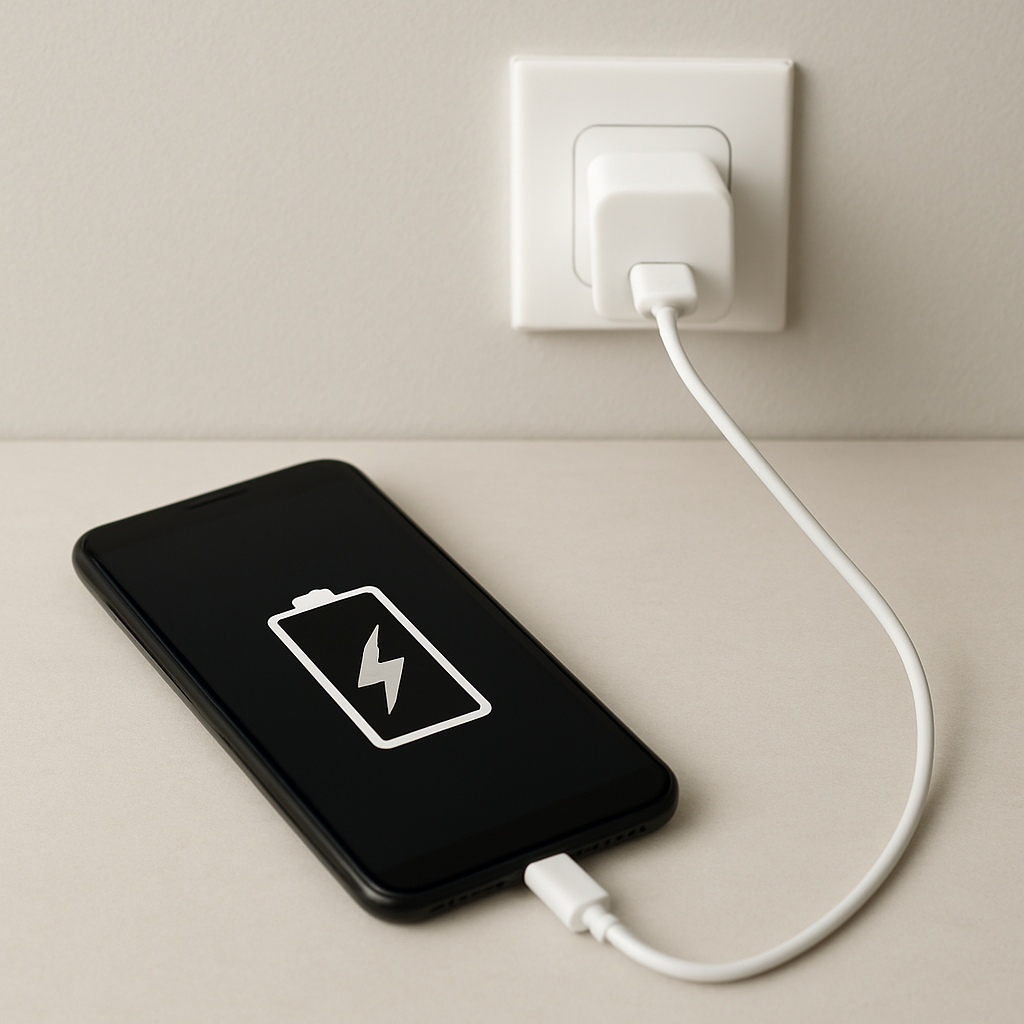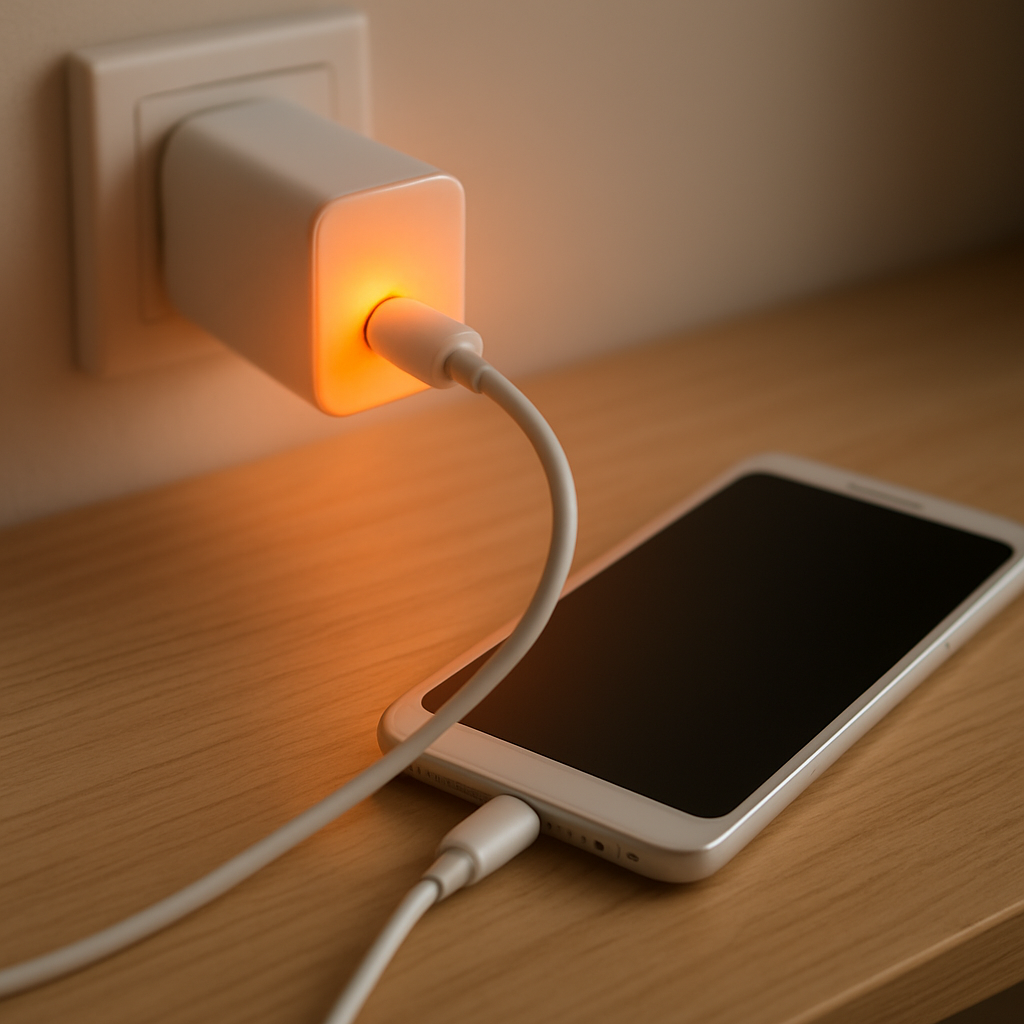
Charger Overheating While Charging Device — Power Overload or Poor Ventilation?
Quick Answer
A charger usually overheats because it is being pushed close to (or beyond) its rated power, or because heat can’t escape due to poor ventilation. When a charger has to work harder than normal, or it’s trapped under blankets, on a couch, or in a tight power strip area, the heat builds up quickly.
A little warmth is normal, especially during fast charging or when charging from 0–50%. If the charger becomes uncomfortably hot within 5–15 minutes, smells “hot,” or keeps getting hotter the longer it’s plugged in, treat it as a warning and reduce the load and improve airflow.
If you need a fast fix
- Unplug the charger and device for 10 minutes, then try again with the charger in open air on a hard surface (not a bed, sofa, or carpet).
- Stop using high-power features while charging (gaming, hotspot, navigation, high brightness) to lower the power draw and heat.
- Switch to a known-good cable and a lower-power outlet option (single-wall outlet, not a crowded power strip), and avoid charging two devices on a small adapter.
Quick Diagnosis Table
| Symptom | Most likely cause |
|---|---|
| Charger gets very hot during fast charge but cools after a while | High power load during the fast-charging phase; heat is normal but should not be extreme |
| Charger is hot to the touch within 5–10 minutes, even at low battery use | Poor ventilation (covered, trapped heat) or overloaded adapter for the device |
| Charger heats up more when using the device while charging | Device pulling extra power (screen, apps, gaming) causing higher charger workload |
| Charger runs hot only with one specific cable or port | Bad/incorrect cable, dirty/loose connector, or high resistance causing extra heat |
| Charger is hot and charging is slow or keeps disconnecting | Overload protection or overheating protection triggering; could also indicate a failing charger |
Why This Happens
Every charger turns a little electricity into heat as it converts power for your phone, tablet, laptop, or accessories. The more power it has to push, the more heat it creates, especially with fast charging.
Heat becomes a problem when the charger can’t get rid of it. A charger tucked behind a nightstand, wedged under a pillow, or pressed against other adapters in a power strip can’t cool itself, so its internal temperature rises.
In simple terms: more load or less airflow makes the charger run hotter, and if it gets too hot, it may slow charging, shut off briefly, or eventually fail.
Most Common Causes (Ranked)
- 1) Power overload (charger is undersized for the device): If the adapter’s wattage is too low for your device (or you’re charging multiple devices), it works near its limit and heats up fast.
- 2) Poor ventilation and heat trapping: Charging on a bed, couch, carpet, or inside a bag traps heat around the brick and plug, causing temperature to climb.
- 3) Using the device heavily while charging: Video calls, gaming, hotspot, or high brightness can make the device draw more power, raising charger temperature and slowing charging.
- 4) Low-quality or damaged charger: Off-brand adapters, worn internal components, or counterfeit fast chargers often run hotter because their power conversion is less efficient.
- 5) Bad cable or poor connection: A frayed cable, loose plug, or dirty charging port increases electrical resistance, which can create extra heat at the charger or connector.
- 6) Hot environment: Charging in direct sun, a warm car, or near a heater reduces cooling and makes normal warmth become “too hot.”
If the charger runs noticeably cooler after improving airflow or reducing the load, that usually indicates you’ve addressed the main cause rather than a serious device fault.
How to Check the Problem Safely
- Check 1: Feel the charger after 5 minutes, then again after 20 minutes. Warm is typical; too hot to comfortably hold is not.
- Check 2: Move the charger to an open, hard surface with space around it, and repeat the same charging test. If it runs cooler, ventilation was a major factor.
- Check 3: Reduce the load: close heavy apps, lower screen brightness, and turn off hotspot, then see if charger temperature drops.
- Check 4: Try a different known-good cable and a different wall outlet. A cooler result points to a cable/connection or outlet issue.
- Check 5: Check the adapter rating (printed on it) and compare it to your device’s recommended wattage. A mismatch can explain chronic overheating.
Safety note: if you notice a burning smell, sizzling, discoloration, or the plug area is melting, unplug immediately and do not test further.
How to Fix It
- Fix 1 (easiest): Improve airflow by charging on a table or countertop with the adapter uncovered. Better cooling prevents heat buildup and reduces throttling.
- Fix 2: Reduce power demand while charging by avoiding gaming, navigation, and hotspot, and by enabling airplane mode if you can. Lower demand makes the charger run cooler.
- Fix 3: Use the correct charger wattage (and the right fast-charge standard) for your device. A properly sized, certified charger delivers power more efficiently and typically produces less heat.
- Fix 4: Replace the cable with a certified, undamaged one and clean the charging port gently (dry, non-metal tools only). Good contact reduces resistance, which reduces heat at the plug and adapter.
- Fix 5 (advanced/last resort): If the charger still overheats in open air with a correct cable and a moderate load, stop using that charger and replace it. Persistent overheating can indicate internal failure that isn’t safely repairable.
Signs of Battery or Hardware Damage
- Device battery swells, screen lifts, or the back cover bulges.
- Device gets unusually hot even when not charging or when idle.
- Charging repeatedly stops and starts, or the connector area becomes hot to the touch.
- Noticeable burning smell, smoke, or crackling from the charger, cable, or device.
- Battery percentage jumps around, drops quickly, or the device shuts off at higher percentages.
- Charger plug or adapter shows discoloration, warping, or melting plastic.
- Charging port is loose, wobbly, or shows black marks/corrosion.
When Repair Is No Longer Worth It
Replacing a charger and cable is usually more practical than troubleshooting a questionable adapter for long periods. If a charger overheats across multiple outlets and cables, or shows any signs of deformation or smell, replacement is the safer choice.
As a rule, if the cost of a proper certified replacement charger is small compared to the value of the device you’re charging, don’t gamble. A failing charger can damage the device, and the cost of repairing a charging port or battery can quickly exceed the price of a new adapter.
How to Prevent This Problem in the Future
- Use a charger with the correct wattage and the right standard for your device (USB-C PD, proprietary fast charge, or laptop-rated adapters as required).
- Charge in open air on a hard surface; avoid bedding, cushions, or enclosed spaces that trap heat.
- Don’t stack adapters tightly in a power strip; leave spacing so heat can dissipate.
- Replace cables at the first signs of fraying, looseness, or intermittent charging.
- Avoid heavy use while charging if you notice heat issues; let the device charge first, then use it.
- Keep chargers out of hot environments (direct sun, warm cars, near heaters).
- Buy certified, reputable chargers; low-quality adapters often run hot even under normal loads.
FAQ
Is it normal for a charger to get warm while charging?
Yes, mild warmth is normal because power conversion creates heat, especially during fast charging. It should stabilize and remain comfortable to touch. If it becomes too hot to hold or keeps getting hotter over time, it’s not normal and you should reduce the load and improve ventilation.
Can a power strip or extension cord make my charger overheat?
It can, especially if the strip is overloaded, poorly ventilated, or has loose contacts that add resistance. Chargers also get hotter when crammed next to other warm adapters. Plugging directly into a wall outlet and giving the charger space is a good test.
Should I stop using a charger that gets hot even with a different cable?
If the charger overheats in open air with a known-good cable and a normal charging load, stop using it. Persistent excessive heat suggests internal wear or poor design, and continuing can risk damage to the device or the outlet. Replacing the charger with a certified model is the safest fix.
For a full overview of this issue and step-by-step solutions, read the complete troubleshooting guide.
Mark Reynolds covers battery health, charging limits, and common device issues with a focus on clarity and practical fixes. For a deeper look, visit the full troubleshooting guide.