
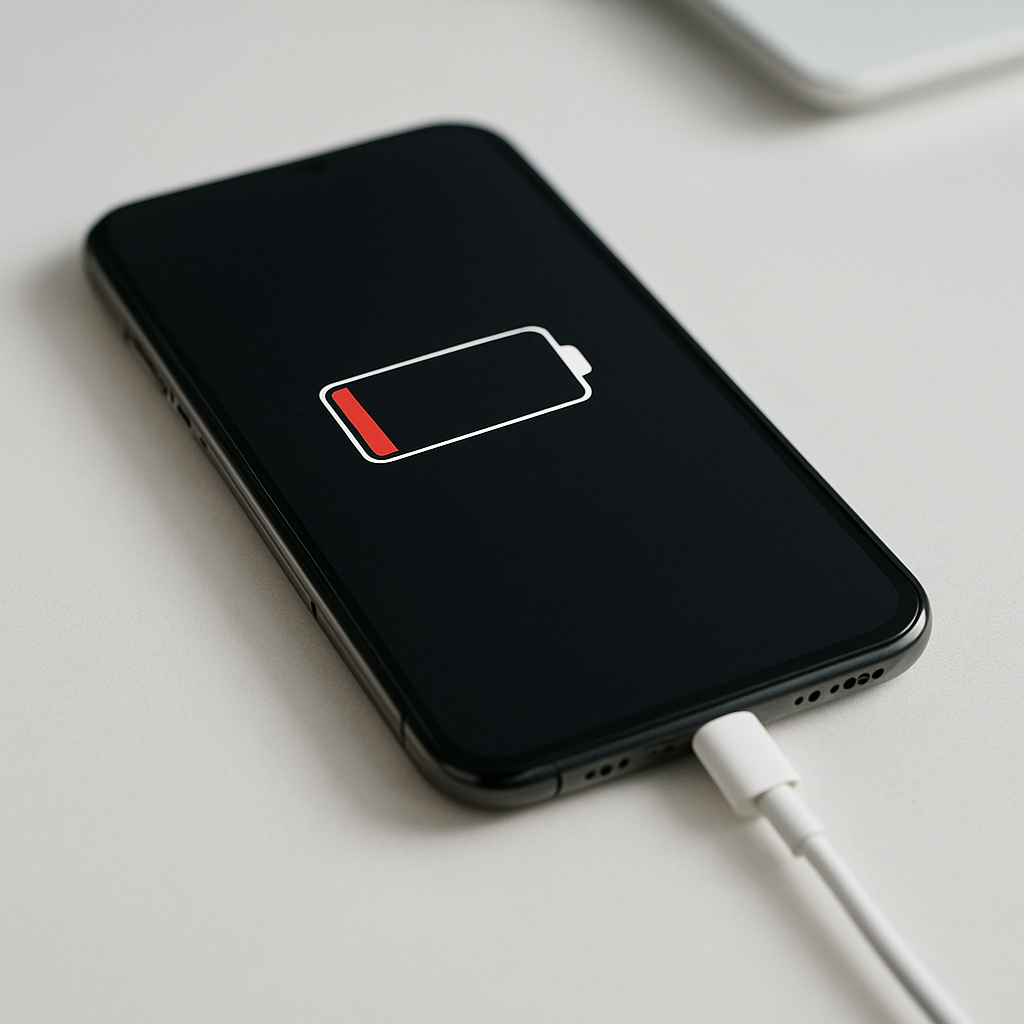
Phone Not Charging Past 50 Percent — Battery Protection Limit or Capacity Loss?
Quick Answer
Most of the time, a phone that refuses to charge past 50% is doing it on purpose because a battery health or temperature protection feature is limiting the maximum charge level. Many phones reduce charging or cap it around 50–80% when the battery is warm, the phone is under heavy load, or a “Battery Protection” setting is enabled.
This usually means your battery is being protected from heat and stress, not that it’s instantly “broken.” If it’s caused by heat or a temporary software state, normal charging often returns within minutes to a few hours after the phone cools down or the setting is changed.
If you need a fast fix
- Unplug, remove the case, and let the phone cool for 10–20 minutes, then try charging again.
- Turn off Battery Protection/Charging Limit (and any sleep/bedtime charging modes) in Settings, then restart the phone.
- Try a different cable and wall charger (not a computer USB port), then watch if the percent moves past 50% within 15–30 minutes.
Quick Diagnosis Table
| Symptom | Most likely cause |
|---|---|
| Stops at 50% only sometimes (especially during gaming, navigation, or hot days) | Thermal protection reduces charging or caps it until the battery cools |
| Stops exactly at 50% every day, even when cool, and resumes only after changing settings | Battery Protection / charge limit feature set to a lower maximum |
| Slow charging near 45–55% while the phone is being used | Power draw cancels out charging (screen brightness, apps, hotspot) |
| Jumps from 50% to 52% then back to 49%, or percentage feels “stuck” | Battery gauge calibration glitch or software bug after an update |
| Won’t pass 50% on any charger and drains fast after unplugging | Real capacity loss, battery aging, or a charging/battery hardware fault |
Why This Happens
Modern phone batteries last longer when they avoid high heat and spending long periods at very high charge levels. To protect the battery, your phone may automatically pause charging, slow it down, or cap it at a lower percentage until conditions are safer.
A common real-world example is charging while using GPS in the car. The screen stays bright, the phone runs hot, and the charger adds even more heat. In that situation, the phone may hold around 50% even though it’s plugged in, because it’s trying to keep battery temperature under control.
When the phone limits charging, you see a “stuck at 50%” symptom, even though the cable, adapter, and battery might be fine.
Most Common Causes (Ranked)
- 1) Battery protection/charge limit is enabled: Many phones have a setting to cap charging (often 80% or 85%), and some modes or device care features can temporarily cap it lower during certain routines.
- 2) Battery temperature is too high (thermal throttling): Heat from fast charging, sunlight, car mounts, heavy apps, or thick cases can trigger a protection limit that pauses or slows charging around mid-levels like 50%.
- 3) Charging while the phone is under heavy load: If the phone is using as much power as the charger provides, the percentage may hover around 50% or climb extremely slowly.
- 4) Software glitch or battery gauge misreporting: After updates or crashes, the battery percentage can become inaccurate and appear stuck until the system recalculates.
- 5) Cable/charger handshake issue (especially fast charging): Some phones reduce charging if they can’t negotiate the correct power profile, and the behavior can look like a cap at around 50%.
- 6) Battery aging or hardware fault: A worn battery can heat up faster and trigger protection earlier, or a failing battery/charging circuit can prevent charging beyond mid-level.
If the limit improves after cooling down, changing settings, or using a different charger, that gradual improvement usually indicates protection behavior rather than permanent capacity loss.
How to Check the Problem Safely
- Check 1: Look for Battery Protection, Charging Limit, Optimized Charging, or similar options in Settings and note if a maximum level is set.
- Check 2: Feel for heat: if the back of the phone is hot or the screen is very warm while charging, unplug and let it cool, then retry.
- Check 3: Check the charging status message on the lock screen or battery screen (for example: “charging paused,” “charging slowly,” or “charging on hold until phone cools”).
- Check 4: Test with a known-good cable and wall adapter, and plug directly into a wall outlet to rule out weak ports or power strips.
- Check 5: Check battery health if your phone provides it; a very low health reading often correlates with heat, sudden drops, and protection pauses.
Safety note: if the phone is extremely hot, swollen, or smells unusual, stop charging immediately and do not continue testing.
How to Fix It
- Fix 1 (easiest): Cool the phone down: remove the case, move it out of sunlight, close heavy apps, and charge on a hard surface. Lower temperature removes the protection limit so charging can continue.
- Fix 2: Disable or adjust Battery Protection/Charging Limit in Settings. If it’s set too low by a routine or power-saving mode, raising or turning it off lets the phone charge normally again.
- Fix 3: Use a compatible charger/cable and avoid “unknown” fast chargers. A proper USB-C PD or manufacturer-recommended adapter reduces negotiation issues and can prevent stops that look like a 50% cap.
- Fix 4: Restart the phone, then update the OS and any “device care/battery” apps. This can clear a stuck charging state and fix battery percentage reporting bugs.
- Fix 5 (advanced/last resort): Back up your data, then reset settings or perform a factory reset if the issue started after an update and persists across chargers and temperatures. If it still stops at 50%, schedule battery/charging port diagnostics.
Signs of Battery or Hardware Damage
- Battery percentage drops suddenly (for example, 50% to 20%) or the phone shuts off unexpectedly.
- Phone gets unusually hot during light use or basic charging.
- Battery swelling, screen lifting, or the back cover separating.
- Charging only works at a certain cable angle, or the port feels loose or gritty.
- “Liquid detected,” corrosion, or discoloration inside the charging port.
- Charging symbol flickers on/off repeatedly with multiple chargers.
- Noticeably reduced runtime even after reaching 50% (drains abnormally fast).
When Repair Is No Longer Worth It
If your phone is older, has a worn-out battery, and also needs port repair or motherboard-level charging work, costs can approach the value of the device. In those cases, replacing the phone can be more reliable than paying for multiple repairs.
As a rule of thumb, a battery replacement alone is usually worth it if the phone otherwise works well and will be supported with updates. If repair quotes exceed roughly 30–50% of the price of a comparable replacement phone, upgrading often makes better long-term sense.
How to Prevent This Problem in the Future
- Keep Battery Protection/Optimized Charging enabled, but set it to a reasonable cap (like 80–85%) rather than an unusually low limit.
- Avoid charging in hot environments (direct sun, car dashboards) and don’t cover the phone while charging.
- Use quality cables and a charger that matches your phone’s fast-charging standard to reduce heat and instability.
- Don’t game or run heavy navigation while fast charging; if you must, lower brightness and close background apps.
- Remove thick cases during long charging sessions if the phone tends to run warm.
- Keep the software updated; battery management improvements often arrive in system updates.
- Store long-term at around 40–60% battery instead of 100% if you won’t use the phone for weeks.
FAQ
Is charging to only 50% bad for my battery?
No. Charging to a lower percentage is generally easier on lithium-ion batteries and can extend lifespan. The issue is only a problem if you need more usable runtime and the phone refuses to go higher even when settings and temperature are normal.
Why does it stop at 50% only when I use the phone while charging?
Your charger may be providing less power than the phone is using at that moment. Heavy use (bright screen, hotspot, gaming) creates heat and increases power draw, which can trigger protection and also prevent the percentage from rising.
How can I tell if it’s battery protection or real capacity loss?
If it charges past 50% after cooling down, changing the charge limit setting, or using a better charger, it’s usually protection behavior. If it never goes past 50% across different chargers and temperatures and the phone drains quickly or shuts down early, battery aging or a hardware fault is more likely.
For a full overview of this issue and step-by-step solutions, read the complete troubleshooting guide.
If the issue keeps coming back, it’s usually worth looking at broader battery behavior rather than a single fix. That’s the approach Mark Reynolds follows in the complete battery guide.





