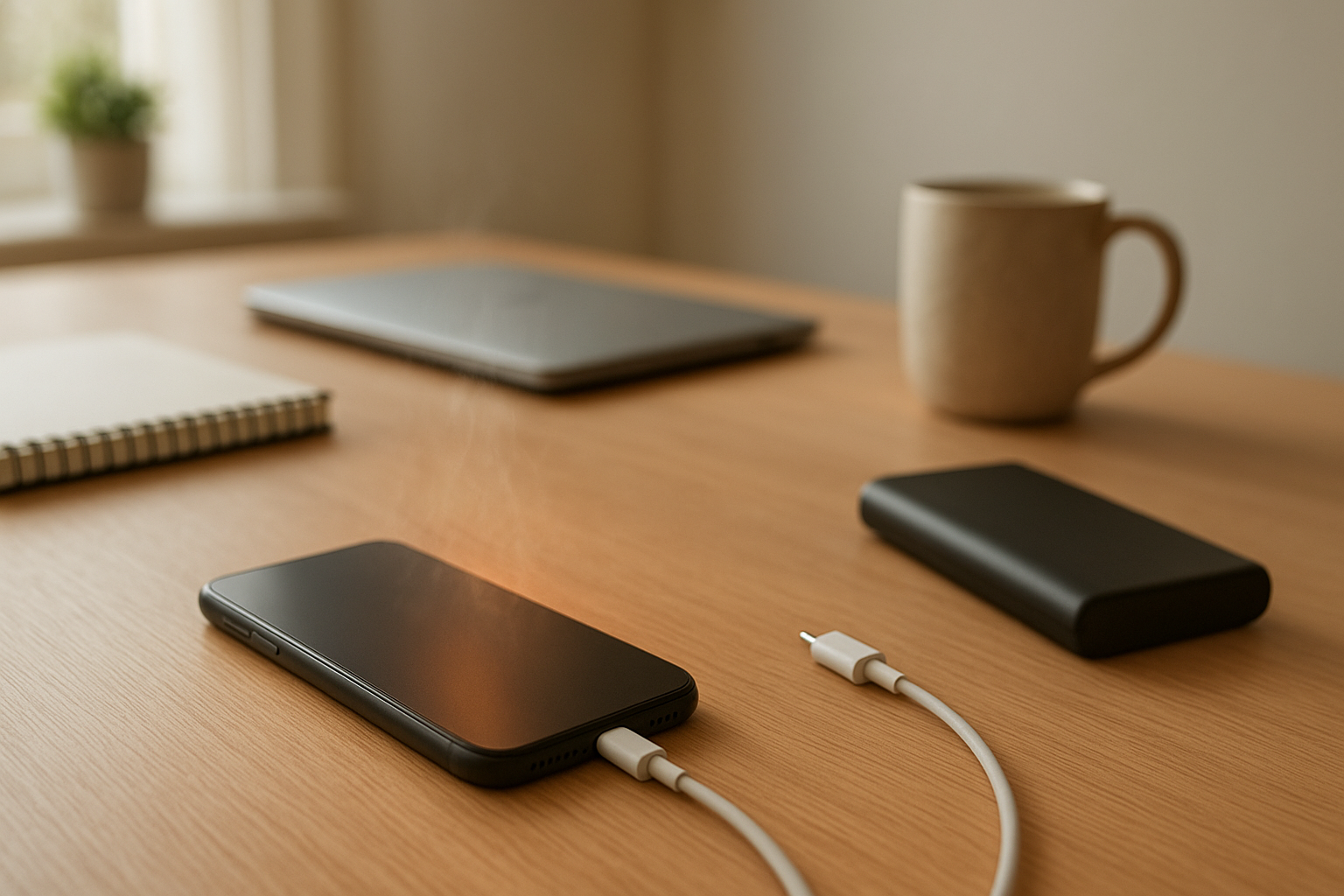
You install an update before bed because it seems harmless enough. Maybe you even expect your phone to run better afterward. Then by lunchtime the next day, the battery is already sliding down faster than usual, and suddenly you are checking the percentage every twenty minutes like it means something bigger. It is a weird kind of stress.
I have had this happen more than once. The phone still works, technically. But it no longer feels dependable in the same way. A device that used to coast through a workday starts looking shaky before the commute home, and that shift is hard to ignore once you notice it.
Something feels off.
Why This Situation Feels So Frustrating
Part of the frustration is that updates are supposed to help. Even when they are annoying, you put up with them because they usually bring security fixes, smoother performance, or some feature you may or may not care about. So when the battery gets worse right after one, it feels unfair. Like you agreed to improve the phone and somehow made it less reliable instead.
That is where the stress comes in. It is not just about battery life in the abstract. It is about whether your phone will still have enough power when you need directions, a boarding pass, a work message, or a call from family. If it starts dropping quickly during an ordinary day, your habits change immediately. You carry a charger everywhere. You dim the screen. You stop using the phone as freely. And that gets old fast.
There is also that quiet fear in the background that the phone is aging out before it should. Maybe the battery is failing. Maybe the update exposed an older battery that was already struggling. Maybe this is the start of a long decline. That uncertainty makes a simple battery issue feel bigger than it really is.
What People Usually Notice First
The first sign is often not dramatic. It is just a feeling that the percentage is moving too quickly. You unplug at 8 a.m., use the phone normally, and by noon it looks more like late afternoon. During a workday, that can be enough to throw off your whole routine.
Travel makes it even more obvious. A phone that used to survive a train ride, map use, music, and a few messages suddenly starts acting fragile. You reach for it while commuting and see a low battery warning much earlier than expected. That is when trust drops.
Sometimes the phone feels warm even when it is just sitting nearby. Not hot enough to panic, but warm enough that you notice. That is usually when people start wondering whether some app is running wild in the background, whether the update is still doing something, or whether the battery itself is wearing down.
And yes, sometimes it starts after installing a new app around the same time as the update, which makes the whole thing even murkier.
Why It Can Be Confusing
This is one of those problems that sounds simple until you try to pin down the cause. If the battery starts draining right after an update, it is natural to blame the update. And sometimes that is fair. Phones can spend a little time in the background reindexing files, optimizing apps, and settling in after major software changes. That extra activity can make battery life look worse for a day or two.
But not every case is that temporary. An update can also change how certain apps behave, expose a battery that was already weaker than you realized, or make background activity more noticeable. So now you are stuck trying to decide whether to wait, delete something, restart everything, or book a battery replacement.
That is the part that gets people stuck. If you want a useful overview of what can happen after an update, it helps to see the bigger picture before assuming the worst.
It is not completely broken. But it is not right either.
The Hidden Impact on Daily Use
When a phone battery becomes unpredictable, it affects more than screen time. It chips away at the background reliability people count on without thinking about it. You stop assuming your phone will be there when you need it. That changes how you move through the day.
At work, it can mean checking power levels during meetings instead of paying attention. While traveling, it can mean choosing not to use maps as much as you should because you are trying to save power. At home, it can mean keeping the phone on a charger more often, which sounds minor until you realize you are rearranging your day around a device that used to fit into it naturally.
That loss of trust is the real issue. Phones are not just gadgets anymore. They hold schedules, payment methods, two-factor codes, tickets, reminders, and the basic reassurance that you can reach someone if something goes wrong. When battery life becomes unstable, the device stops feeling like a tool and starts feeling like a problem to manage.
That wears on you.
When It’s Probably Nothing Serious
If the battery drain starts right after a major update and then gradually improves over the next couple of days, that usually points to temporary background activity rather than a failing battery. The same goes for a phone that feels a little warm for a short time after installing new software, especially if it settles down on its own.
A brief period of worse battery life does not automatically mean your phone is dying. Sometimes the system just needs time to finish cleanup tasks, re-sync data, and return to normal patterns. That is annoying, but it is not necessarily alarming.
If everything else seems normal, the battery health was decent beforehand, and the drain is already easing up, there is a good chance the problem will pass without turning into something bigger.
When You Should Pay More Attention
If the battery drain stays bad for several days, or gets worse instead of better, it is worth taking more seriously. The same is true if the phone keeps getting warm while barely being used, if it dies at percentages that used to be safe, or if standby drain becomes obvious while the phone is just sitting there.
There is also a difference between inconvenience and actual warning signs. Fast drain on a busy day is one thing. A phone that burns through power while idle, struggles to charge normally, or suddenly feels unreliable every single day deserves closer attention.
At that point, the issue may be more than post-update settling. It could be an app conflict, a battery that has aged enough to show its limits, or software behavior that needs a fix from the next patch. Either way, waiting indefinitely usually just adds more frustration.
Simple Ways to Improve the Situation
The simplest approach is often the best at first. Give the phone a little time after the update if the change is brand new. Keep an eye on whether the drain is actually improving rather than assuming the first bad day tells the whole story. A basic restart can help clear odd background behavior, and checking whether a single app suddenly seems more active than usual can sometimes explain a lot.
It also helps to avoid reacting by changing everything at once. If you immediately lower every setting, stop using half your apps, and keep battery saver on all day, it becomes harder to tell whether the phone is recovering naturally or whether something specific was causing the problem. Small changes are easier to judge.
If the phone is older, it is also fair to consider that the update may not have created the problem so much as revealed it. That is frustrating, but it is useful information. Better to know than keep wondering why your routine suddenly feels more complicated.
And if none of that helps, getting the battery checked is not overreacting. Sometimes peace of mind matters too.
Conclusion
A phone battery draining faster after an update is one of those issues that can make an ordinary day feel oddly unstable. You start second-guessing the device, then your charger, then your own memory of how long the battery used to last. It is irritating. And a little unsettling.
The good news is that it is not always a sign of serious damage. Sometimes the phone really is just working through post-update tasks, and the problem fades. But if the drain sticks around, the warmth continues, or the phone starts feeling unreliable every day, it is reasonable to pay attention and do something about it.
You are not imagining it.
And you are not the only one who gets annoyed by it.
When a phone stops feeling steady, people notice fast. That is why this issue feels bigger than a battery percentage on a screen. It is about wanting your device to be boring again in the best possible way: charged, stable, and one less thing to worry about.