Charger Overheating Issue — Common Causes and Safety Risks Explained
Quick Answer
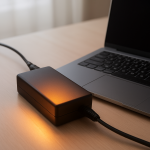
The most likely reason a charger overheats is thermal stress inside the charger: heat builds up around its power-conversion parts (like capacitors and switching components), and repeated hot/cool cycles slowly make them less efficient. As efficiency drops, more input power turns into heat, raising the temperature even further.
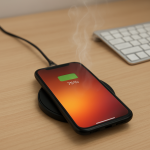
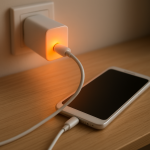
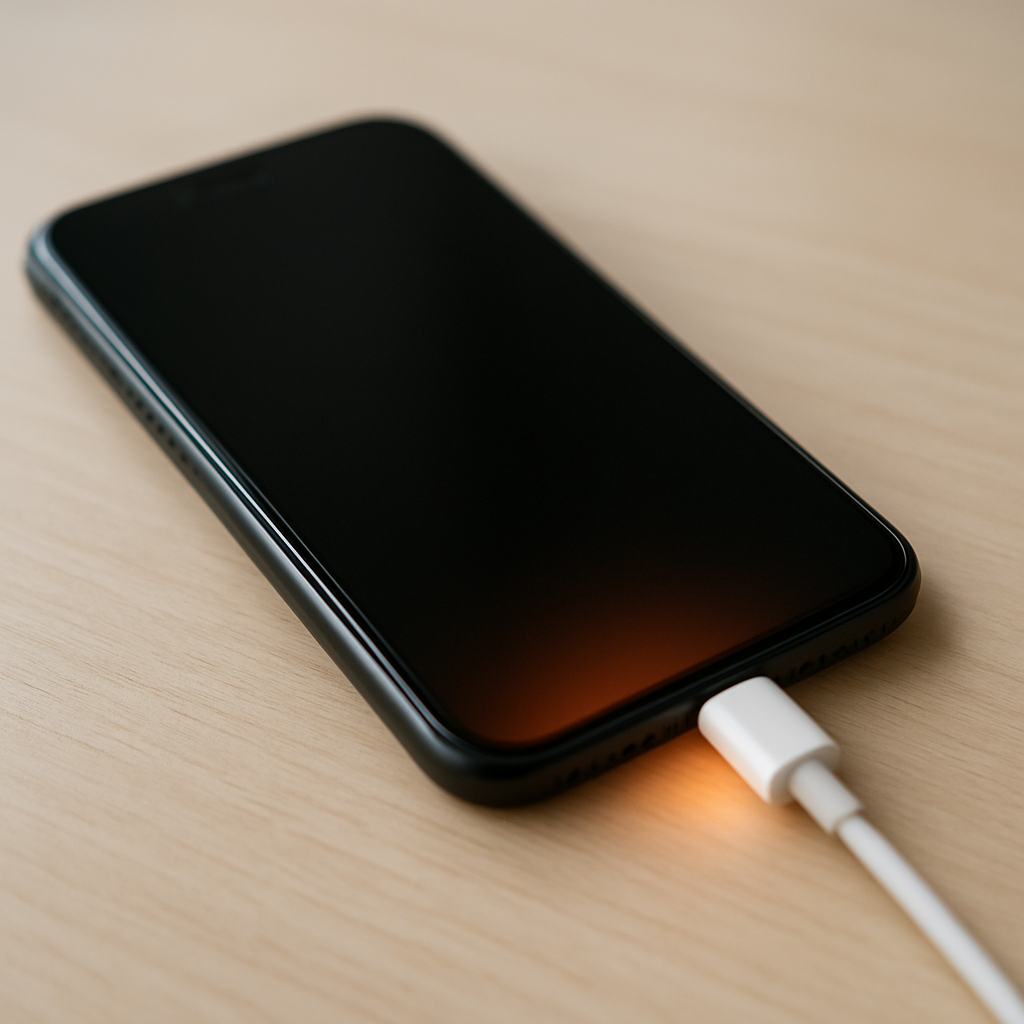
It often shows up after 10–30 minutes of charging or when you fast-charge, use the device while charging, or charge in a warm room. A charger that is “warm” can be normal, but a charger that is too hot to hold or smells odd is not.
If you need a fast fix
- Unplug the charger from the wall and the device, then let it cool on a hard, open surface for 15–30 minutes.
- Switch to a known-good cable and outlet (no power strip), then charge again and check if the heat level changes.
- Stop fast charging temporarily (if your device allows it) and avoid using the phone/tablet while charging to reduce load and heat.
Quick Diagnosis Table
| Symptom | Most likely cause |
|---|---|
| Charger gets hot within 5–10 minutes | Internal component wear causing higher heat loss, or a poor-quality/under-rated charger |
| Charger is hottest at the wall-plug end | Loose outlet fit, worn plug blades, or high resistance at the prongs creating localized heating |
| Charger is hottest near the USB port | Loose/dirty port contact or damaged cable increasing resistance and heat at the connector |
| Heat spikes during fast charging | Normal higher load combined with thermal stress, poor ventilation, or a charger not designed for that fast-charge standard |
| Charger smells like hot plastic or makes faint buzzing | Failing internal parts (thermal breakdown), poor insulation, or arcing risk |
Why This Happens
A charger converts high-voltage AC power from the wall into low-voltage DC power your device can use. That conversion is never 100% efficient, so some energy becomes heat, and that heat must leave the charger through its casing.
Over time, the charger’s internal parts experience thermal stress: they heat up during charging and cool down afterward, repeatedly. Think of it like bending a paperclip back and forth; eventually it weakens. When components like capacitors age, the charger can waste more energy as heat, making it run hotter even under the same load.
In real-world use, heat rises faster when you fast-charge a modern phone, charge a laptop from a small adapter, drape a blanket over the charger, or cram it behind a couch. The cause leads to the symptom in a simple chain: more electrical loss inside the charger → more heat → higher internal temperature → even more loss, which can accelerate failure.
Most Common Causes (Ranked)
- 1) Aged internal components (thermal stress wear): Capacitors and other power parts degrade after many heat cycles, making the charger less efficient and hotter during normal use.
- 2) Charger is overloaded for the job: Using a low-watt charger for a high-watt device (or powering the device while gaming/video calling) forces the charger to run near its limits, increasing heat and stress.
- 3) Poor ventilation and heat trapping: Chargers left under pillows, on carpet, in a hot car, or jammed behind furniture can’t shed heat, so internal temperatures climb quickly.
- 4) Cable or connector resistance: A damaged cable, loose USB-C/Lightning fit, or dirty contacts increases resistance, which creates extra heat at the plug and inside the charger.
- 5) Low-quality or counterfeit charger: Cheaper designs may run hotter even when new due to weaker internal parts and less effective thermal protection, raising safety risk as they age.
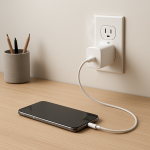
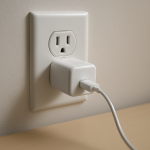
- 6) Loose wall outlet or power strip issues: A worn outlet or low-quality power strip can create a poor connection that heats the plug area and stresses the charger electrically.
If you make one change (like replacing the cable or improving airflow) and the charger becomes only mildly warm again, that gradual improvement typically indicates the issue was high resistance or heat trapping rather than immediate internal failure.
How to Check the Problem Safely
- Check 1: With the charger unplugged and cool, inspect the casing for warping, cracks, discoloration, or seam gaps that weren’t there before.
- Check 2: Feel for where the heat is concentrated during a short test charge (5 minutes). Heat at the prongs suggests outlet contact; heat at the USB port suggests cable/connector resistance.
- Check 3: Try a different wall outlet that grips the plug firmly. If the plug feels loose or wobbly in one outlet, avoid that outlet for charging.
- Check 4: Swap to a certified, known-good cable and charge the same device. A noticeable temperature drop strongly points to the original cable or connector.
- Check 5: If your device shows charging wattage or “fast charging” status, compare normal vs fast charging. If overheating happens only during fast charging, the charger may be mismatched or nearing end of life.
Safety note: If you notice a burning smell, sizzling, smoke, or the charger is too hot to touch comfortably, unplug it immediately and do not test it again.
How to Fix It
- Fix 1 (easiest): Improve airflow: place the charger on a hard surface with space around it and keep it out of sunlight. Better cooling reduces internal temperature and slows thermal stress.
- Fix 2: Replace the cable with a certified one (USB-IF for USB-C, MFi for Lightning where applicable). Lower resistance means less heat at the connector and less load stress on the charger.
- Fix 3: Match the charger to the device’s needs: use the correct wattage and fast-charge standard (USB-PD, PPS, etc.). A properly matched charger runs cooler because it doesn’t struggle at its limit.
- Fix 4: Avoid heavy use while charging and disable fast charging if overheating continues. Reducing the charging load shortens time spent at high internal temperature.
- Fix 5 (advanced/last resort): Replace the charger if overheating persists after cable/outlet changes. Sealed chargers are not safely serviceable for most users, and continued use can increase fire and shock risk as internal parts deteriorate.
Signs of Battery or Hardware Damage
- Battery swelling (screen lifting, back cover bulging, or the device rocking on a flat surface).
- Charging repeatedly stops and starts, or the device shows “accessory not supported” errors with multiple cables.
- Device gets unusually hot near the battery area even with a different charger.
- Sudden battery percentage jumps, rapid drain, or unexpected shutdowns at 20–40%.
- Burning smell, melted plastic near the charger port, or discoloration around the port.
- Crackling/buzzing from the charger, visible sparking at the plug, or scorch marks on the outlet.
- Charger or cable connector becomes too hot to touch at the tip.
When Repair Is No Longer Worth It
For most wall chargers, replacement is the safer choice once overheating becomes frequent, especially if there is any smell, buzzing, discoloration, or intermittent charging. Chargers are sealed, and internal repairs can expose you to dangerous voltage and unreliable insulation.
Use a simple value check: if the charger is off-brand, out of warranty, or costs less to replace than the potential damage to your phone or laptop, replace it. Pick a certified charger from a reputable brand with the correct wattage, because a cooler-running design reduces future thermal stress.
How to Prevent This Problem in the Future
- Use a charger with the right wattage headroom so it doesn’t run at maximum output for long periods.
- Keep chargers in open air while in use, and avoid charging on beds, couches, carpet, or inside bags where heat can’t escape.
- Replace frayed or loose cables early, since high resistance accelerates heat buildup and stresses charger components.
- Unplug chargers when not needed, especially if they feel warm while idle, which can indicate internal inefficiency.
- Limit fast charging in hot environments; heat plus fast charging increases thermal stress on both charger and device.
- Use a snug, undamaged wall outlet and avoid loose power strips that can heat at the plug connection.
- Choose certified chargers and cables; better designs typically include safer temperature control and more durable components.
FAQ
Is it normal for a charger to get warm?
Yes, mild warmth is normal because converting power creates heat. It becomes a concern if the charger is too hot to hold comfortably, the heat is increasing over time, or there is odor, buzzing, or discoloration. Those signs suggest rising internal losses from thermal stress or a connection problem.
Why does my charger overheat only when fast charging?
Fast charging pushes more power through the charger, which naturally increases heat output. If the charger is aging, poorly ventilated, or not designed for your device’s fast-charge standard, the extra load can push it into overheating. Try disabling fast charging or using a properly rated USB-PD/PPS charger to compare.
Can an overheating charger damage my phone or laptop?
Yes, it can cause unstable charging, stress the charging port, and in worst cases lead to melted connectors or battery heat issues. Many devices will slow or stop charging to protect themselves, but that doesn’t guarantee the charger is safe. If overheating persists after changing cable and outlet, replace the charger.
For a full overview of this issue and step-by-step solutions, read the complete troubleshooting guide.
Mark Reynolds writes about real-world charging and battery behavior, with a focus on clear, practical troubleshooting. For more help, read the full step-by-step guide.