
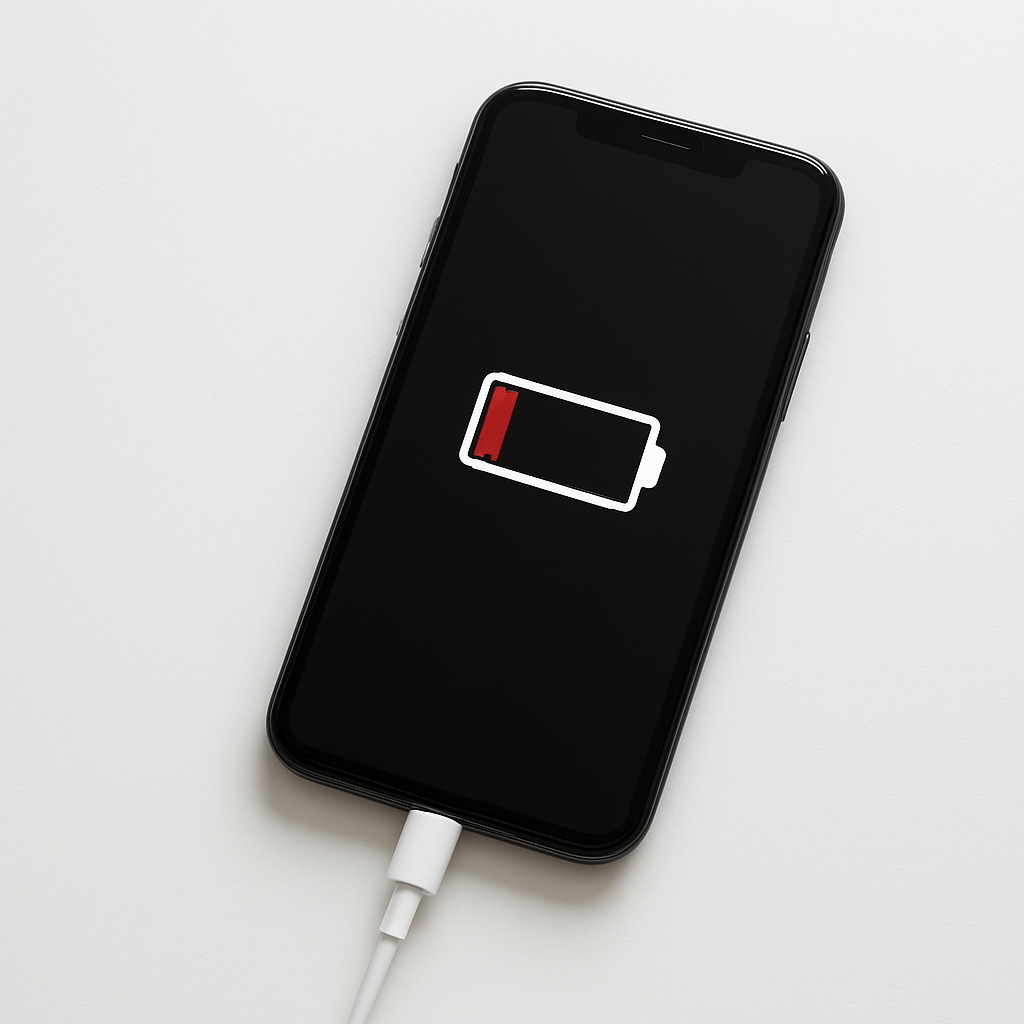
Phone Charging But Battery Still Draining — Power Input Lower Than Consumption
Quick Answer
This usually happens when your phone is using power faster than your charger can supply it. The phone shows “charging,” but the net result is still a drop in battery percentage because the charging input is too low for what the device is doing.
It’s most common during heavy use (gaming, hotspot, navigation, video calls) or when using a weak charger/cable. In many cases you’ll see the battery start rising again within 10–30 minutes after reducing usage or switching to a higher-power charger.
If you need a fast fix
- Turn on Airplane mode (or at least disable hotspot), lower screen brightness, and close games/video apps. This immediately reduces power drain so the charger can “catch up.”
- Switch to a known-good wall charger and cable (not a laptop USB port or car USB). Wall bricks usually provide more stable power.
- Let it charge with the screen off for 15–20 minutes. Screen-on charging can be slower, especially on older phones or warm devices.
Quick Diagnosis Table
| Symptom | Most likely cause |
|---|---|
| Battery percentage drops while it says “Charging” during gaming, video calls, or hotspot use | Power use exceeds charging input; the charger wattage is too low for the workload |
| Charges very slowly or drains on a laptop/PC USB port | USB ports often cap at low power; phone cannot draw enough current |
| Charging stops improving after a few minutes and the phone feels hot | Heat triggers charging throttling; phone reduces charging speed to protect the battery |
| Only happens with one cable or one adapter | Worn cable/dirty port/weak adapter causing voltage drop and reduced input |
| Battery drains while “charging” in the car, especially with navigation | Low-output car charger or poor cable; navigation + bright screen consumes more than input |
Why This Happens
Your phone is basically balancing two numbers: how much power comes in from the charger versus how much power the phone is using right now. If the phone is pulling 8–12 watts to run the screen, radios, and CPU, but your charger setup is only delivering 5 watts (or less due to a bad cable), the battery has to supply the difference.
Real-life examples are common: streaming video while the brightness is high, using 5G in a low-signal area, or running a hotspot while also charging. Another frequent situation is plugging into a computer USB port, a cheap car adapter, or a worn cable that can’t carry enough current.
Cause → symptom is simple: low charging input plus high usage equals a negative “net charge,” so the percentage drops even though the charging icon appears.
Most Common Causes (Ranked)
- 1) Low-power charger or USB port: Many ports and older chargers deliver too little power for modern phones, especially when the screen is on and the phone is busy.
- 2) Charging cable quality or damage: A frayed or thin cable can limit current and create voltage drop, reducing actual power even if the charger is good.
- 3) High power use while charging: Gaming, hotspot, navigation, camera use, and video calls can easily outpace basic charging, making the battery slowly drain.
- 4) Heat throttling: If the phone gets warm (sunlight, car dashboard, heavy apps), it may intentionally slow charging to protect the battery, lowering input further.
- 5) Dirty or loose charging port: Lint or corrosion prevents a solid connection, causing intermittent charging or reduced power delivery.
- 6) Charging standard mismatch: Some phones need specific fast-charge standards (USB-C PD, PPS, Quick Charge). Without the right one, charging falls back to a slower mode.
If you reduce usage or switch to a better charger and the battery begins to climb steadily, that gradual improvement usually means the phone and battery are fine and the limitation was power input.
How to Check the Problem Safely
- Check 1: Look at what you’re plugged into. If it’s a computer, TV USB port, power bank, or car USB port, try a wall charger instead.
- Check 2: Swap the cable first. Use a short, reputable cable (especially for USB-C fast charging), then see if the battery stops dropping within 5–10 minutes.
- Check 3: Check for heat. If the phone feels hot, unplug it, remove the case, move to a cooler area, and try charging again after it cools down.
- Check 4: Inspect and clean the charging port. Power off the phone, then gently remove lint using a wooden toothpick or soft brush (no metal tools).
- Check 5: Verify the charging speed indicator. Some phones show “Charging” vs “Fast charging” or “PD.” If it never shows fast charging with your adapter, the setup may not support it.
Safety note: avoid charging on soft surfaces (beds/couches) and stop if you notice burning smells, extreme heat, or a swollen battery.
How to Fix It
- Fix 1 (easiest): Charge with the screen off and close heavy apps. This lowers consumption so the same charger can refill the battery instead of merely slowing the drain.
- Fix 2: Use the correct wall charger for your phone. For many modern phones, that means a USB-C Power Delivery charger (often 18–30W or higher) so input can exceed normal use.
- Fix 3: Replace the cable with a certified, higher-quality one. A good cable reduces power loss and helps the phone negotiate fast charging properly.
- Fix 4: Reduce “while charging” drain: turn off hotspot, switch from 5G to LTE if signal is weak, lower brightness, and disable GPS-heavy apps. These steps can cut usage enough to reverse the net drain.
- Fix 5 (advanced/last resort): Check battery health and background activity in Settings. If battery health is poor or an app is constantly using CPU/GPS, update/uninstall it or consider a battery replacement if the phone can’t hold charge even when idle.
Signs of Battery or Hardware Damage
- Battery percentage drops rapidly even when the phone is idle and not plugged in.
- The phone gets unusually hot during light tasks or while charging with a good charger.
- Charging repeatedly starts and stops when the cable is not moving.
- The charging port feels loose, the cable won’t “click” securely (USB-C), or it only charges at certain angles.
- Battery percentage jumps (for example, 35% to 20%) or shuts off at 20–40%.
- Visible swelling, screen lifting, or the back cover separating from the frame.
- Severe slowdowns and unexpected restarts during charging or high load.
When Repair Is No Longer Worth It
If the fix requires both a battery replacement and a charging port repair, the cost can approach the value of an older phone. For devices with multiple years of use, heavy wear, or other issues (cracked screen, poor performance), replacement often makes more sense.
As a rule, if repair costs exceed about 30–50% of what a comparable replacement phone would cost, consider upgrading. If it’s a newer phone, a battery or port repair is usually worth it, especially if you can confirm the issue is hardware rather than charger/cable.
How to Prevent This Problem in the Future
- Use a charger that matches your phone’s fast-charging standard (USB-C PD/PPS where applicable).
- Buy quality cables and replace them when they feel loose, get hot, or show wear at the ends.
- Avoid heavy use while charging when possible, especially gaming, hotspot, and navigation with max brightness.
- Keep the phone cool while charging: remove thick cases, don’t leave it in sunlight, and avoid charging on bedding.
- Clean the charging port occasionally to prevent lint buildup that reduces contact quality.
- If signal is weak, use Wi-Fi when available or switch from 5G to LTE to reduce power draw.
- Keep apps and the OS updated, and remove apps that run constantly in the background.
FAQ
Why does my phone say “charging” but the percentage still goes down?
“Charging” only means power is connected, not that the battery is gaining net charge. If the phone is using more power than the charger is delivering, the battery fills the gap and the percentage drops. This is most common with low-power chargers, weak cables, heat throttling, or heavy usage.
Will a higher-watt charger damage my phone?
No, as long as it’s a reputable charger that follows the proper USB standards. Your phone controls how much power it accepts, so a higher-watt charger mainly provides more available capacity. The main risk comes from low-quality or counterfeit chargers that can be unstable.
Why is charging worse in the car or on a power bank?
Many car USB ports and budget adapters provide limited power, and some power banks reduce output under heat or low battery. At the same time, car use often includes navigation, high brightness, and poor signal, which increases consumption. Using a quality car charger (higher output) and a good cable usually fixes it.
For a full overview of this issue and step-by-step solutions, read the complete troubleshooting guide.
If you’re dealing with repeated battery issues, Mark Reynolds recommends focusing on simple checks before assuming hardware failure. You can find a broader breakdown in the battery troubleshooting guide.





