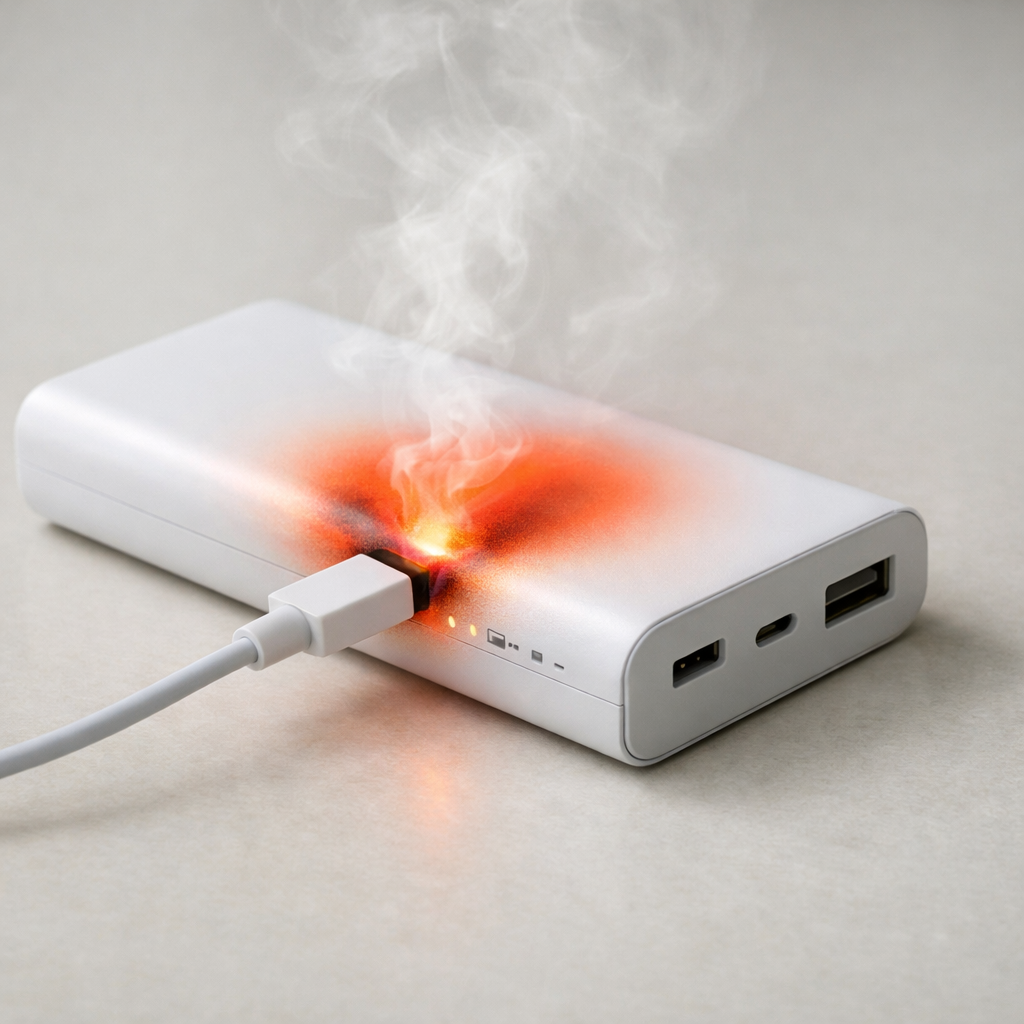
Power Bank Overheating When Plugged In — Charging Stress or Internal Fault?
Quick Answer
The most common reason a power bank overheats while it’s plugged in is an aging battery cell that now “leaks” energy internally (higher self-discharge) and wastes more power as heat while charging or pass-through charging. As cells age, they become less efficient, so the same charging current creates more heat than it used to.
Warmness is normal, but it should not get uncomfortably hot or keep heating up after 10–20 minutes. If overheating starts recently on an older power bank (or one used daily), it often shows up gradually over weeks, along with shorter runtime and slower charging.
If you need a fast fix
- Unplug it now, stop charging and stop powering devices, and let it cool on a non-flammable surface for 30–60 minutes.
- When you retry, use a lower-power charger and cable (for example 5V/1–2A) and avoid pass-through charging (charging the bank while charging a phone).
- Move it to open air (not under pillows, in a bag, or on a car seat) and remove any case so heat can escape.
Quick Diagnosis Table
| Symptom | Most likely cause |
|---|---|
| Gets hot even with nothing connected, just charging | Aging cells with increased self-discharge or internal resistance causing heat during charging |
| Gets much hotter during pass-through charging | High load plus charging stress; converter losses and aged cells magnify heat |
| Charges to 100% quickly but drains fast | Reduced real capacity from cell aging; the gauge is optimistic but the cell can’t hold energy |
| Only overheats with a fast charger (PD/QC) | Higher charging power pushes weak cells and warms the boosting/charging circuitry |
| Intermittent hot spots near one end or the port area | Loose/damaged port, poor internal connection, or failing control board creating localized heating |
Why This Happens
A power bank turns wall power into battery charging power, then later turns battery power into USB power. Every conversion creates some heat, but a healthy pack stays only mildly warm because the battery and electronics are efficient.
As lithium cells age, they typically develop higher internal resistance and higher self-discharge. In everyday terms, that means more of the incoming charging energy is wasted as heat inside the cell, and more energy “vanishes” over time even when you are not using it.
When an aged cell is charged at the same speed as before, it can’t accept energy as cleanly, so the charger works harder, the battery warms, and the power bank may repeatedly top off and regulate. That extra work shows up as overheating, shorter runtime, and sometimes a battery percentage that jumps around.
Most Common Causes (Ranked)
- 1) Aged battery cells (higher self-discharge and resistance): Older cells waste more energy as heat while charging and may keep “pulling” charge because they can’t hold it well anymore.
- 2) Pass-through charging stress: Charging the power bank while it charges a phone makes it act like a tiny power supply and battery at the same time, which increases heat, especially with aged cells.
- 3) Fast charging pushing a weak pack: USB-C PD/QC can drive higher power; if the cells are tired, the same wattage creates more heat and the controller may throttle or cycle.
- 4) Poor cable, loose port, or dirty connector: Extra resistance at the plug or inside the port turns power into heat near the connector and can cause unstable charging.
- 5) High ambient temperature or blocked airflow: A warm room, direct sun, a car, or charging inside a bag traps heat and makes normal warmth turn into overheating.
- 6) Internal hardware fault (charging board or protection circuit): A failing component can waste power continuously or mismanage charging, often creating a hot spot and unpredictable behavior.
If the overheating improves when you lower charge speed and stop pass-through charging, that usually indicates charging stress and aging rather than a sudden catastrophic failure.
How to Check the Problem Safely
- Check 1: Feel for where the heat is strongest after 5–10 minutes of charging (ports, center of the pack, or one end). A single hot spot near a port suggests a connection issue.
- Check 2: Charge with nothing connected to the outputs. If it still gets hot quickly, the battery or charging circuit is likely the issue, not the phone.
- Check 3: Try a slower charger (5V/1–2A) and a different cable. If heat drops a lot, the pack may be struggling at higher power or the original cable/charger is adding resistance.
- Check 4: Compare behavior at different fill levels. Many weak packs heat more when charging from low (0–20%) or when topping off near full; note when it’s worst.
- Check 5: Check runtime: fully charge it, then power a known device (or the same phone) the same way as before. If you get far fewer charges than you used to, capacity loss from aging is likely.
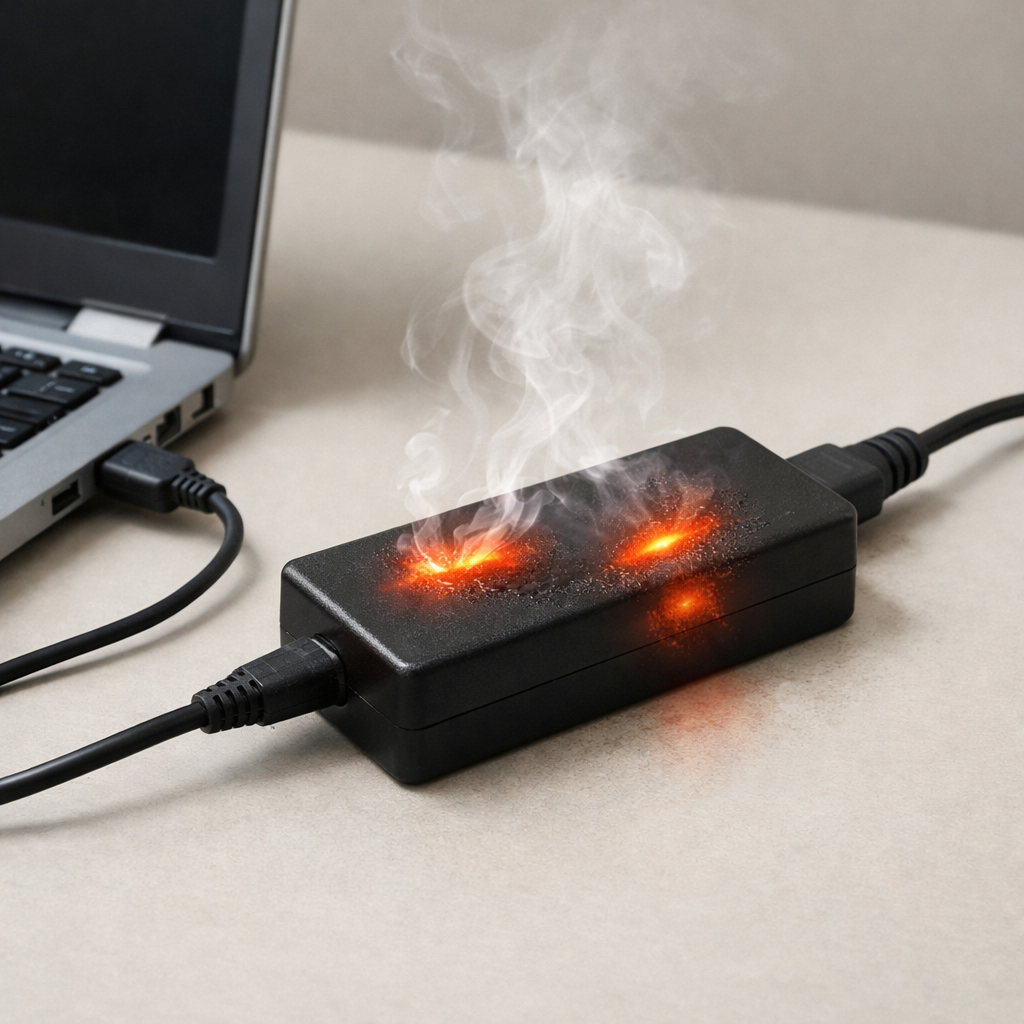
Safety note: if it becomes too hot to hold, smells odd, swells, or makes clicking/hissing sounds, stop immediately and move it to a fire-safe area.
How to Fix It
- Fix 1 (easiest): Stop pass-through charging and charge devices only after the bank is unplugged. This reduces peak heat by avoiding “charge and discharge at the same time.”
- Fix 2: Use a lower-power charger and cable for a few cycles. Slower charging is gentler on aged cells and often cuts overheating dramatically.
- Fix 3: Improve cooling: charge on a hard surface with airflow and keep it out of sun or hot cars. Lower temperature reduces stress and slows further cell aging.
- Fix 4: Clean and stabilize the connection: gently remove lint from the port, try a snug cable, and avoid wiggling the plug while charging. Less resistance at the connector means less heat near the port.
- Fix 5 (advanced/last resort): If it’s a quality, serviceable model, consider professional battery replacement or authorized service. Replacing cells can solve heat from self-discharge, but DIY repair is risky and not recommended for sealed packs.
Signs of Battery or Hardware Damage
- Swollen case, bulging seams, or the power bank rocking on a flat surface.
- Strong chemical or “sweet” smell, or any new burning/plastic odor.
- Too hot to comfortably hold, especially if it heats up within a few minutes.
- Crackling, hissing, popping, or buzzing sounds while charging.
- Random shutdowns, rapid percentage jumps, or it never reaches full without restarting.
- Scorch marks, melted plastic near the port, or a cable connector that becomes very hot.
- Visible corrosion, liquid ingress, or damage from a drop followed by new overheating.
When Repair Is No Longer Worth It
If the power bank is overheating due to cell aging, the “repair” is effectively a battery replacement, and many consumer packs are sealed and not designed for safe servicing. If you see swelling, smell, or repeated overheating even on slow charge, replacement is the safer choice.
As a rule, if the pack is more than a couple of years old, has noticeably reduced capacity, and can’t charge without getting uncomfortably hot, money spent on troubleshooting accessories often adds up quickly. Put that cost toward a newer power bank with better thermal design and protections.
How to Prevent This Problem in the Future
- Avoid pass-through charging as your daily habit; it adds heat and accelerates aging.
- Prefer moderate charging power for routine use, saving fast charging for occasional needs.
- Keep it cool: don’t charge in direct sun, in a car, under blankets, or inside a tightly packed bag.
- Store around 40–70% charge if you won’t use it for weeks; full storage can speed aging.
- Don’t run it to 0% every time; frequent deep discharges can stress cells and increase self-discharge as they age.
- Use reputable cables and chargers to avoid connector heating and unstable charging behavior.
- Replace the power bank when capacity drops sharply or it starts running warmer than it used to during normal charging.
FAQ
Is it normal for a power bank to get warm while charging?
Yes, mild warmth is normal because charging and voltage conversion create some heat. It should level off and stay comfortably warm, not keep climbing. If it becomes hot to the touch or heats up much more than it used to, aging cells or a hardware issue is likely.
Why does it overheat more when charging my phone at the same time?
That’s pass-through charging, and it makes the power bank do two jobs at once: charge its battery and power your phone. The extra conversion losses create more heat, and aged cells handle this poorly. If overheating happens mainly in this mode, stop using pass-through charging.
Can an old power bank become dangerous even if it still works?
It can, especially if the cells have aged to the point of high self-discharge, swelling, or excessive heating. “Still works” may just mean it can deliver power, not that it’s operating safely. If you notice swelling, strong odor, very high heat, or unstable charging, stop using it and replace it.
Most battery issues are easier to understand once you break them down step by step. That’s the approach Mark Reynolds takes across all troubleshooting guides. For more details, visit the complete guide.
For a full overview of this issue and step-by-step solutions, read the complete troubleshooting guide.