Power Bank Overheating Fix — Safe Cooling and Usage Practices
Quick Answer
The most common reason a power bank overheats is unstable charging control circuitry, where the internal charge controller keeps “hunting” for the right voltage/current and repeatedly ramps power up and down. That oscillation wastes energy as heat inside the power bank, especially around the control board and output regulators.
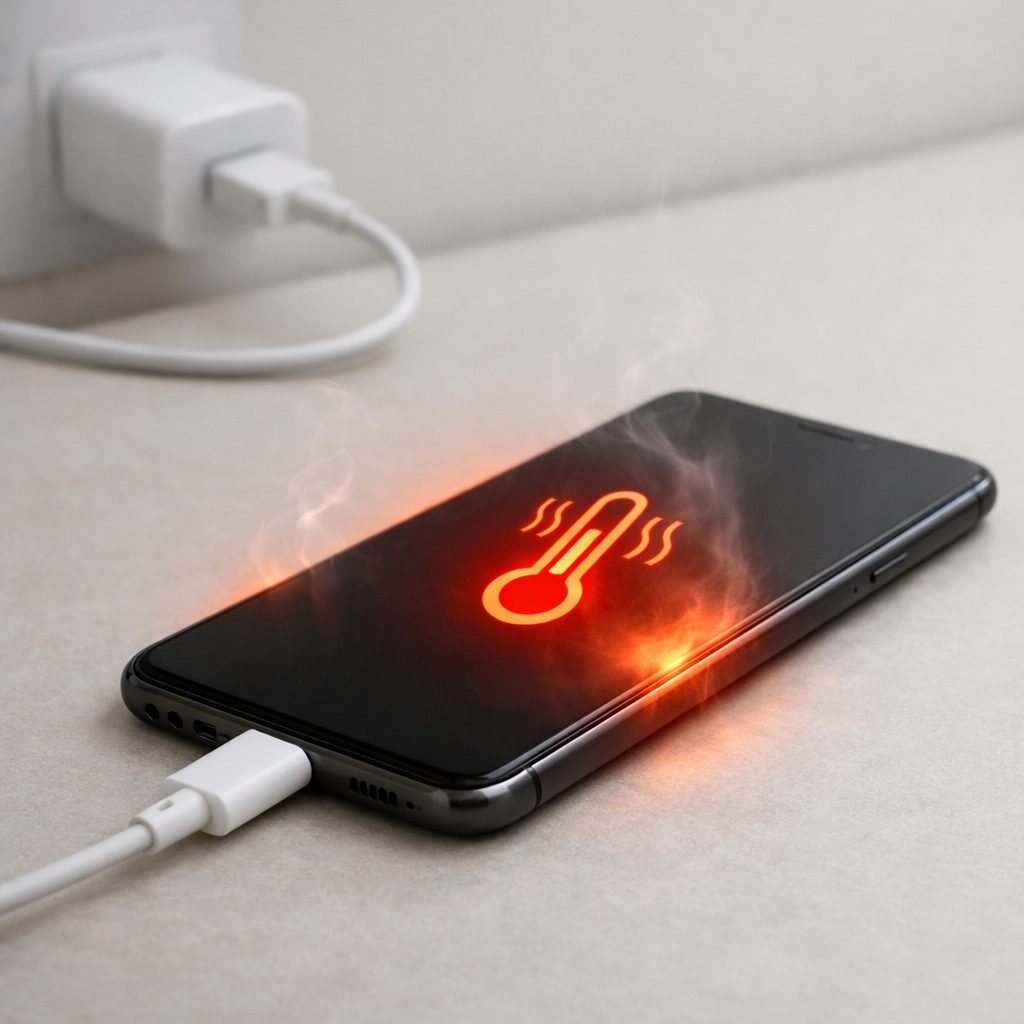
This usually shows up within the first 5–20 minutes of charging a phone or charging the power bank itself, and it often gets worse with fast-charging modes. Mild warmth is normal, but noticeable heat that keeps increasing is a sign the control circuit is not regulating smoothly.
If you need a fast fix
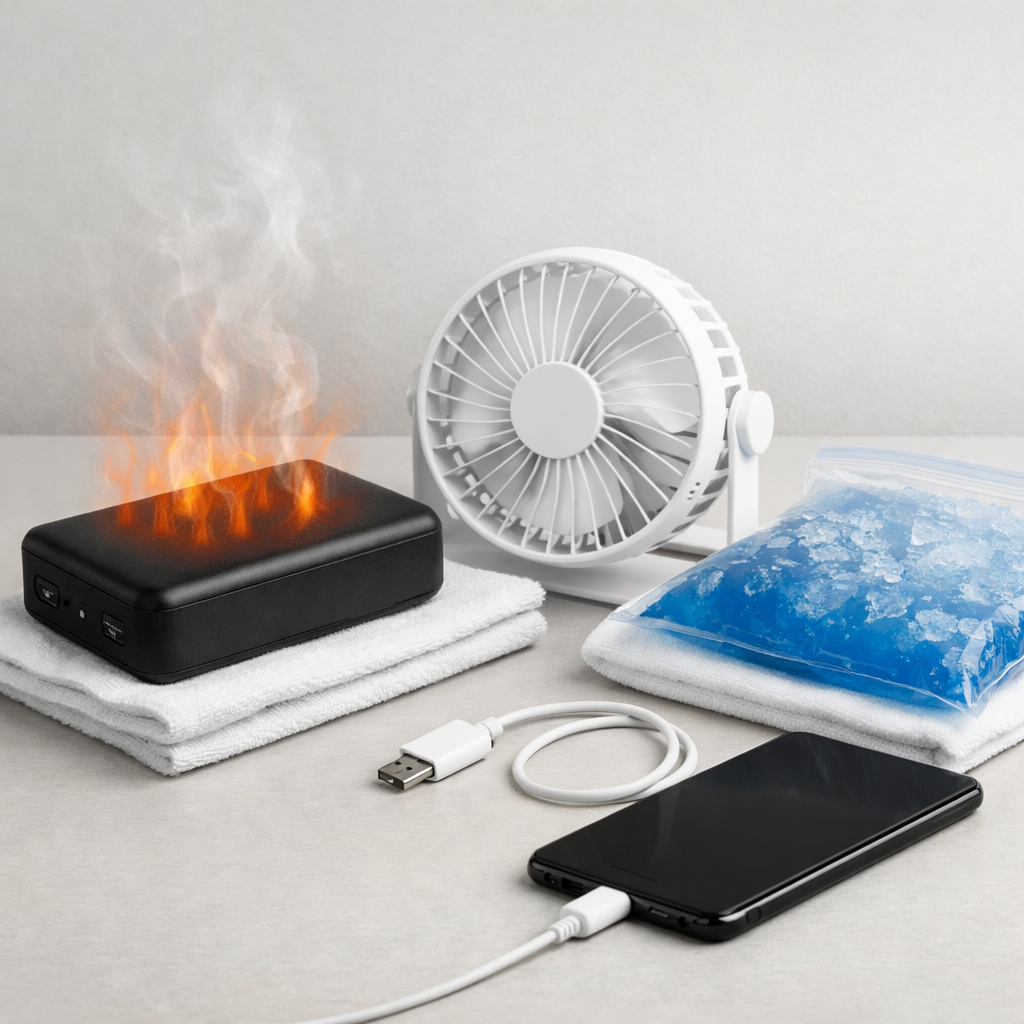
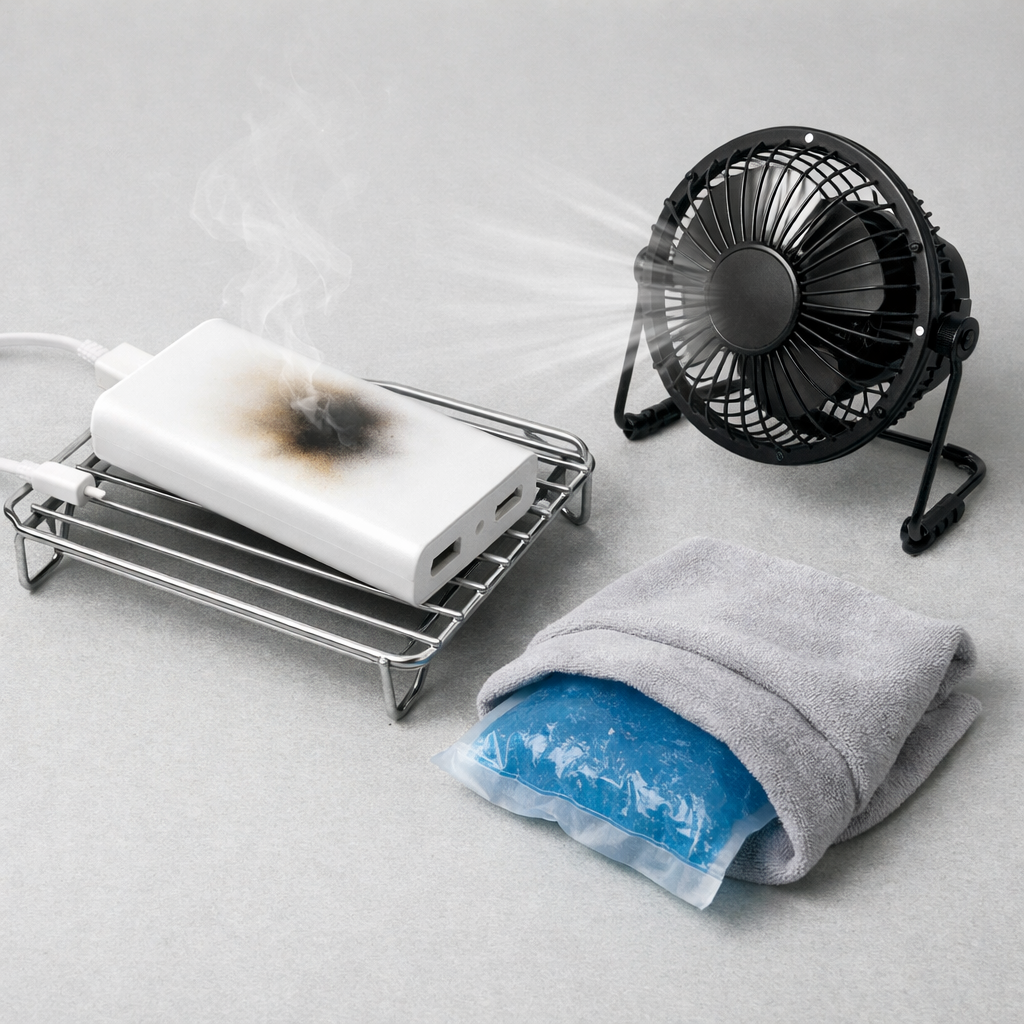
- Disconnect everything, place the power bank on a hard, non-flammable surface, and let it cool for 20–30 minutes.
- Switch to a slower setup: use a basic 5V charger and cable (no fast-charge), then try again while monitoring temperature.
- Remove insulating factors: take it out of pockets/bags, avoid direct sunlight, and do not charge under a pillow, blanket, or on a couch.
Quick Diagnosis Table
| Symptom | Most likely cause |
|---|---|
| Heats up quickly only when fast-charging a phone | Charging controller instability during negotiation (USB-C PD/QC), causing repeated power ramping |
| Heats up while charging the power bank, even with nothing plugged into it | Input regulation instability or a failing charge controller constantly correcting current |
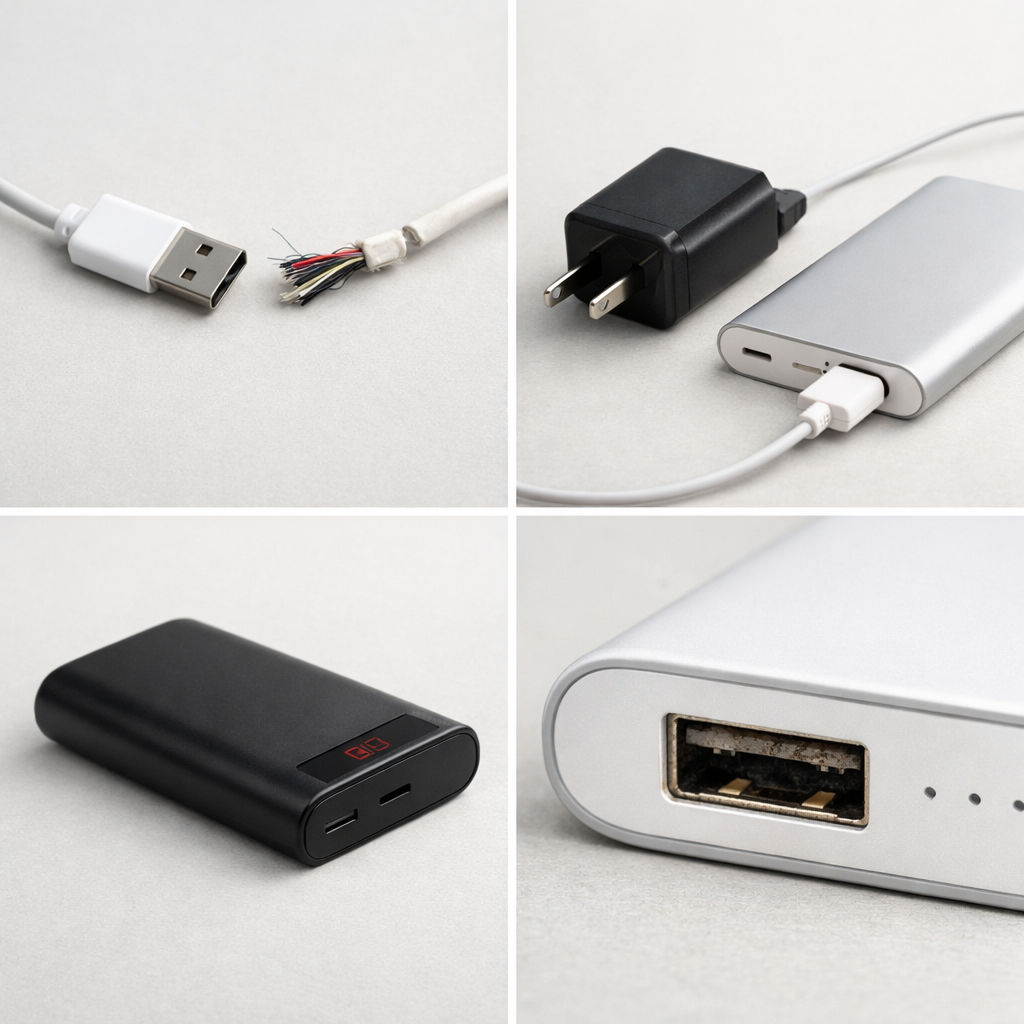
| Port or cable end is hottest spot | High resistance at the connector or cable causing extra load on the control circuitry |
| Charging starts/stops or output “blinks” on and off | Protection circuit tripping due to unstable current control or noisy power delivery |
| Gets warmer than usual after a drop or impact | Internal board/connector damage leading to unstable regulation and inefficient power conversion |
Why This Happens
A power bank has a charging controller and power conversion circuits that decide how much power to pull in (when charging the bank) and how much to push out (when charging your devices). If that control system becomes unstable, it keeps making rapid corrections instead of holding a steady level.
In real life, this can happen when a phone requests fast charging, the power bank tries to comply, and the voltage/current “handshake” keeps renegotiating. You may notice the phone repeatedly showing and hiding “fast charging,” or the power bank’s display jumping between outputs.
Those constant corrections make the power bank work harder than it should, and the extra wasted energy becomes heat, which you feel on the case.
Most Common Causes (Ranked)
- 1) Cause: Fast-charge negotiation mismatch (USB-C PD, QC, PPS) that makes the controller oscillate between power levels instead of settling.
- 2) Cause: Poor cable quality or a worn connector adding resistance and “noise,” which pushes the controller to overcompensate and run hotter.
- 3) Cause: Weak or incompatible wall charger while charging the power bank, causing the input side to dip and recover repeatedly (a common trigger for unstable control loops).
- 4) Cause: Aging components on the power bank’s control board (regulators, sensing resistors, port solder joints) that make voltage/current readings less accurate.
- 5) Cause: Using both input and output at once (pass-through charging), which stresses the controller and can cause unstable regulation on cheaper models.
- 6) Cause: High ambient heat or trapped heat (bag, car, bed) that reduces cooling and makes normal warmth turn into overheating.
If the power bank runs cooler after switching cables/chargers or disabling fast charging, that gradual improvement usually indicates the battery cells are fine and the issue is mostly regulation and load handling.
How to Check the Problem Safely
- Check 1: Confirm where the heat is: gently feel the case near the output ports versus the center. Port-area heat points to resistance or regulation stress rather than the cells.
- Check 2: Try a slow-charge test: charge one device using a 5V/2A (or lower) mode and see if temperature stays only mildly warm after 15 minutes.
- Check 3: Swap one thing at a time: test a different cable first, then a different device, then a different wall charger (for charging the power bank). Note which change reduces heat.
- Check 4: Watch for instability signs: charging starts/stops, display wattage jumps, or the phone toggles between charging types. These are strong clues of control circuitry instability.
- Check 5: Check for pass-through use: if you are charging the power bank while it charges your phone, stop and test again with only one direction of charging.
If the case is too hot to hold comfortably, unplug immediately and let it cool in open air before any further testing.
How to Fix It
- Fix 1 (easiest): Disable fast charging by using a standard 5V charger/port and a basic cable. This reduces negotiation complexity and often stops the controller from “hunting.”
- Fix 2: Replace the cable with a known good, rated cable (USB-C to USB-C for PD, or USB-A to USB-C for 5V charging). Lower resistance and better shielding helps the controller measure and regulate correctly.
- Fix 3: Use a higher-quality wall charger to charge the power bank (from a reputable brand, with adequate wattage). A stable input prevents repeated voltage dips that trigger heating and cycling.
- Fix 4: Avoid pass-through charging and high-load combos (charging a tablet plus a phone at once). Keeping load steady reduces regulator stress and keeps the control loop stable.
- Fix 5 (advanced/last resort): If overheating happens across multiple cables, devices, and slow-charge mode, retire the unit. Control-board faults are not safely DIY-repairable in sealed lithium packs, and continued use risks cell damage.
Signs of Battery or Hardware Damage
- Swelling, bulging seams, or the case no longer sits flat on a table.
- Hissing, popping, cracking sounds, or a sharp chemical smell.
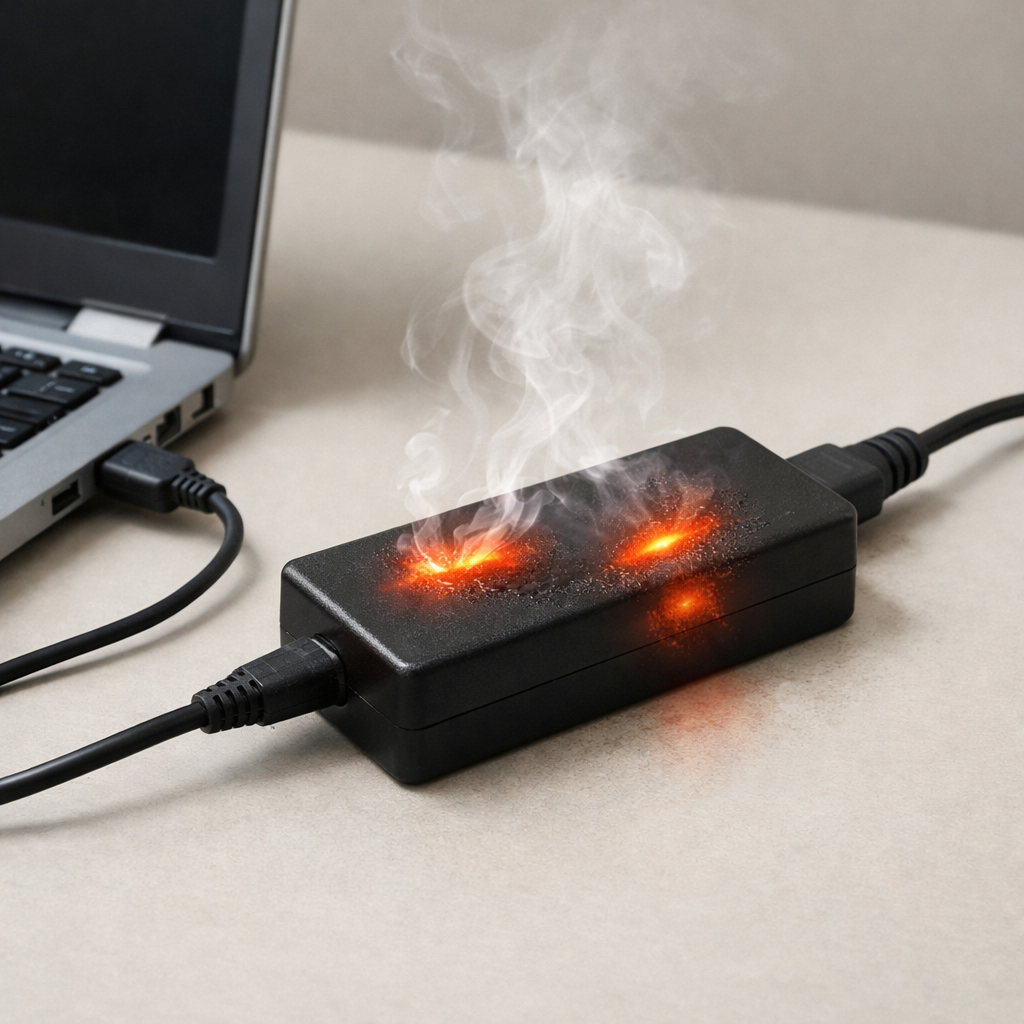
- Discoloration around ports, melted plastic, or scorching on the case.
- Power bank shuts off under light loads or becomes extremely hot within minutes at low power.
- It only charges to a certain percentage, then stalls or rapidly drops from high to low.
- Visible corrosion in the port or a loose/wobbly connector that changes behavior when touched.
- It was exposed to water, left in a hot car, or dropped hard and now runs noticeably hotter than before.
When Repair Is No Longer Worth It
If a power bank overheats even in slow 5V mode with a good cable, or it shows any swelling, smell, or melted-port signs, replacement is the safer choice. The parts involved are sealed with lithium cells, and “opening it up” typically creates more risk than value.
As a rule, replace it if the cost of a reputable new power bank is close to any repair attempt, or if you rely on it daily. Paying for quality control and stable regulation is usually cheaper than replacing a damaged phone cable, port, or device later.
How to Prevent This Problem in the Future
- Use cables rated for the power level you use (especially for USB-C PD), and replace cables that feel loose or run hot at the connector.
- Match the charger to the power bank’s input spec so the controller gets a stable supply and does not cycle.
- Avoid pass-through charging unless the power bank explicitly supports it and stays cool during use.
- Prefer moderate charging speeds for long sessions; fast charging is convenient, but it pushes the controller and conversion circuits harder.
- Keep the power bank in open air while charging and avoid heat traps like bags, beds, sofas, and dashboards.
- Do not leave it plugged in for days; periodic top-ups reduce controller “float” behavior and heat soak.
- Buy power banks with good thermal design and protections (temperature monitoring and certified USB-C PD implementations), not just high capacity numbers.
FAQ
Is it normal for a power bank to get warm?
Yes, mild warmth is normal because converting voltage and charging lithium cells always creates some heat. It should level off, not keep climbing, and it should never become too hot to hold comfortably. Rapid heating or cycling on/off is not normal.
Why does it overheat only with one phone or laptop?
That usually points to fast-charge negotiation and compatibility, not just the power bank itself. Some devices request specific PD/PPS profiles, and if the power bank can’t hold that profile steadily, the controller may oscillate and generate heat. Try slow charging or a different cable to confirm.
Should I put an overheating power bank in the fridge or freezer?
No, rapid cooling can cause condensation inside ports and seams, which can create corrosion or short circuits later. The safest approach is to unplug it and let it cool naturally on a non-flammable surface with good airflow. If it keeps overheating after cooling and retesting, replace it.
Mark Reynolds covers common battery and charging problems with straightforward explanations and real-world context. For more detailed steps, visit the full guide here.
For a full overview of this issue and step-by-step solutions, read the complete troubleshooting guide.