Phone Charging Slow With Fast Charger — Compatibility or Power Negotiation Failure?
Quick Answer
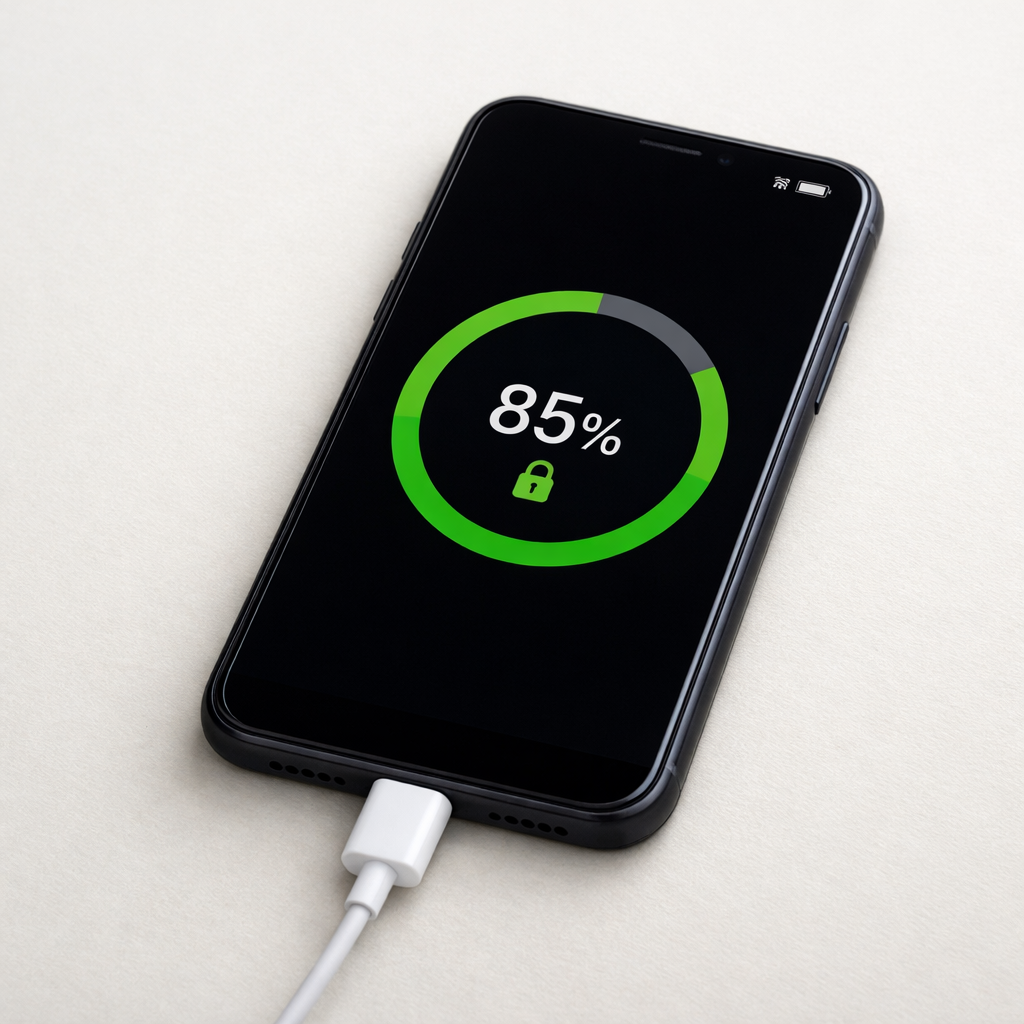
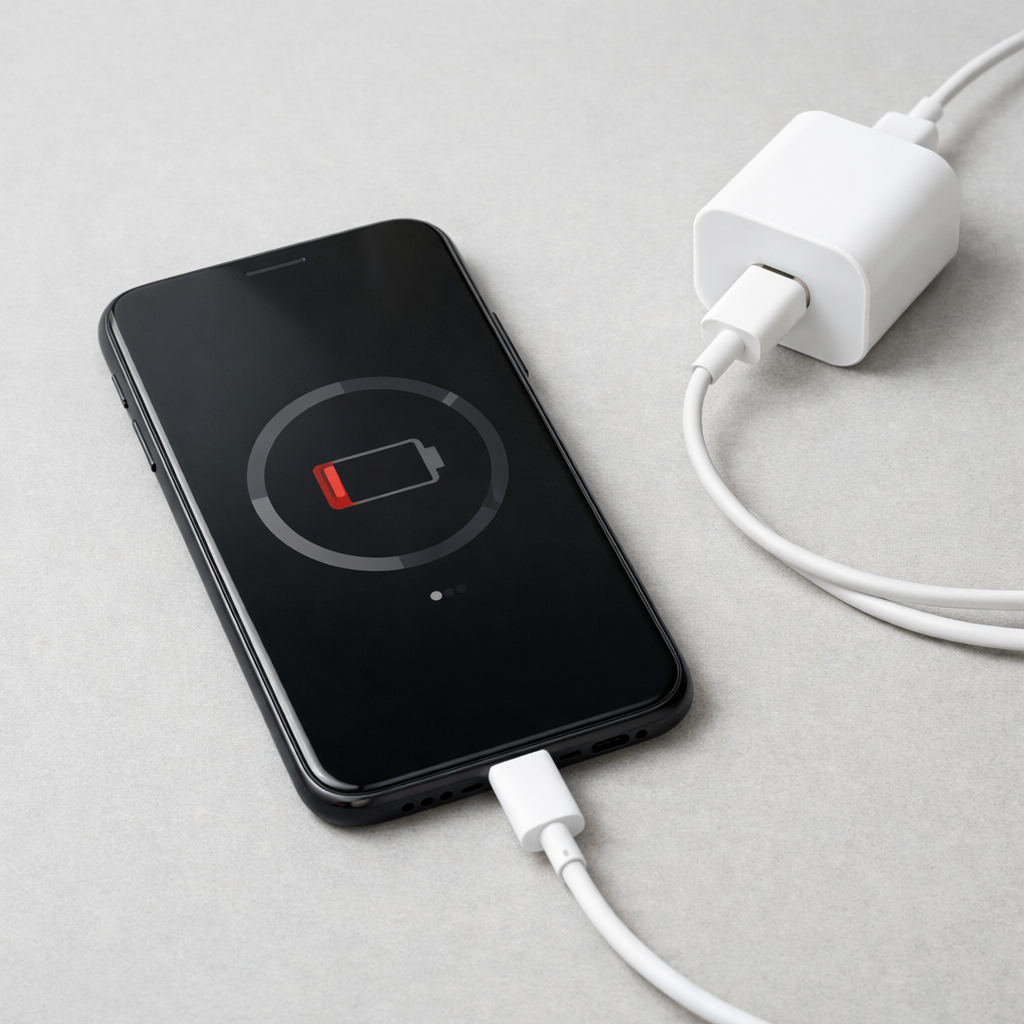
Most “slow charging with a fast charger” issues happen because the phone and charger don’t agree on a fast-charging mode. When power negotiation fails, the charger falls back to basic charging (often 5V) to stay safe, which feels slow even though the charger is labeled “fast.”
This usually means a mismatch in fast-charge standards (USB Power Delivery, Quick Charge, proprietary modes) or a cable/port issue that blocks the handshake. On many modern phones, a normal full charge on basic power can take 2.5–4+ hours, while true fast charging is often closer to 1–2 hours depending on battery size and heat.
If you need a fast fix
- Use a different cable you trust (preferably the original or an e-marked USB-C cable) and plug directly into a wall outlet.
- Unplug, reboot the phone, then reconnect and keep the screen off for 10–15 minutes to confirm the speed improves.
- Try a different charger brand or a known USB-PD charger if your phone supports PD (many Android phones and iPhones do).
Quick Diagnosis Table
| Symptom | Most likely cause |
|---|---|
| Charger says “Fast” but phone shows “Charging” only | Fast-charge negotiation failed, so it falls back to basic power |
| Fast charging works sometimes, not others | Cable quality or port contact issue causing handshake to fail intermittently |
| Charges fast on one charger but slow on another | Incompatible fast-charging standard (PD vs QC vs proprietary) |
| Charging gets slow after a few minutes | Thermal throttling or battery management reducing power to protect the phone |
| Slow charging mainly in car or power strip | Weak adapter, shared outlet, or unstable power causing fallback |
Why This Happens
Fast charging is not just “more watts.” The phone and charger have to communicate and agree on a safe voltage and current level before higher power is allowed.
For example, a USB-C PD charger may offer several power “profiles,” but the phone must request one it supports. If the phone supports 9V PD but the cable is poor quality, the charger may refuse the higher profile and stick to 5V to avoid overheating the cable.
When the negotiation fails or the connection is unstable, you get the symptom: a fast charger that behaves like a basic charger, leading to longer charge times.
Most Common Causes (Ranked)
- 1) Fast-charging standard mismatch: The charger may support USB-PD while the phone expects Quick Charge or a brand-specific protocol, so they never enter fast mode.
- 2) Cable can’t handle fast charging: Some cables are charge-only, damaged, or not rated for the needed current, which can block proper power negotiation.
- 3) Dirty, loose, or worn charging port: Poor contact increases resistance and causes the phone and charger to “play it safe” and reduce power.
- 4) Heat or battery protection throttling: If the phone is warm, charging while gaming, or in a hot car, the system limits charging speed even with a perfect charger.
- 5) Charger not delivering its rated output: Counterfeit or aging adapters may advertise high wattage but fail under load and drop to a lower mode.
- 6) USB-A to USB-C limitations: Many “fast” claims rely on specific USB-A protocols, and some phones only fast-charge reliably with USB-C PD.
If charging gradually improves after changing the cable or cleaning the port, that’s usually a good sign the battery is fine and the issue was connection or negotiation-related.
How to Check the Problem Safely
- Check 1: Look at the phone’s charging status message (for example “Fast charging,” “Super fast charging,” or just “Charging”) and note if it changes when you swap cables.
- Check 2: Try a known-good wall outlet (not a power strip) and test the same charger in that outlet for 10 minutes with the screen off.
- Check 3: Swap one item at a time: first cable, then charger, then outlet. This helps you identify the single weak link.
- Check 4: Inspect the cable ends and port for lint, corrosion, or looseness. If the plug wiggles easily or disconnects with a light touch, the port may be worn.
- Check 5: If your phone has a battery/charging history screen or a built-in diagnostic tool, check whether it reports “slow charging” or “moisture/debris detected.”
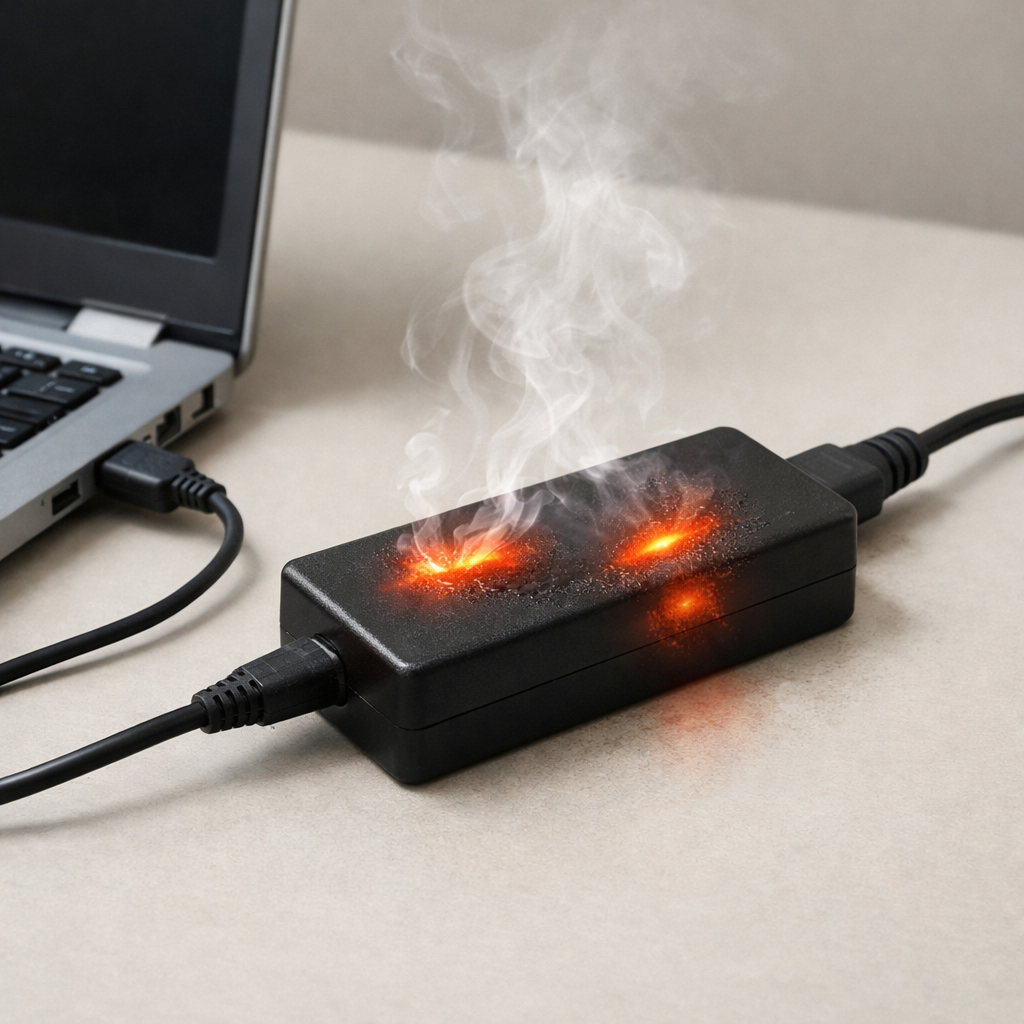
Safety note: if you see melting, sparking, a burning smell, or the connector becomes too hot to touch, stop charging and replace the charger/cable immediately.
How to Fix It
- Fix 1 (easiest): Use the original cable and adapter (or a certified equivalent). It helps because the phone is most likely to negotiate correctly with known-compatible gear.
- Fix 2: Switch to a quality USB-C Power Delivery charger if your phone supports PD. PD is the most widely compatible fast-charging standard for modern devices.
- Fix 3: Replace the cable with the right type for your charger and wattage. For higher power, choose a reputable USB-C to USB-C cable that supports PD and, if needed, 5A with e-marker.
- Fix 4: Clean the charging port carefully and improve the connection. Power off the phone, gently remove lint with a wooden or plastic toothpick, then try charging again to restore stable negotiation.
- Fix 5 (advanced/last resort): Update the phone’s software and reset charging-related settings if available. Firmware updates can improve charging compatibility, and a settings reset can clear a stuck “slow charge” behavior.
Signs of Battery or Hardware Damage
- Battery percentage jumps, drops, or stalls for long periods even on a known-good charger.
- The phone gets unusually hot during charging (warm is normal, hot is not).
- Charging only works at certain angles or disconnects with slight movement.
- Port looks damaged, loose, discolored, or smells burnt.
- The phone reports moisture/debris warnings repeatedly when the port is dry and clean.
- Battery drains quickly even after a full charge, especially after unexpected shutdowns.
- Swelling, screen lifting, or the back panel bulging.
When Repair Is No Longer Worth It
If the issue is a worn charging port, repair can be worth it on mid-range and premium phones, but it depends on cost and the phone’s overall condition. If the phone also has poor battery health, random shutdowns, or multiple physical issues, repairs can stack up quickly.
As a rule, if repair costs approach 30–50% of the phone’s current replacement value, replacement is usually the better buy. If you rely on fast charging daily, paying for a proper port repair or battery replacement can be justified, but only if the phone will still receive updates and meet your needs.
How to Prevent This Problem in the Future
- Match the charger to your phone’s fast-charge standard (USB-PD is the safest default for broad compatibility).
- Buy cables from reputable brands and choose the correct rating for your charger wattage and phone requirements.
- Avoid bending the cable at the connector and don’t use the phone heavily while it is charging from low battery.
- Keep the charging port clean and avoid pocket lint buildup by not storing the phone in dusty pockets.
- Don’t charge in high heat (sunlight, hot car, under pillows). Heat commonly triggers slowdowns that look like “slow charging.”
- Skip ultra-cheap “fast chargers” with unclear specs; look for safety certifications and clear PD/QC labeling.
- Use a stable power source; overloaded power strips and weak car adapters can cause negotiation dropouts.
FAQ
Why does my phone charge slowly even with a 65W or 100W charger?
A higher-watt charger does not force power into the phone. The phone will only draw what it supports, and only after a successful fast-charge handshake. If negotiation fails or the cable/port is limiting, it may fall back to basic 5V charging even on a very powerful adapter.
Is USB-C to USB-A slower than USB-C to USB-C?
Often, yes. Many phones reach their best fast-charging speeds using USB-C to USB-C with USB Power Delivery. USB-A setups may rely on older protocols or proprietary modes, and your phone may not support those, resulting in slow charging.
Why does fast charging start, then become slow after 10–20 minutes?
That is commonly normal battery protection behavior. As the battery fills up or the phone warms up, charging power is reduced to protect battery health and manage heat. If it slows dramatically while the phone is cool and below about 50%, suspect a cable, port, or charger stability problem.
For a full overview of this issue and step-by-step solutions, read the complete troubleshooting guide.
Mark Reynolds writes about battery behavior, charging issues, and practical troubleshooting for everyday device problems. For a step-by-step overview, see the full battery troubleshooting guide.