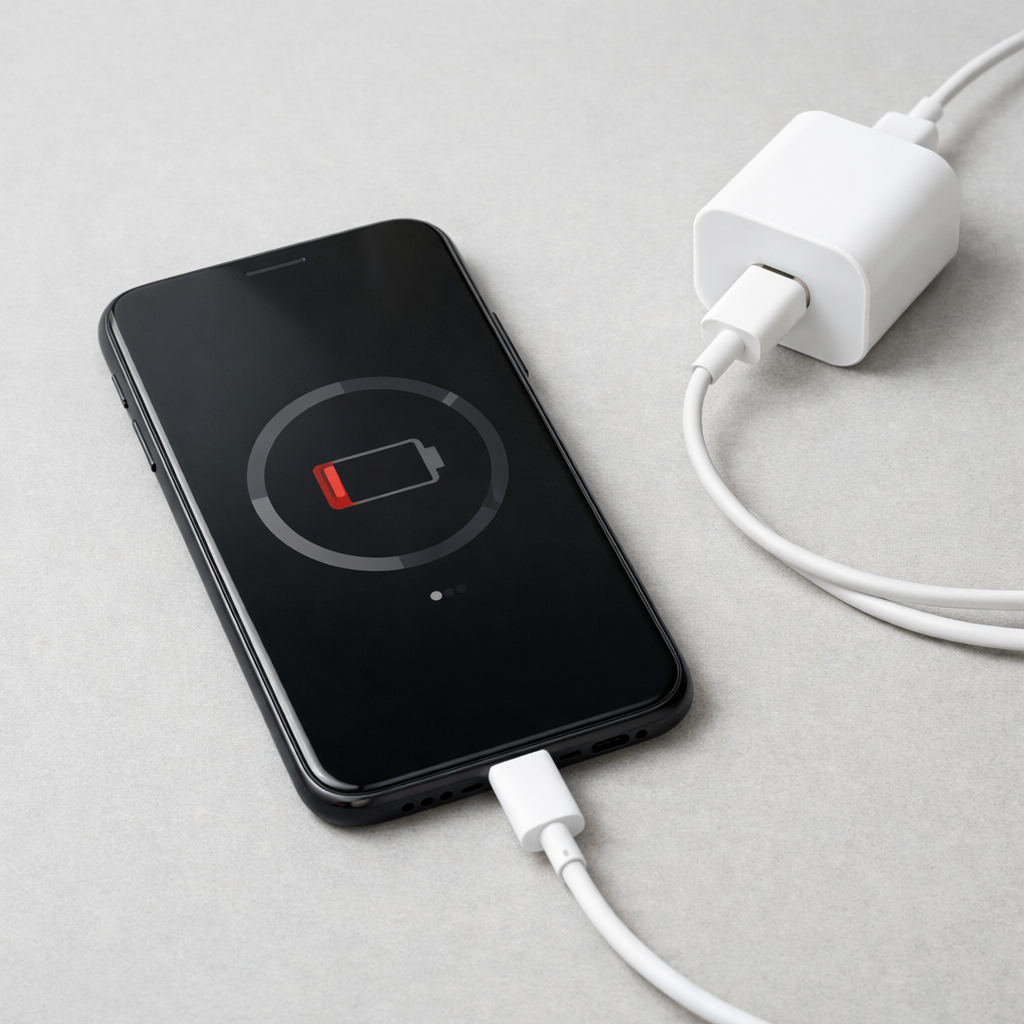
Device Charging Slow With New Charger — Compatibility or Power Negotiation Issue?
Quick Answer
The most likely reason your device is charging slowly with a new charger is that the adapter is partially failing and triggering a built-in safety cutoff. When a charger’s internal components overheat or can’t hold a steady output, it often drops to a low “safe” power level, so your device charges much more slowly than expected.
This usually shows up within the first few days to weeks of using a new charger, especially if it’s a low-cost or off-brand model. You might also notice the charge speed changing during the same session, like starting fast and then slowing down after 5–20 minutes.
If you need a fast fix
- Unplug the charger and cable for 60 seconds, then plug directly into a wall outlet (not a power strip) and try again.
- Switch to a different cable you trust (preferably the original) and check if the speed becomes steady.
- Try a known-good charger (original or certified) for 10 minutes; if charging immediately improves, the new adapter is the likely problem.
Quick Diagnosis Table
| Symptom | Most likely cause |
|---|---|
| Charges fast for a few minutes, then slows a lot | Adapter overheating or unstable output triggers safety cutoff to lower power |
| Charging shows “connected” but battery percent barely increases | Charger drops to very low power due to internal fault or poor power negotiation |
| Charger feels unusually hot even at low battery | Adapter hardware issue causing inefficiency and thermal protection |
| Charging speed changes when you wiggle the cable or plug | Poor contact at the adapter port or cable, causing power dips and renegotiation |
Why This Happens
Modern devices don’t just “take power” from any charger. They communicate with the adapter to agree on a safe charging level, and if the charger behaves strangely, the device protects itself by lowering the charge rate.
With a healthy fast charger, your device may pull higher power when the battery is low. But if the charger overheats, has a weak internal component, or can’t keep voltage stable, it may fall back to slower modes to prevent damage.
In real life, that looks like a new charger that claims fast charging but performs worse than your old one, especially after it warms up. The cause leads directly to the symptom: unstable power makes the device choose a safer, slower charge.
Most Common Causes (Ranked)
- 1) Adapter hardware fault causing thermal or overcurrent protection: A failing component inside the charger can heat up or produce unstable power. The charger or the device responds by reducing output to a slow “safe” level.
- 2) Poor power negotiation (USB-C PD or fast-charge mismatch): Your device and charger may not agree on the same fast-charge profile. Some chargers advertise high wattage but don’t support the exact mode your device needs, so it falls back to basic charging.
- 3) Cable not rated for the required power: A low-quality or non-e-marked USB-C cable may limit current or cause voltage drop. That can trigger repeated renegotiation, which often ends in slower charging.
- 4) Dirty, loose, or worn connector at the charger or device: A slightly loose fit increases resistance and heat. The device may reduce charging speed to keep the port temperature in a safe range.
- 5) Device temperature or heavy usage during charging: Gaming, navigation, hotspot use, or a warm room can heat the battery. Most devices slow charging when warm even if the charger is fine.
- 6) Power source issues (power strip, weak outlet, or unstable inverter): Some power strips and car adapters provide noisy or inconsistent power. That can make a sensitive fast charger throttle or reset.
If your charging speed improves gradually after swapping one item (like using a better cable) and then stays consistent, that usually indicates a compatibility or contact issue rather than a battery problem.
How to Check the Problem Safely
- Check 1: Feel the charger after 10 minutes of charging. Warm is normal; uncomfortably hot suggests the adapter is struggling and may be throttling.
- Check 2: Try a known-good setup (original charger and cable) for 10–15 minutes and compare the battery percent change. A big difference points to the new adapter or cable.
- Check 3: Test the new charger with a different device that supports fast charging. If it’s slow or inconsistent there too, the charger is the common factor.
- Check 4: Inspect ports and plugs under good light. Look for lint, bent pins, scorch marks, or a loose fit that interrupts charging when touched.
- Check 5: If your device shows charging details (like “fast charging” vs “charging”), note whether it keeps switching modes during one session.
Safety note: if you notice burning smell, crackling, or visible discoloration on the adapter, stop using it immediately and unplug it from the wall.
How to Fix It
- Fix 1 (easiest): Replace the cable with a quality, correct type (USB-C to USB-C for PD devices). A proper cable reduces voltage drop and helps the device stay in the higher charge mode.
- Fix 2: Plug the charger directly into a wall outlet and avoid daisy-chained power strips. Cleaner input power helps the adapter stay stable and prevents random throttling.
- Fix 3: Swap to a certified, reputable charger that matches your device’s needs (PD/PPS for many modern phones, tablets, and laptops). A stable adapter won’t trip its own protections and will hold the negotiated power.
- Fix 4: Reduce heat while charging: remove thick cases, keep the device screen off, and charge on a hard surface. Lower temperature prevents the device from slowing charging to protect the battery.
- Fix 5 (advanced/last resort): Update the device OS and reset charging accessories behavior by rebooting, then try charging from 15% to 40% without using the device. Some devices improve charger compatibility with firmware updates, and a clean test isolates background load.
Signs of Battery or Hardware Damage
- Battery percentage jumps up or down unexpectedly.
- Device gets hot quickly during light use or while charging.
- Charging stops and starts repeatedly without touching the cable.
- Port feels loose, wiggles, or only charges at certain angles.
- Swollen battery symptoms (screen lifting, back cover bulging, rocking on a flat surface).
- Charger, cable, or port shows melting, discoloration, or a burnt smell.
- Device drains unusually fast even after a full charge.
When Repair Is No Longer Worth It
If the slow charging is caused by a damaged port, failing battery, or overheating circuitry, repair costs can quickly approach the value of an older device. A charger-related slowdown is usually cheap to fix, but internal device faults are not.
As a rule, if a professional repair quote is more than 30–50% of what it would cost to replace the device with a similar model, replacement is often the better choice. If the device is still under warranty, stop troubleshooting at the hardware level and use the warranty process.
How to Prevent This Problem in the Future
- Use chargers from reputable brands and look for proper certification and supported standards that match your device.
- Pair USB-C fast chargers with cables rated for the wattage you need, not just “charging cables” with no specs.
- Avoid covering the charger brick with clothing or placing it on soft surfaces where heat can build up.
- Don’t leave a new charger running hot for long periods; persistent excess heat is a sign to return or replace it.
- Keep ports clean and dry, and remove pocket lint before it packs into the connector.
- Plug and unplug by the connector, not by yanking the cable, to prevent loosening the adapter and device ports.
- Use a stable power source and avoid questionable power strips, cheap car inverters, or worn wall outlets.
FAQ
Is slow charging with a new charger usually a device problem or a charger problem?
When the slowdown starts right after switching chargers, it’s more often the charger or cable than the device. A partially failing adapter can trigger safety limits and force slow charging even though it’s “new.” Testing with a known-good charger is the quickest way to separate the two.
Why does it charge fast at first and then slow down?
This is common when the adapter heats up and reduces output, or when power becomes unstable and the device renegotiates to a lower level. Batteries also naturally charge slower near full, but a big slowdown at low battery usually points to overheating or a faulty/unsupported fast-charge mode.
Can the wrong wattage charger make charging slow or damage my device?
A lower-wattage charger can make charging slow, but it typically won’t damage the device because the device controls how much power it takes. Damage risk rises with poor-quality chargers that overheat or deliver unstable voltage. If the adapter runs unusually hot or charging is inconsistent, replace it with a certified model.
If the issue keeps coming back, it’s usually worth looking at broader battery behavior rather than a single fix. That’s the approach Mark Reynolds follows in the complete battery guide.
For a full overview of this issue and step-by-step solutions, read the complete troubleshooting guide.