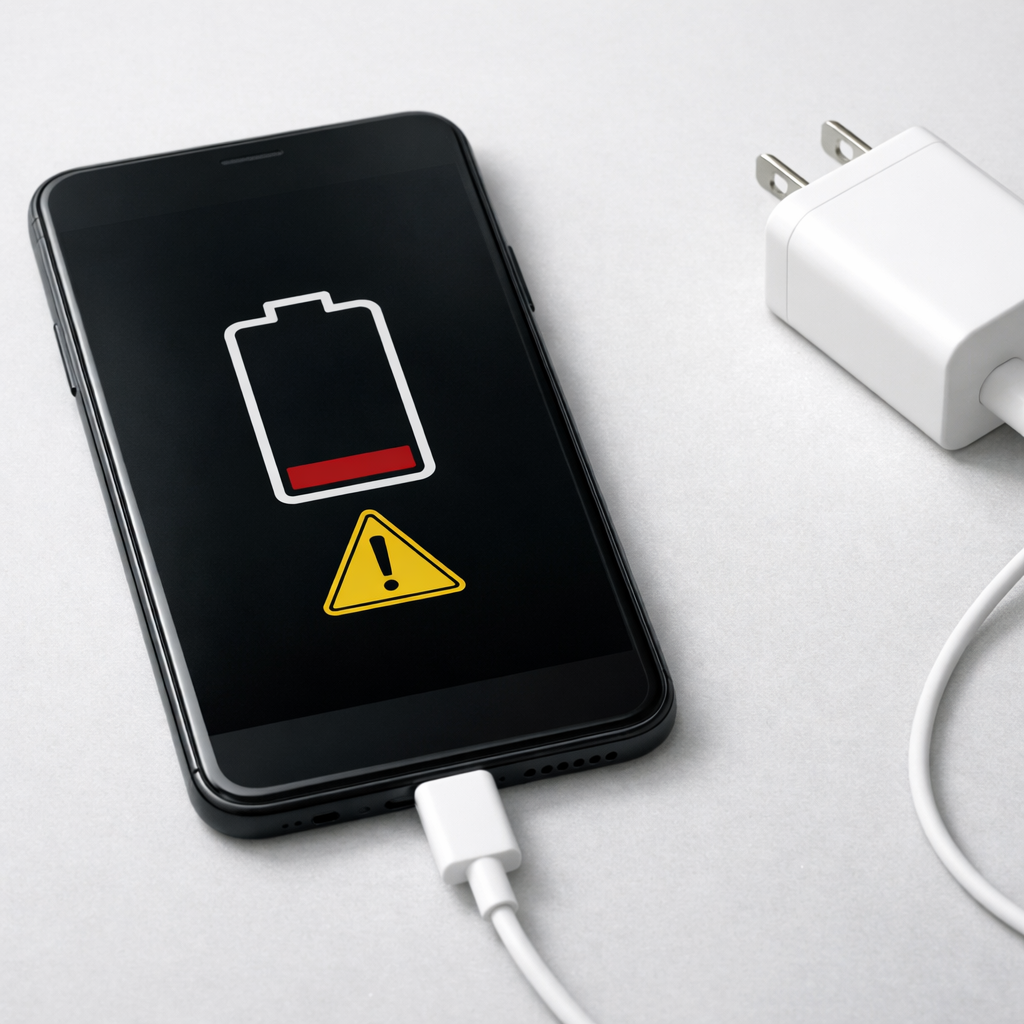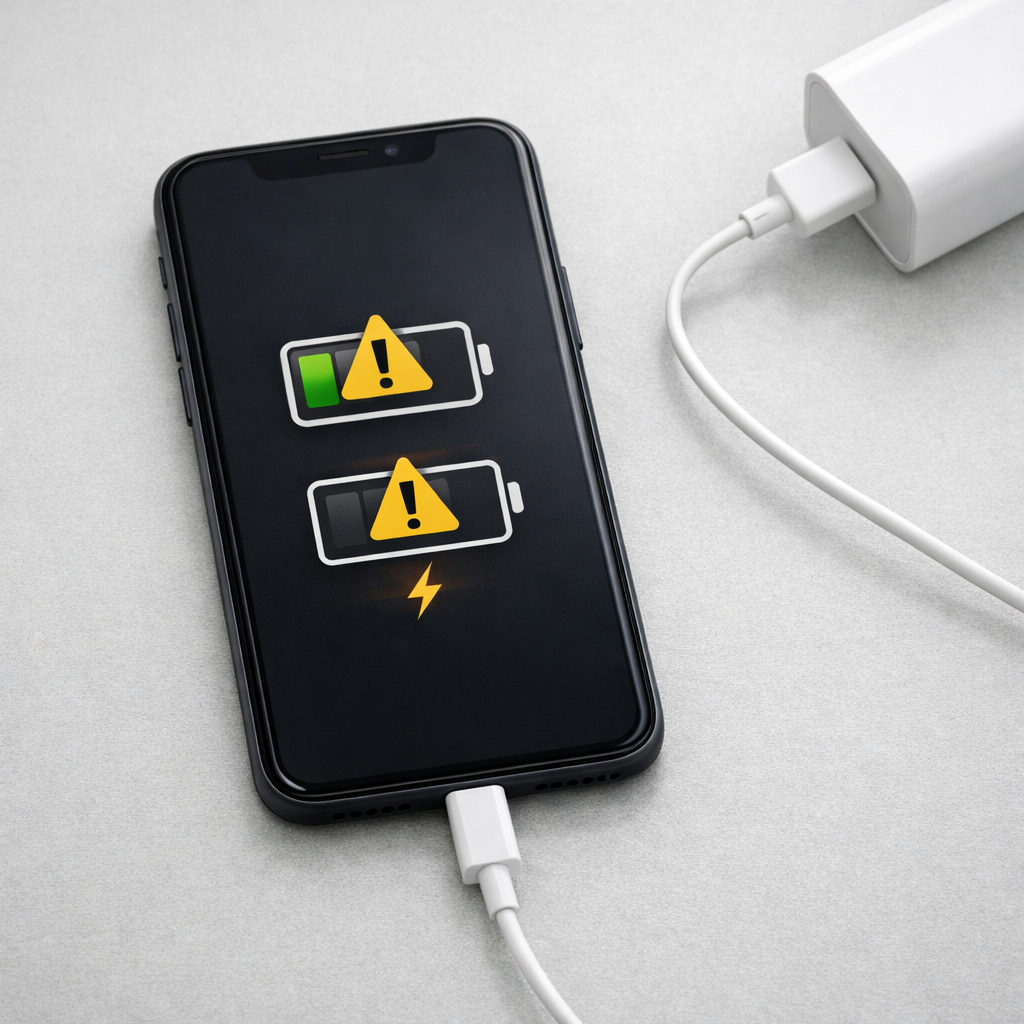
Device Not Charging Consistently — Intermittent Power or Charging Circuit Issue?
Quick Answer
The most common reason a device charges inconsistently is gradual chemical degradation inside the lithium battery. As the battery ages, it can no longer accept or hold charge smoothly, so the charging system keeps starting and stopping to protect the battery and the device.
This usually means the battery’s capacity and stability are declining, not that you did something wrong. For many phones, tablets, laptops, and handheld devices, noticeable inconsistency often appears after 2–4 years of regular use, and sooner if the device spends a lot of time hot, at 100%, or deeply drained.
If you need a fast fix
- Try a different known-good charger and cable, then charge from a wall outlet (not a laptop/TV port) for 30 minutes without using the device.
- Clean the charging port gently (dry, non-metal tool) and reseat the plug firmly; a slightly loose connection can look like “intermittent charging.”
- Let the device cool to room temperature and charge again; heat can trigger battery protection that pauses charging.
Quick Diagnosis Table
| Symptom | Most likely cause |
|---|---|
| Charges for a few minutes, then stops, then starts again | Aging lithium cell causing voltage swings and safety throttling |
| Charging is steady when off, but flaky when in use | Worn battery plus higher load causing the charge controller to limit power |
| Only charges at certain cable angles | Loose/dirty port or worn connector pins, sometimes worsened by heat |
| Battery percentage jumps up or drops quickly | Battery calibration drift from cell aging and uneven charge acceptance |
| “Charging paused” or slow charging when warm | Thermal protection reacting to heat; aging batteries heat up more during charge |
Why This Happens
Lithium batteries work by moving ions between layers inside the cell. Over time, those internal materials slowly change: a protective film thickens, small amounts of lithium become “unavailable,” and internal resistance rises.
In everyday terms, an older battery is less like a clean bucket you can fill smoothly and more like a bucket with a narrowing spout and sticky residue. The device may begin charging normally, then the battery warms or its voltage rises too quickly, so the charging system slows down or pauses to prevent damage.
This cause → symptom chain is common: aging cell chemistry makes charging less stable, the device detects abnormal readings (voltage, temperature, current), and the charge controller repeatedly reduces power or stops and restarts.
Most Common Causes (Ranked)
- 1) Battery aging (chemical degradation): The lithium cell’s internal resistance increases with time and cycles, making charging less smooth and more sensitive to heat and load.
- 2) Heat during charging: Warm environments, thick cases, gaming while charging, or fast charging can push temps high; older batteries heat faster and trigger charging slowdowns or pauses.
- 3) Cable/adapter instability: A borderline cable or adapter can drop voltage under load; an aging battery may demand higher current bursts that expose the weakness.
- 4) Dirty or worn charging port: Pocket lint, oxidation, or a slightly loose port can cause brief disconnects that look like the device “can’t decide” to charge.
- 5) Battery gauge drift (software estimation): As cells age, the percentage estimate can become jumpy, making it seem like charging is inconsistent even when current is flowing.
- 6) Charging circuit wear or board-level faults: Less common than battery aging, but possible if the device has liquid damage, past drops, or charging has been unreliable across multiple batteries.
If charging becomes more stable after cooling the device, changing accessories, or avoiding heavy use while plugged in, that usually points to stress on an aging battery rather than a sudden major hardware failure.
How to Check the Problem Safely
- Check 1: Try a different wall charger and cable that you know works well with another device, then test for at least 20–30 minutes.
- Check 2: Inspect and clean the port carefully with a dry wooden toothpick or soft brush; remove compacted lint without scraping metal contacts.
- Check 3: Charge with the device idle (screen off, no games/video, no hotspot) and see if charging becomes steady; this separates battery/load issues from connection issues.
- Check 4: Feel for heat buildup near the battery area after 10 minutes of charging; excessive warmth often correlates with a high-resistance aging cell.
- Check 5: Check battery health if your device provides it (for example, “Battery Health” or “Service” warnings) and note any messages about reduced capacity or charging being limited.
Safety note: if you notice swelling, a strong chemical smell, or the device becomes too hot to comfortably hold, stop charging and move it to a non-flammable surface.
How to Fix It
- Fix 1 (easiest): Use a quality charger and cable and charge from a stable wall outlet; consistent power helps the charge controller avoid repeated renegotiation and dropouts.
- Fix 2: Reduce heat while charging by removing thick cases, keeping the device out of sunlight, and avoiding gaming/video; cooler batteries accept charge more steadily and safely.
- Fix 3: Switch to slower charging for a week (if you have the option); lower current reduces heat and can make an aging battery behave more consistently.
- Fix 4: Refresh the battery gauge by using the device normally, then charging uninterrupted to full once; this can improve percentage accuracy and reduce “jumping” symptoms.
- Fix 5 (advanced/last resort): Replace the battery (or have it replaced) if health is low or charging remains intermittent with known-good accessories; a fresh cell restores stable charging behavior in many cases.
Signs of Battery or Hardware Damage
- Battery swelling, screen lift, or case bulging
- Device gets unusually hot during simple charging or light use
- Charging only works when the plug is held at an angle (port may be damaged)
- Random shutdowns even when the battery shows 20–50%
- Battery percentage drops rapidly in a few minutes
- Burning/chemical smell, crackling, or discoloration near the port
- Repeated “liquid detected,” “accessory not supported,” or “charging paused” warnings that persist across different chargers
When Repair Is No Longer Worth It
If the device needs both a battery replacement and charging-port or board repair, the total cost can approach the value of the device, especially for older models. Frequent overheating, swelling, or repeated charging failures across multiple cables are strong signals that continued repair may be risky or frustrating.
As a rule of thumb, if repair costs exceed about 40–60% of the price of a comparable replacement (or the device is past its update/support window), replacement is often the better value. If the data on the device is important, prioritize a stable backup before the problem worsens.
How to Prevent This Problem in the Future
- Avoid heat: don’t leave the device in a hot car, on a radiator, or under a pillow while charging.
- Don’t live at 100%: if possible, enable optimized charging or a charge limit (often 80–90%) to reduce long-term chemical stress.
- Avoid deep drains: frequent drops to 0% accelerate wear; aim to recharge around 20–30% when convenient.
- Use reliable accessories: quality chargers/cables provide steadier voltage and reduce stop-start charging behavior.
- Charge more gently when you can: slower charging produces less heat, which helps aging more than most people expect.
- Keep the port clean and strain-free: remove lint periodically and avoid yanking the cable or using the device as a lever while plugged in.
- Store partially charged: for long storage, leave the device around 40–60% and keep it in a cool, dry place.
FAQ
Is intermittent charging more likely a bad battery or a bad charging port?
Both can cause it, but gradual battery aging is extremely common and can make charging appear unreliable even with a good port. If charging improves when the device is cool and idle, that often points to battery wear and heat sensitivity. If charging changes when you wiggle the cable or it only works at certain angles, the port or connector is more likely.
Why does my device charge fine to 80% and then keep stopping near full?
Many devices intentionally slow charging near full to protect the battery, and an older battery can make this slowdown look like repeated stopping and starting. Near 80–100%, small changes in voltage and temperature can trigger tighter safety limits. Heat, fast charging, and heavy use while plugged in make this more noticeable.
Will a battery replacement fix inconsistent charging?
In many cases, yes, because a fresh lithium cell accepts current more smoothly and runs cooler during charging. However, if the port is loose, there is corrosion, or the charging circuitry is damaged, a new battery may not fully solve it. Testing with known-good cables and checking for port looseness helps confirm which issue is dominant.
Most battery issues are easier to understand once you break them down step by step. That’s the approach Mark Reynolds takes across all troubleshooting guides. For more details, visit the complete guide.
For a full overview of this issue and step-by-step solutions, read the complete troubleshooting guide.