Power Bank Overheating Solution — Safe Fixes and When to Replace It
Quick Answer
The most common reason a power bank overheats is power conversion inefficiency: it has to convert battery voltage to USB output (and sometimes also accept fast-charging input), and the wasted energy turns into heat. This is more noticeable when you use fast charging, charge multiple devices, or use a cable that forces the power bank to “work harder” than it should.
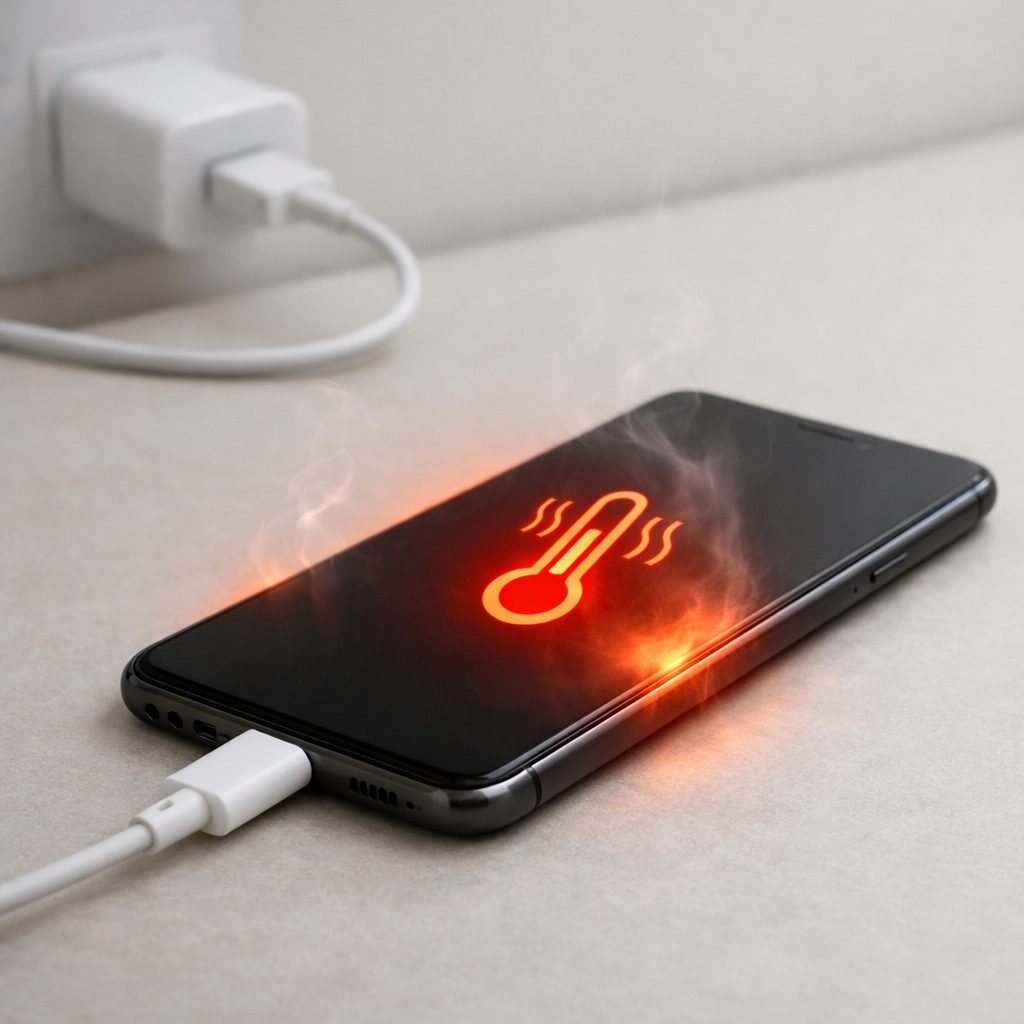
A little warmth is normal, especially during the first 10–30 minutes of fast charging or when the bank is near empty and pushing higher current. But if it becomes uncomfortably hot to hold, stays hot for long periods, or heats up even with light use, treat it as a warning and troubleshoot right away.
If you need a fast fix
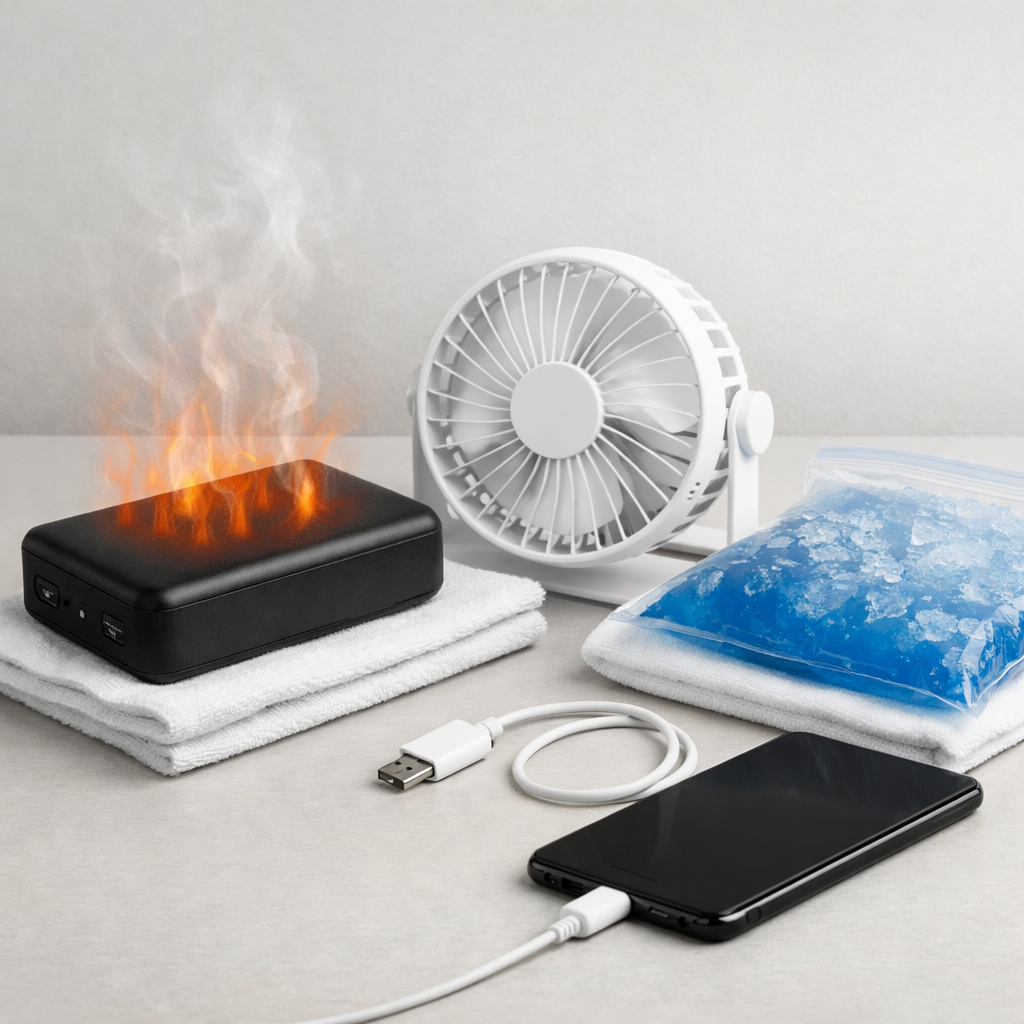
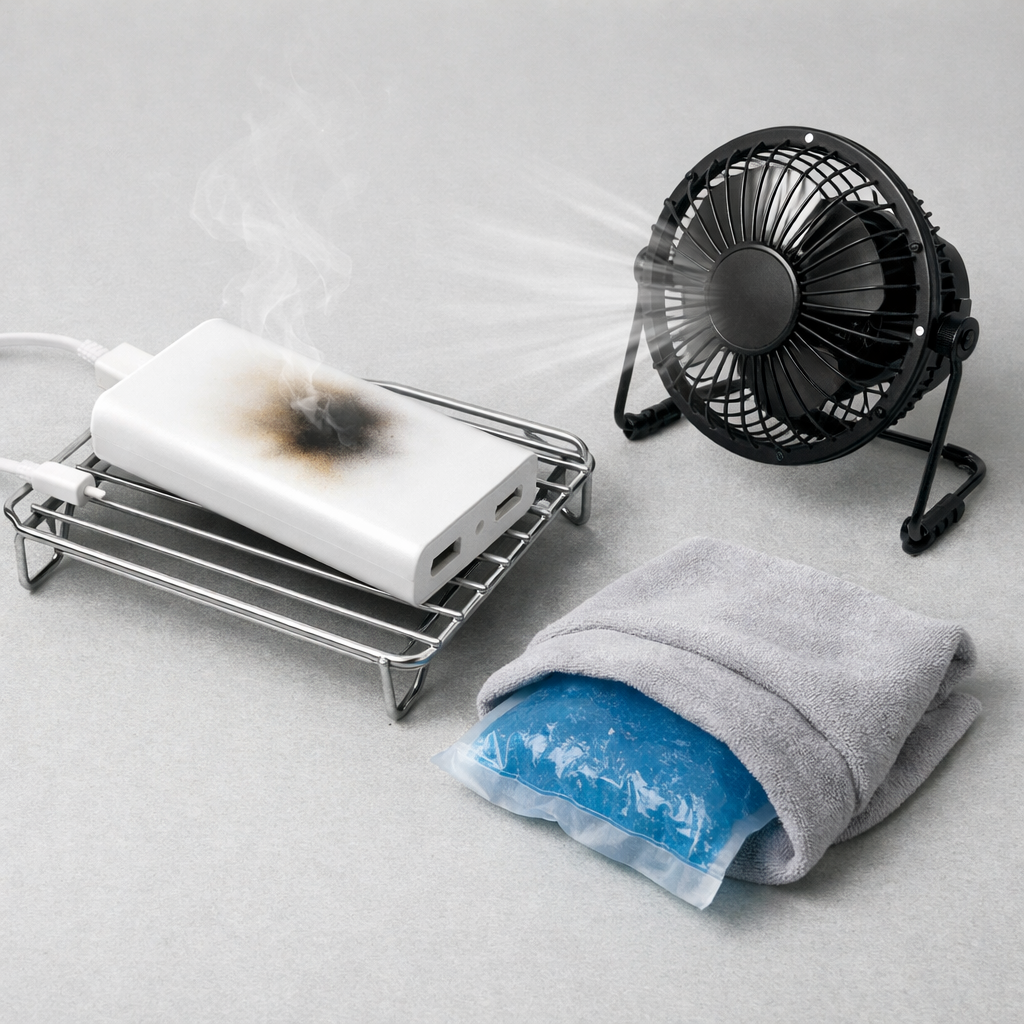
Unplug everything and place the power bank on a hard, non-flammable surface so it can cool for 20–30 minutes (no pillows, beds, or stacks of papers).
Restart with slower charging: use a lower-power charger (like 5V/2A), charge only one device, and avoid using the power bank while it’s charging.
Swap to a known-good cable and port (preferably the original cable or a certified one) to reduce extra resistance that creates heat.
Quick Diagnosis Table
Symptom
Most likely cause
Gets very hot only during fast charging (PD/QC) but is mild on slow charging
Conversion losses rise at higher power; normal warmth becomes excessive if efficiency is poor or ventilation is blocked
Heats up even with one small device (earbuds/phone) at low battery drain
High internal resistance from aging cells or damaged power circuitry causing wasted energy as heat
Power bank and cable/connector feel hot near the USB port
Bad/loose cable, dirty port, or high contact resistance making the connection act like a heater
Phone repeatedly connects/disconnects or charging speed keeps changing
Power negotiation instability (PD/QC handshakes) leading to repeated conversion ramp-up and heat spikes
Overheats while charging the power bank itself
Incompatible wall charger, wrong voltage profile, or internal charging circuit struggling and dumping waste heat
Why This Happens
Inside a power bank, the battery stores energy at a lower voltage (often around 3.7V nominal per cell), but your devices need stable USB output (5V, 9V, 12V, or more for USB-C PD). The power bank uses electronic converters to step voltage up or down, and no converter is 100% efficient.
When you fast-charge a phone at higher wattage, the converter processes more power, so even a small percentage of loss becomes noticeable heat. For example, if a bank delivers 20W and loses 10%, it has to dump about 2W as heat inside a small plastic case, which can feel hot quickly.
If something adds extra resistance or forces the bank to renegotiate power repeatedly (poor cable, unstable USB-C PD profile, aging cells), the converter works harder and heat builds up. That’s why overheating often shows up as “it charges, but it’s unusually hot and sometimes slow or unstable.”
Most Common Causes (Ranked)
1) High-wattage fast charging pushing inefficient conversion: Heat rises sharply at 15–30W and above, especially on compact banks with limited cooling. Some models are simply less efficient at certain PD/QC voltage steps.
2) Cable or connector resistance (poor-quality or damaged cable): A high-resistance cable wastes power as heat and can trigger the power bank to increase effort to maintain voltage, creating even more internal heat.
3) Charging while discharging (pass-through use): Using the bank to charge devices while the bank is being charged forces multiple conversions at once, stacking inefficiencies and heat in the same enclosure.
4) Aging cells increasing internal resistance: As lithium cells age, they waste more energy inside the cell as heat under load, even if the power bank “seems” to work normally.
5) Incompatible wall charger or unstable fast-charge negotiation: A charger that advertises odd profiles or fluctuates can cause repeated ramping up/down, which creates heat and sometimes charging dropouts.
6) Poor ventilation or external heat: A power bank on a bed, in a car on a hot day, or under a laptop can’t shed normal heat, so ordinary losses become dangerous temperatures.
If the overheating improves after switching to slow charging, a better cable, or single-device use, that usually indicates the core battery is still okay and the issue was mainly conversion load and resistance.
How to Check the Problem Safely
Check 1: Let it cool fully, then do a “touch test” during a short charge: start charging one device at low power for 5–10 minutes and note where it heats up (center of the case vs near a port).
Check 2: Swap the cable and compare: use a short, certified cable, then try the original cable. If heat drops noticeably with one cable, the old one is likely adding resistance.
Check 3: Reduce the load: charge only one device, turn off the device screen, and avoid gaming or hotspot use while charging. If overheating disappears, the bank was being pushed into inefficient high-load operation.
Check 4: Try a different output port or mode: USB-A vs USB-C, or disable “fast charge” if your bank has a button/mode. Some ports have different conversion paths and efficiency.
Check 5: Test input charging: charge the power bank itself using a known-good, standard 5V/2A charger for 15–20 minutes. If it overheats even at low input power, suspect internal wear or damage.
If you smell a sweet/chemical odor, see swelling, or hear crackling, stop testing immediately and move the power bank to a safe area away from flammables.
How to Fix It
Fix 1 (easiest): Slow it down: use a basic 5V charger and avoid high-wattage PD/QC when you don’t need it. Lower power reduces conversion losses and keeps temperatures stable.
Fix 2: Replace the cable with a certified one (USB-IF for USB-C, reputable brand for USB-A) and keep it short. Better conductors and connectors reduce resistance, which cuts heat at the plug and inside the power bank.
Fix 3: Avoid pass-through charging and heavy device use while charging. Doing one job at a time (either charging the bank or charging your phone) prevents stacked conversion inefficiency.
Fix 4: Improve cooling conditions: place it on a hard surface, keep it out of direct sun, and don’t cover it with clothing or blankets. Even a normal amount of heat becomes a problem when it can’t escape.
Fix 5 (advanced/last resort): If your device supports it, limit charge speed in the phone settings or use a “slow charge” port on the bank. Reducing peak wattage often stops PD renegotiation loops and keeps the converter in a more efficient range.
Signs of Battery or Hardware Damage
Visible swelling, bulging seams, or the case no longer sits flat.
Strong chemical/sweet smell or any sign of leaking.
Overheats while idle (not charging anything and not being charged).
Sudden big capacity drop (for example, it used to charge your phone twice and now barely once).
Random shutoffs at moderate load or rapid percentage jumps on the indicator.
Buzzing, crackling, or popping sounds, or ports that feel loose and wobbly.
Scorch marks, melted plastic, or repeated “overheat” warnings on connected devices.
When Repair Is No Longer Worth It
Most power banks are not designed for safe, economical repair because the battery pack, protection board, and converter are tightly integrated. If overheating persists on slow charging with a known-good cable, or any damage signs appear, replacement is the safer choice.
As a rule, replace it if it’s more than a couple of years old with frequent use, if it gets hot at low loads, or if the cost of a new reputable model is close to the value of what you’re risking (your phone, your bag, or your home). Prioritize models with quality cells, reputable certifications, and realistic wattage ratings rather than the cheapest high-capacity claim.
How to Prevent This Problem in the Future
Use the right cable for the wattage: USB-C PD needs a quality USB-C cable, and higher wattage may require an e-marked cable.
Don’t run max power by default; use fast charging only when time matters and slow-charge the rest of the time to reduce conversion heat.
Avoid pass-through charging and avoid using power-hungry apps while charging (gaming, navigation with max brightness, hotspot).
Keep ports clean and connections snug; grit in a port increases resistance and creates localized heating.
Charge and store at moderate temperatures; don’t leave power banks in hot cars or direct sun.
Stop using a bank that frequently hits low-battery shutdown under light load; that’s often a sign of rising internal resistance.
Buy from reputable brands that list protections (over-current, over-temperature, short-circuit) and include clear PD/QC specs.
FAQ
Is it normal for a power bank to get warm?
Yes, mild warmth is normal because voltage conversion is never perfectly efficient. It’s most noticeable during fast charging or when charging multiple devices. It should not become too hot to hold or stay hot long after you unplug.
Why does my power bank get hotter with USB-C fast charging than USB-A?
USB-C PD often runs at higher wattage (and sometimes higher voltage), so the converter inside the bank processes more power. Higher power amplifies small inefficiencies into noticeable heat. A poor cable or unstable PD negotiation can make it even hotter.
Should I put an overheating power bank in the fridge or freezer?
No, rapid cooling can cause condensation, which risks corrosion and short circuits. Instead, unplug it and let it cool naturally on a non-flammable surface in a well-ventilated room. If it shows swelling, smell, or persistent overheating, stop using it and replace it.
Battery issues rarely come from a single cause. Mark Reynolds focuses on identifying patterns and simple fixes that apply in most situations. For more details, read the complete guide.