Phone Charging Stops Intermittently — Loose Connection or Charging Control Error?
Quick Answer
The most common reason a phone starts and stops charging is an aging battery that can no longer accept fast charge power steadily. As batteries wear, their maximum safe intake rate drops, so the phone’s charging system repeatedly slows, pauses, or renegotiates power to protect the battery.
This usually means your phone is still “working,” but its charging behavior is becoming more cautious as the battery gets older. It often shows up after 18–36 months of regular use, and it’s more noticeable with fast chargers, warm rooms, gaming while charging, or thick cases.
If you need a fast fix
- Switch to a slower, standard charger (or disable fast charging if your phone has that setting) and try charging for 15–30 minutes.
- Let the phone cool down: remove the case, stop heavy apps, and charge in a cool spot to prevent heat-triggered charging pauses.
- Clean and reseat the connection: unplug, inspect the cable ends, gently remove pocket lint from the port, then plug in firmly once.
Quick Diagnosis Table
| Symptom | Most likely cause |
|---|---|
| Charging stops and restarts mostly with a fast charger | Aging battery can’t maintain high wattage, so charging control reduces/pauses to protect it |
| Charging stops when the phone gets warm (gaming, hotspot, sunlight) | Thermal protection triggers charging cutback; older batteries heat faster under load |
| Charging flickers when the cable moves | Worn cable/connector or debris in the port creating an intermittent connection |
| Charges fine at low battery but interrupts around 70–90% | Normal tapering plus battery wear: the phone sharply lowers current near full and may appear to “cycle” |
| Wireless charging also pauses | Battery aging or temperature limits, not just a loose cable (wireless adds heat and reduces stability) |
Why This Happens
Modern phones don’t just “take power” from a charger; they actively negotiate how much power is safe. When the battery is new, it can accept higher currents for fast charging. As it ages, internal resistance rises, the battery warms more easily, and the phone has to back off the charging rate to prevent overheating and further wear.
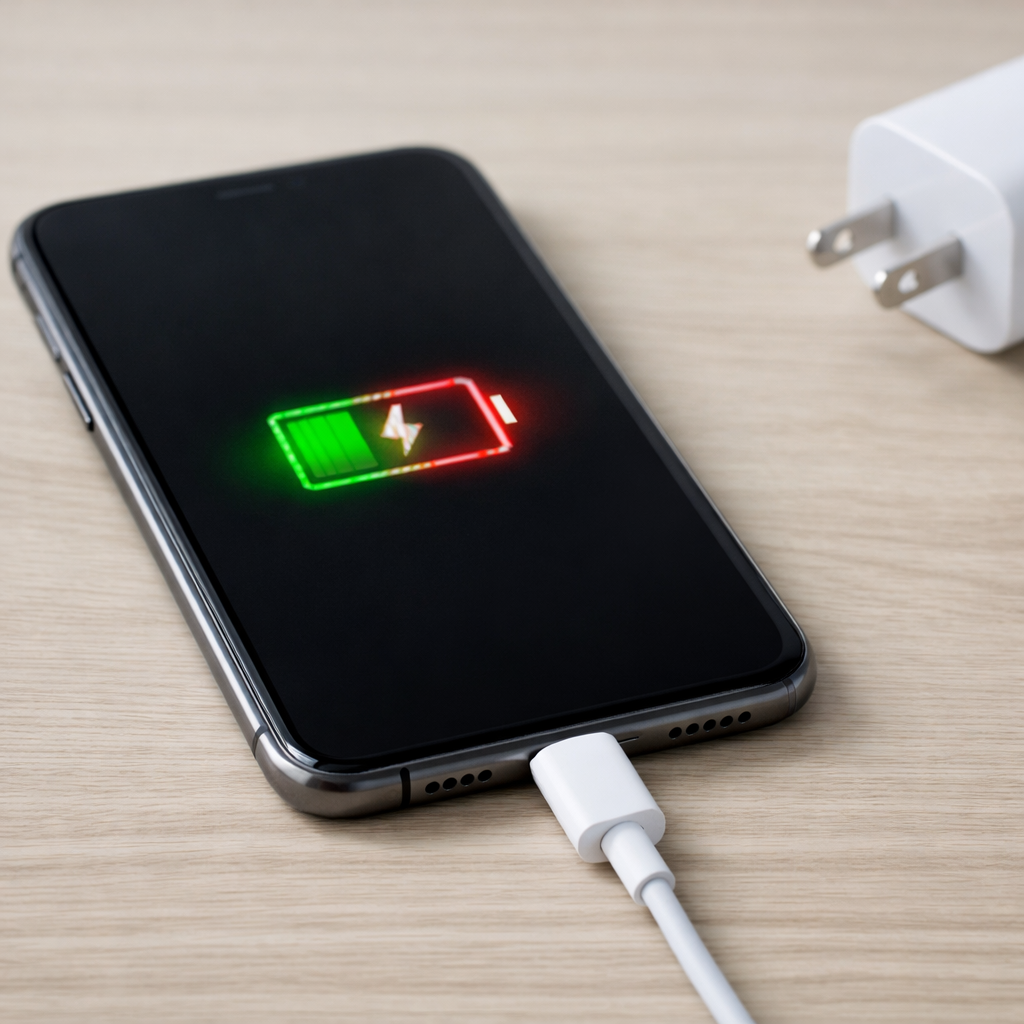
In real life, this can look like a loose connection even when the plug feels solid. For example, you plug in a high-watt charger, the phone starts fast charging, then a minute later it slows, briefly stops, or shows normal charging again. That’s often the charging controller stepping down power as conditions change (battery temperature, voltage, and health).
In short: an aging battery makes fast charging less compatible, and the phone responds by repeatedly reducing power or pausing, which you experience as intermittent charging.
Most Common Causes (Ranked)
- 1) Battery aging reduces fast-charge intake: As the battery wears, it can’t safely accept high wattage for long, so charging repeatedly throttles or pauses during renegotiation.
- 2) Heat triggers protection limits: Fast charging, a case, and background activity can push temperatures up; older batteries heat faster, causing charging to stop until it cools.
- 3) Worn cable or adapter instability: A frayed cable, loose USB-C/Lightning plug, or a low-quality adapter can drop power briefly and restart charging.
- 4) Debris or wear in the charging port: Pocket lint or slight port wear prevents a consistent electrical contact, especially noticeable when the phone is moved.
- 5) Software power-management behavior: Optimized charging, battery protection modes, or recent updates can change when and how the phone pauses charging near higher percentages.
- 6) Charging accessory mismatch: Some charger/cable combinations don’t support the same fast-charge standard, causing repeated “handshakes” and interruptions.
If charging becomes more stable when you switch to a slower charger or cool the phone down, that gradual improvement usually points to battery/thermal limits rather than a serious board failure.
How to Check the Problem Safely
- Check 1: Try a different cable first, ideally a known-good original or certified cable, and test without moving the phone.
- Check 2: Try a different power source: wall outlet instead of a power strip, or a different USB port/charger, to rule out unstable power.
- Check 3: Test with a slower charger (5W–12W) or disable fast charging, then watch whether the “start/stop” behavior disappears.
- Check 4: Check heat: if the phone feels warm, remove the case and stop heavy tasks; see if charging stays steady once cool.
- Check 5: Inspect and clean the port gently: use a flashlight, then carefully remove lint with a wooden toothpick or soft brush (no metal tools).
Safety note: avoid charging on a bed or under a pillow, and stop testing immediately if you smell burning, see smoke, or the phone becomes unusually hot.
How to Fix It
- Fix 1 (easiest): Use a standard (slower) charger or turn off fast charging, because lower power produces less heat and is easier for an aging battery to accept steadily.
- Fix 2: Reduce heat while charging: remove the case, charge on a hard surface, and avoid gaming/video calls; cooler batteries charge more consistently.
- Fix 3: Replace the cable and (if needed) the adapter with a reputable, compatible model; unstable accessories are a top cause of charging dropouts.
- Fix 4: Clean the charging port and ensure a firm, single insertion; removing lint restores full contact so small movements don’t interrupt charging.
- Fix 5 (advanced/last resort): Check battery health and consider a battery replacement; when wear is significant, the phone may never hold fast-charging steadily again.
Signs of Battery or Hardware Damage
- Phone gets hot quickly during charging even with light use and a standard charger.
- Battery percentage jumps, drops, or behaves unpredictably (for example, 30% to 10% suddenly).
- Charging speed is extremely slow across multiple known-good chargers and cables.
- Phone powers off under moderate load even when the battery indicator is above 20%.
- Swollen battery signs: screen lifting, back cover bulging, or phone rocking on a flat surface.
- Port damage: plug feels loose, won’t click/seat properly, or charging only works at a certain angle.
- Repeated moisture warnings or corrosion visible in the port area.
When Repair Is No Longer Worth It
If the phone needs both a battery and a charging port repair, or if charging issues come with random reboots and overheating, repair can approach the cost of a newer device. In that situation, replacement is often the safer and more reliable choice, especially if the phone is several years old.
As a rule of thumb, a battery replacement is usually worth it if the phone otherwise performs well and you plan to keep it for at least another year. If repair costs exceed about 30–40% of the phone’s current replacement value, consider upgrading instead.
How to Prevent This Problem in the Future
- Use fast charging only when you need it; slower charging is gentler and reduces heat-related interruptions as the battery ages.
- Keep the phone cool while charging: avoid direct sunlight, remove thick cases, and don’t charge under blankets.
- Stay in the 20–80% routine when practical; frequent 100% charges can accelerate wear and make fast-charge instability show up sooner.
- Use reputable chargers and certified cables that match your phone’s fast-charge standard to reduce renegotiation dropouts.
- Don’t use the phone heavily while charging (gaming, hotspot); it adds heat and can trigger charging pauses.
- Keep the charging port clean by occasionally checking for lint and avoiding pocket debris-packed storage.
- Enable optimized charging/battery protection features if available to reduce long, hot time at 100%.
FAQ
Is intermittent charging always a loose cable?
No. A loose cable is common, but aging batteries often cause similar symptoms because the phone keeps reducing or pausing charging to control heat and protect the battery. If it happens more with fast charging than with slow charging, battery/thermal limits are more likely.
Why does charging stop around 80–90%?
Charging naturally slows near full to avoid overcharging and manage heat. With an older battery, that slowdown can be more dramatic, and the phone may pause briefly while it stabilizes voltage and temperature. This can look like charging “cutting out,” but it may be normal behavior amplified by battery wear.
Will replacing the battery fix fast charging cutting out?
Often, yes, if the root cause is battery aging and heat sensitivity. A new battery can accept higher current more steadily, so fast charging is less likely to pause. If the port is worn or the cable/adapter is unstable, you may still need accessory or port service too.
For a full overview of this issue and step-by-step solutions, read the complete troubleshooting guide.
For a clearer understanding of battery drain and charging limits, Mark Reynolds focuses on simple, practical fixes that work across most devices. You can also read the complete troubleshooting guide.