Power Bank Battery Draining Overnight — Capacity Loss or Internal Leak?
Quick Answer
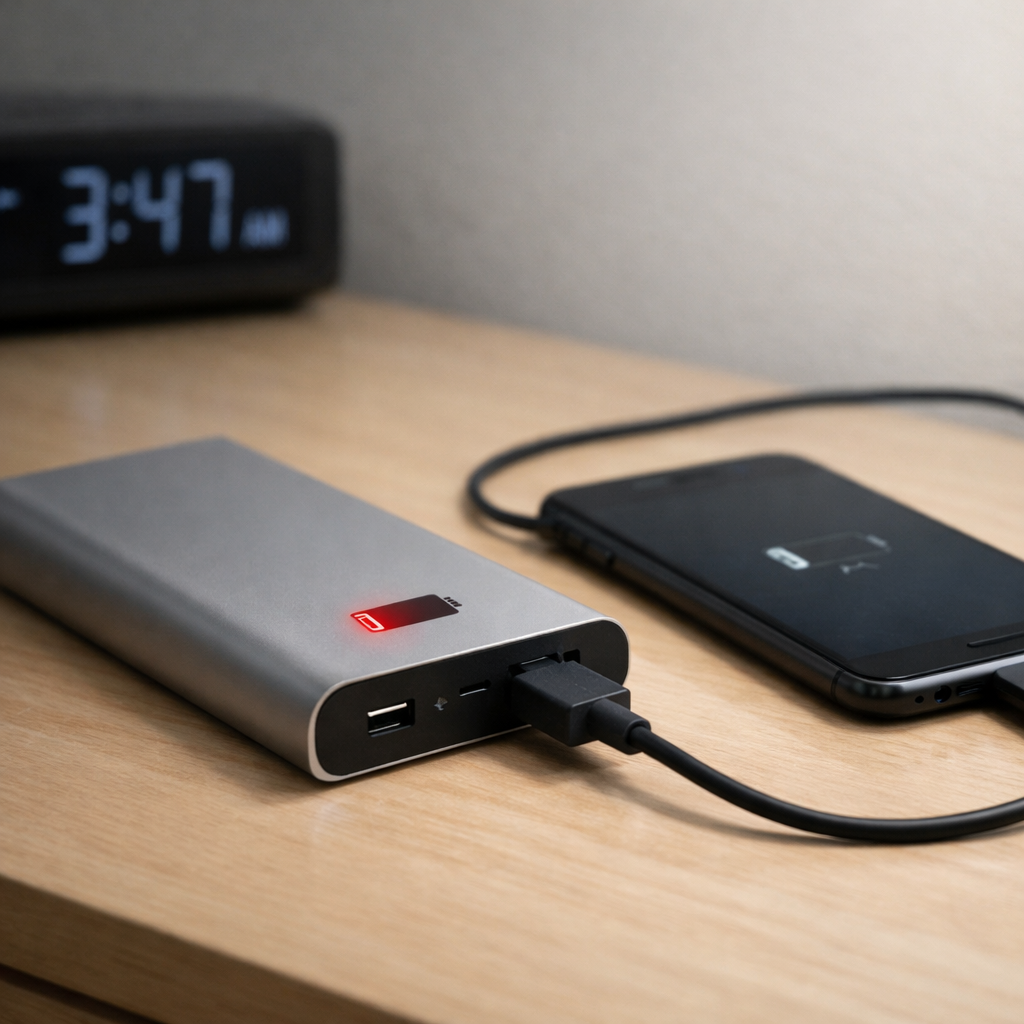
The most common reason a power bank “drains overnight” is heat-related wear from being left on sustained charging input (plugged in for long periods, often overnight). That constant top-off charging and the warmth it creates can speed up battery aging, so the power bank holds less energy and also loses charge faster while sitting.
In many cases this shows up gradually over weeks to months: it used to last several days on a shelf, and now it drops noticeably by morning. A true internal “leak” (a failing cell causing unusually fast self-discharge) is less common, but it can happen—especially if the bank gets hot while charging or is several years old.
If you need a fast fix
- Unplug the power bank from the charger and disconnect any devices, then let it cool at room temperature for 30–60 minutes.
- Charge it once from about 20–30% up to 80–90% using a known-good wall charger and cable, then store it unplugged.
- Turn off any built-in features (flashlight, wireless charging pad, always-on/low-current mode) and avoid leaving it in a warm spot overnight.
Quick Diagnosis Table
| Symptom | Most likely cause |
|---|---|
| Power bank is warm when left charging for hours | Thermal stress from sustained charging input is accelerating battery wear |
| Drops 10–30% overnight even when unplugged and nothing connected | Higher self-discharge from aged cells, often worsened by repeated warm charging |
| Only drains overnight when a cable/device is left connected | Standby draw from the boost converter or the connected device “pinging” for power |
| Percentage meter behaves oddly (jumps, sticks, falls fast at the end) | Fuel-gauge calibration drift or inaccurate LED/percentage estimate |
| Won’t reach 100%, or quickly falls from 100% to 70–80% | Capacity loss from heat exposure during long charging sessions or poor charging setup |
Why This Happens
Power banks use lithium-ion or lithium-polymer cells, which dislike heat. When you keep a power bank plugged in for long stretches, it often sits near “full” while the charger and internal circuits repeatedly top it off, and that can create extra warmth.
Real-world examples include leaving it on a fast charger overnight, charging it under a pillow or in a drawer, or charging while also powering another device (pass-through). In those situations, the power bank can run warmer for longer than it would during a normal, shorter charge.
That heat plus time at high charge can reduce usable capacity and increase self-discharge, which looks like “it drained overnight” even when nothing was plugged in.
Most Common Causes (Ranked)
- 1) Heat from long, uninterrupted charging: Keeping the bank on a charger for many hours can warm the cells and speed up aging, so it loses charge faster while sitting.
- 2) Pass-through charging or charging in a hot environment: Charging the bank while it charges a phone, or charging in a warm room/car, stacks heat sources and increases stress.
- 3) Normal capacity loss from age and cycles: Every cycle reduces capacity a bit, and older banks often show it as faster overnight drop and shorter phone runtimes.
- 4) Standby drain from ports and electronics: Some power banks keep the boost converter partially awake, and any connected cable/device can trigger small but steady power use.
- 5) Inaccurate percentage/LED indicator: The meter may report “100%” even when it’s not truly full, or it may fall quickly at the top because the gauge is out of sync.
- 6) Cell imbalance or an internal defect: A weak cell can pull the pack down quickly, sometimes after periods of overheating or after being stored full for long periods.
If the overnight drain improves after you stop leaving it plugged in and store it cooler, that usually indicates heat-related wear or standby draw rather than a sudden dangerous fault.
How to Check the Problem Safely
- Check 1: Fully unplug everything and note the displayed percentage (or LED level), then check again after 8–12 hours at room temperature with nothing connected.
- Check 2: Repeat the same test, but this time leave a cable plugged into the power bank (not into a phone). If the drop is much worse, the bank is likely staying “awake.”
- Check 3: Feel for abnormal warmth during charging. It should get slightly warm at most; if it gets hot to the touch, stop using that charger/cable and avoid long charging sessions.
- Check 4: Try a different wall charger and a different cable, preferably a reputable 5V/2A or USB-C PD charger. Unstable or low-quality adapters can cause extra heat and inefficient charging.
- Check 5: Do one controlled recharge: discharge to about 20–30%, then charge to about 80–90%, unplug, and re-check overnight. This reduces time spent at the highest stress level.
Safety note: if you notice swelling, a sweet/solvent-like odor, hissing, or extreme heat, stop immediately and move the power bank to a non-flammable surface away from people and pets.
How to Fix It
- Fix 1 (easiest): Stop leaving it on the charger overnight. Shorter charging sessions reduce heat exposure and time spent at full charge, which helps slow further capacity loss.
- Fix 2: Charge to 80–90% for daily use, and store at about 40–60% if you won’t use it for a week or more. This reduces stress that can make self-discharge seem worse.
- Fix 3: Avoid pass-through charging unless the manufacturer explicitly supports it. Charging and discharging at the same time increases internal heat and can accelerate aging.
- Fix 4: Reduce standby drain: unplug all cables, disable wireless charging/flashlight/always-on modes, and use the power button to turn it off if supported. This prevents the bank from wasting energy overnight.
- Fix 5 (advanced/last resort): If it still drops dramatically (for example, 30–50% overnight unplugged) after changing charging habits, retire and replace it. A weak or damaged cell is not worth attempting to repair in a sealed consumer power bank.
Signs of Battery or Hardware Damage
- Swollen case, bulging seams, or the power bank rocks on a flat surface.
- Strong chemical or sweet/solvent-like smell, or any leaking residue.
- Gets very hot while charging, or stays hot long after unplugging.
- Percentage drops rapidly even when nothing is connected (for example, more than 30% overnight at room temperature).
- Random shutoffs, repeated auto-restarts, or the power button behaving erratically.
- Crackling sounds, hissing, or visible smoke (treat as an emergency).
- USB ports become loose, scorched, or intermittently disconnect under light cable movement.
When Repair Is No Longer Worth It
Most power banks are sealed and not designed for safe battery replacement. If the bank shows signs of overheating, swelling, or large unplugged overnight losses, replacement is the safer choice than continuing to “test it” or trying to open it.
As a rule, if it can’t deliver at least about 60–70% of its original real-world usefulness, or if you need to babysit charging to keep it from getting hot, your time and risk cost more than a new, certified model.
How to Prevent This Problem in the Future
- Don’t leave a power bank on a charger for the entire night; unplug once it’s topped up.
- Charge in a cool, open area (not under blankets, in drawers, or in direct sun) to limit thermal stress.
- Avoid pass-through charging unless it’s clearly supported and doesn’t cause noticeable warmth.
- Use a reputable charger and cable to reduce inefficient charging and excess heat.
- Store long-term at 40–60% in a cool, dry place, not at 100% in a hot room.
- Unplug cables from the power bank when storing it to prevent standby drain triggers.
- Prefer power banks with quality cells and protections (temperature monitoring, certified safety marks, and a good warranty).
FAQ
Is my power bank “leaking” electricity if it drains overnight?
Usually it’s not a literal leak; it’s self-discharge plus the power bank’s own electronics using a small amount of power. Heat from long charging sessions can make that worse over time by aging the cells. A true internal fault is more likely if the drop is very fast and consistent even when unplugged and cool.
Is it bad to keep a power bank plugged in all the time?
It can be, especially if the bank runs warm or the charger keeps “topping off” frequently. Time spent near full charge plus heat accelerates capacity loss and can increase overnight self-discharge. Occasional long charges aren’t usually a problem, but making it a nightly habit often is.
Why does it say 100% and then drop to 80% quickly?
Many power banks have a simple meter that estimates charge rather than measuring it precisely. After heat exposure and aging, the gauge can drift, so the “full” reading doesn’t match the true stored energy. Doing a couple of normal use cycles and avoiding constant overnight charging can make the reading more consistent, but it may never be perfect.
For a clearer understanding of battery drain and charging limits, Mark Reynolds focuses on simple, practical fixes that work across most devices. You can also read the complete troubleshooting guide.
For a full overview of this issue and step-by-step solutions, read the complete troubleshooting guide.