Power Bank Draining Even When Not in Use — Self Discharge or Internal Fault?
Quick Answer
The most common reason a power bank seems to “drain while sitting” is that it never fully finished charging because its temperature protection stopped the charge cycle partway through. Many power banks pause charging if they get too warm or too cold, then fail to restart correctly, so you store it at less than 100% without realizing it.
Some slow self-discharge is normal, but it’s usually small over weeks, not dramatic over a day or two. If your power bank drops multiple bars overnight after you charged it, suspect a charge interruption or a temperature-related cut-off rather than normal self-discharge.
If you need a fast fix
Charge it again in a room-temperature spot (about 18–27°C / 65–80°F) using a known-good wall charger, and don’t cover the power bank while charging.
After the charge shows “full,” leave it plugged in for 30–60 minutes, then unplug and check the indicator again after 10 minutes to confirm it really finished.
Turn off any always-on features (wireless pad button, AC outlet switch, camping light), then store it unplugged with nothing connected.
Quick Diagnosis Table
Symptom
Most likely cause
Shows 100% at unplugging, but drops 1–3 bars within an hour
Charge cycle ended early due to temperature threshold; indicator was optimistic
Gets warm during charging, then stops charging or resets LEDs
Drains faster after being left in a car/garage or near a heater
Heat accelerates self-discharge and may trigger protection circuits
Drains even with nothing connected, especially on high-capacity models
Background draw from boost converter, display, wireless module, or auto-on circuitry
Won’t reach full on some chargers but does on others
Power/voltage mismatch causing longer heat buildup and early thermal cut-off
Why This Happens
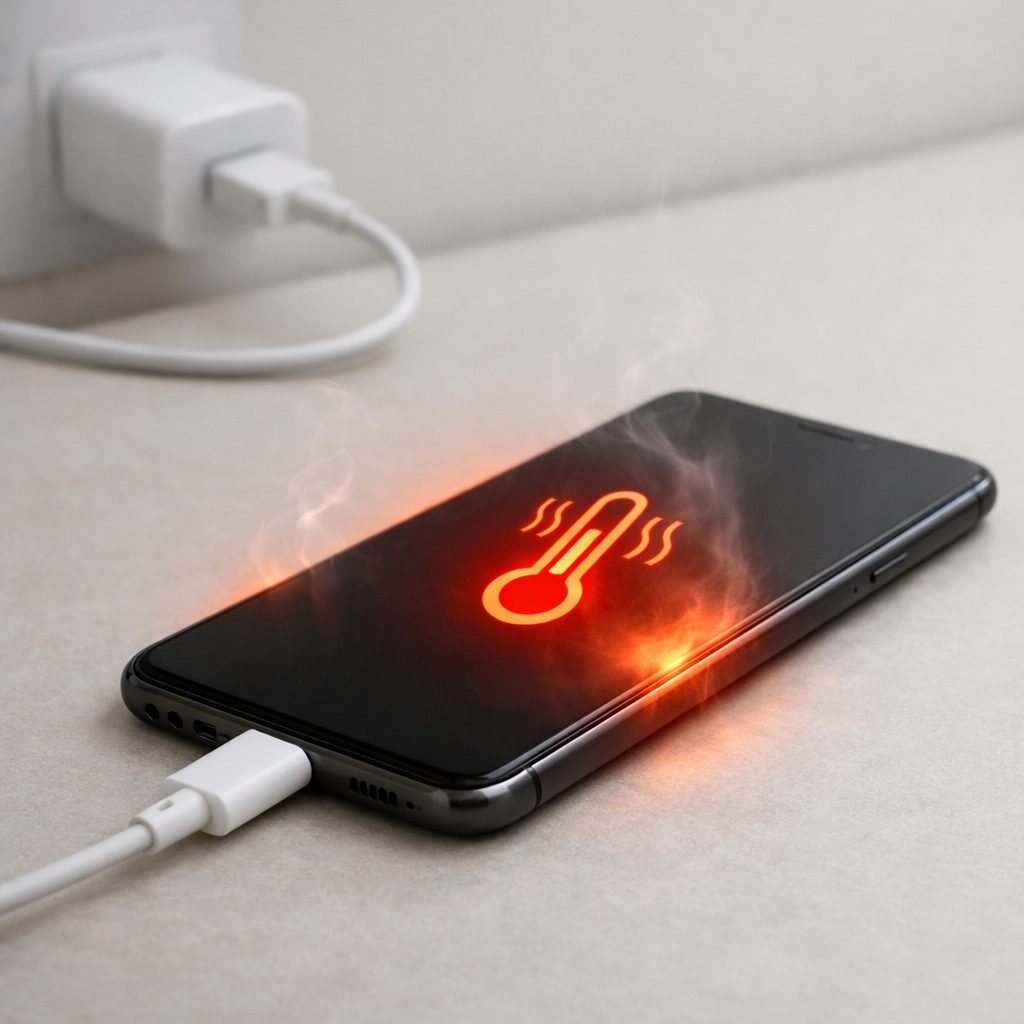
Inside a power bank, the battery and the charging circuit watch temperature. If the battery gets too warm (or too cold), the power bank may reduce charging speed, pause charging, or stop completely to protect the cells.
This often happens when you charge on a couch, bed, or inside a bag where heat can’t escape, or when using fast charging that pushes more power into the pack. It can also happen in cold rooms, unheated garages, or a car in winter, where charging may throttle or cut off.
When the charge stops mid-process, the indicator can still show “full” or close to it, especially if the LEDs are based on voltage rather than a precise fuel gauge. You then unplug it and later notice a big “drain,” which is really the power bank revealing it wasn’t fully charged in the first place.
Most Common Causes (Ranked)
1) Temperature protection stopped charging before it finished: If the pack warms up during charging, many models pause or end the charge cycle early and may not top off again. The result is a power bank stored at 60–90% that looks like it “self-discharged.”
2) Charging while insulated or in direct sun: Charging on fabric, under a pillow, in a drawer, or on a windowsill traps heat and pushes the power bank over its thermal limit. Even a few minutes of overheating can interrupt the final “top-off” stage.
3) High-power charging or poor charger compatibility: Fast charging can raise internal temperature, and some charger/cable combinations cause inefficiency (more heat, less stable power). That extra heat can trigger the temperature threshold earlier than expected.
4) Background power draw from features: Wireless charging pads, digital displays, always-on USB ports, AC outlets, and “auto-wake” circuits can slowly drain the bank even when idle. This drain becomes more noticeable when the pack was never actually full.
5) Cold-temperature charge limiting: In the cold, charging may slow dramatically or stop, then the indicator can misreport. You unplug thinking it’s done, but it’s undercharged and will drop quickly under even small loads.
6) Aging or damaged cells increasing self-discharge: Older cells can lose charge faster, and heat exposure speeds aging. If the bank now drains over days instead of weeks, the battery may be wearing out.
If the behavior improves after you charge at a stable room temperature and the bank holds charge for a week or more, that usually indicates it was a thermal interruption or indicator error rather than a serious internal fault.
How to Check the Problem Safely
Check 1: Feel for heat during charging (warm is normal, hot is not). If it becomes hot to the touch or smells odd, unplug it and let it cool in open air.
Check 2: Repeat a controlled charge at room temperature on a hard surface. Use a quality wall charger and cable, and avoid charging in a bag or on bedding.
Check 3: Confirm the “full” indication is real. When it shows full, leave it plugged in 30–60 minutes, unplug, wait 10 minutes, then check the LEDs again for an immediate drop.
Check 4: Measure idle drain by turning everything off and leaving it unplugged overnight. If it loses multiple bars with no features enabled, that points to high internal draw or cell aging.
Check 5: Test with a simple load like a phone charging at standard speed. If the bank shuts off early when warm, thermal protection or internal resistance may be high.
Safety note: stop using the power bank if it becomes very hot, swells, leaks, or makes crackling noises, and do not charge it unattended.
How to Fix It
Fix 1 (easiest): Charge in a cool, ventilated area on a hard surface. Better airflow keeps it under the temperature threshold so the charge cycle can complete.
Fix 2: Use a different charger and cable, preferably a reputable wall charger. Stable power reduces inefficiency and heat buildup that can trigger a mid-charge cut-off.
Fix 3: Avoid fast charging for one full cycle. Charging at a lower rate often keeps temperatures down and helps the power bank reach a true full charge.
Fix 4: Disable power-hungry features when storing. Turn off wireless charging, AC output, flashlights, and any “always on” mode so background drain doesn’t mimic self-discharge.
Fix 5 (advanced/last resort): Do one calibration-style cycle: charge to full at room temperature, then discharge to about 20–30% with normal use, then recharge to full. This can improve inaccurate indicators, but it won’t repair a failing battery.
Signs of Battery or Hardware Damage
Swelling, bulging case, or seams separating
Power bank gets hot even at low charging speeds or light use
Strong chemical or sweet/solvent-like smell
Random shutoffs at moderate charge levels (for example, turning off at 60%)
Very slow charging that never completes even in cool conditions
Ports feel loose, scorch marks, or melted plastic near USB/charging port
Rapid capacity loss over a few weeks (works fine, then suddenly becomes unreliable)
When Repair Is No Longer Worth It
Most consumer power banks aren’t designed for economical repair because the cells are glued/welded and the protection circuit is integrated. If thermal cut-offs and rapid “drain” continue after controlled room-temperature charging and feature checks, replacement is usually the safer option.
As a rule, replace it if it shows damage signs or if it can’t hold a usable charge for at least a week of idle storage (with features off) or deliver even half its original runtime. Spending money on cables and chargers makes sense; spending money to “fix” a sealed power bank usually does not.
How to Prevent This Problem in the Future
Charge at room temperature and avoid charging in cars, direct sun, or unheated spaces where temperature swings are common.
Keep it uncovered while charging, and place it on a hard surface so heat can dissipate.
Use a quality charger and cable, and avoid unknown high-wattage chargers that run the power bank hotter than necessary.
If your model supports it, prefer standard charging when you don’t need speed; slower charging often means cooler charging.
Turn off wireless/AC/always-on features before storing, and unplug all cables and devices.
Store long-term at about 40–60% in a cool, dry place, not at 100% in a hot drawer or car.
Every 2–3 months, do a normal use-and-recharge cycle to keep the gauge accurate and spot problems early.
FAQ
Is it normal for a power bank to lose charge when not used?
Yes, all lithium batteries self-discharge a little, and the power bank’s internal electronics also use a tiny amount of power. Over several weeks, losing a small percentage can be normal. Losing a large chunk overnight is more often an incomplete charge caused by temperature cut-off or a feature that stayed on.
Why does my power bank say 100% and then quickly drop to 75%?
This commonly happens when charging stopped early due to heat, but the indicator relies on voltage and briefly looks “full.” After unplugging, the voltage settles and the display corrects downward. Charging again at room temperature with good ventilation often reduces this behavior.
Can cold weather make my power bank drain faster?
Cold can reduce the usable output temporarily, so it may appear to drain faster when powering devices. Cold can also interrupt charging, leaving it underfilled even though you thought it finished. Warm it to room temperature before charging or judging its remaining capacity.
Mark Reynolds explains battery and charging issues in a practical way, focusing on what actually helps in real situations. For more guidance, see the step-by-step troubleshooting guide.