Charger Overheating During Fast Charging — Power Load or Heat Management Issue?
Quick Answer
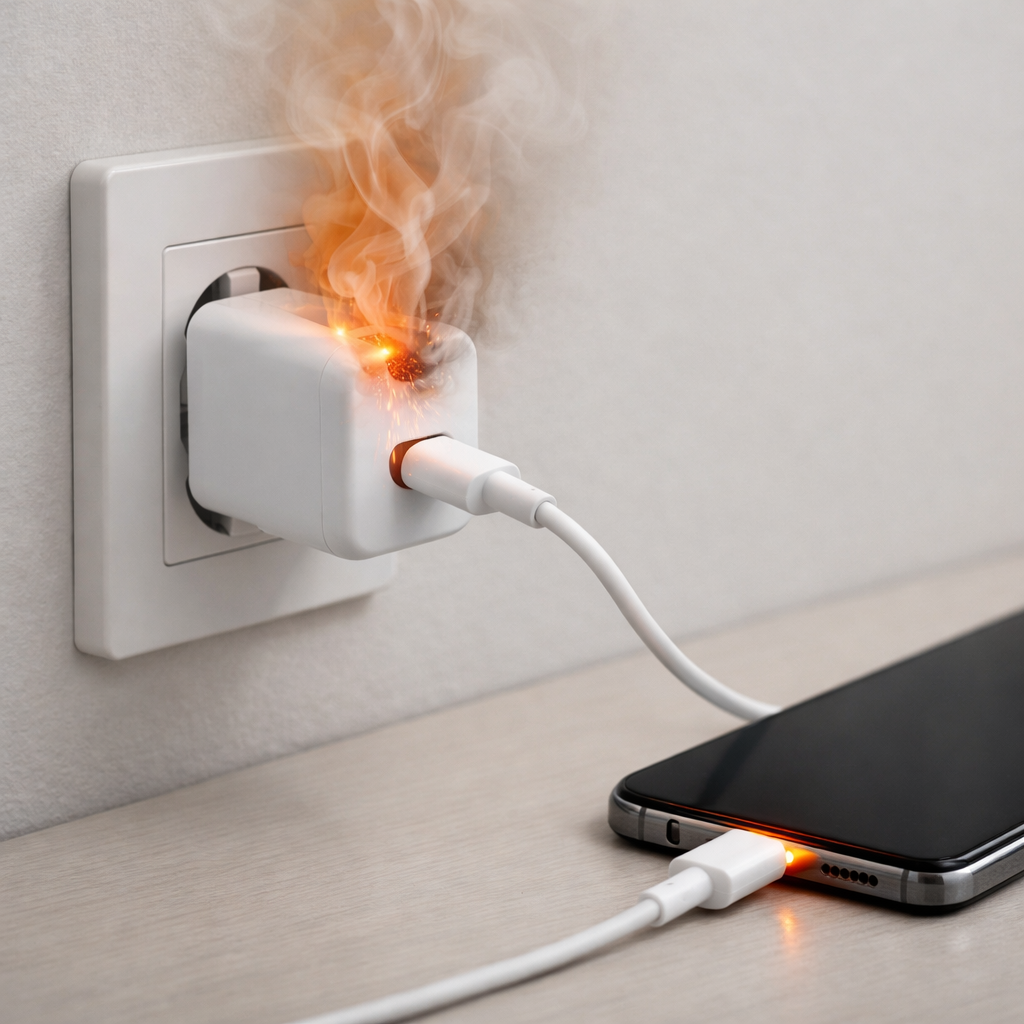
In most cases, the “charger overheating” feeling during fast charging is actually the phone’s internal battery getting warm, which triggers protective heat management. When the battery temperature rises, the device automatically reduces charging speed to prevent damage, and that heat can travel into the cable and charger brick.
This usually happens in the first 10–30 minutes of a fast charge (especially from 0–60%), or when you’re using the phone while it charges. A mild-warm charger is normal; a charger that becomes too hot to comfortably hold is not.
If you need a fast fix
Stop using the device while charging, close heavy apps (games, camera, hotspot), and let it charge with the screen off for 15–20 minutes.
Move the charger and phone to a cooler, open area (not on a bed/couch), and remove thick cases so heat can escape.
Temporarily switch off fast charging (if your phone allows it) or use a lower-wattage charger to reduce heat right away.
Quick Diagnosis Table
Symptom
Most likely cause
Charging starts fast, then slows down sharply after 5–20 minutes
Battery temperature rises and the phone throttles charging to protect the battery
Charger brick feels hot, but the phone is also warm near the battery area
Heat from the battery and charging circuitry is spreading through the cable/connector
Phone gets much hotter if you use it while charging
Extra power draw adds heat, pushing the battery past the thermal limit for fast charging
Only overheats with one cable/charger, especially off-brand
Poor-quality cable/charger causes inefficiency and extra heat during high-wattage charging
Charging is unstable (connect/disconnect, “slow charging” warnings)
Dirty/loose port, damaged cable, or failing charger increasing resistance and heat
Why This Happens
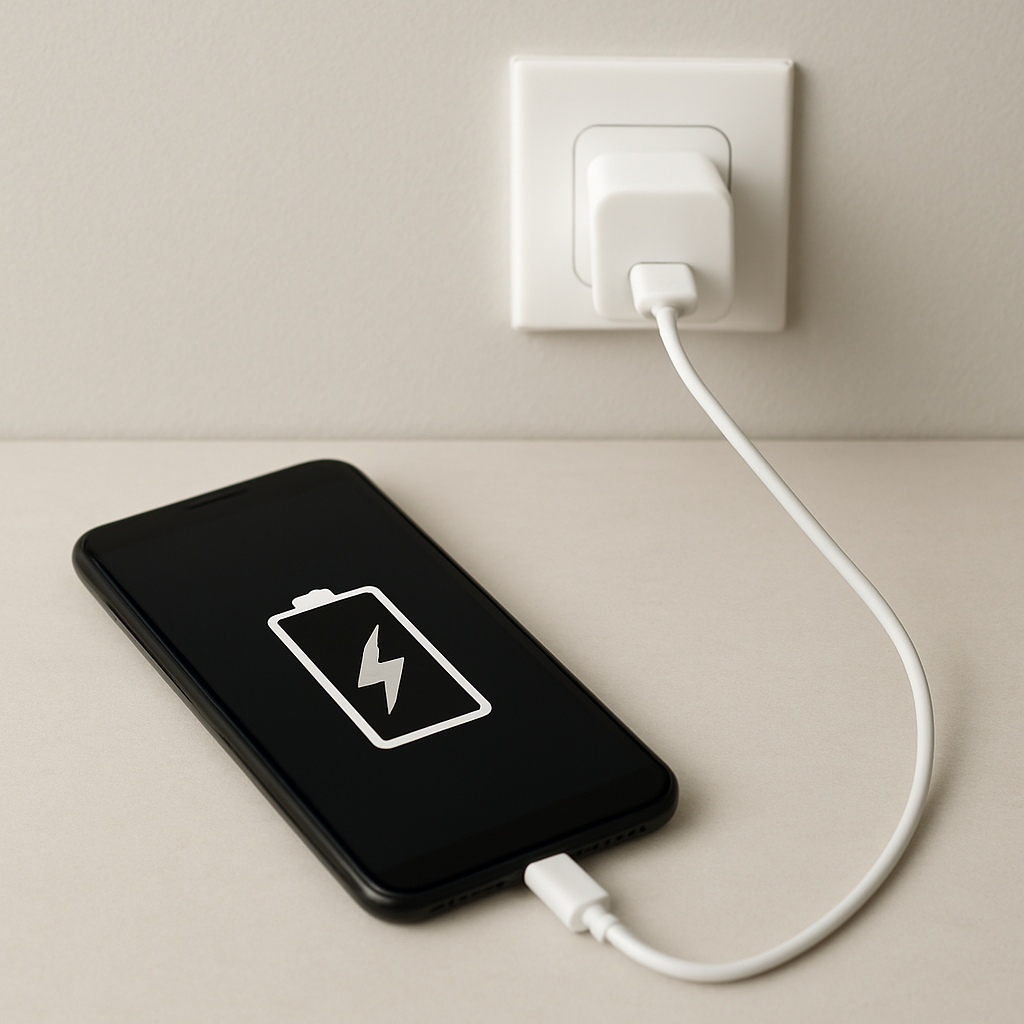
Fast charging pushes more power into the battery in less time, which naturally creates heat. Your phone constantly monitors battery temperature and charging conditions, and it will slow charging automatically when it senses the battery is getting too warm.
Real-world situations make this more likely: charging in a hot room, leaving the phone on a pillow, using GPS in the car while charging, or playing a game while plugged in. Even a thick case can trap enough heat to trigger a slowdown.
When the battery warms up, the phone reduces charging wattage, so you see slower charging and you feel heat around the phone, cable, and charger as the system tries to cool down and stay safe.
Most Common Causes (Ranked)
1) Battery heat triggers thermal throttling: Fast charging warms the battery quickly, and the phone slows charging once it hits a safe temperature limit.
2) Using the phone while fast charging: Gaming, video calls, hotspot, navigation, and camera use add heat and power draw, pushing the battery over the threshold sooner.
3) Poor ventilation or high ambient temperature: Charging on soft surfaces, in direct sun, or in a warm car traps heat so the battery can’t cool.
4) High-resistance cable or worn connectors: A damaged/cheap cable or loose port wastes energy as heat, making the charger and connector area hotter than normal.
5) Off-brand or incorrect fast charger standard: A charger that doesn’t properly match your phone’s fast-charging protocol may run inefficiently or cause repeated renegotiation, adding heat.
6) Aging battery with higher internal resistance: As batteries age, they can heat up more under the same charging power, so throttling and warmth become more noticeable.
If you notice the charger and phone run cooler after changing one variable (cooler location, better cable, no case), that gradual improvement usually means heat management was the main issue rather than a critical hardware failure.
How to Check the Problem Safely
Check 1: Feel where the heat is strongest: the charger brick, the cable end, or the phone’s back near the battery. Heat mainly at the phone points toward battery temperature throttling.
Check 2: Repeat a test charge with the screen off and no apps running for 15 minutes. If it stays noticeably cooler and charges steadier, usage-related heat was the trigger.
Check 3: Remove the case and charge on a hard surface (desk/table). If the slowdown happens later or not at all, heat trapping was a major factor.
Check 4: Swap one item at a time: try a known-good cable first, then a known-good charger of the correct type. If one swap fixes the heat, the accessory was the problem.
Check 5: Inspect the charging port with a light for lint and check for a loose fit. A sloppy connection often causes heat at the plug and unstable charging.
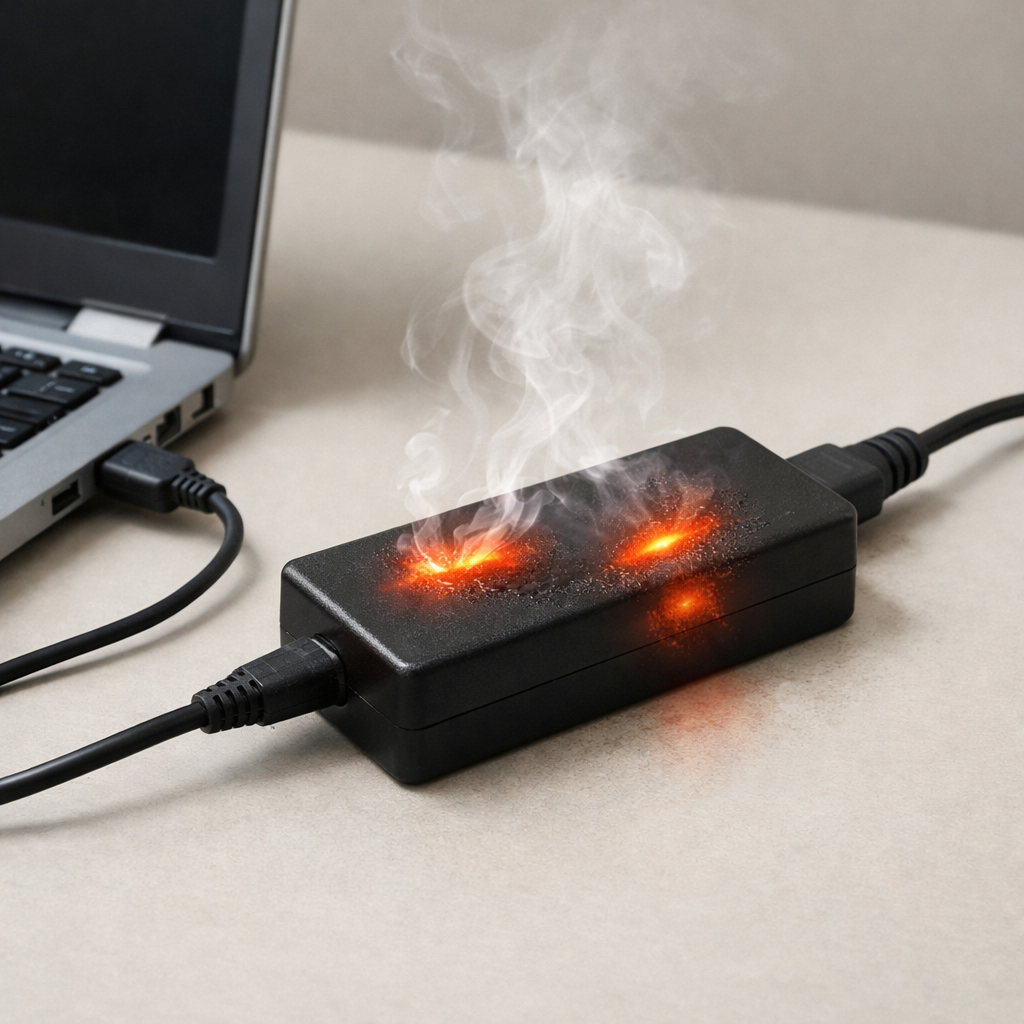
Safety note: if anything smells like burning, the connector is discolored, or the charger becomes too hot to touch comfortably, unplug immediately and stop testing with that accessory.
How to Fix It
Fix 1 (easiest): Charge with the screen off and avoid heavy apps. Less power draw means less heat, so the phone can maintain faster charging longer.
Fix 2: Improve cooling: remove the case, keep the phone flat on a hard surface, and charge in a cooler room. Better airflow reduces battery temperature and prevents throttling.
Fix 3: Use a certified, matched charger and a high-quality cable. Efficient power delivery reduces wasted energy as heat, especially at higher wattages.
Fix 4: Clean the charging port carefully (power off first) using gentle, non-metal tools to remove lint. A clean, tight connection lowers resistance and reduces heating at the plug.
Fix 5 (advanced/last resort): Check battery health (built-in tools if available) and consider battery replacement if it heats excessively even in cool conditions with known-good accessories. Old batteries generate more heat during fast charging and may need service.
Signs of Battery or Hardware Damage
Charger or phone becomes too hot to hold comfortably, even with the screen off and in a cool room
Swollen battery symptoms: screen lifting, wobbling on a flat surface, or a bulging back cover
Burning smell, sizzling sounds, or visible smoke (unplug immediately)
Charging repeatedly starts/stops, or the connector area gets unusually hot compared to the rest of the phone
Battery percentage jumps, drains rapidly, or the phone shuts down at higher percentages (for example 20–40%)
Port, cable tip, or charger plug shows discoloration, melting, or deformation
Phone warns about temperature frequently or refuses to charge until it cools, even during light use
When Repair Is No Longer Worth It
If the phone frequently overheats during charging despite using a certified charger and cable, charging in a cool environment, and not using the phone, the battery or charging circuitry may be failing. In that case, a battery replacement is usually the first repair to consider, but repeated overheating can also signal deeper board-level issues.
As a rule, if the repair cost is close to a large fraction of the device’s current value, replacement is often the better choice. Also prioritize replacement if you see swelling, melting, or burning smells, because safety risk outweighs any savings.
How to Prevent This Problem in the Future
Use a certified charger and cable that match your phone’s fast-charging standard and wattage requirements.
Avoid fast charging in hot conditions (direct sun, warm car, near heaters), because the battery reaches its thermal limit much faster.
Don’t game, stream, or use hotspot/navigation while fast charging; if you must, consider standard charging instead.
Charge on a hard surface with open airflow, not on bedding, couches, or inside bags.
Remove thick or insulated cases during fast charging if you notice heat buildup.
Keep the charging port clean and avoid yanking cables at an angle to reduce wear and resistance.
For daily battery longevity, consider stopping around 80–90% when convenient; the last part of charging can add heat and stress.
FAQ
Is it normal for a fast charger to get warm?
Yes, mild warmth is normal during fast charging because power conversion creates heat. It becomes a problem if the charger is uncomfortably hot to touch, smells odd, or the phone repeatedly slows charging due to temperature. Warmth that improves with better airflow is usually normal heat management.
Why does charging slow down around 50–80%?
This is often by design: phones reduce charging speed as the battery fills to protect the battery and control heat. If your charger also feels hotter early on, that’s when the device is pushing the most power and the battery warms fastest. Slowing in the middle or later stages is typically normal unless it becomes extreme or erratic.
Should I disable fast charging to stop overheating?
Disabling fast charging is a good test and a practical workaround if heat is your main issue. Slower charging produces less heat, which can prevent thermal throttling and reduce stress on an aging battery. If overheating still happens with fast charging off, suspect a cable/charger fault, a dirty port, or a battery problem.
Mark Reynolds writes about battery behavior, charging issues, and practical troubleshooting for everyday device problems. For a step-by-step overview, see the full battery troubleshooting guide.