Power Bank Overheating Symptoms — Warning Signs of Internal Battery Failure
Quick Answer
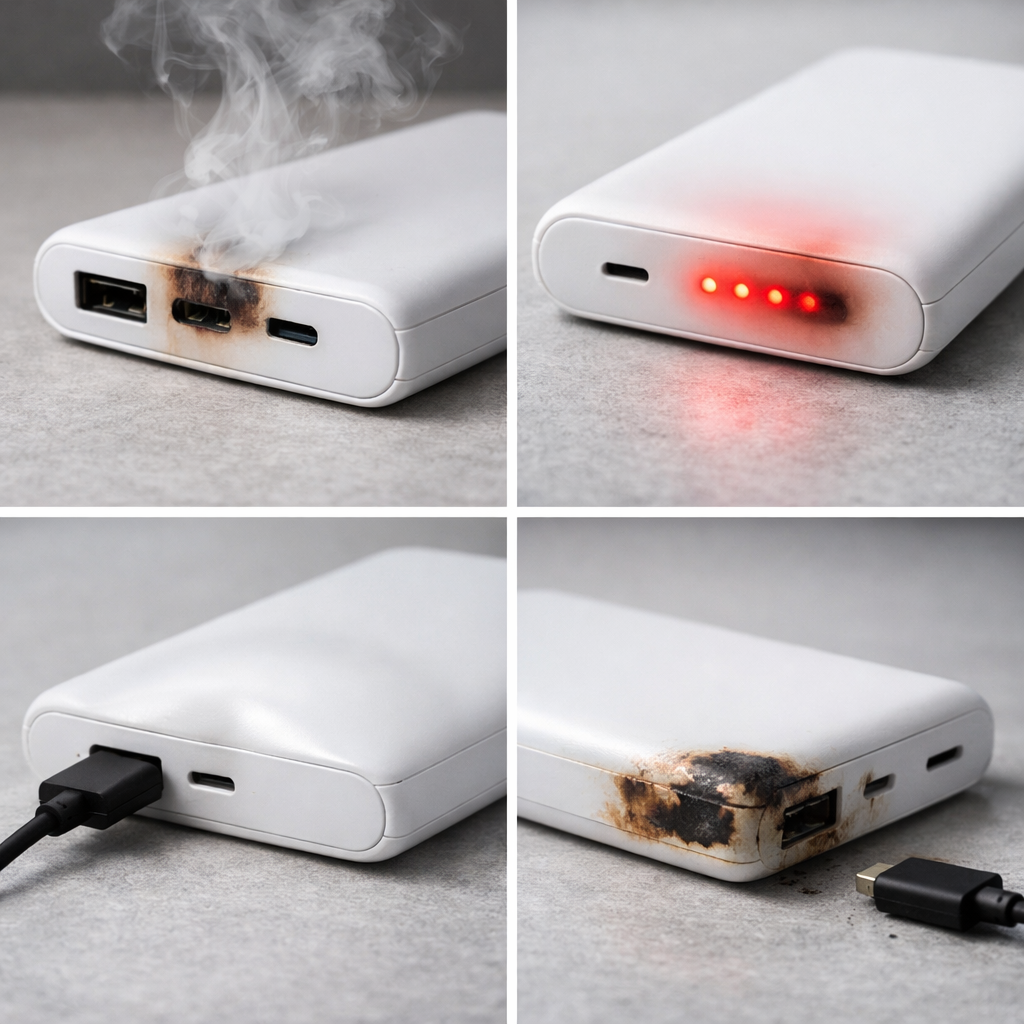
If a power bank is getting unusually hot, the most likely reason is thermal instability caused by internal cell damage. Inside the pack, one or more lithium cells can develop higher resistance or a tiny internal short, which turns normal charging or discharging into heat.
This usually means the battery is aging or has been physically stressed, and the problem often worsens over days to weeks. Sudden overheating (especially at low load) can indicate a more urgent failure that can escalate quickly, so treat it as a safety issue.
If you need a fast fix
Stop using it immediately, unplug all cables, and move the power bank to a non-flammable surface (tile, metal tray, concrete) away from paper, bedding, and direct sun.
Let it cool naturally for at least 30–60 minutes; do not put it in a freezer, and do not cover it, because trapped heat can make it worse.
If you notice swelling, hissing, a strong chemical smell, or it stays hot while doing nothing, isolate it in a fire-resistant area and plan to recycle it as e-waste (do not keep “testing” it).
Quick Diagnosis Table
Symptom
Most likely cause
Gets hot even when not charging or powering anything
Internal cell damage causing self-heating (micro-short or high internal resistance)
Heats up fast during charging, especially from 50–100%
Cell imbalance or degraded cell heating under higher charge voltage
Very warm near one end (single “hot spot”)
One failing cell or a stressed protection/boost component near that area
Sudden drop in capacity plus more heat than before
Aged or damaged cells converting more energy into heat instead of usable power
Overheats when fast charging or using high-watt outputs
Cell stress under high current revealing hidden internal damage
Why This Happens
Lithium cells are designed to store energy efficiently, but damaged cells waste more of that energy as heat. When a cell is dented, over-discharged, overheated, or simply aged, its internal resistance can increase, so the same charging current produces much more heat.
Real-world triggers are common: leaving the power bank in a hot car, dropping it in a backpack, charging it under a pillow, or using it daily until it’s always at 0% by bedtime. Over time, those stresses can weaken the separator layers inside a cell, leading to tiny internal shorts that create heat even when you are not using it.
In practice, cell damage causes overheating first, then the protection circuit may start cutting out, and finally the power bank may swell or refuse to charge. The earlier symptoms are your warning to stop using it before it turns into a serious hazard.
Most Common Causes (Ranked)
1) Internal cell degradation (age and cycles): As the power bank ages, its cells develop higher resistance and generate more heat during charge and discharge, even at “normal” wattage.
2) Heat exposure (car dashboards, direct sun, heaters): High ambient temperature accelerates cell damage and can trigger thermal instability, making later charging sessions run hotter than before.
3) Physical damage (drops, crushing in bags): Impact can deform a cell or weaken internal layers, creating a hot spot that shows up during charging or heavy output.
4) Over-discharge and long-term storage at 0%: Letting a power bank sit empty for weeks can push cells into a stressed state that heats more and may become unstable when recharged.
5) Poor-quality cells or weak internal design: Some low-cost packs use cells that age faster, have inconsistent quality, or lack effective thermal spacing, so heat builds up quickly.
6) Using high-watt fast charge constantly: High current is not automatically unsafe, but it can expose marginal cells and push damaged ones into noticeable overheating.
If overheating steadily improves after reducing load and changing how you charge, it often indicates the cells are stressed but not yet in rapid failure; if it stays the same or worsens, assume internal damage is progressing.
How to Check the Problem Safely
Check 1: Feel for a localized hot spot (one end much hotter than the rest) after 2–3 minutes of light use; a single hot zone often points to one failing cell or nearby circuitry.
Check 2: Test at low load: plug in a small device (like earbuds) or use a low-power USB light, and see if the power bank still heats noticeably; heating under light load is more concerning.
Check 3: Compare chargers and cables: try a known-good cable and a basic 5V charger (not fast charge) to see if heat drops; unstable cells will still run warm, but bad cables can add extra heat at ports.
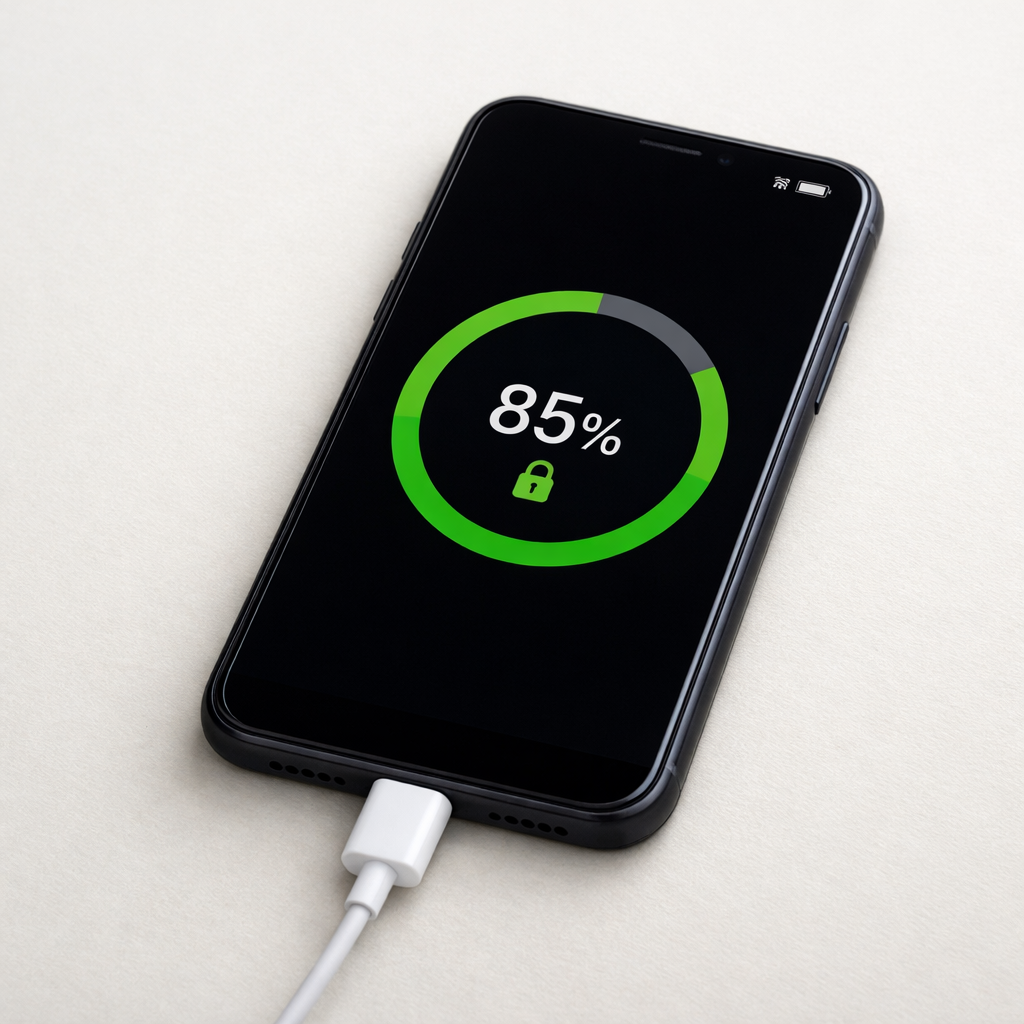
Check 4: Watch the last 20% of charging: if it gets much hotter near full, that can indicate imbalance or degraded cells that struggle at higher voltage.
Check 5: Check for swelling by placing it on a flat table and gently pressing the casing corners; any rocking, bulging, or panel separation is a stop-use sign.
Do these checks in an open area on a non-flammable surface, and stop immediately if you smell chemicals, hear crackling, or see the case deforming.
How to Fix It
Fix 1 (easiest): Stop fast charging and switch to a basic 5V/1–2A charger; lower current reduces heat and can prevent a stressed cell from spiraling.
Fix 2: Reduce output load and avoid pass-through use (charging the power bank while it charges a phone); this cuts internal heating from running the boost converter and charging at the same time.
Fix 3: Recharge sooner and avoid deep drains; keeping it between about 20–80% in daily use reduces stress that worsens internal damage.
Fix 4: If it ever overheats at idle, shows a hot spot, or repeatedly shuts off, retire it and recycle it properly; cell-level defects are not user-repairable in sealed consumer power banks.
Fix 5 (advanced/last resort): For units with a valid warranty, request replacement and do not open the case; opening can bypass safety design and turn a failing cell into a serious fire risk.
Signs of Battery or Hardware Damage
Swollen case, bulging seams, or the power bank rocks on a flat surface.
Overheating while doing nothing (no charging in, no device connected).
Strong chemical or “sweet/solvent” smell from ports or seams.
Hissing, crackling, or faint popping sounds, especially during charging.
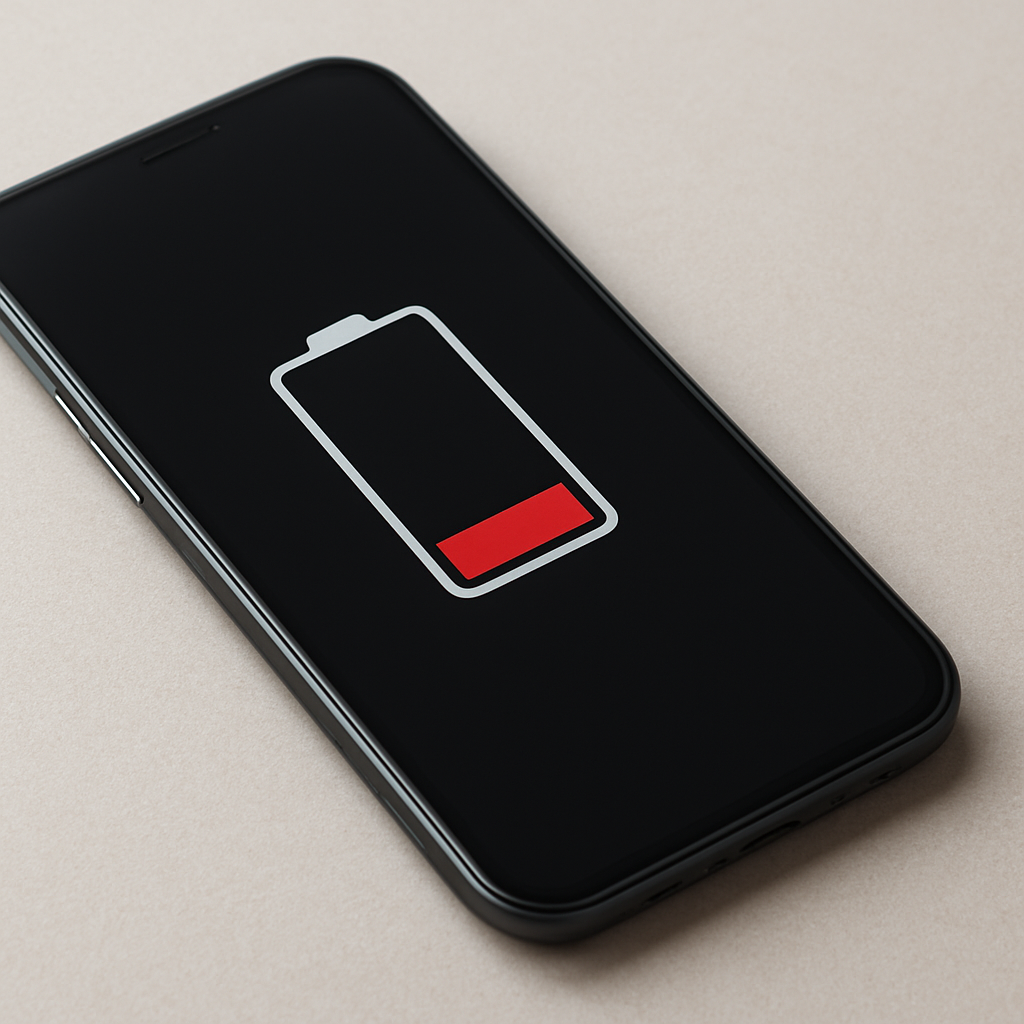
Repeated sudden shutoffs, rapid percentage drops, or the indicator jumps unpredictably.
Very hot spot in one area rather than even warmth across the pack.
Charging becomes extremely slow or stops near the same level each time while the case heats up.
When Repair Is No Longer Worth It
Most consumer power banks are not designed for safe battery replacement, and overheating tied to internal cell damage is a replacement situation, not a repair project. If the pack shows swelling, idle heating, smells, or hot spots, the safest choice is to stop using it and recycle it through an e-waste or battery drop-off program.
As a rule, if the power bank is out of warranty and overheating affects normal use, replacement is usually cheaper than the time and risk of troubleshooting. Spending a bit more on a reputable brand with clear safety markings and a solid warranty often costs less than replacing a damaged phone or dealing with a fire hazard.
How to Prevent This Problem in the Future
Avoid heat: don’t leave power banks in cars, direct sun, or on warm electronics; heat is one of the fastest ways to accelerate internal cell damage.
Don’t charge under pillows, blankets, or inside tightly packed bags; trapped heat raises cell temperature and stresses the pack.
Use quality cables and chargers, and prefer moderate charging when convenient; lower current usually means less internal heating.
Avoid deep discharges and long storage at 0%; store around 40–60% if you won’t use it for weeks.
Handle it like a battery, not a toy: avoid drops, crushing, and sitting on a power bank inside a backpack.
Skip pass-through charging unless the manufacturer explicitly supports it; doing “in and out” at the same time increases internal temperatures.
Replace aging packs proactively if they run noticeably warmer than they used to or if capacity has dropped significantly.
FAQ
Is it normal for a power bank to get warm?
Light warmth is normal, especially during charging or when delivering high power. It becomes a warning sign when it is hot to the touch, heats up under light load, or stays warm after unplugging everything. New overheating behavior is more important than the absolute temperature you remember.
Why does my power bank overheat near full charge?
Near full charge, the battery is at a higher voltage and the charging process becomes less efficient in degraded or imbalanced cells. That inefficiency shows up as heat, and a weak cell can warm much more than it used to. If the heat increase is sharp or new, stop using fast charge and consider replacing the unit.
Can I keep using it if it only overheats during fast charging?
Fast charging can push a marginal cell over the edge, so treat it as an early warning. Try a basic 5V charger and monitor for reduced heat, but if it is still getting hot, shutting off, or developing hot spots, retire it. Overheating tends to worsen with time when internal cell damage is the root cause.
Mark Reynolds focuses on everyday battery and charging problems, helping users understand what’s normal and what isn’t. For a full overview, check the battery troubleshooting guide.