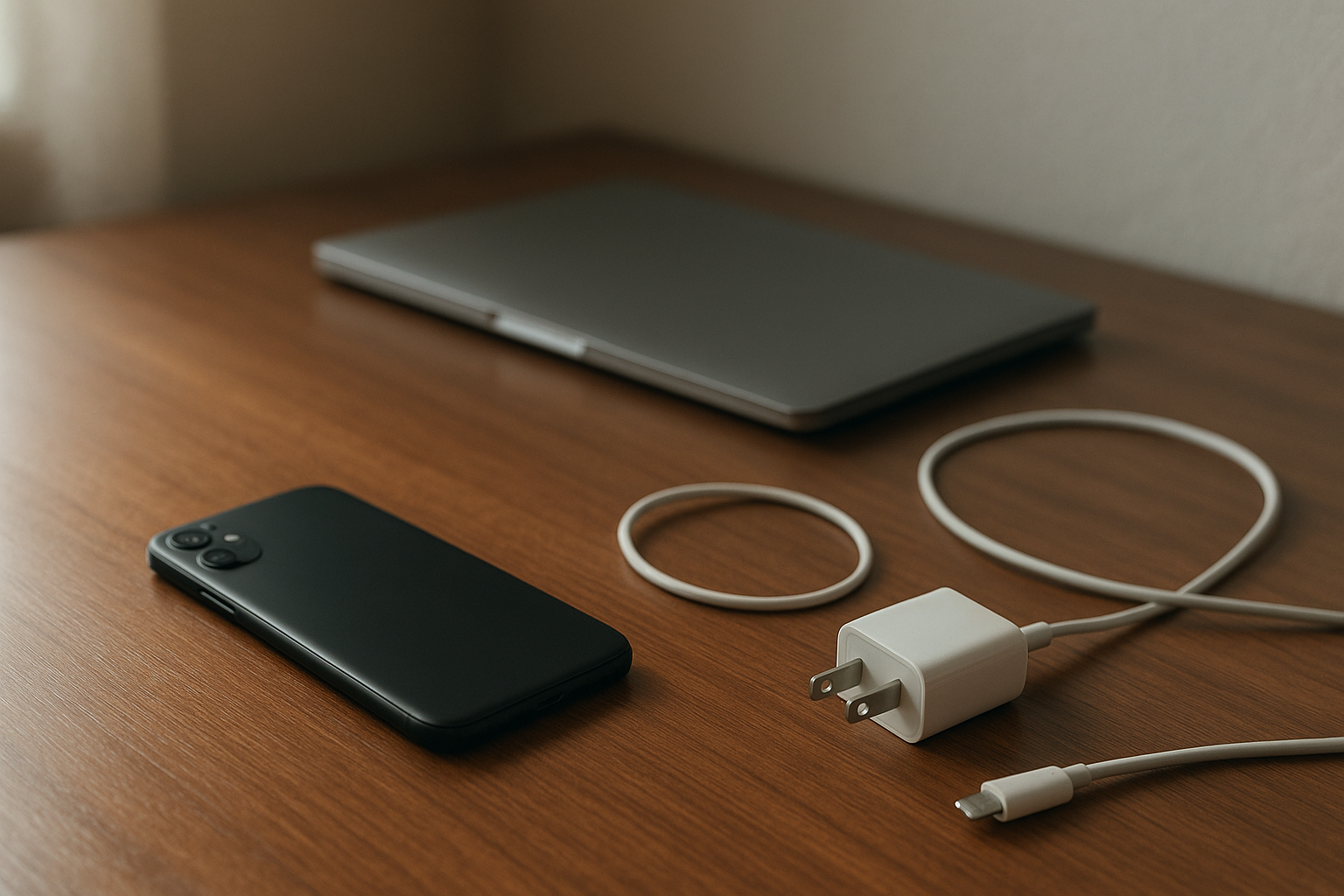
You update your phone at night because that seems like the responsible thing to do. New fixes, better security, maybe a few improvements. Then the next day, your battery is suddenly dropping in a way that makes no sense. By lunch, you are already lower than you would normally be at dinner. If it sits in your pocket for an hour, it still loses charge. And once you notice it, it’s hard to ignore.
That is what makes this kind of problem feel different from normal battery aging. It shows up fast. One day the device feels dependable, and the next day it feels like something changed behind your back. It’s not completely broken. But it’s not right either.
Why This Situation Feels So Frustrating
Part of the frustration is that updates are supposed to help. You trust the device enough to install what it recommends, and then you end up dealing with worse battery life. That can feel weirdly personal when it happens on a phone or laptop you rely on all day. You did the thing you were supposed to do, and now you are paying for it with extra charging, extra worry, and that constant habit of checking the battery percentage.
There is also the tension between wanting a quick fix and realizing there may not be one. Sometimes the advice is to wait a day or two. Sometimes it is to dig through settings. Sometimes it is an app issue, and sometimes it is the system itself settling in after the update. Meanwhile, you still have work, school, messages, maps, calls. You still need the device to last through a normal day. That is the part people feel in real life.
Something feels off.
What People Usually Notice First
For a lot of people, the first clue is simple: the phone dies earlier than usual during a workday or while sitting in class. You start the morning at 100 percent, use it the same way you always do, and somehow the battery is down much faster by midafternoon. If you have a regular routine, that change stands out immediately.
Another common sign is overnight drain. You charge the device before bed, leave it mostly untouched, and wake up to a battery drop that seems too big to ignore. That is the kind of thing that makes people wonder whether an app is running wild or whether the update changed something in the background.
Sometimes the device also feels warmer than normal. Not scorching, not necessarily dangerous, just warmer in a way that makes you pay attention. That can be unsettling because heat and battery problems seem to go together in people’s minds. Even if the device still works, the warmth can make the whole issue feel more serious.
And then the routine changes. You bring a charger to places where you never needed one before. You top off the battery in the car. You look for outlets at your desk. It becomes one more thing to manage.
Why It Can Be Confusing
The hardest part is not always the battery drain itself. It is the uncertainty around it. Is this normal after an update, or is it a sign something is actually wrong? Should you give it time, or should you start changing settings right away? Is one app causing the drain, or is the whole device suddenly less efficient?
That confusion tends to make the problem feel bigger. If a phone battery slowly gets worse over a year, that makes sense to people. But when the change appears right after a system update, it creates doubt. You start wondering whether the device is aging faster than expected, whether a hidden setting got switched on, or whether the update triggered background activity that just has not settled down yet.
If you are trying to figure out whether this kind of drain is temporary, this explanation of what can happen after an update lines up with what a lot of people notice in the first couple of days.
That uncertainty is exhausting. You do not know whether to blame the software, the battery, your own habits, or one random app that suddenly started behaving badly.
The Hidden Impact on Daily Use
Battery problems are easy to dismiss until they start affecting basic reliability. Then they become a low-level stress that follows you around all day. A phone that used to comfortably last through work now needs an afternoon charge. A tablet you use for school starts dropping faster during a lecture. A laptop that once handled a few hours away from an outlet suddenly feels risky to bring into a meeting.
This is where the issue goes beyond annoyance. Devices are part of how people manage schedules, communicate, get directions, handle payments, and stay reachable. When battery life becomes unpredictable, it chips away at that sense of control. You stop trusting the device the same way. You plan around it. You worry about it. You make small adjustments all day without even thinking about it.
It sounds minor until it happens to you.
When a familiar tool starts acting differently, it creates more tension than people expect. Not because the battery percentage is sacred, but because reliability matters. When that reliability slips, even a little, the whole day feels less smooth.
When It’s Probably Nothing Serious
In a lot of cases, fast battery drain right after an update settles down on its own. Devices often spend some time in the background finishing tasks after new software is installed. They may reindex files, optimize apps, sync photos, or catch up on processes you never actually see. During that short period, battery use can look worse than normal.
If the device is otherwise working fine, the warmth is mild, and the battery starts improving after a day or two, that usually points to temporary post-update activity rather than a major problem. The same is true if the drain mostly happens right after the update and gradually returns closer to normal use.
It can be annoying. But not every battery dip means damage or failure.
When You Should Pay More Attention
If the battery drain continues for several days with no improvement, that is when it makes more sense to look closer. The same goes for a device that stays unusually warm for long stretches, drains heavily while barely being used, or starts showing other strange behavior like sluggish performance or charging inconsistencies.
You should also pay attention if one app suddenly seems to be using far more power than expected, or if the battery drops sharply even when the screen is off and the device is idle. Those patterns can suggest that something specific changed rather than the system simply settling down.
Not every problem is dramatic. Sometimes it is just persistent. And persistent is enough.
Simple Ways to Improve the Situation
The most helpful approach is usually the least dramatic one. Give the device a little time if the update was very recent, and keep an eye on whether battery life starts moving back toward normal. If it does not, reduce the obvious power drains for a bit, like screen brightness, constant background activity, or features you are not really using. The goal is not to turn your phone into a brick just to save power. It is to take the edge off while you see whether things stabilize.
It also helps to notice patterns instead of guessing. If the battery drop happens mostly overnight, that tells a different story than a phone that drains only during active use. If the warmth shows up when one app is open, that matters too. A little observation can be more useful than randomly changing ten settings in frustration.
And if the battery issue sticks around, checking for app updates or later system patches can make a difference. Sometimes the fix comes shortly after the problem, which is not satisfying in the moment, but it does happen.
Conclusion
A device that starts draining faster after an update can feel surprisingly disruptive because it changes something basic: trust. You stop assuming the battery will hold up. You start managing around it. That is why the problem feels bigger than a number on a screen.
The good news is that it is often temporary, especially right after new software is installed. But if the drain lingers, the heat feels unusual, or the battery keeps dropping when the device is barely doing anything, it is reasonable to pay attention and take it seriously. Not panic. Just pay attention.
Because when your phone or laptop suddenly stops lasting through the day, the inconvenience is real. So is the stress. And when it finally goes back to normal, the relief is real too.