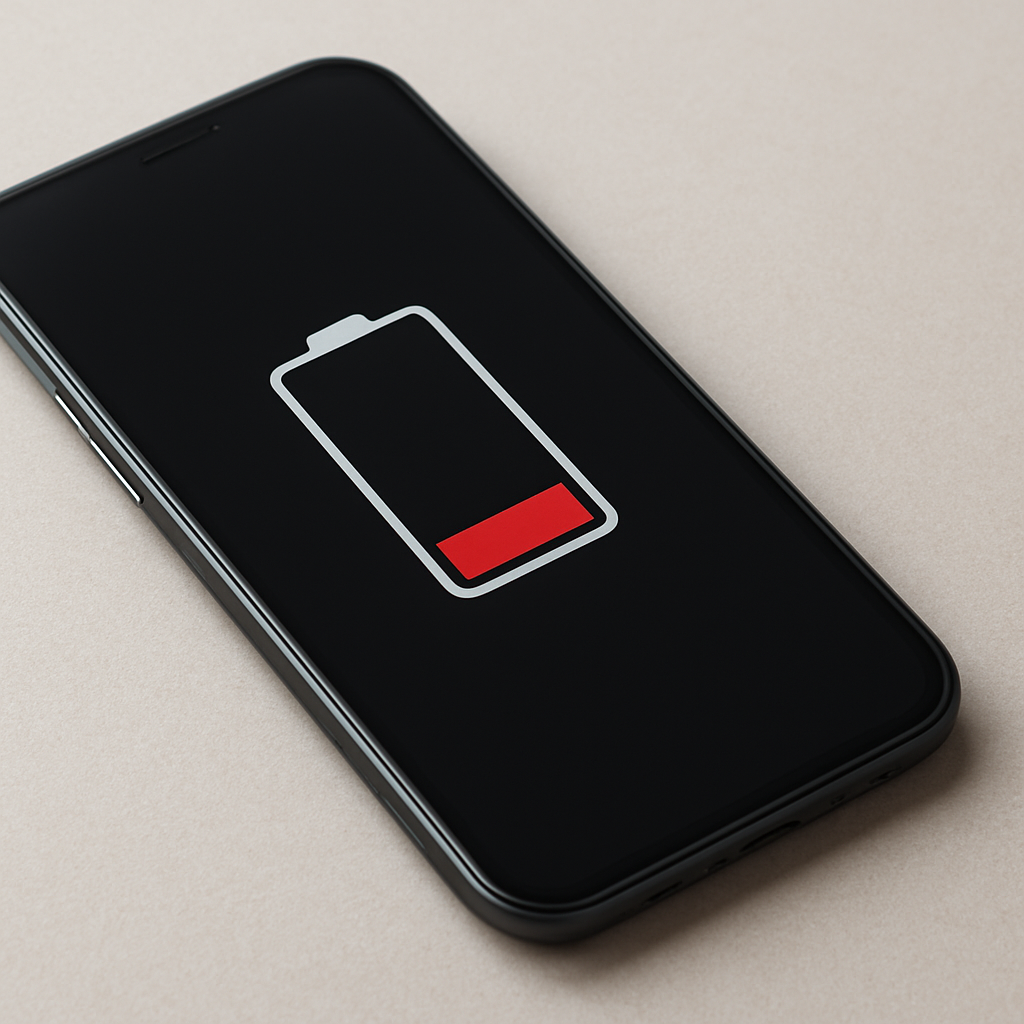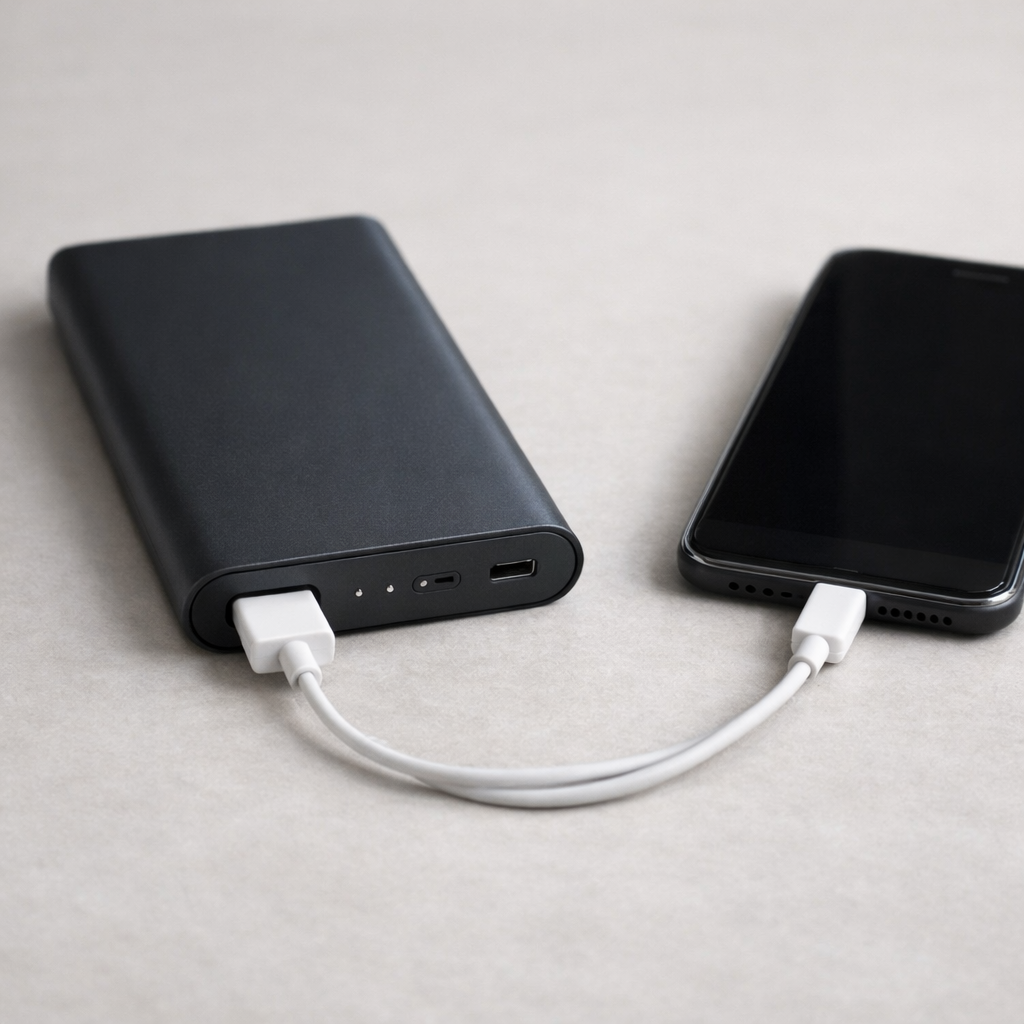
Power Bank Not Working Anymore — Battery Failure or Circuit Protection Triggered?
Quick Answer
Most “dead” power banks aren’t truly empty or broken inside the battery. In many cases, the output regulation (the part that converts the battery’s voltage into stable 5V/9V/12V for your phone) is failing or being forced to shut down, so energy can’t transfer normally even if the battery still has charge.
This usually shows up after months or years of use, or suddenly after a drop, moisture exposure, or a “bad” cable/device causing a protection trip. Sometimes it recovers in minutes with a reset-like step, while true hardware damage typically gets worse over days or weeks.
If you need a fast fix
- Try a different known-good cable and a different device, then press the power button once (some banks won’t enable output until they “see” a load).
- Charge the power bank from a good wall charger for 30–60 minutes, then try output again (this can clear some protection states).
- Disconnect everything, wait 5 minutes, then hold the power button for 10–15 seconds if your model supports it (a common soft reset behavior).
Quick Diagnosis Table
| Symptom | Most likely cause |
|---|---|
| LEDs show charge, but phone won’t charge | Output regulator not enabling due to handshake/load detection issue or internal fault |
| Charges for 3–10 seconds, then stops | Overcurrent/short protection triggered by cable/device or unstable regulator under load |
| Power bank itself charges normally, but no output on any port | DC-DC boost/buck stage failure or stuck protection mode |
| Works for low-power items (earbuds), not for phones/tablets | Regulation unstable at higher current, or voltage droop triggering shutdown |
| Very slow charging only, or starts only when cable is held “just right” | Port wear, debris, or internal solder joint damage causing voltage drop and regulation cutoff |
Why This Happens
A power bank’s battery stores energy at a changing voltage, but your phone expects a steady, negotiated output. The power bank’s regulator and control circuits handle that conversion and also watch for unsafe conditions like overheating, short circuits, or too much current.
If the regulator can’t maintain a stable output, it may keep switching on and off. For example, an aging cable can “look” like a higher load, or a worn USB port can add resistance, so the voltage drops when charging starts and the protection circuit shuts everything down.
In simple terms, the battery may still have power, but the power bank is failing to provide a usable, stable output, so the device never receives energy long enough to charge.
Most Common Causes (Ranked)
- 1) Output regulator instability or failure: The boost/buck converter can degrade from heat, age, or shock, so it can’t hold stable voltage under real load and shuts off to protect itself.
- 2) Protection circuit triggered by cable or device: A shorted cable, damaged connector, or a device drawing a sudden current spike can trip overcurrent or short protection, preventing normal output until conditions reset.
- 3) USB port wear, debris, or internal loose connection: A loose port causes intermittent contact and voltage drop, which can look like a fault and force the regulator to stop.
- 4) Negotiation mismatch (USB-C or fast charge): Some banks won’t output expected power unless the correct handshake occurs, and a faulty USB-C cable can prevent PD/QC negotiation and make the output appear dead.
- 5) Battery pack imbalance or high internal resistance: The battery may show “percentage,” but voltage sags under load, making the regulator shut down immediately.
- 6) Overheat detection or moisture corrosion: Heat-soaked components or mild corrosion can create leakage paths that trigger protection or destabilize regulation.
If performance improves gradually after a full recharge and using a better cable, that often points to a protection trip, port issue, or handshake problem rather than a completely failed battery.
How to Check the Problem Safely
- Check 1: Test with a different cable and device you trust. Use a short, thick cable if possible, since voltage drop from thin cables can trigger shutdown.
- Check 2: Try every output port on the power bank, including USB-A and USB-C. If one port works and another doesn’t, the regulator may be fine but the port or controller for that port may be the issue.
- Check 3: Charge the power bank for at least 30 minutes, then retry output. Some models disable output when input is connected, while others only re-enable output after the internal controller “sees” charging.
- Check 4: Look closely into the port for lint or bent pins. If you see debris, gently remove it with a dry wooden toothpick, then retry.
- Check 5: If you have a simple USB power meter, check whether the bank briefly outputs 5V then drops to 0V. A quick rise then immediate collapse strongly suggests protection triggering or unstable regulation under load.
Safety note: Do not open the power bank casing or poke inside with metal tools, and stop using it if it feels hot, smells odd, or shows swelling.
How to Fix It
- Fix 1 (easiest): Swap to a known-good cable and try a different device. This removes the most common triggers for protection shutdown and handshake failures.
- Fix 2: Perform a soft reset sequence: disconnect everything, wait 5 minutes, then hold the power button for 10–15 seconds (if your model has a button). This can clear a latched protection state in the controller.
- Fix 3: Fully recharge, then do a controlled discharge. Charge to 100%, then power a small load (like a USB lamp) for 10–20 minutes and try your phone again, which can stabilize fuel-gauge readings and re-enable output logic.
- Fix 4: Clean and stabilize the port connection. Remove debris, and ensure the plug seats firmly; if the connector is loose, avoid wiggling it during use because that repeated arcing and voltage drop can keep triggering shutdown and worsen damage.
- Fix 5 (advanced/last resort): If the bank supports firmware or mode switching (some USB-C PD power banks do), try switching ports, using a different PD profile cable, or disabling fast-charge mode if the unit has that option, since a failing fast-charge stage may still manage basic 5V output.
Signs of Battery or Hardware Damage
- Bulging case, swelling, or the bank no longer sits flat.
- Noticeable chemical smell, sweet/solvent odor, or smoke.
- Gets hot even with no device connected, or heats up unusually fast during charging.
- Rattling sound inside, or you can feel a loose component moving.
- Ports are visibly bent, cracked, or the connector falls out easily.
- Only works when you hold the cable at an angle, suggesting cracked solder joints.
- Charge level jumps wildly (for example 80% to 20% quickly) and shutdown happens under light loads.
When Repair Is No Longer Worth It
Power banks are compact and not designed for safe home repair, especially if the issue is inside the regulator stage or the lithium battery pack. If you see swelling, repeated overheating, or shutdown across all ports with multiple cables and devices, replacement is usually the safer choice.
As a rule, if a new, reputable power bank costs less than professional diagnosis and parts, it is better value to replace. Prioritize models with proper safety certifications and enough continuous output for your devices, since unstable regulation is often a sign the internal components are worn.
How to Prevent This Problem in the Future
- Use quality cables and replace any that feel loose, get warm, or only work in certain positions.
- Avoid leaving the power bank in hot cars or direct sun, since heat stresses the output regulator and battery.
- Do not regularly drain to 0% and store it empty; store around 40–70% if not used for weeks.
- Keep ports clean and covered in bags where lint is common, especially USB-C ports.
- Do not charge and discharge heavily at the same time unless the bank supports pass-through charging safely, since it increases internal heat.
- Match the power bank to your device’s needs, so it does not run at its maximum output constantly.
- Unplug promptly if you notice pulsing charge behavior, as repeated rapid on-off cycling can accelerate regulator wear.
FAQ
Why does my power bank show lights but won’t charge my phone?
The lights usually indicate the battery has some charge, not that the bank can deliver stable output. If the output regulator can’t hold 5V (or the required fast-charge profile), it may shut down instantly when a phone tries to draw power. Trying a different cable and device is the quickest way to confirm it.
Can circuit protection stay “stuck” after a short?
Yes, some power banks latch off after detecting a short, overcurrent, or overheating. Disconnecting everything and charging the bank for a while often resets the controller and clears the fault. If it keeps re-tripping with different cables and devices, the regulator or port may be damaged.
Is it safe to keep using a power bank that starts and stops charging?
Occasional stop-start can be a compatibility or cable issue, but repeated rapid cycling is a warning sign of unstable regulation or a poor connection. Stop using it if it heats up, smells odd, or behaves the same across multiple cables and devices. In those cases, replacement is the safest option.
Battery issues rarely come from a single cause. Mark Reynolds focuses on identifying patterns and simple fixes that apply in most situations. For more details, read the complete guide.
For a full overview of this issue and step-by-step solutions, read the complete troubleshooting guide.