Device Battery Draining Quickly and Suddenly — Internal Fault or App Activity?
Quick Answer
The most likely cause of a battery that suddenly drains fast is voltage sensor instability: the device briefly “thinks” the battery voltage is unsafe (too low or dropping too quickly) and triggers a protective cutoff. Instead of a smooth, gradual percentage drop, you see sharp drops, unexpected shutdowns, or the battery jumping from a normal level to near-empty.
This usually means the battery management system is reacting to unstable readings from the battery, connector, or power circuit, not that the battery instantly lost all its energy. It often shows up over days to weeks, then becomes frequent, especially under load (camera, games, calls, hotspot) or in cold weather.
If you need a fast fix
Restart the device, then enable Battery Saver/Low Power Mode and reduce screen brightness to limit sudden voltage dips under load.
Charge to 100% using a known-good charger and cable, then keep it plugged in for an extra 20–30 minutes to help stabilize the battery gauge.
Stop heavy use (camera, gaming, navigation) until you can test; these loads can trigger sensor-based cutoffs when voltage readings are unstable.
Quick Diagnosis Table
Symptom
Most likely cause
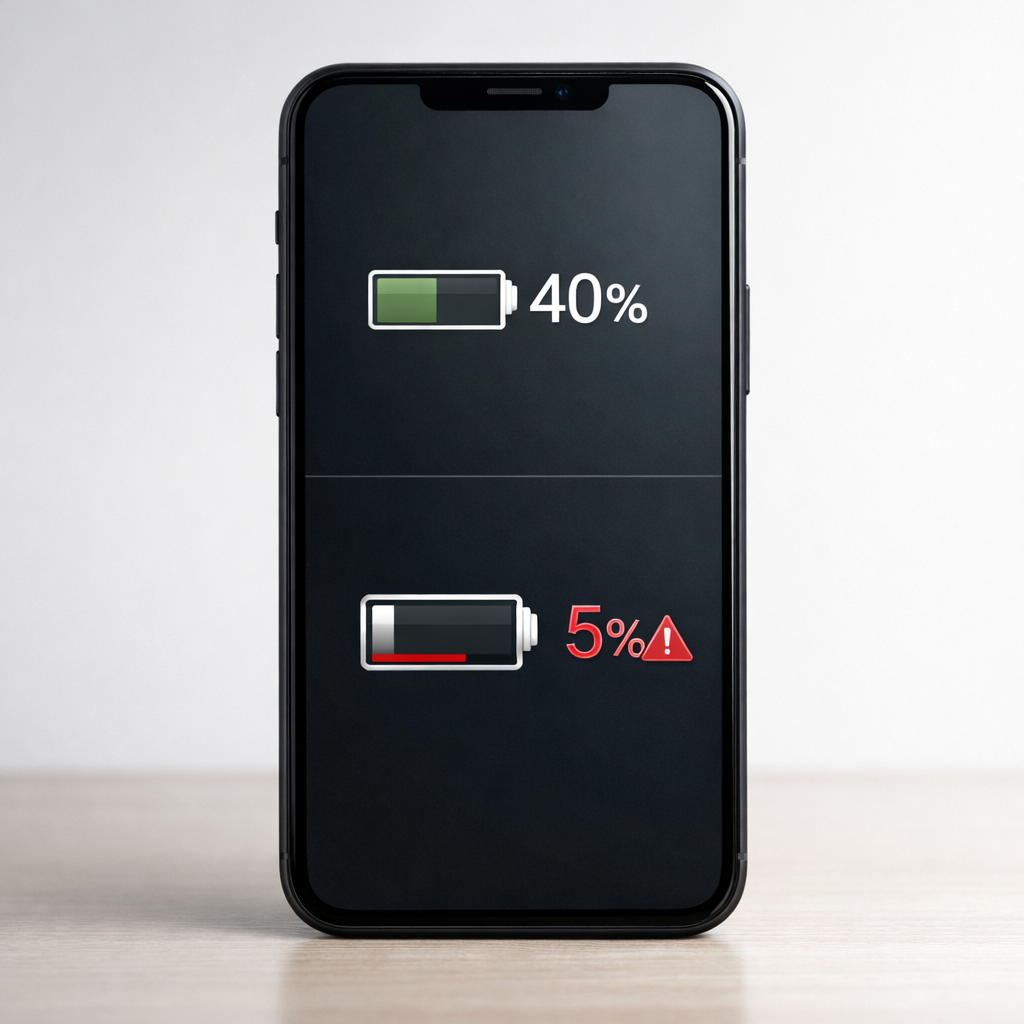
Battery drops from 40–60% to 10% within minutes
Voltage sensor or battery gauge misreading under load; protection logic reduces reported level or cuts power.
Device shuts off around 20–40% and turns back on showing a different percentage
Safety cutoff triggered by a momentary voltage sag; unstable connection or aging battery increases sag.
Battery seems fine when idle, but drains fast when using camera/games
High current draw causes voltage dip; sensor instability/weak battery can’t hold voltage steady.
Battery percentage jumps up after charging for a few minutes
Battery meter recalibration after unstable readings; poor connector contact can confuse measurements.
Problem is worse in cold environments
Cold increases internal resistance, making voltage dip more likely; cutoff triggers earlier.
Why This Happens
Your device doesn’t measure “percent” directly. It estimates battery level mainly from voltage, current flow, and battery history, then applies safety rules to prevent sudden shutdowns or damage.
When the voltage sensor reading becomes unstable, the device can interpret normal use as a dangerous low-voltage event. For example, opening the camera can spike power demand; if the sensor sees a brief drop (even a fraction of a second), the system may cut power or rapidly reduce the displayed percentage to match what it believes is safe.
In simple terms: unstable voltage reading → device thinks the battery is failing → protective cutoff → sudden drain or shutdown.
Most Common Causes (Ranked)
1) Aging battery causing voltage sag: As batteries wear, they develop higher internal resistance, so voltage drops sharply during normal tasks and can trigger safety cutoffs.
2) Battery gauge or voltage sensor drift: The measurement system can become inaccurate after many charge cycles, firmware bugs, or repeated partial charges that confuse estimation.
3) Dirty/loose battery or charging connection: A slightly poor connection (internal connector, port contamination, or a worn cable) can create momentary voltage dips that look like sudden depletion.
4) Background app activity increasing load: An app may not be the root cause, but constant background work (GPS, syncing, video processing) can push the device into the “voltage dip” zone more often.
5) Cold temperatures: Cold temporarily reduces battery performance and makes voltage less stable, so the device hits its cutoff earlier even if the battery seems “fine” indoors.
6) Power management or firmware issue: A bad update, corrupted battery stats, or power-controller glitch can mis-handle sensor data and exaggerate drain or trigger premature shutdowns.
If the issue gradually improves after a few full charge cycles and lighter usage, that often suggests a meter calibration or software-related problem rather than a suddenly failing battery.
How to Check the Problem Safely
Check 1: Look at battery usage stats and note if the drain happens during a specific task (camera, calls, games) or even when idle.
Check 2: Test with a known-good charger and cable, and try a different outlet; unstable charging can worsen sensor confusion.
Check 3: Feel for unusual heat during light use; heat plus rapid drops can point to background load or power circuit strain.
Check 4: Try the same task at two battery levels (for example 80% vs 30%); earlier shutdowns at lower levels suggest voltage sag/cutoff behavior.
Check 5: If your device offers battery health (capacity) reporting, check it; very low health strongly correlates with sudden drops and shutdowns.
Safety note: if you notice swelling, cracking, burning smell, or extreme heat, stop using the device and do not continue charging it.
How to Fix It
Fix 1 (easiest): Reduce peak power draw for a day (Battery Saver, lower brightness, disable 5G/hotspot temporarily) because smaller current spikes mean fewer voltage dips and fewer cutoffs.
Fix 2: Clean and stabilize charging: remove lint from the port carefully (non-metal tool), reseat cables firmly, and avoid wiggly connectors; a stable connection reduces voltage reading glitches.
Fix 3: Rebuild battery stats by doing a controlled cycle: charge to 100%, keep it plugged in 20–30 minutes, use it down to around 15–20%, then charge back to 100% without interruptions; this can improve percentage accuracy when the gauge is confused.
Fix 4: Identify and limit background drain: uninstall or restrict apps with high background activity, disable “always-on” GPS for nonessential apps, and update the OS and apps to fix known power-management bugs.
Fix 5 (advanced/last resort): Backup data and perform a full reset or seek a battery replacement; if voltage sensor instability is driven by aging cells or a failing power circuit, software won’t permanently fix it.
Signs of Battery or Hardware Damage
Battery swelling, screen lifting, or a case that no longer sits flat.
Device gets very hot during simple tasks or while charging.
Frequent shutdowns below 40% even after resets and controlled charge cycles.
Battery percentage jumps wildly (for example 55% to 15% to 35%) with normal use.
Charging only works at certain angles, or the port feels loose or crackly.
Device reports “service,” “replace battery,” “charging paused due to temperature,” or similar warnings repeatedly.
Noticeable chemical smell, hissing, or any sign of leakage.
When Repair Is No Longer Worth It
If the device is shutting off unexpectedly, has very low battery health, or shows physical warning signs, a battery replacement is usually the only reliable fix. If the issue is tied to the power-management chip or internal connectors, repair can be more involved than a simple battery swap.
As a rule of thumb, consider replacement if the repair cost is a large portion of the device’s current value, or if you rely on it for safety, work, or travel and can’t risk random shutdowns. If your model is older and no longer gets updates, putting money into a borderline power issue often has diminishing returns.
How to Prevent This Problem in the Future
Avoid letting the battery sit at 0% or repeatedly shutting down from empty; deep discharge can worsen instability over time.
Keep the battery between about 20% and 80% for daily use when possible to reduce stress and voltage sag as it ages.
Use reputable chargers and cables; inconsistent power delivery can confuse the gauge and increase heat.
Limit heavy loads at very low battery levels (below 25%), when voltage dips are most likely.
Protect the device from cold; keep it warm in a pocket and avoid extended use outside in freezing temperatures.
Update the OS and key apps; power management and battery gauge fixes are often delivered in updates.
Keep the charging port clean and dry; poor contact can mimic battery failure symptoms.
FAQ
Is it an app drain or a failing battery if the drop is sudden?
Sudden drops and unexpected shutdowns usually point to voltage sag and safety cutoff, which is more consistent with battery aging, unstable sensing, or poor connections. Apps typically cause a steadier drain pattern, though heavy background activity can trigger the cutoff sooner by increasing load. Check whether the problem is worst during high-power tasks.
Why does my device die at 30% and then show 20–40% after I turn it back on?
That pattern commonly happens when the device briefly detects voltage below its safe threshold and shuts down. After it rests for a minute, the battery voltage rebounds slightly, so the device can boot and reports a higher percentage. The underlying issue is usually a weak battery, sensor instability, or a connection that drops voltage under load.
Will recalibrating the battery fix sudden draining permanently?
Recalibration can help if the meter is inaccurate due to confused battery stats or a software glitch. It won’t fix true voltage sag from an aging battery or a hardware issue, and symptoms often return under heavy load. If recalibration helps only briefly, the battery or power hardware is the more likely cause.
Mark Reynolds covers common battery and charging problems with straightforward explanations and real-world context. For more detailed steps, visit the full guide here.