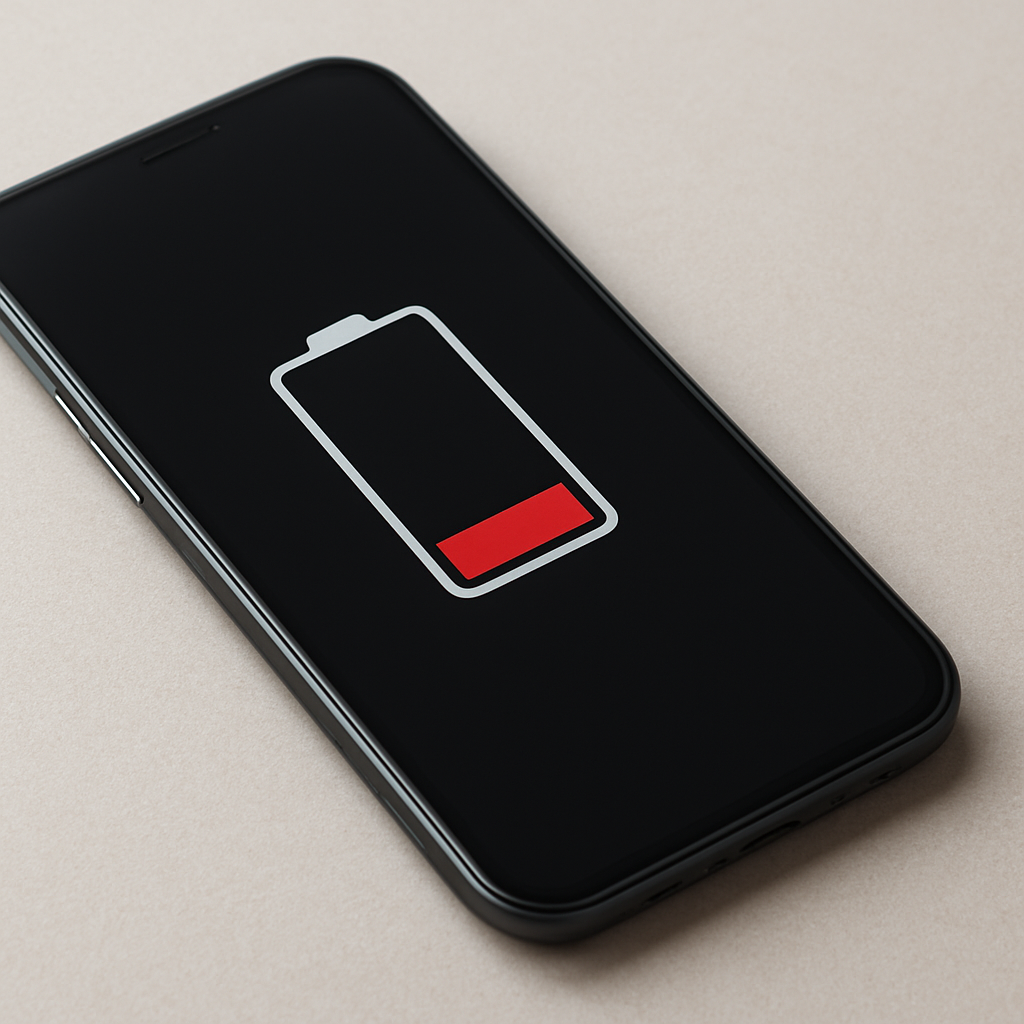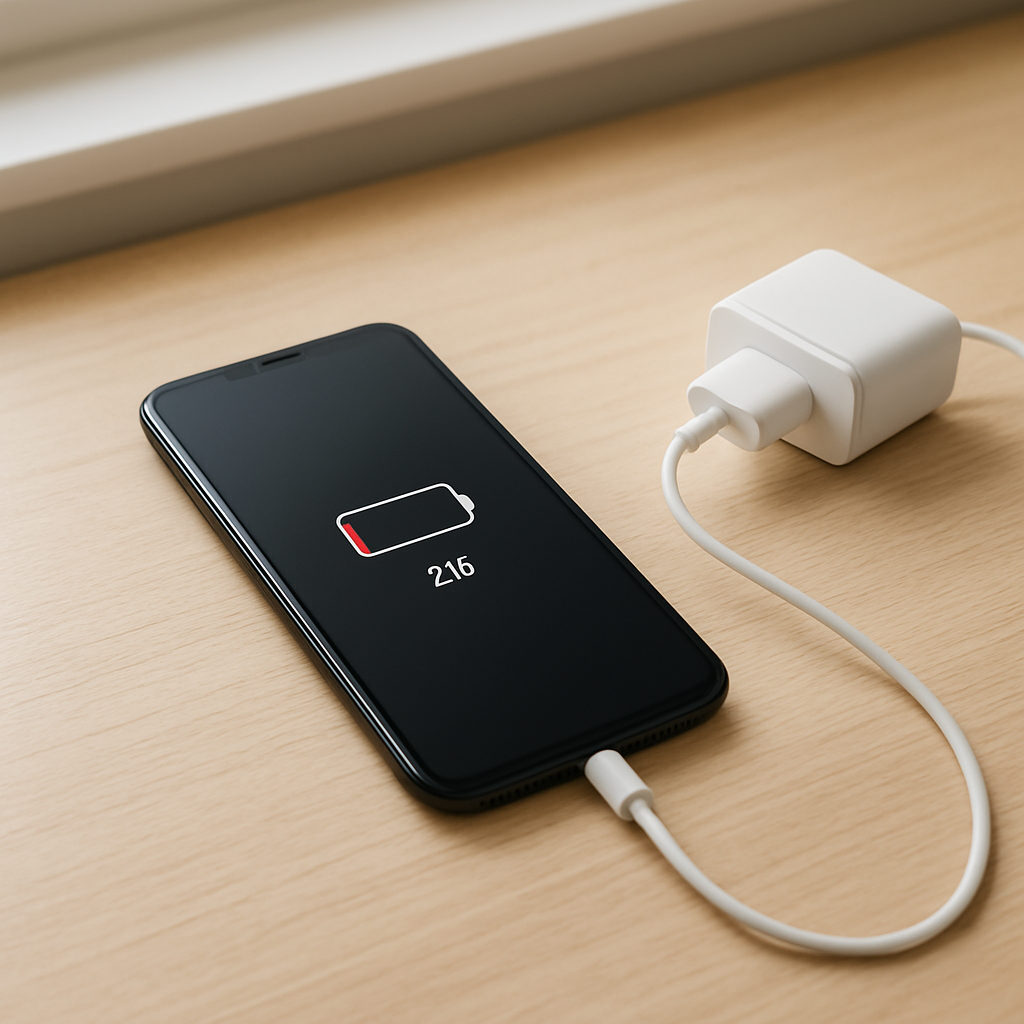
Battery Health Decreasing Fast
Quick Answer
Fast battery health decline is most often caused by a mix of heat exposure and charging patterns that keep the battery at very high charge for long periods (especially 100%), plus normal wear from a high number of charge cycles. In some cases, it can also be true internal chemical degradation that happens even with “good” habits, but heat usually accelerates everything.
Battery “health” is an estimate of how much capacity the battery can hold compared to when it was new. A gradual drop is normal, but a noticeable change over a few weeks can happen after heavy use, frequent fast charging, or overheating; most users see a slower decline spread over months.
If you need a fast fix
- Stop using the device while it’s charging and move it to a cooler spot (off beds, couches, or direct sun) to reduce heat stress.
- For the next week, charge to about 80–90% and unplug instead of keeping it at 100% for hours (especially overnight).
- Use a reliable charger and cable, and avoid fast charging unless you truly need it to limit heat and high-voltage time.
Quick Diagnosis Table
| Symptom | Most likely cause |
|---|---|
| Battery health drops quickly right after a period of heavy use or travel | High cycle count in a short time, lots of fast charging, and heat exposure |
| Health seems to fall faster in hot weather or when gaming/video calls | Heat-driven wear (battery aging speeds up when the device runs hot) |
| Health decreases while you mostly keep it plugged in at 100% | Long time at high charge level (high-voltage stress), often worse overnight |
| Sudden big drop, random shutdowns, or battery percentage jumps | Battery cell imbalance, calibration confusion, or a battery starting to fail |
| Health drops even with cool temps and gentle charging | Normal chemical aging or a weak/defective battery pack |
Why This Happens
Rechargeable lithium batteries age in two main ways: calendar aging (simply getting older) and cycle aging (each full “equivalent” battery cycle uses up a bit of the battery). Heat, high charge levels, and heavy loads speed up both types of aging.
In real life, this means a device that’s fast-charged daily, used while charging, or left at 100% for hours tends to run warmer and stay at a higher voltage. For example, gaming while plugged in or using a phone as a hotspot can keep temperatures high for long stretches, which accelerates wear.
When the battery ages, it holds less charge and its internal resistance rises, so you may notice shorter runtime, more warmth during use, or performance throttling. Those symptoms are the battery struggling to deliver power efficiently, which often matches a declining health estimate.
Most Common Causes (Ranked)
- 1) Heat exposure: Heat is the fastest way to age a battery, whether it’s from hot rooms, direct sun, car dashboards, gaming, or charging on soft surfaces that trap heat.
- 2) Long time at 100% (overnight or always plugged in): Keeping a lithium battery full for hours increases stress and can accelerate capacity loss more than stopping around 80–90% for daily use.
- 3) High cycle count in a short period: If your usage pattern changed (more screen time, navigation, hotspot, or video), you may be burning through more equivalent full cycles, which naturally lowers health.
- 4) Frequent fast charging: Fast charging is convenient, but it often creates extra heat and spends more time at high voltage near full, both of which can increase wear.
- 5) Using the device while charging: Doing heavy tasks while plugged in keeps temperatures elevated and can repeatedly “top off” the battery near 100%, which adds stress.
- 6) Internal chemical degradation or a weak battery pack: Some batteries age faster due to manufacturing variation, prior storage conditions, or just reaching the end of their useful life.
If the decline slows after you reduce heat and avoid staying at 100%, that usually indicates the battery is not failing suddenly and was mostly being stressed by conditions you can control.
How to Check the Problem Safely
- Check 1: Look for battery details in your device settings (battery health/capacity, charge cycles if shown, and any warnings about servicing).
- Check 2: Review your last 7–10 days of usage and charging: note any changes like more gaming, hotspot use, navigation, video calls, or longer screen time.
- Check 3: Pay attention to heat: after 10–15 minutes of charging or heavy use, check if the device feels noticeably hot, especially near the battery area.
- Check 4: Check your charging setup: confirm you’re using a reputable charger and an undamaged cable, and avoid adapters that get unusually warm.
- Check 5: Track a simple baseline test: charge to 100%, use the device normally for a day, and note screen-on time and whether the percentage drops smoothly or jumps.
Safety note: if you see swelling, smell a sweet/chemical odor, or the device becomes dangerously hot, stop charging immediately and seek professional service.
How to Fix It
- Fix 1 (easiest): Keep it cooler: remove thick cases during charging, avoid charging on beds/sofas, and don’t leave it in a hot car, because lower temperature directly slows battery aging.
- Fix 2: Limit “time at full”: try charging to 80–90% for daily use and only go to 100% right before you need it, which reduces high-voltage stress.
- Fix 3: Reduce fast charging and heavy use while plugged in: use standard charging when possible and avoid gaming/video calls during charging to cut heat buildup.
- Fix 4: Enable battery protection features: turn on optimized charging, charge limit, or adaptive battery modes if your device offers them, since they reduce prolonged 100% charging and background drain.
- Fix 5 (advanced/last resort): If symptoms persist, back up your data and get a battery diagnostic or replacement from a trusted repair shop or the manufacturer, because a worn or defective battery cannot be “repaired” by settings.
Signs of Battery or Hardware Damage
- Battery bulge, lifted screen/back cover, or the device no longer sits flat
- Device gets extremely hot during charging or light use
- Sudden shutdowns at 20–40% or large percentage jumps (for example 55% to 30% quickly)
- Charging is erratic: stops and starts, or only works at certain cable angles
- Noticeably reduced runtime plus slower performance that wasn’t present before
- Unusual smells (sweet, metallic, or chemical) from the device or charger area
- Crackling sounds, hissing, or visible smoke (treat as an emergency)
When Repair Is No Longer Worth It
Replacement is usually the better choice when battery health is very low, the device has shutdown problems, or there are safety signs like swelling or extreme heat. A new battery can restore usability, but if the device is also slow, unsupported, or has other failing parts, money spent on repair may not extend its life much.
As a simple value check, compare battery replacement cost to the device’s current resale value and your daily reliability needs. If replacement costs approach a large fraction of the device’s value, or the device can’t run current apps/updates you rely on, upgrading often makes more sense.
How to Prevent This Problem in the Future
- Avoid heat whenever possible: keep devices out of direct sun and don’t charge under pillows, blankets, or on thick fabric
- Use 20–80% (or 30–80%) for routine days, and only charge to 100% right before long outings
- Prefer slower charging when speed isn’t necessary, especially if the device is warm
- Don’t combine heavy workloads with charging for long periods (gaming, hotspot, high-brightness video)
- Enable optimized charging or charge limit features to reduce overnight 100% time
- Use quality chargers and replace frayed cables to prevent heat and unstable charging
- Store long-term at about 40–60% in a cool, dry place if you won’t use the device for weeks
FAQ
Is it normal for battery health to drop suddenly by a few percent?
Yes, small sudden drops can happen because the “health” number is an estimate that updates as the system collects more data. A recent change in usage, a series of fast charges, or high temperatures can make the estimate adjust downward all at once. What matters most is the trend over the next few weeks after you reduce heat and time at 100%.
Does charging overnight ruin the battery?
Overnight charging itself isn’t always catastrophic, but staying at 100% for many hours can add wear over time, especially if the device runs warm. If your device supports optimized charging or a charge limit, turning it on can reduce the stress. If it doesn’t, unplugging at 80–90% on most nights can help.
Can I fix battery health by recalibrating the battery?
Calibration can help the percentage display behave more accurately, but it does not restore lost capacity. If your phone drops from 30% to 5% quickly, a calibration-type cycle may improve the readout, but the underlying health won’t increase much. If you have shutdowns or poor runtime alongside continued health decline, a battery replacement is the real fix.
For a full overview of this issue and step-by-step solutions, read the complete troubleshooting guide.
Mark Reynolds covers battery health, charging limits, and common device issues with a focus on clarity and practical fixes. For a deeper look, visit the full troubleshooting guide.