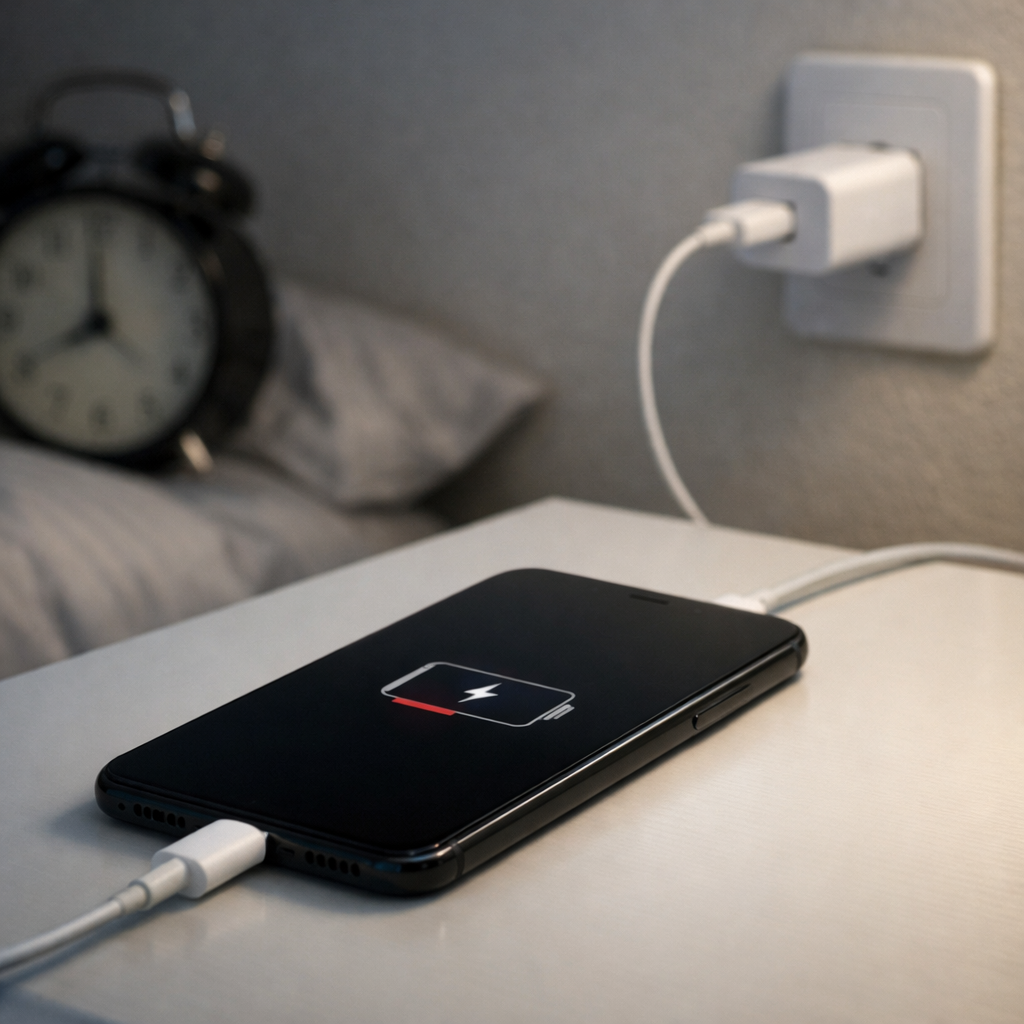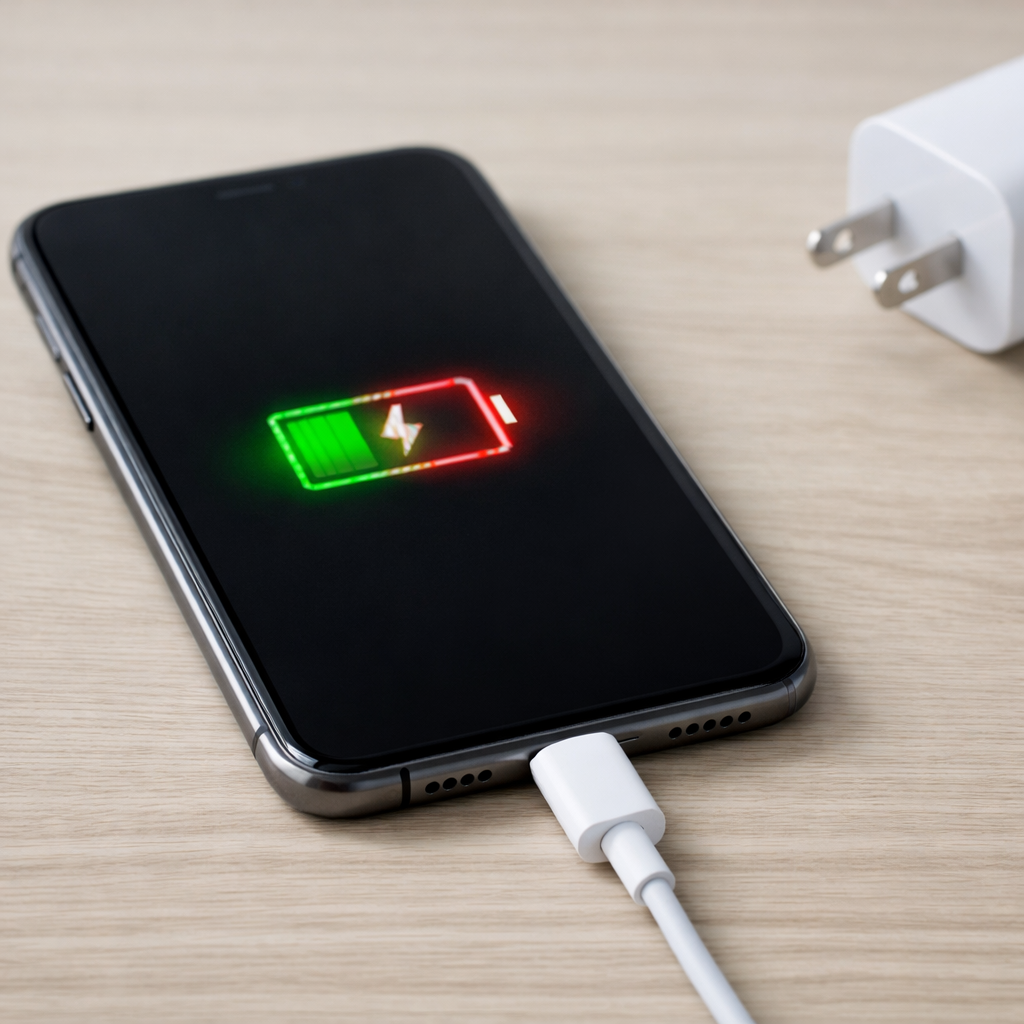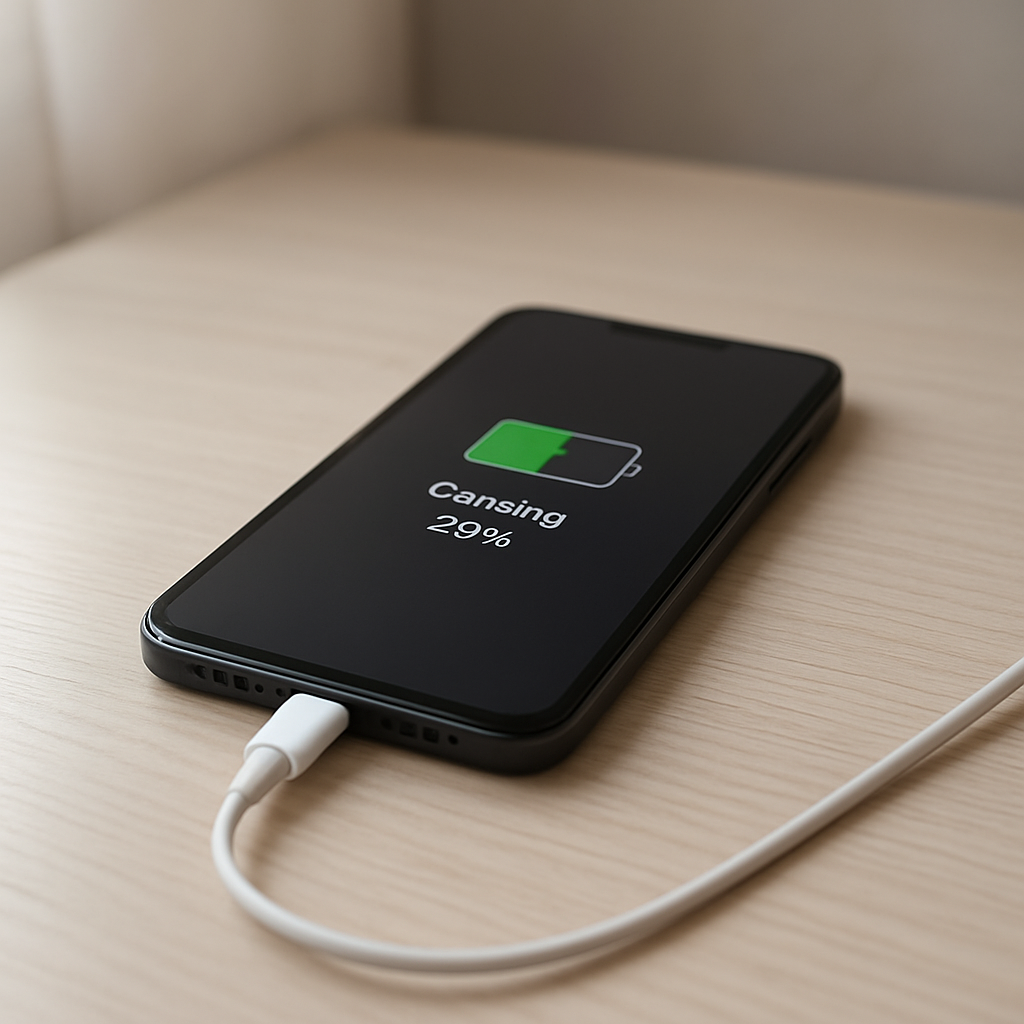
If your phone is charging very slowly, the cause is usually one of a few simple things: a weak charger, a worn cable, a dirty charging port, heat, heavy phone usage while charging, or battery health starting to decline.
Slow charging is frustrating because the phone may still show the charging icon, but the battery barely moves. You plug it in expecting a quick boost, then come back 30 minutes later and the percentage has only increased a little. That can make the phone feel unreliable, especially when you need to leave soon.
The good news is that slow charging does not always mean the battery is failing. In many cases, the charger, cable, power source, port contact, temperature, or background activity is limiting the charging speed.
Not sure where to start? Use the Battery Help Center if you are unsure whether your issue is charging, battery health, battery drain, overheating, or sudden power behavior.
Quick Answer
A phone charging very slowly is usually caused by a low-power source, a charger or cable that cannot deliver enough power, a dirty or loose charging port, heat buildup, heavy background usage, or battery aging.
The fastest first test is simple: plug the phone into a wall outlet using a reliable charger and cable, leave the screen off for 15 to 20 minutes, and see whether the charging speed improves. If it does, the battery is probably not the main problem. The issue is more likely the power source, cable, charger, heat, or background drain.
Why Your Phone Charges Slowly
Your phone can only charge as fast as the weakest part of the setup allows. The wall adapter has to provide enough power, the cable has to carry that power properly, the charging port has to make stable contact, and the phone has to stay cool enough to accept the charge.
If any part of that chain is weak, the phone may fall back to slower charging. This is why the same phone can charge quickly with one charger and painfully slowly with another.
- Weak charger: a low-power adapter may not provide enough wattage.
- Bad cable: a worn or low-quality cable can limit charging speed.
- Dirty port: lint or debris can prevent a stable connection.
- Heat: the phone may slow charging to protect the battery.
- Heavy use: gaming, hotspot, video calls, or navigation can use much of the incoming power.
- Battery age: older batteries may charge less efficiently and hold less power.
Quick Diagnosis Table
| What You Notice | Most Likely Cause |
|---|---|
| Charges fast on one charger but slow on another | Charger, cable, or power source limitation |
| Charging speed changes when the cable moves | Worn cable, loose connector, or dirty charging port |
| Battery barely increases while the screen is on | High phone usage consuming power while charging |
| Phone gets warm and charging slows down | Heat protection reducing charging speed |
| Phone used to fast charge but no longer does | Cable wear, charger issue, port wear, battery aging, or settings |
Most Common Causes of Very Slow Phone Charging
Low-Power Charger or USB Port
A phone may charge very slowly if it is plugged into a laptop USB port, car USB port, old wall adapter, weak power bank, or low-quality charger. These sources may provide enough power to show the charging icon, but not enough to charge quickly.
For testing, plug the phone directly into a wall outlet using a charger that supports your phone’s normal charging speed.
Wrong or Damaged Cable
A cable can make a big difference. Some cables are not designed for higher charging speeds. Others become worn internally after repeated bending or pulling, even if they look fine outside.
If slow charging began suddenly, test with another reliable cable. If the charging speed improves, the original cable was likely the problem.
Dirty Charging Port
Dust, lint, or debris inside the charging port can stop the connector from seating fully. The phone may still charge, but the connection may be weak enough to reduce speed or cause unstable charging.
Turn the phone off before inspecting the port. If cleaning is needed, be gentle and avoid metal tools that could damage the contacts.
Heat Slowing the Charge
Phones often slow charging when they get warm. This is protective behavior. Fast charging, thick cases, direct sunlight, gaming, navigation, hotspot use, or video calls can all increase heat while charging.
If the phone feels warm, remove the case, stop heavy apps, place it on a hard surface, and let it cool before testing again.
Heavy Background Usage
If your phone is working hard while charging, the battery percentage may rise slowly. Navigation, video calls, streaming, gaming, hotspot use, weak cellular signal, and cloud syncing can all consume power while the charger is trying to fill the battery.
This can make charging look slow even when the charger is working normally.
Battery Health or Charging Limits
An older battery may not accept power as efficiently as it once did. Some phones also slow charging near higher percentages to reduce heat and battery wear.
If charging becomes slow near 80% to 100%, that can be normal. If it is slow from the beginning, the charger, cable, port, heat, or background usage is more likely.
Fast Checks Before You Replace Anything
Before assuming the battery is bad, test the simple things first. These checks can usually tell you whether the issue is the phone, the charger, the cable, or the environment.
- Try a wall outlet: avoid laptop USB ports and weak adapters during testing.
- Swap the cable: use a reliable, compatible cable.
- Try another charger: use one that supports your phone’s charging needs.
- Leave the screen off: test charging for 15 to 20 minutes without using the phone.
- Check heat: remove the case and let the phone cool if it feels warm.
- Inspect the port: look for lint, looseness, or debris.
How to Fix a Phone Charging Very Slowly
Use a Proper Wall Charger
Use a charger that matches your phone’s normal charging capability. If your phone supports fast charging but you use an old or weak adapter, it may charge much slower than expected.
If the phone charges faster with a different charger, the original charger was likely the bottleneck.
Replace the Cable
Test with a short, reliable cable from a reputable brand or the original cable if available. Worn cables are one of the easiest and cheapest problems to fix.
Do not keep using cables with exposed wiring, melting, discoloration, looseness, or strong heat near the connector.
Clean the Charging Port Carefully
If the cable does not sit firmly or charging changes when the connector moves, the port may be dirty or worn. Lint inside the port can prevent full contact.
Turn the phone off and inspect the port. Clean gently if needed, and avoid metal tools. If the port is loose or damaged, professional repair may be needed.
Reduce Phone Usage While Charging
If you need the phone to charge faster, avoid heavy use while it is plugged in. Gaming, streaming, hotspot use, video calls, and navigation can slow charging because the phone is using power at the same time it is receiving it.
For a quick boost, turn the screen off and leave the phone idle for a short charging session.
Control Heat
Heat is one of the biggest reasons charging slows down. If the phone gets warm, remove the case, place it on a hard surface, and keep it away from sunlight or blankets.
If charging improves after the phone cools down, heat was likely part of the problem.
Check Battery Health
If slow charging continues with multiple chargers, multiple cables, and a clean port, battery health may be involved. This is more likely if the phone is older, drains quickly, gets warm easily, or shows sudden percentage drops.
For related battery behavior, see the Battery Health & Charging Limits Troubleshooting guide.
When Slow Charging Is Actually Normal
Slow charging is not always a fault. Many phones slow down charging near the top of the battery to reduce heat and protect long-term battery health.
It is normal for the last 10% to 20% to take longer than the earlier part of the charge. It is also normal for charging to slow if the phone is warm, being used heavily, or using optimized charging features.
The concern is when charging is slow from the beginning, takes several hours longer than usual, or happens with every charger and cable.
Signs of Battery, Port, or Hardware Damage
Slow charging deserves more attention if it comes with other warning signs.
- Battery percentage jumps up or down suddenly.
- The phone only charges at certain cable angles.
- The charging port feels loose or damaged.
- The phone becomes unusually hot during normal charging.
- The charger or cable gets very hot, sparks, or smells burnt.
- The screen or back cover appears lifted or swollen.
- Fast charging never works anymore with reliable accessories.
If you notice swelling, burning smells, strong heat, sparks, liquid damage, or physical damage, stop using questionable chargers or cables and consider getting the phone checked by a qualified repair professional.
How to Prevent Slow Charging in the Future
- Use reliable chargers and cables that match your phone’s charging standard.
- Avoid very cheap or damaged cables.
- Keep the charging port clean and dry.
- Do not charge under pillows, blankets, or in direct sunlight.
- Limit gaming, hotspot use, or navigation while charging if heat is a problem.
- Replace worn cables before they damage the port or cause unstable charging.
FAQ
Why is my phone charging very slowly all of a sudden?
Sudden slow charging is often caused by a weak charger, damaged cable, dirty charging port, heat, heavy background usage, or a recent software change. Test another charger and cable first.
Can a cable make my phone charge slowly?
Yes. A low-quality, damaged, or worn cable can limit power delivery and make charging much slower. If a different cable fixes the problem, the battery is probably not the main issue.
Why does my phone charge slower after 80%?
Many phones slow charging near higher percentages to reduce heat and protect battery lifespan. This is usually normal unless charging is extremely slow from the start.
Is wireless charging slower than wired charging?
In many cases, yes. Wireless charging is often less efficient and can create more heat, which may slow charging further. For the fastest charge, use a compatible wired charger and cable.
Does slow charging mean my battery is bad?
Not always. Slow charging is often caused by the charger, cable, port, heat, or background usage. Battery health becomes more likely if the phone is older, drains quickly, gets hot easily, or behaves unpredictably.
Related Guides
- Charging Issues Troubleshooting
- Device Charging Stops Then Resumes
- Device Charging Slow Issue
- Battery Health & Charging Limits Troubleshooting
- Overheating & Power Problems Troubleshooting
Conclusion
A phone charging very slowly is usually caused by a weak charger, worn cable, dirty port, heat, heavy background usage, or charging management behavior. Start with the simple tests first: use a proper wall charger, swap the cable, leave the phone idle, reduce heat, and inspect the charging port.
If the phone still charges slowly across multiple chargers, cables, outlets, and conditions, battery health, port wear, or internal charging hardware may need closer inspection. For a broader path through related issues, start with the Battery Help Center or read the full Charging Issues Troubleshooting guide.
Mark Reynolds writes practical battery and charging guides for Power & Battery Guide, focusing on clear explanations, realistic first checks, and safe troubleshooting before replacing batteries, chargers, or devices.