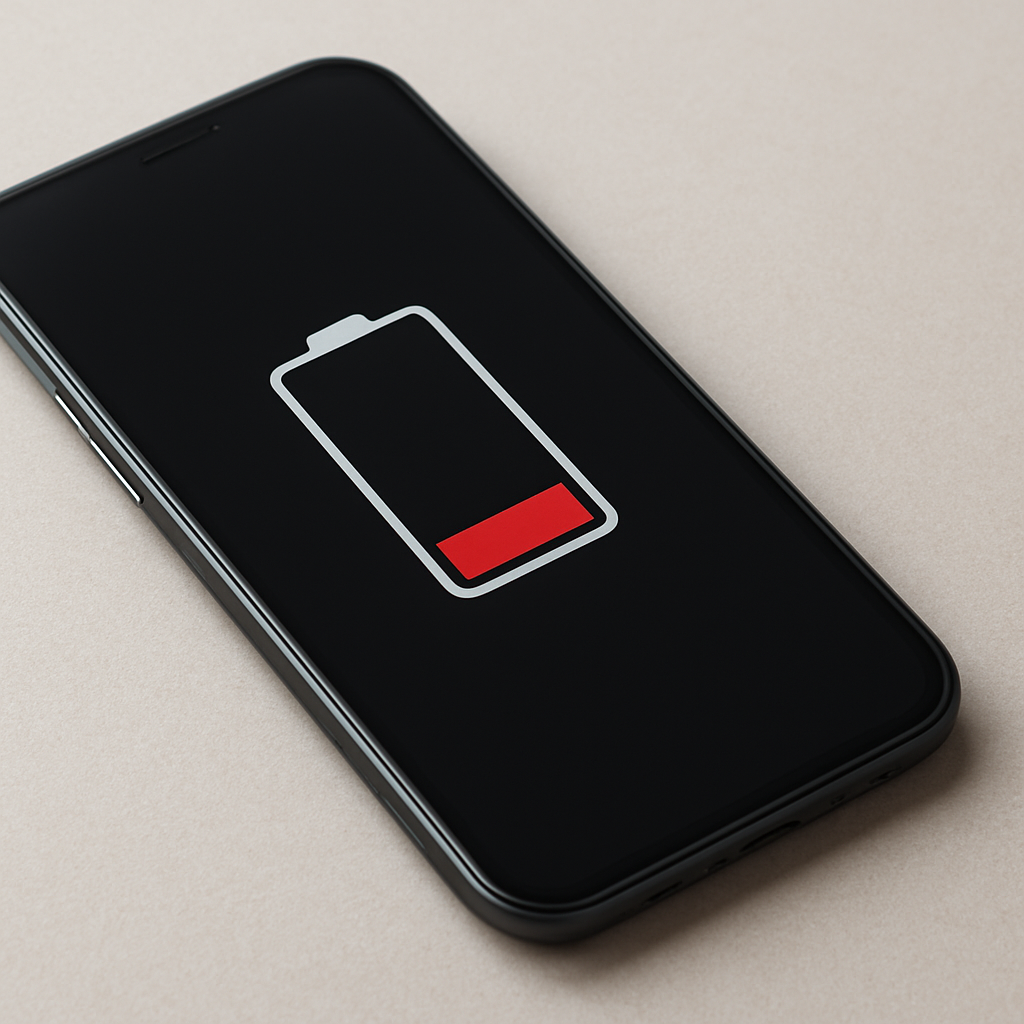
If your battery is not charging past 50 percent, the cause is often related to a charge limit setting, battery protection mode, heat, charger power, software reporting, or battery wear. It does not always mean the battery has failed.
This issue can feel confusing because the device may look like it is charging normally at first, then suddenly stop around the same percentage every time. In some cases, 50 percent is an intentional battery limit. In others, it may point to heat, a weak charger, calibration behavior, or an aging battery.
The best first step is to check whether the limit is consistent. A device that stops at exactly 50 percent every time usually points to a setting or battery management feature. A device that stops randomly, gets hot, or drains quickly may need deeper troubleshooting.
Not sure where to start? Use the Battery Help Center if you are unsure whether your issue is battery health, charging limits, charging problems, overheating, or battery drain.
Quick Answer
If a battery stops charging around 50 percent, the most common causes are battery charge limit settings, battery protection mode, overheating protection, inaccurate battery percentage reporting, insufficient charger power, or battery wear.
Start by checking battery protection settings, letting the device cool, testing another charger and cable, restarting the device, and reviewing battery health. If the device always stops at the same percentage, a charge limit or battery management setting is more likely than a sudden battery failure.
Quick Diagnostic Table
| What You See | Most Likely Cause | Best First Test |
|---|---|---|
| Stops exactly at 50% every time | Charge limit or battery protection setting | Check battery health, charge limit, or manufacturer battery settings |
| Stops near 50% when the device is warm | Thermal protection | Let the device cool and charge again |
| Stops with one charger only | Underpowered charger or cable issue | Test a different reliable charger and cable |
| Battery percentage jumps or freezes | Battery reporting or calibration behavior | Restart the device and check battery health |
| Older device with poor runtime | Battery wear | Check battery health status and daily runtime |
What This Problem Usually Means
When a device stops charging at a specific percentage, the charging system is usually responding to a setting, temperature condition, power delivery issue, or battery health behavior. Charging does not always stop because something is broken.
Many modern phones, laptops, and tablets actively manage charging to reduce heat and extend battery lifespan. Some devices allow users to set maximum charge limits, while others automatically slow or pause charging when the battery is warm or already near a preferred level.
The key question is whether the device stops at 50 percent because it is being told to stop, or because it cannot continue charging normally.
Normal vs Abnormal Charging Limits
- Usually normal: charging stops at a fixed level because battery protection or conservation mode is enabled.
- Usually normal: charging pauses when the device becomes warm.
- Possibly abnormal: charging stops at different percentages for no clear reason.
- Possibly abnormal: charging never resumes after the device cools down.
- More concerning: battery drains quickly and will not charge beyond the limit with multiple chargers.
Most Common Causes
Battery Charge Limit Settings
Many phones, laptops, and tablets include battery protection settings that limit the maximum charge level. These settings may be called battery protection, conservation mode, optimized charging, smart charging, adaptive charging, or charge limit.
If a charge limit is set to 50 percent, the device may be working exactly as configured. This is especially common on laptops used mostly while plugged in.
Overheating Protection
Charging creates heat. If the device gets too warm, charging may slow down or pause to protect the battery and internal components.
This can happen when the device is charging in a warm room, inside a thick case, under heavy use, in direct sunlight, or with a charger that creates extra heat.
Insufficient Charger Power
A weak charger or poor cable may not provide enough stable power for the device. The battery may rise at first, then stall around a certain percentage, especially if the device is being used at the same time.
If the issue happens with one charger but not another, the charger or cable is likely involved.
Battery Percentage Reporting Issues
Sometimes the battery is not truly stuck at 50 percent. Instead, the device may be reporting the percentage incorrectly. The battery level may freeze, jump, or update unevenly.
This can happen after software updates, with older batteries, or when the battery management system needs time to recalibrate its reading.
Battery Aging
Older batteries may lose capacity and become less predictable. A worn battery can charge slowly, stop early, drain quickly, or show strange percentage behavior.
Battery wear is more likely if the device also has poor daily runtime, sudden shutdowns, heat, or battery health warnings.
Software or Firmware Behavior
Power management software can sometimes pause charging because of settings, firmware behavior, or manufacturer battery tools. This is especially common on laptops with brand-specific battery utilities.
If the issue began after a software update, check battery settings again. Some updates can change or reset charging behavior.
Step-by-Step Fixes
Step 1: Check Charge Limit Settings
Look for battery protection, optimized charging, conservation mode, smart charging, or maximum charge limit settings. On laptops, also check manufacturer battery software or BIOS/UEFI settings if available.
If a 50 percent limit is enabled, change or disable it only if you actually want the device to charge higher.
Step 2: Let the Device Cool
If the device is warm, charging may pause for protection. Let it cool and test again.
- Remove a thick protective case.
- Stop heavy apps while charging.
- Charge on a hard, flat surface.
- Avoid direct sunlight or warm environments.
- Let the device cool before reconnecting the charger.
Step 3: Use a Proper Charger and Cable
Use a charger that matches the device’s power needs and a reliable cable. A weak adapter, damaged cable, or low-power USB port can cause slow or stalled charging.
If the device charges past 50 percent with another charger and cable, the original accessory was likely the problem.
Step 4: Restart the Device
A restart can clear temporary software behavior, refresh battery reporting, and stop stuck background processes. This is a simple first step if the issue appeared suddenly.
Step 5: Check Battery Health
If the device is older or battery life has become poor, check battery health using built-in tools if available. Battery health warnings, reduced capacity, and sudden shutdowns make battery wear more likely.
For a broader path through related percentage and charging limit issues, use the Battery Health & Charging Limits Troubleshooting guide.
Laptop-Specific Causes
Laptops often include more battery management features than phones. If a laptop stops charging at 50 percent, check for battery conservation tools first.
- Battery conservation mode: some laptops limit charge to extend battery lifespan.
- Manufacturer battery software: Lenovo, Dell, HP, ASUS, Acer, and others may include charge limit controls.
- BIOS or UEFI charge limits: some battery settings may be outside the main operating system.
- USB-C power delivery issues: an underpowered adapter may not provide stable charging.
Phone-Specific Causes
Phones may pause or slow charging because of optimized charging, thermal management, battery health, or background activity.
- Optimized charging: the phone may slow charging to protect battery lifespan.
- Heat control: charging may pause if the phone gets too warm.
- Background activity: heavy apps can use power while the phone is trying to charge.
- Battery health: older phones may charge less predictably.
When This May Indicate a Bigger Problem
Stopping at 50 percent is often caused by settings, heat, or charging behavior. However, it deserves more attention if the device also shows warning signs.
- Charging stops permanently and never resumes.
- The device overheats quickly during charging.
- The battery drains extremely fast after unplugging.
- The battery percentage jumps, freezes, or behaves erratically.
- The device shuts down even when battery remains.
- The issue started after liquid exposure, impact, or visible damage.
If swelling, burning smells, strong heat, liquid damage, sparks, or physical damage are involved, stop using questionable chargers or cables and consider getting the device checked by a qualified repair professional.
Prevention Tips
- Avoid charging in high heat.
- Use reliable chargers and cables.
- Keep charging ports clean and dry.
- Allow proper ventilation while charging.
- Monitor battery health periodically if your device provides that option.
- Review charge limit settings after major updates.
FAQ
Why does my battery stop charging exactly at 50 percent?
This is often caused by a charge limit, battery protection setting, conservation mode, or manufacturer battery management software. If it stops at exactly the same percentage every time, check settings first.
Can overheating stop charging at 50 percent?
Yes. If the device becomes too warm, charging may pause automatically to protect the battery and internal components. Let the device cool, remove the case, and test again.
Is this always a battery failure?
No. Many cases are caused by settings, heat, charger power, cable issues, or software reporting. Battery failure becomes more likely if the device is older, drains quickly, shuts down early, or shows poor battery health.
Can a weak charger cause the battery to stop around 50 percent?
Yes. If the charger or cable cannot provide enough stable power, charging may slow, stall, or stop. Testing another reliable charger and cable is one of the simplest checks.
Should I recalibrate the battery?
A restart and normal charge cycle may help with percentage reporting issues. Avoid repeatedly fully draining the battery as a routine fix, because deep discharges can add wear over time.
Related Guides
- Battery Health & Charging Limits Troubleshooting
- Battery Health Dropping Quickly
- Laptop Not Charging to 100%
- Device Charging Stops Then Resumes
- Charging Issues Troubleshooting
Conclusion
A battery that will not charge past 50 percent is often limited by battery protection settings, temperature control, charger power, software reporting, or battery health behavior. Start with the simplest checks first: review charge limit settings, let the device cool, test another charger and cable, restart the device, and check battery health if available.
If the same limit continues across multiple chargers and conditions, or if the device also overheats, drains quickly, or shows erratic battery percentage, the battery or charging system may need closer inspection. For a broader troubleshooting path, start with the Battery Help Center or read the full Battery Health & Charging Limits Troubleshooting guide.
Mark Reynolds writes practical battery and charging guides for Power & Battery Guide, focusing on clear explanations, realistic first checks, and safe troubleshooting before replacing batteries, chargers, or devices.