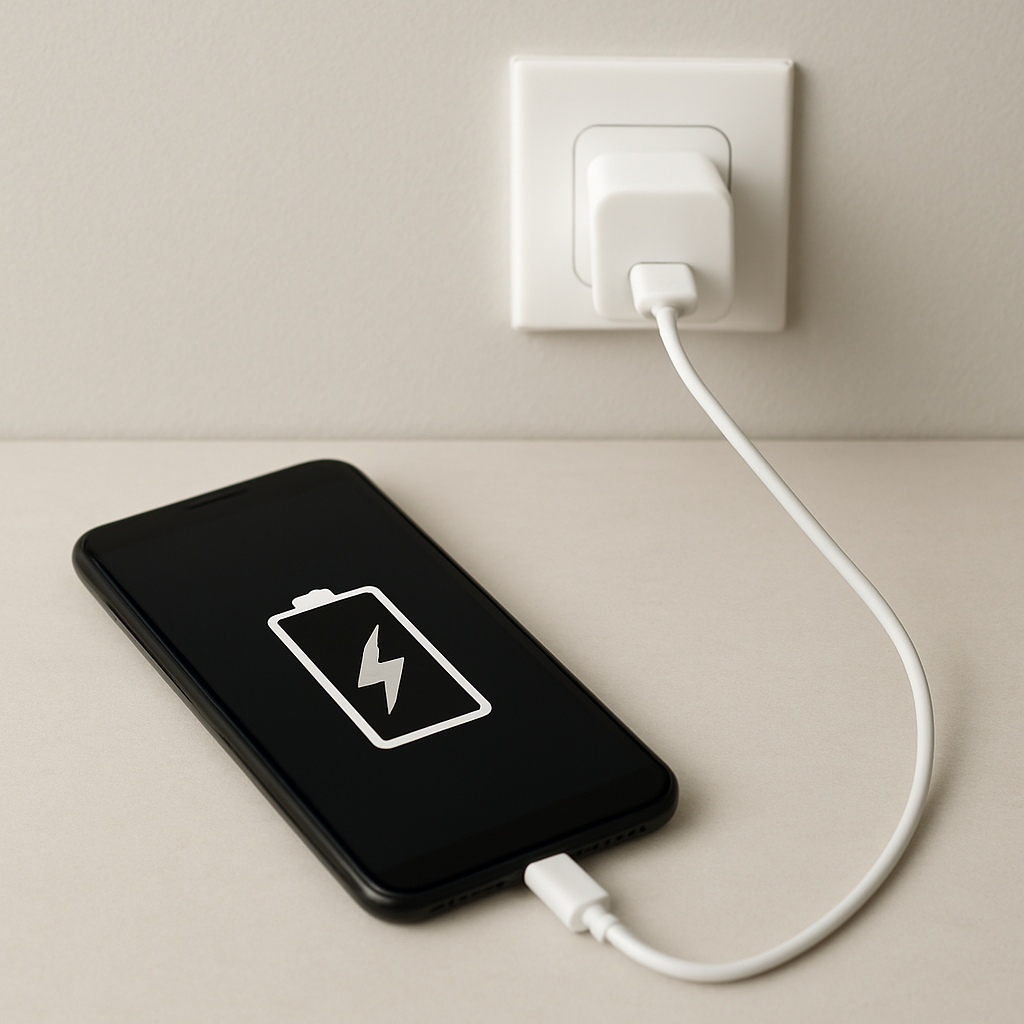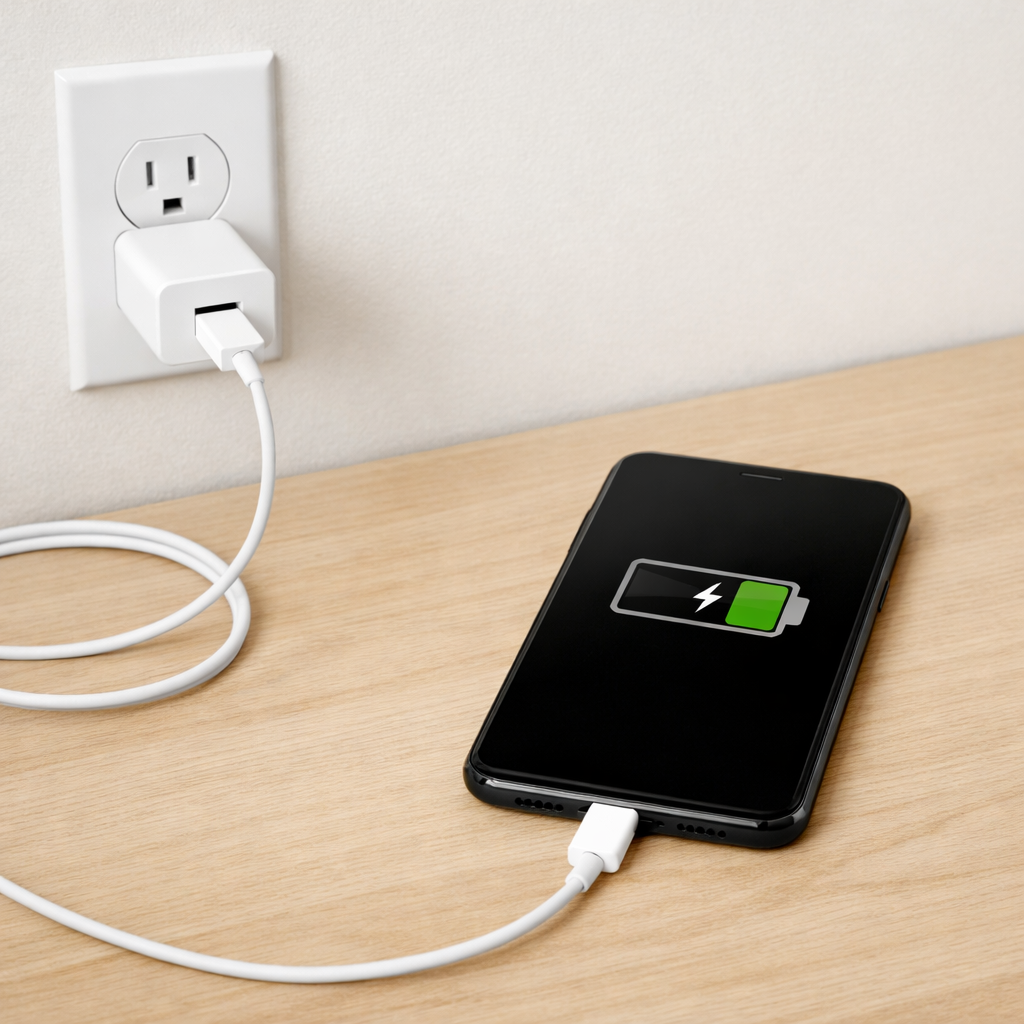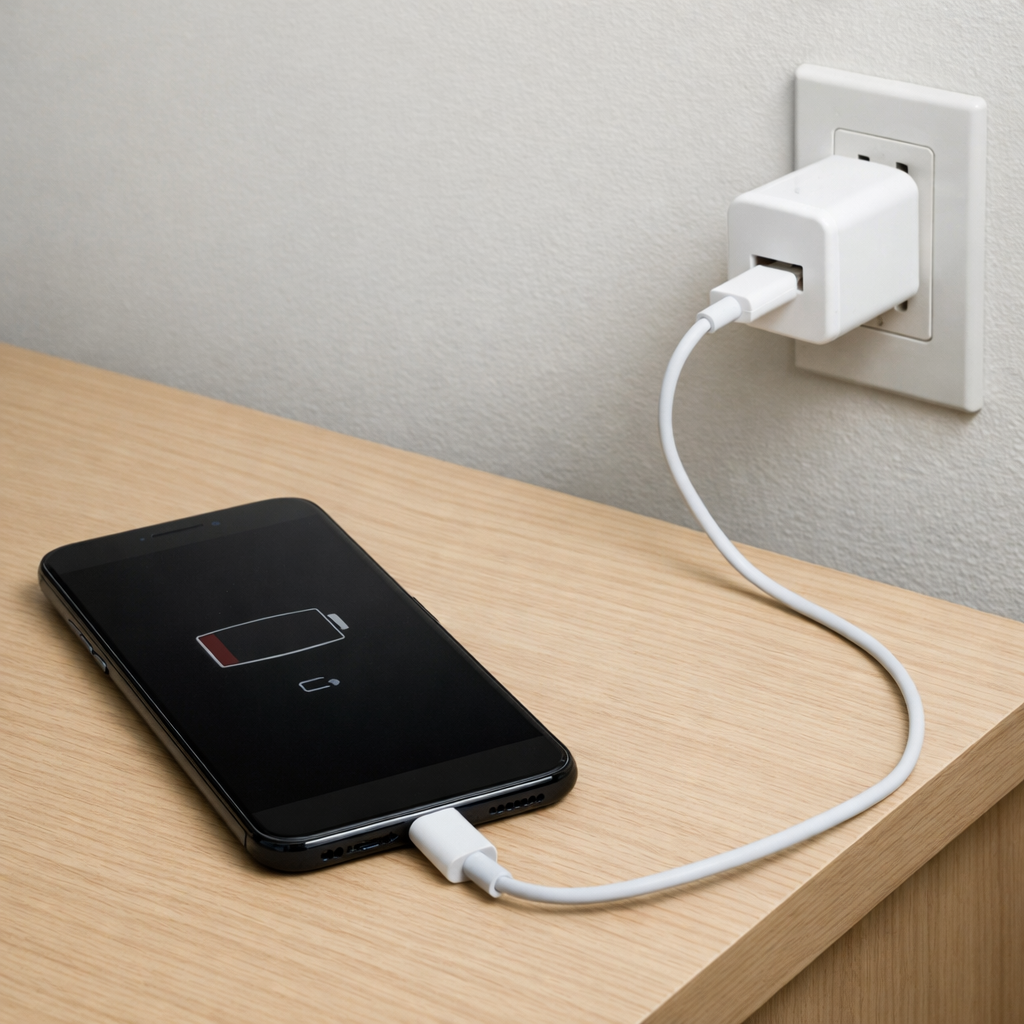
Device Charging Stops Overnight — Charging Cycle Control or Power Interruption?
Quick Answer
Most “charged last night, dead or half-full this morning” problems come from an intermittent connection (loose plug, worn cable, dirty port) or unstable power regulation (a charger, power strip, or device circuitry briefly dropping power). Even a split-second disconnect can make some devices stop charging and not restart until you unplug and reconnect.
This usually shows up after 1–6 hours of charging, when the device warms up, shifts position, or the charger changes modes (fast charge to trickle). Overnight is also when timers, power strips, or wall outlets with weak contact can cut out without you noticing.
If you need a fast fix
- Try a different wall outlet and plug the charger directly into the wall (skip power strips and extension cords) to eliminate a flaky connection.
- Swap one thing at a time: try a known-good cable first, then a known-good charger, and keep the device in the same position while testing.
- Clean and reseat: gently remove lint from the charging port and firmly reinsert the connector until it clicks or seats fully.
Quick Diagnosis Table
| Symptom | Most likely cause |
|---|---|
| Charging icon shows, but stop happens randomly overnight | Loose cable/port contact causing brief disconnects that halt charging |
| Only charges if the cable is angled a certain way | Worn connector, debris in port, or damaged internal port pins |
| Stops at a similar percentage each night (often 70–90%) | Charger/phone regulation switching modes and failing to stay stable, or an “optimized charging” feature combined with a weak connection |
| Charging stops when the device warms up or is under a pillow/case | Thermal throttling in charge controller, or charger reducing output due to heat |
| Charges fine during the day, fails overnight on the same bedside setup | Power strip/loose outlet contact or a smart plug/timer cutting power briefly |
Why This Happens
Charging is not just “power in = battery up.” Your charger and device constantly negotiate how much power to use, and the device’s internal charge controller adjusts as the battery fills and warms. If that regulation process becomes unstable, the device may stop charging to protect itself and wait for you to reconnect.
Intermittent contact is even more common. A cable that looks fine can have a fractured wire near the plug, or a port can hold enough lint to prevent full insertion. Overnight, the device may shift slightly on a nightstand, or the cable may get tugged, creating a tiny disconnect that breaks the charging session.
When the connection drops or the power briefly dips, the device may switch to battery power and never re-enter charging mode unless it detects a clean, stable connection again. That’s why you wake up to a lower battery or a charge that stopped partway through.
Most Common Causes (Ranked)
- 1) Loose or worn cable connection: Internal wire breaks near the connector can disconnect with the slightest movement, especially after hours of being bent at the bedside.
- 2) Debris or oxidation in the charging port: Pocket lint, dust, or residue prevents the plug from seating fully, causing intermittent contact as the device warms or shifts.
- 3) Unstable charger or low-quality adapter: Some adapters have poor voltage regulation and can briefly drop output during mode changes (fast to slow charge), making charging stop.
- 4) Weak wall outlet/power strip contact: Loose outlet tension or a worn power strip can momentarily cut power when the cable moves or the adapter warms up.
- 5) Heat-related charge controller throttling: If the device is warm (thick case, pillow, sunlight), charging can pause or slow dramatically and appear “stopped.”
- 6) Battery health or internal charging circuitry starting to fail: Aging batteries can trigger stricter protection behavior, and damaged charging circuits can become unstable under load.
If the problem improves gradually after you replace one component (like the cable) or clean the port, that’s a good sign the issue was contact-related rather than a major internal fault.
How to Check the Problem Safely
- Check 1: Test with a known-good cable and charger (borrow if needed) and use a different wall outlet. Change only one item at a time so you know what fixed it.
- Check 2: Inspect the cable ends for looseness, discoloration, or a “mushy” connector. While charging, gently wiggle the cable near the plug; if charging drops, the cable or port is suspect.
- Check 3: Look into the device port with a light. If you see lint or debris, power the device off and carefully remove buildup with a wooden toothpick or soft plastic pick.
- Check 4: Check your bedside power setup. If using a power strip, smart plug, timer, or outlet extender, bypass it and plug directly into the wall overnight.
- Check 5: Monitor heat. Charge with the case off and the device on a hard surface; if overnight charging becomes reliable, heat was likely contributing.
Safety note: if you see melting, smell burning, or feel excessive heat, stop using the charger/cable immediately and do not charge unattended until you replace the suspect part.
How to Fix It
- Fix 1 (easiest): Replace the cable with a certified, good-quality one. This helps because most overnight stops come from tiny internal cable breaks that only show up after hours of slight movement.
- Fix 2: Clean the charging port and ensure the plug fully seats. A fully inserted connector keeps stable contact when the device shifts or warms up.
- Fix 3: Swap the charger (adapter) to a reputable brand with the correct power rating. Stable regulation prevents brief voltage dips when the device changes charging stages.
- Fix 4: Change the power source: use a different wall outlet, replace the power strip, and avoid loose extenders. A solid outlet connection prevents micro-outages that stop a charging session.
- Fix 5 (advanced/last resort): Check device settings related to charging behavior (such as optimized/adaptive charging) and update device firmware. If the port is physically loose or charging still cuts out with known-good accessories, plan for a port replacement or internal repair.
Signs of Battery or Hardware Damage
- Battery percentage jumps up or down suddenly (for example, 60% to 20% in minutes).
- Device gets unusually hot while charging, even on a hard surface with the case removed.
- Charging only works at a specific angle, and the port feels loose or “wobbly.”
- Charging repeatedly starts and stops on its own (rapid connect/disconnect behavior).
- Swelling, bulging screen/back cover, or the device no longer sits flat.
- Burning smell, scorch marks on the cable/adapter, or discoloration around the port.
- Charger or cable becomes too hot to comfortably touch.
When Repair Is No Longer Worth It
If the device only charges intermittently even with a new cable, a new charger, and a different outlet, the issue is likely the charging port assembly or internal power regulation. Repairs can be worthwhile on newer or higher-value devices, but repeated charging failures often return if the port area or board is worn or corroded.
Use a simple rule: if the repair estimate is more than 30–50% of the device’s current replacement cost, replacement is usually the better choice. Consider your risk tolerance too—unreliable charging can mean missed alarms, lost data during shutdowns, and increased wear from constant recharging attempts.
How to Prevent This Problem in the Future
- Use a high-quality cable and avoid sharp bends near the connector; strain relief is where most cables fail.
- Plug into a stable wall outlet, and replace loose power strips or worn outlet adapters.
- Keep the device on a hard, cool surface while charging; remove thick cases if the device gets warm.
- Periodically clean lint from the charging port to ensure the plug fully seats.
- Don’t sleep with the device pulling on the cable; route the cable to prevent tugging and twisting.
- Avoid cheap multi-port chargers that share power poorly; use a reputable charger with the correct rating.
- If supported, enable battery protection features, but pair them with reliable accessories so mode changes don’t trigger a stop.
FAQ
Why does my device stop charging at 80% overnight?
Many devices slow or pause charging near 80% to reduce battery wear, especially if “optimized” or “adaptive” charging is enabled. However, if it never resumes and you wake up below that level, a weak cable/port contact or an unstable charger may be interrupting the final top-off stage. Try a known-good cable and charger first, then test with optimized charging turned off for one night.
It charges fine when I plug it in, but stops later. What does that indicate?
This pattern usually points to intermittent contact or regulation instability during charging mode changes. As the battery fills, the device changes how it draws power, and a marginal cable, dirty port, or cheap adapter can fail at that point. Testing overnight with a different cable, charger, and wall outlet will usually reveal the weak link.
Is it safe to leave a device charging overnight if it sometimes stops?
If you are using undamaged, reputable accessories and the device stays cool, overnight charging is generally safe, even if it occasionally pauses. If you notice heat, burning smells, visible damage, or repeated rapid connect/disconnect behavior, stop charging unattended and replace the cable/charger immediately. Persistent failures with known-good accessories suggest the device needs inspection or repair.
Mark Reynolds covers common battery and charging problems with straightforward explanations and real-world context. For more detailed steps, visit the full guide here.
For a full overview of this issue and step-by-step solutions, read the complete troubleshooting guide.