Power Bank Overheating — Normal Temperature or Dangerous Condition?
Quick Answer
A power bank often overheats when the connection between the power bank, cable, and device is unstable, causing power delivery to repeatedly start and stop. Each reconnect can trigger the power bank to “renegotiate” charging and briefly push higher current again, which creates extra heat in the port, cable ends, and internal circuits.
Mild warmth is normal during charging, especially in the first 10–20 minutes or when fast charging is active. It becomes a concern when it gets hot to the touch, the charging keeps cutting out, or the heat keeps building instead of leveling off after about 30 minutes.
If you need a fast fix
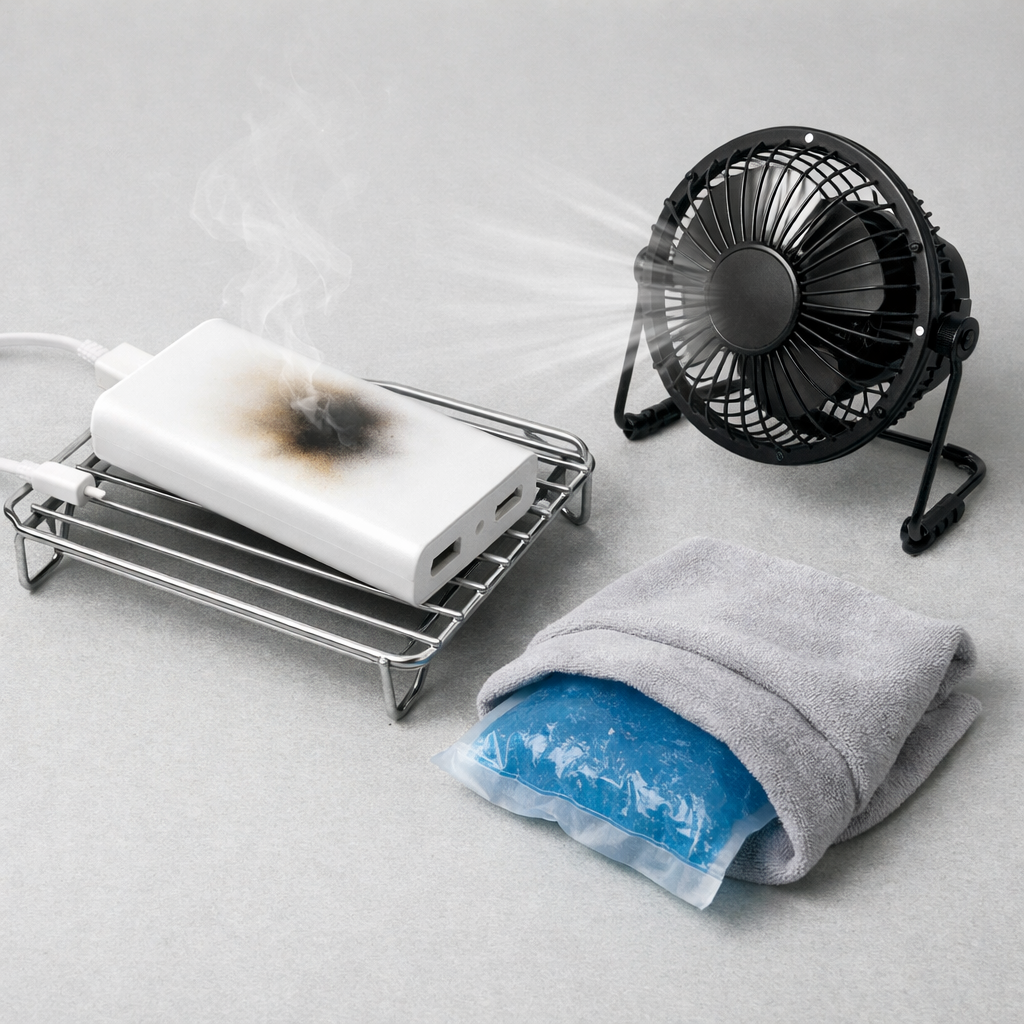
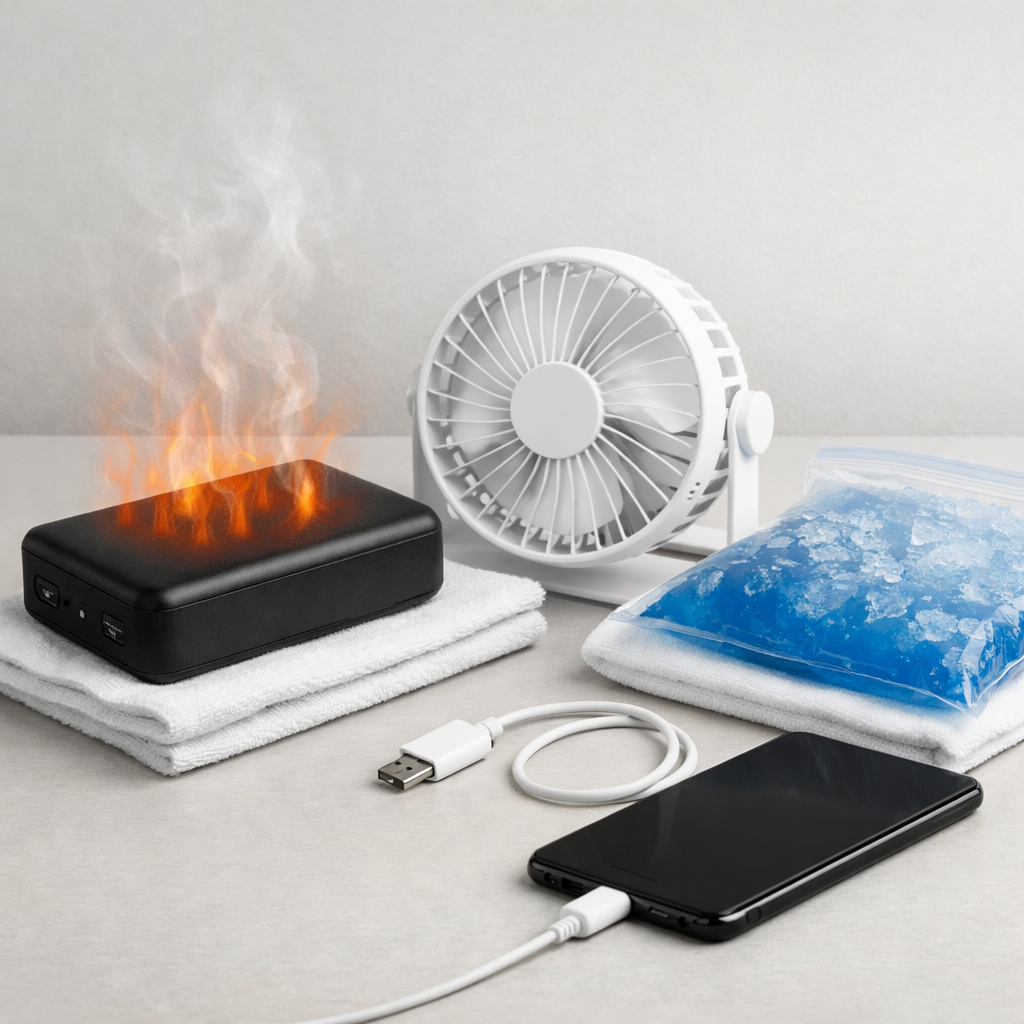
- Stop charging and let it cool: Unplug both ends, place the power bank on a hard surface, and wait 10–15 minutes before testing again.
- Switch the cable and port: Try a different known-good cable and a different output port on the power bank to eliminate a loose connector.
- Charge in a stable setup: Keep the phone and power bank still (not in a pocket or bag) so the connector can’t wiggle and interrupt power.
Quick Diagnosis Table
| Symptom | Most likely cause |
|---|---|
| Charging icon flickers on/off and the power bank gets hotter near the port | Loose USB plug, worn cable, or dirty port causing repeated reconnects and extra heat |
| Power delivery stops when you move the cable, then resumes when you hold it “just right” | Damaged cable end or strained connector creating an unstable electrical contact |
| Power bank is cool at first, then heats up after many minutes with random disconnects | Intermittent connection causing constant re-handshakes (especially on USB-C PD) and inefficiency |
| Only one device (or one specific phone case) triggers overheating and cutouts | Port obstruction, lint, or case interference preventing a full plug-in and stable contact |
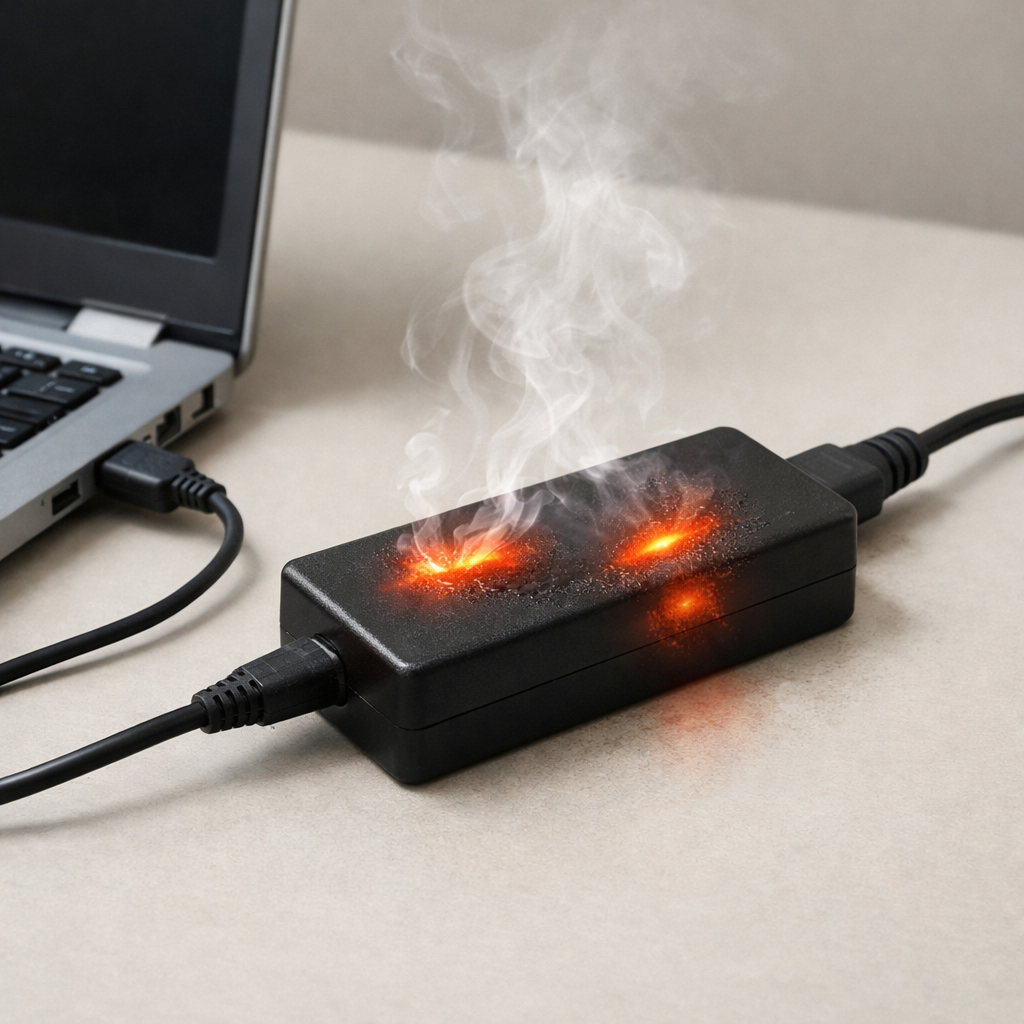
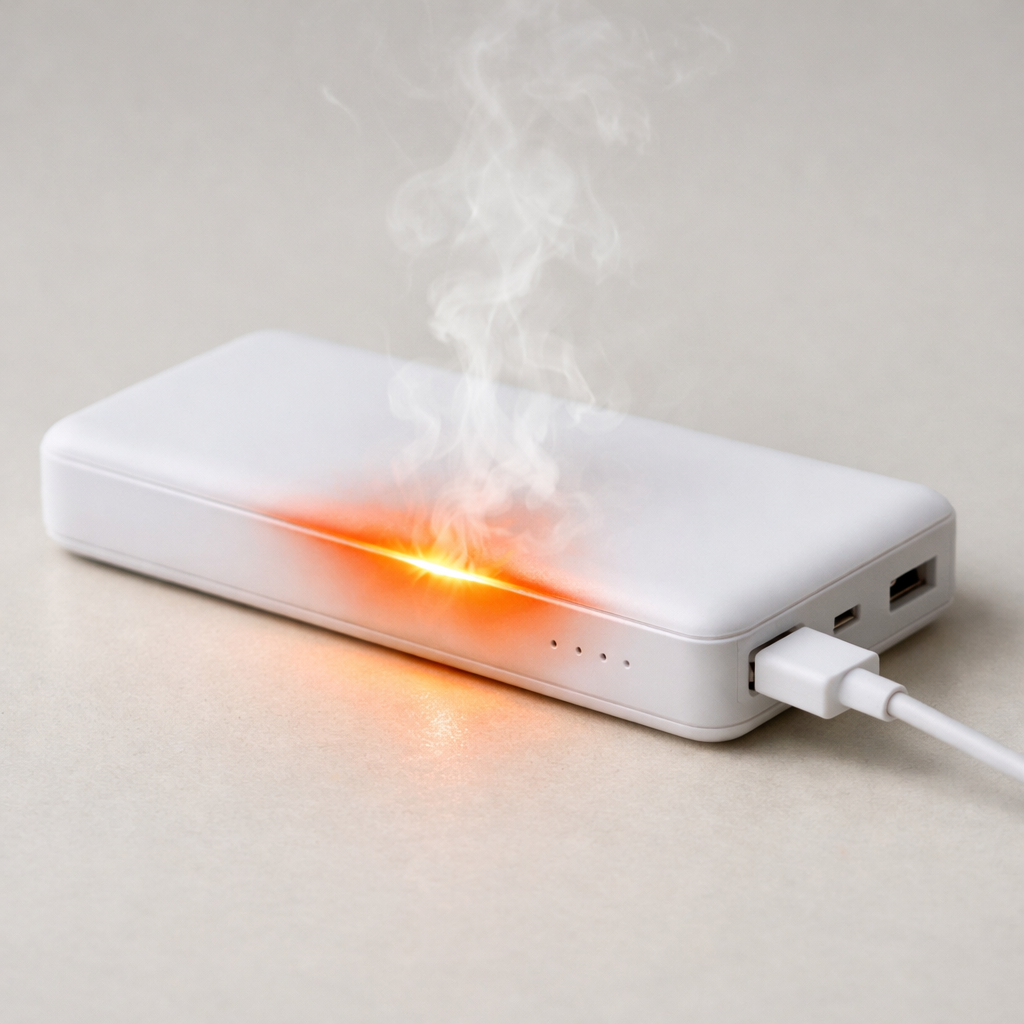
| Heat plus a “buzzing” feel in the cable end or visible sparking when plugging in | Severely poor contact or debris causing arcing; stop using immediately |
Why This Happens
Power banks are designed to deliver steady power, but a shaky connection makes the power “pulse” instead. When the connector wiggles or the cable is damaged, the power bank may repeatedly detect a device, start charging, then lose the connection and try again.
In real life this happens when you use your phone while it’s charging from a power bank, when the power bank is in a backpack, or when the cable is bent sharply near the plug. It also happens when pocket lint prevents a USB-C plug from seating fully, so it “looks connected” but isn’t making a solid electrical contact.
That unstable contact increases electrical resistance at the plug and port, turning more energy into heat right where you feel it. The result is a power bank that runs hotter than normal and a charge that keeps interrupting.
Most Common Causes (Ranked)
- 1) Loose or worn charging cable: A cable with a stretched connector or internal break can connect intermittently, forcing repeated restarts that create extra heat.
- 2) Dirty USB port (phone or power bank): Lint, dust, or oxidation can prevent a snug fit, raising resistance and making the connection drop under load.
- 3) Cable strain from movement: Using the phone while charging, bending the plug, or letting the power bank dangle can momentarily break contact and trigger new power negotiations.
- 4) USB-C PD renegotiation loops: With some devices, a flaky connection can cause frequent “handshake” retries for fast charging profiles, producing more heat than a steady standard charge.
- 5) Incompatible or low-quality fast-charge cable: A cable that can’t handle the current may heat up and cause voltage drop, leading to resets and more heat.
- 6) Worn or damaged port hardware: A loose port inside the power bank or phone may not maintain pressure on the pins, making interruptions more likely.
If the power bank runs cooler and disconnects stop after you replace the cable or clean the port, that gradual improvement usually indicates the battery is fine and the issue was the connection.
How to Check the Problem Safely
- Check 1: Feel where the heat is strongest (power bank body vs. port vs. cable ends). Heat mainly at the connector points to a connection/resistance problem.
- Check 2: Try a different cable you trust, ideally a short cable in good condition. Test for at least 10 minutes without moving the setup.
- Check 3: Inspect both ends of the cable for looseness, discoloration, or wobble. If the plug feels sloppy in the port, the connection may be unstable.
- Check 4: Check the phone’s port for lint. If safe for your device, power it off and gently remove debris with a wooden toothpick; avoid metal tools.
- Check 5: Test a different output port on the power bank (USB-A vs USB-C). If only one port overheats or cuts out, that port may be worn.
If anything smells like burning or the connector area is too hot to touch for more than a second, stop testing and discontinue use.
How to Fix It
- Fix 1 (easiest): Replace the cable with a certified, good-quality cable. This helps because most intermittent dropouts come from cable fatigue near the plug.
- Fix 2: Clean and reseat the connection. Fully insert the plug until it clicks/feels firm, and remove lint from the phone port so the plug can seat completely.
- Fix 3: Reduce movement and strain while charging. Set the power bank flat and avoid using the phone during charging to prevent micro-disconnects.
- Fix 4: Disable fast charging temporarily (if your phone allows it) or use a lower-power port. A steadier, lower current can prevent renegotiation loops and reduce heat.
- Fix 5 (advanced/last resort): If the power bank’s port is loose or only works when angled, retire the unit or have the port replaced by a qualified technician. A physically worn port tends to get worse and can become a hotspot.
Signs of Battery or Hardware Damage
- Power bank becomes hot even when nothing is connected or when it’s just sitting idle.
- Swelling, bulging, or the case no longer sits flat on a table.
- Sharp chemical smell, smoke, or a “sweet/solvent” odor during charging.
- Crackling, sparking, or visible scorch marks at the port or cable end.
- Repeated shutdowns at low battery levels or the percentage drops suddenly.
- Charging is extremely slow across multiple known-good cables and devices.
- The power bank gets hot primarily in the middle of the body (not at the ports), suggesting internal cell stress.
When Repair Is No Longer Worth It
Replacement is usually the safer choice if the unit has a loose port that causes interruptions, significant overheating, or any swelling or smell. Power banks pack a lot of energy into a small space, and internal or connector damage can escalate quickly compared with other electronics.
As a rule, if a new certified cable and a clean port don’t solve the cutouts, don’t keep “wiggling it to work.” If the power bank is older, lacks modern protections, or cost less than a professional port repair, replace it with a reputable model that matches your device’s charging needs.
How to Prevent This Problem in the Future
- Use a high-quality, correctly rated cable (USB-C PD-capable if you use PD) and replace cables at the first sign of looseness.
- Keep ports clean by occasionally inspecting for lint and avoiding charging in dusty pockets or bags.
- Plug and unplug straight, not at an angle, to reduce wear on the port and maintain solid pin contact.
- Avoid charging while the power bank or phone is under pressure (tight pocket, bent cable, heavy objects on top).
- Don’t let the power bank hang by the cable; set it on a stable surface to prevent micro-disconnects.
- If heat is a recurring issue, use a lower-power mode/port or disable fast charging when you don’t need speed.
- Store the power bank away from direct sun and hot cars; heat makes connection-related stress worse and accelerates cell aging.
FAQ
Is it normal for a power bank to get warm while charging?
Yes, mild warmth is common, especially during fast charging or when the power bank is charging a low battery quickly. It should level off after a short period and remain comfortable to touch. If it becomes hot or the charge keeps cutting in and out, treat it as a problem.
Why does my power bank stop charging when I move the cable?
That usually indicates a loose connection: a worn cable end, lint in the port, or a port that has become physically loose. Movement briefly breaks contact, then the power bank reconnects and restarts power delivery, which can create extra heat. Swapping the cable and cleaning the port solve this in many cases.
Can an unstable connection damage my phone or the power bank?
Occasional brief interruptions are usually handled by built-in protections, but repeated reconnects can heat up the connector area and accelerate wear. In severe cases, a poor contact can arc or overheat the port, which is risky. If you notice scorching, sparking, or excessive heat at the plug, stop using that power bank and cable.
Mark Reynolds explains battery and charging issues in a practical way, focusing on what actually helps in real situations. For more guidance, see the step-by-step troubleshooting guide.
For a full overview of this issue and step-by-step solutions, read the complete troubleshooting guide.