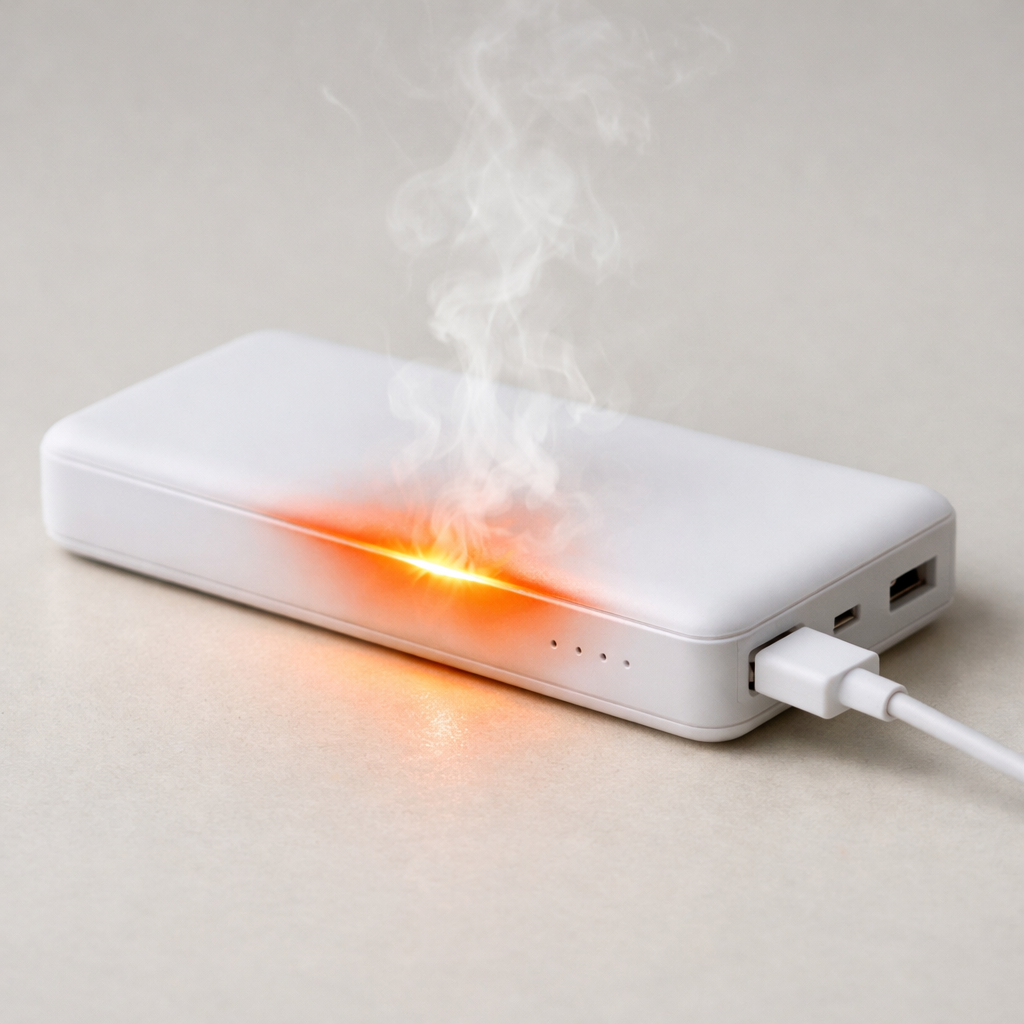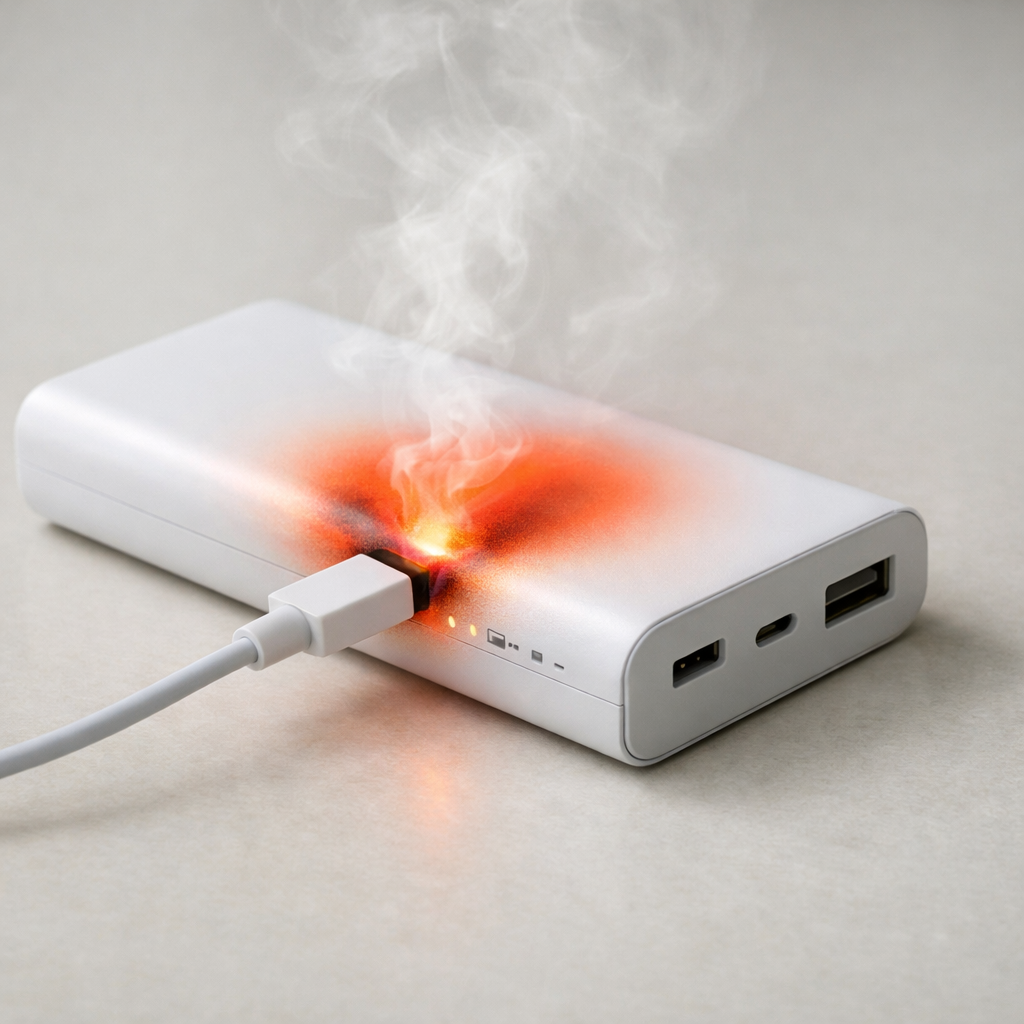
Power Bank Overheating While Idle — Internal Damage or Thermal Instability?
Quick Answer
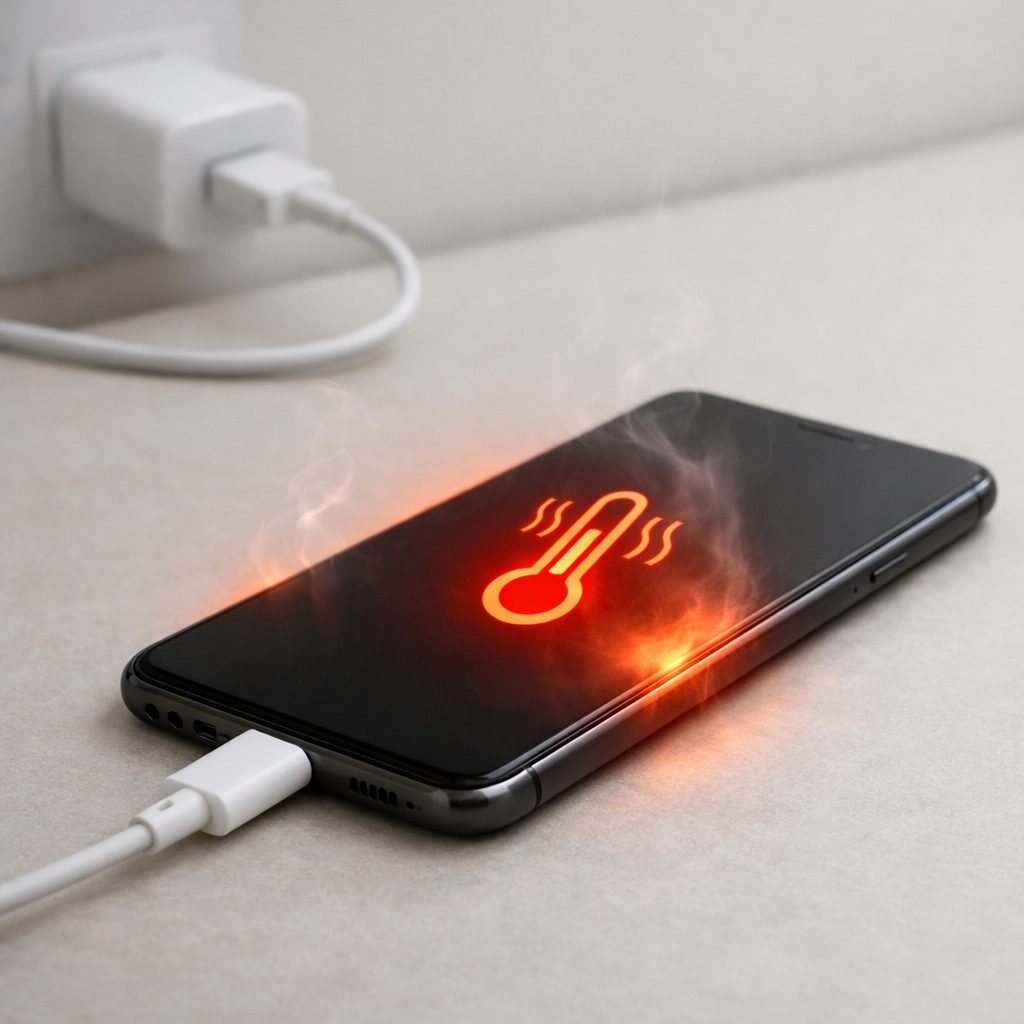
A power bank that gets hot while “doing nothing” is usually struggling to get rid of heat from small internal losses, and that heat builds up because the case can’t dissipate it well. This can happen after heavy use, fast charging, or in warm rooms, but it can also point to an aging battery or a faulty control board that wastes power even when idle.
If it warms slightly and then cools down within 10–30 minutes, it’s often normal standby behavior plus poor ventilation. If it keeps getting hotter over time, heats up every day while unplugged, or feels hot to the touch within minutes, treat it as a warning sign and plan to reduce load or replace it.
If you need a fast fix
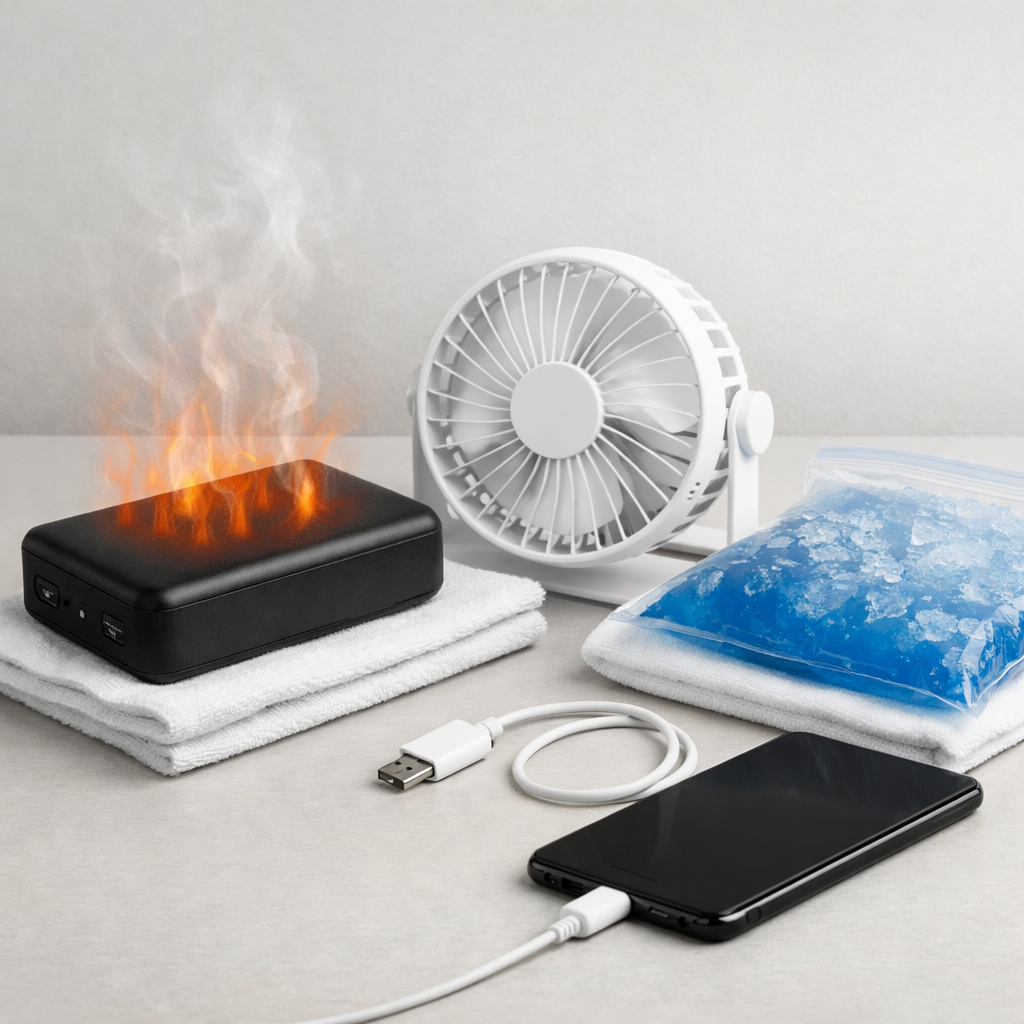
- Unplug everything, turn the power bank off (if it has a button), and place it on a hard, cool surface out of direct sun for 30 minutes.
- Do not put it in a pocket, bag, bed, or under a pillow; give it open air so the case can shed heat.
- If it stays hot or gets hotter while idle, stop using it and move it to a non-flammable area until you can replace it.
Quick Diagnosis Table
| Symptom | Most likely cause |
|---|---|
| Warm only right after charging, then cools | Normal residual heat plus limited airflow (heat dissipates slowly through the case) |
| Heats up while unplugged with nothing connected | Internal standby drain from the boost/charging circuit or a failing component wasting power |
| Gets hot when a device is connected, even at low battery | High output load, fast-charge negotiation, or poor internal heat dissipation under load |
| Hot near one end/port area | Port board or cable/connector resistance creating a localized hot spot |
| Hot and battery percentage drops quickly while idle | Battery aging, cell imbalance, or protection circuitry repeatedly cycling |
Why This Happens
Power banks aren’t perfectly “off” unless they have a true power switch that disconnects the battery. Many models keep a small circuit awake to read the button, run indicator LEDs, detect connected devices, or maintain fast-charge readiness, and that uses a little power all the time.
That small power loss turns into heat. If the power bank is in a warm room, sitting on insulating fabric, inside a case, or packed in a bag, the heat can’t escape easily and the shell warms up more than you’d expect.
When internal parts start aging or failing, the wasted power can increase and the unit can run warm even with no load. Limited heat dissipation turns that extra waste into a noticeable temperature rise, which is why “idle overheating” can be a real symptom and not just a comfort issue.
Most Common Causes (Ranked)
- 1) Poor heat dissipation (environment and placement): Soft surfaces, pockets, bags, and direct sun trap heat, so even normal standby losses make the case warm.
- 2) Recent high-load use or fast charging: After charging a laptop/tablet or fast-charging the bank itself, the cells and electronics can stay warm and cool down slowly in a thick plastic shell.
- 3) Standby drain from “always-on” electronics: Some power banks keep the boost converter partially active for quick device detection, which generates heat even if nothing is plugged in.
- 4) Aging cells with higher internal resistance: Older lithium cells waste more energy as heat, so the same small drain creates a larger temperature rise and faster overnight percentage drop.
- 5) Cable/port resistance or contamination: A worn cable, loose connector, or dirty port can create a hot spot near the USB area, sometimes even with intermittent contact.
- 6) Internal damage (control board or protection circuit fault): A failing component can “leak” power or repeatedly cycle, producing heat when the bank should be resting.
If the heat gradually becomes less noticeable after improving airflow and reducing high-power use, that usually indicates a dissipation issue rather than sudden internal damage.
How to Check the Problem Safely
- Check 1: Feel where the heat is strongest (center vs ports). Warm in the middle suggests cell heat; heat concentrated at ports suggests connector/board resistance.
- Check 2: Let it sit idle on a hard surface for 30 minutes with nothing connected, then check temperature and battery percentage. A noticeable percentage drop plus heat points to abnormal standby drain.
- Check 3: Test with a different cable and a different device. A bad cable can cause repeated reconnects and inefficiency that warms the port area.
- Check 4: Charge the power bank using a slower charger (for example, a standard 5V/2A adapter) and see if it stays cooler. If it only overheats on fast charging, the thermal headroom may be too small.
- Check 5: Inspect ports for lint, corrosion, or looseness. If a plug wiggles easily or the connection feels gritty, stop using that port.
Safety note: if it becomes hot to the touch, swells, smells odd, or hisses, stop testing immediately and move it to a fire-safe area.
How to Fix It
- Fix 1 (easiest): Improve airflow and reduce insulation: keep it on a desk, not fabric or inside a bag. This helps the case release heat instead of storing it.
- Fix 2: Reduce the load and avoid sustained high-power output (laptops, gaming handhelds, hotspot use) on this power bank. Lower current means less internal heat and less stress on aging cells.
- Fix 3: Use slower charging for the power bank and avoid charging it while also charging another device (pass-through), unless the manufacturer explicitly supports it. Lower charge power reduces heat build-up and thermal cycling.
- Fix 4: Turn off “always-on”/low-current mode if your model has it, and don’t leave short cables connected. This prevents the bank from keeping its output circuit awake.
- Fix 5 (advanced/last resort): Replace the unit if it heats while idle even after cool-room testing, or if it loses a large percentage overnight. Sealed lithium packs aren’t safely serviceable for most users, and replacement is the safer fix.
Signs of Battery or Hardware Damage
- It gets hot while unplugged and continues to heat over time instead of stabilizing.
- Battery percentage drops quickly at rest (for example, more than 5–10% overnight) along with warmth.
- Swelling, bulging seams, or a case that no longer sits flat on a table.
- Sweet/solvent-like odor, burnt smell, or any hissing/crackling sounds.
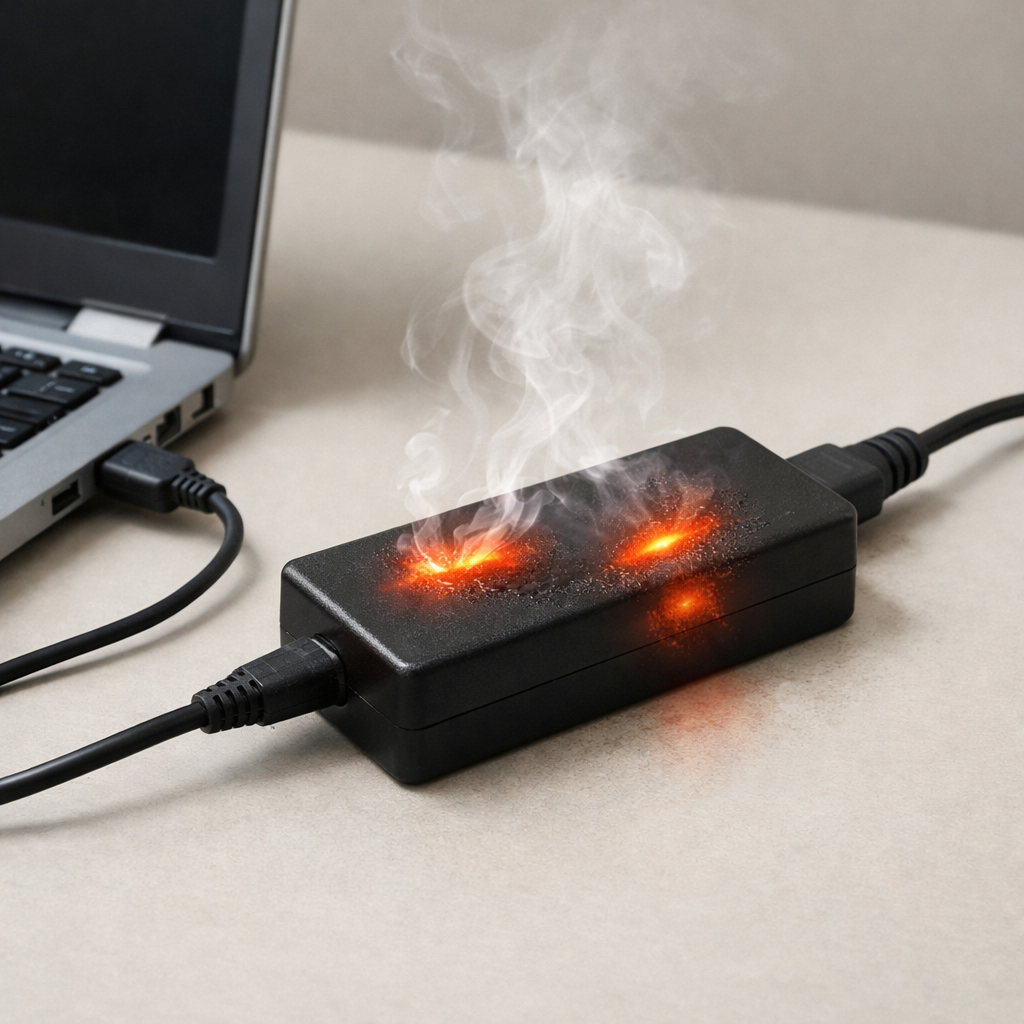
- Ports discoloration, melting, or a connector that feels unusually hot compared to the rest of the case.
- Random shut-offs, rapid percent jumps, or it only works at certain cable angles.
- It becomes hot during very light use (charging a phone slowly) in a cool room.
When Repair Is No Longer Worth It
For most consumer power banks, repair isn’t economical or safe because the battery pack is sealed and the fault could be in the cells, protection circuit, or power electronics. If it overheats while idle, that’s a high-risk symptom, and replacement is usually the best option.
As a rule, replace it if it’s out of warranty and shows repeated overheating, swelling, or fast idle drain. If the cost to replace is close to the price of a reputable new model, choose replacement and prioritize safety certifications and a brand with clear specifications.
How to Prevent This Problem in the Future
- Don’t store or use the power bank in insulating places (bags, pockets, bedding) while it’s charging or right after heavy use.
- Avoid sustained maximum output; if it’s frequently powering high-draw devices, step up to a higher-wattage model designed to dissipate more heat.
- Prefer slower charging when you don’t need speed, especially in warm rooms, to reduce internal temperature peaks.
- Keep ports clean and don’t force connectors; replace cables that feel loose or get warm near the plug.
- Don’t leave the bank at 100% for weeks; store around 40–70% in a cool, dry place to slow battery aging.
- Skip pass-through charging unless the manufacturer says it’s supported, since it can heat both the input and output circuits at once.
- Retire old units that run warmer than they used to, even if they still “work,” because rising heat often means reduced thermal margin.
FAQ
Is it normal for a power bank to get warm when nothing is plugged in?
Slight warmth can be normal if it recently finished charging or was used at high power, because the heat takes time to leave the case. It should cool down on its own in open air, typically within 10–30 minutes. If it keeps warming up while idle, that’s not normal and suggests excessive standby drain or internal fault.
Should I put an overheating power bank in the fridge or freezer to cool it?
No. Rapid cooling can cause condensation inside the ports and case, which can lead to corrosion or shorts. Cool it in a safe, ventilated place at room temperature, away from flammable materials, and stop using it if the heat persists.
Why does it overheat more when I use fast charging?
Fast charging pushes more power through the internal circuitry, and the extra electrical loss turns into heat. If the power bank’s design has limited heat dissipation, that heat builds up quickly and may persist even after charging ends. Using a slower charger or reducing output load often keeps temperatures within a safer range.
Mark Reynolds covers battery health, charging limits, and common device issues with a focus on clarity and practical fixes. For a deeper look, visit the full troubleshooting guide.
For a full overview of this issue and step-by-step solutions, read the complete troubleshooting guide.