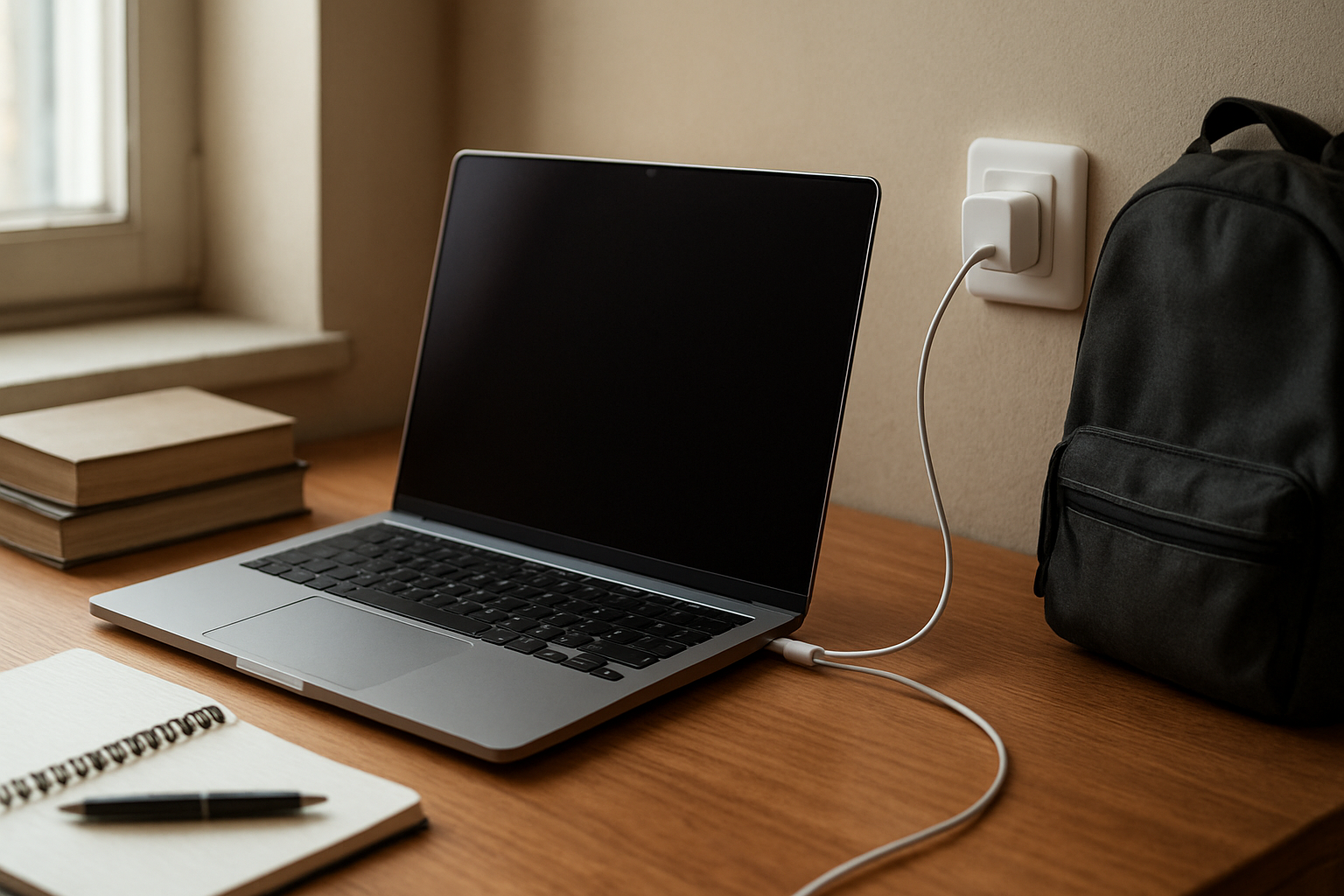
You plug in your laptop like you always do, glance at the battery icon later, and there it is again: 80%. Not 100. Not moving. Just sitting there like something is wrong. If you rely on your laptop every day, that kind of change gets your attention fast. It feels small until it doesn’t.
I’ve had that moment before, especially when I needed the machine fully charged before heading out. You start doing the little checks almost without thinking. Is the charger loose? Did the outlet fail? Did some update mess with the battery? And once you notice it, it’s hard to ignore.
The strange part is that a laptop stopping at 80% is not always a sign of damage. Sometimes it is doing exactly what it was designed to do. That doesn’t make it less irritating when you were counting on a full battery, but it does change the question from “what broke?” to “what changed?”
Why This Situation Feels So Frustrating
A battery issue hits differently because it messes with your sense of freedom. A laptop that can only reach 80% feels less ready, less flexible, less dependable, even if it still works fine at your desk. You start mentally adjusting your day around it. Maybe you bring the charger everywhere. Maybe you stop trusting it for meetings, class, or travel. Something feels off.
There is also that low-level fear that a trusted device is starting to fail. Not dramatically. Just enough to make you uneasy. A battery problem can feel expensive before it actually is expensive, and that uncertainty is part of what makes it so annoying. Do you ignore it? Do you spend money? Do you keep watching and hope it goes back to normal?
That tension is real. We want our devices to last, but we also want them fully available when we need them. Protecting long-term battery health sounds sensible until you are leaving the house in an hour and want every bit of charge you can get.
What People Usually Notice First
A lot of people first spot this when the laptop lives on a desk, plugged in all day. Everything seems normal until one day the battery just stops at 80 and stays there. No warning. No obvious explanation. It can feel like the laptop quietly made a decision without asking you.
Students tend to notice it at the worst time. You check your battery before leaving campus, expecting a full charge for the library or the ride home, and it is stuck below where you need it. It’s not dead. But it’s not right either.
Travel makes it more stressful. The night before a trip, you plug it in, planning ahead like a responsible person, and by morning it still reads 80%. That is when a minor battery quirk starts to feel like a real problem. The same thing happens with older laptops too. If a machine already feels a little less dependable than it used to, this kind of change adds to the suspicion that its best days may be behind it.
Why It Can Be Confusing
The biggest reason this throws people off is that it looks broken even when it may be intentional. Some laptops have battery protection settings that limit charging on purpose, especially if the device is plugged in for long stretches. The idea is to reduce wear over time. From the battery’s perspective, that can be smart. From your perspective, it can look exactly like a charging problem.
It gets even more confusing when the change shows up after an update or after installing a manufacturer app. That timing makes it easy to assume software caused damage. Sometimes an update really does change power settings, but not always in a harmful way. In a lot of cases, it simply turns on a battery care feature that was already there. If you want a clearer explanation of that behavior, this look at why laptops stop charging at 80% lines up with what many people end up discovering.
Then there is the other mix-up: short battery life can feel like charging failure. If a laptop reaches 80 and drains quickly, it is easy to assume those are the same issue. Sometimes they are connected. Sometimes the battery is charging as intended but holding less power than it used to. That distinction matters, but in everyday use, it all just feels like the laptop is becoming less reliable.
The Hidden Impact on Daily Use
This kind of issue does more than shave off 20% of your battery. It changes how you use the device. You become more cautious. You keep one eye on the battery icon during work instead of focusing on what you are doing. You hesitate before leaving the charger behind. That mental drag adds up.
It also affects trust. We depend on laptops for work, school, bills, messages, travel plans, and everything else that quietly runs through a normal week. When the battery behavior suddenly changes, you lose a little confidence in the tool itself. Not enough to replace it immediately, maybe. But enough to second-guess it.
And that matters more than people sometimes admit. A dependable device gives you a sense of control over your day. A device that starts acting differently without a clear reason does the opposite. Even if the explanation turns out to be harmless, the disruption is still real.
It nags at you.
That’s the part nobody likes.
When It’s Probably Nothing Serious
If the laptop is otherwise working normally, charging consistently, and showing no signs of overheating, random shutdowns, or rapid drops in battery percentage, stopping at 80 may simply be a battery preservation setting. This is especially common on laptops that spend most of their life plugged in at a desk. In that situation, the system may be trying to avoid keeping the battery topped off all the time.
If the behavior started after a settings change, a system update, or installing the brand’s support app, that also points more toward a power management feature than a failing battery. Annoying, yes. But not necessarily serious.
Sometimes the laptop is being cautious.
That can feel surprisingly personal.
When You Should Pay More Attention
You should take a closer look if the battery percentage jumps around, the laptop shuts down unexpectedly, charging only works at certain angles, or the battery drains much faster than it used to. Those signs suggest something more than a simple charging limit. The same goes for a battery that never reaches 80 either, or a machine that runs unusually hot while charging.
Age matters too. On an older laptop, reduced battery performance can be part of normal wear, but that does not mean every new symptom should be ignored. If daily use is becoming inconvenient, if you cannot trust the battery away from an outlet, or if the laptop no longer fits your routine, that is a real issue whether the cause is simple or not.
You do not need to panic. But you also do not need to pretend it is fine if it keeps disrupting your day.
Simple Ways to Improve the Situation
The most helpful first move is to check whether your laptop has a battery health or charging limit feature turned on. A lot of people never realize those settings exist until the battery stops at 80 and refuses to go higher. If that feature matches how you use the laptop, keeping it on may actually make sense. If you need full charge for regular trips or classes, you may prefer a different setting.
It also helps to think about the pattern instead of one isolated moment. Does it always stop at 80, or only when it has been plugged in for days? Does it charge fully sometimes? Does battery life still feel reasonable once you unplug it? Those clues are often more useful than staring at the number and hoping it changes.
Beyond that, simple habits still matter. Use a reliable charger, avoid excessive heat, and pay attention to whether the laptop’s performance feels stable overall. If the battery behavior keeps changing or starts interfering with normal use, it may be worth getting the battery checked instead of guessing.
Conclusion
When a laptop stops charging at 80%, it is easy to assume the worst. I get it. The number looks wrong, and once your routine gets interrupted, your trust in the device takes a hit. But this is one of those problems that can look more dramatic than it really is.
Sometimes it is a warning sign. Sometimes it is just the laptop trying to protect its own battery. The hard part is that both situations can look almost the same at first.
So if your laptop is stuck at 80, do not jump straight to expensive conclusions. Pay attention to the bigger picture. If everything else seems normal, there is a decent chance nothing is actually broken. And if the device is becoming harder to rely on, that matters too. Either way, the goal is the same: to get back to feeling like your laptop is working with you, not against you.