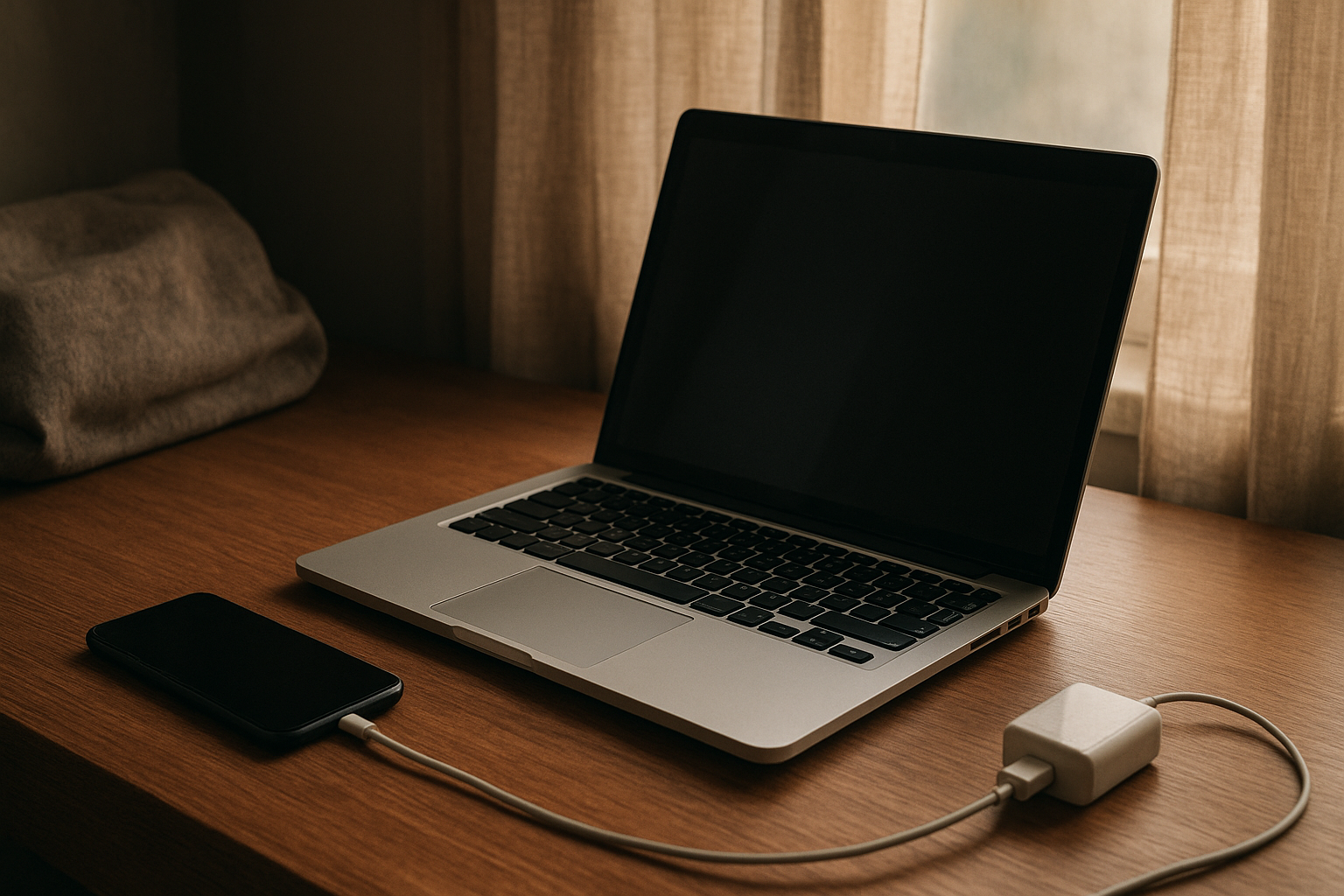
You close your laptop at night thinking you did the responsible thing. It is charged enough, sleep mode is on, and you expect to open it in the morning and get right back to work. Then morning comes, you lift the lid, and the battery is suddenly much lower than it should be. Sometimes it is low enough to throw off your whole routine before the day even starts.
That is the part that gets under your skin. The device looked inactive. It was supposed to be resting. But somehow it kept losing power anyway.
And once you notice it, it is hard to ignore.
Why This Situation Feels So Frustrating
Sleep mode is supposed to be the convenient middle ground. You do not want to fully shut everything down every single time, especially when you are in the middle of work, school, or travel. You trust that closing the lid or tapping the sleep button means the device will stay ready without burning through the battery.
So when that trust gets broken, the frustration feels bigger than the percentage drop itself. It is not just about losing 10 or 20 percent overnight. It is the feeling that the device is doing something behind your back. You wanted convenience, but now you are second-guessing it.
Something feels off.
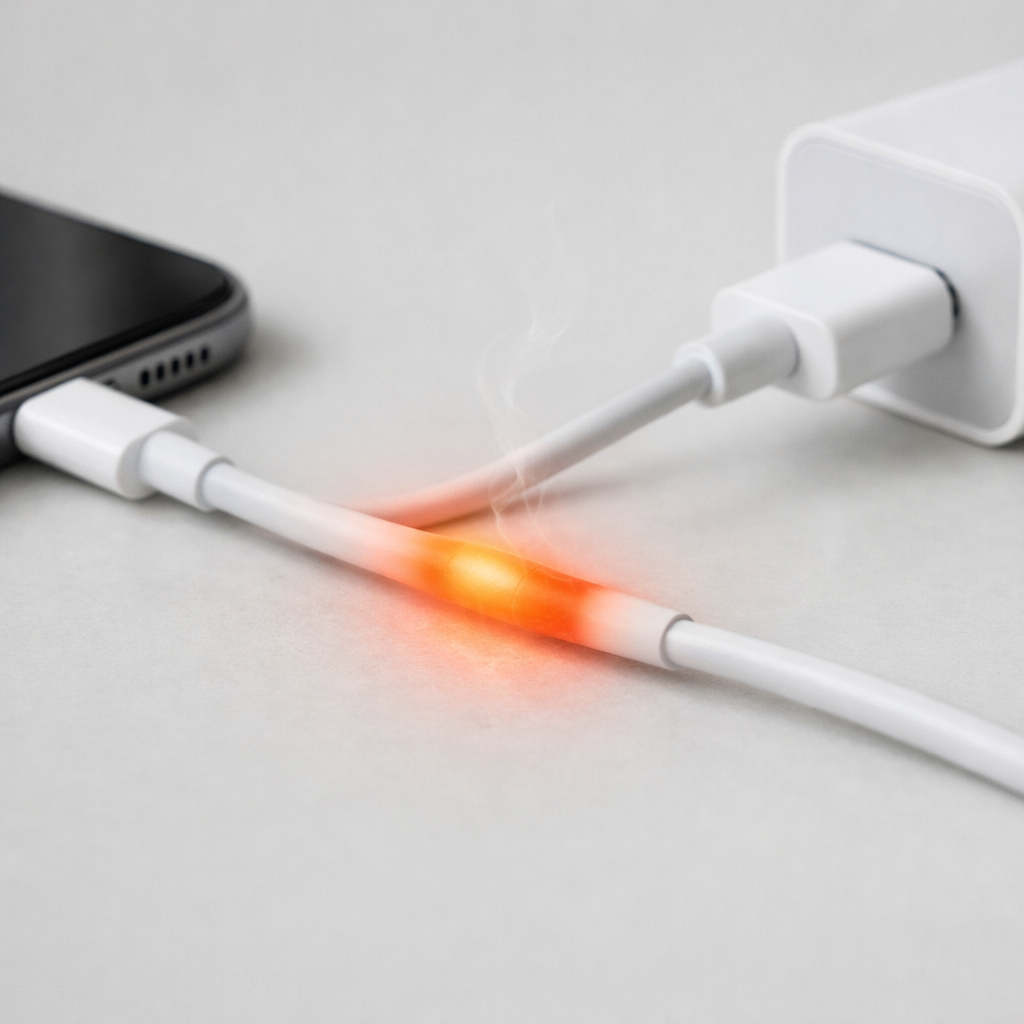
There is also a low-level worry that creeps in when the device feels warm after sitting in a bag or on a desk. A little battery drain is one thing. Heat is different. Heat makes people think about battery health, long-term wear, and whether this small annoyance is turning into a bigger problem.
What People Usually Notice First
For a lot of people, the first sign is simple: they open a laptop in the morning before work or school and the battery is nowhere near where they left it. Maybe it dropped from 80 percent to 45. Maybe it is down to a warning level. Suddenly the first task of the day is finding a charger.
Other times it happens during travel. You put a device to sleep to save power on a flight, in a car, or while moving between classes, and later it is far more drained than expected. That feels especially annoying because sleep mode was supposed to be the power-saving choice.
Then there is the warm-in-the-bag moment. You reach in for your device and it is not just low on battery, it is actually warm. That can be unsettling. It makes the whole thing feel less like normal battery behavior and more like the device never really settled down at all.
It is not completely broken. But it is not right either.
Why It Can Be Confusing
The confusing part is that sleep mode is not the same as fully off. That sounds obvious, but in everyday use, people understandably expect a sleeping device to use almost no power. In reality, some devices still keep parts of the system lightly active so they can wake quickly, stay updated, or remain connected in the background.
That is where the uncertainty starts. If a battery drops a few percent overnight, is that normal? Maybe. If it drops a lot, is that still a setting issue, or is something deeper going on? That line is not always clear.
People often spend too long blaming themselves. Maybe the brightness was left up. Maybe too many apps were open. Maybe a setting got missed. Sometimes that is true, and sometimes it is not. A device can still lose noticeable power in sleep because of background activity, network behavior, aging battery performance, or a sleep state that is not working the way it should. If you want a broader look at why battery drain in sleep mode happens, that can help make the behavior feel a little less mysterious.
But even with explanations, the experience is still annoying. Because the whole point of sleep mode is trust.
The Hidden Impact on Daily Use
Small battery failures have a way of creating bigger stress than they seem to deserve. One overnight drain can mean a slower start to the day, a missed note in class, a rushed search for an outlet at the airport, or carrying a charger everywhere just in case. It chips away at the sense that your device is reliable.
That matters because people depend on these devices for ordinary life now. Work, school, tickets, directions, messages, banking, everything. When a device quietly loses battery while appearing inactive, it creates a strange kind of tension. You are not dealing with a dramatic failure. You are dealing with a small, repeated one. And repeated small failures are exhausting.
You start planning around the problem. You stop trusting percentages. You charge more often than you should have to. You hesitate before putting the device in your bag. That is where a battery issue becomes more than a battery issue.
It turns into background stress.
When It’s Probably Nothing Serious
Sometimes the battery drop is mild and understandable. If a device loses a small amount of charge overnight but otherwise performs normally, stays cool, and charges without trouble, it may just be the result of how that model handles sleep. A few percent here and there is usually not a crisis.
It can also be less concerning if the problem happens only occasionally, such as after a system update, after using a lot of apps before sleep, or when the battery itself is already older. Batteries do change over time, and sleep behavior is not always perfectly consistent. That can be annoying without meaning something is actually failing.
Still annoying, though.
When You Should Pay More Attention
If the battery drain is steep, frequent, or getting worse, it is worth paying closer attention. The same goes for a device that feels warm after being asleep, wakes up when it should not, or seems to lose power much faster than it used to. Those patterns suggest the device may not truly be entering a low-power state, or that the battery is no longer behaving normally.
Another sign is when the issue starts disrupting routine in a predictable way. If you already know you cannot leave the device asleep overnight without expecting a surprise in the morning, that is no longer a minor quirk. It is a reliability problem.
And reliability matters more than people think.
Simple Ways to Improve the Situation
Without getting too deep into settings menus, the general idea is to reduce what the device is trying to do while it is supposed to be resting. That can mean being more selective about leaving apps open, paying attention to update timing, and noticing whether network-heavy features seem to make the problem worse.
It can also help to compare sleep mode with a full shutdown now and then. Not forever, just enough to see if the difference is dramatic. That kind of comparison often tells you whether you are dealing with expected low-level drain or something less normal.
If heat is part of the story, take that seriously. Not with panic, just attention. A sleeping device should not regularly end up uncomfortably warm in a bag.
And if the battery itself is older, it is fair to consider that age may be part of the issue. Sometimes the fix is not about one hidden setting. Sometimes the battery is simply less dependable than it used to be.
Conclusion
Battery drain in sleep mode is frustrating because it breaks a quiet promise. You put the device aside expecting it to be ready later, and instead you come back to less power, more doubt, and one more thing to manage before your day even starts.
That is why people get so irritated by it. Not because the problem is dramatic, but because it keeps getting in the way.
If the battery loss is small and occasional, it may be part of normal behavior. If it is heavy, frequent, warm, or getting worse, it deserves more attention. Either way, you are not overreacting for being bothered by it. A device that looks inactive should not feel unpredictable.
That is the real issue. Not just power loss, but lost trust.