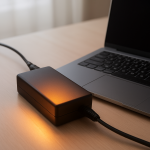
Charger Overheating Symptoms — Warning Signs of Electrical Failure
Quick Answer
Most charger overheating happens because the adapter is under thermal stress: it’s trying to push near its maximum output while heat can’t escape well. Poor ventilation (covered by bedding, wedged behind a desk, inside a bag) or a higher-than-normal load makes internal parts run hotter than designed.
In many cases, the adapter will feel warm within 10–30 minutes of charging, but it should not become too hot to hold. If the overheating starts suddenly, gets worse over a few days, or causes charging dropouts, treat it as a warning sign that the charger or cable may be failing.
If you need a fast fix
- Unplug the charger from the wall and your device, then let it cool on a hard, open surface for at least 15 minutes.
- Move charging to a well-ventilated spot (not on fabric, not under pillows, not inside a bag) and avoid coiling the cable tightly.
- Reduce the load: stop using the device heavily while it charges, and if possible disable fast charging or switch to a lower-wattage charger temporarily.
Quick Diagnosis Table
| Symptom | Most likely cause |
|---|---|
| Charger gets too hot to touch within 10–20 minutes | Poor ventilation or the adapter is running near max output (high load) causing internal heat buildup |
| Charging stops and starts, or the phone/laptop says “charging paused due to temperature” | Thermal protection is kicking in because the adapter, cable, or device port is overheating |
| Plastic smell, faint buzzing, or crackling from the brick | Internal component stress (transformer/coil or capacitor) worsened by heat; potential electrical failure risk |
| Cable or connector end feels hotter than the brick | High resistance at the connector from wear, dirt, or a loose fit; heat is being generated at the weak point |
| Charger is fine in one outlet but overheats in another | Loose outlet contact or poor power quality causing extra resistance and heating |
Why This Happens
A charger converts high-voltage AC from the wall into lower-voltage DC that your device can use. That conversion always creates some heat, but the adapter relies on airflow and its casing to shed that heat safely.
When the charger is covered, trapped in a tight space, or pressed against insulating materials like carpet and bedding, the heat can’t escape. At the same time, modern fast charging can pull high wattage for long periods, which increases internal temperature and stresses components.
That extra heat can make a borderline cable, connector, or internal part behave worse, so you see symptoms like hot spots, charging dropouts, or a burning smell. In short: more heat inside the adapter leads to protection shutdowns and faster wear, which then creates even more heat.
Most Common Causes (Ranked)
- 1) Blocked airflow around the adapter: Chargers left on beds, sofas, carpets, or in cluttered power strips can’t cool properly, so internal temperatures climb quickly.
- 2) High charging load (fast charging, gaming, heavy laptop use): The adapter runs near its limit for longer, producing more heat than during lighter charging.
- 3) Damaged or low-quality cable/connector: Fraying, loose plugs, or off-brand cables can create resistance at the tip, which turns power into heat at the worst possible place.
- 4) Failing adapter electronics: Aging components can become less efficient, so more energy becomes heat instead of charging your device.
- 5) Loose, worn, or dirty wall outlet: Poor contact increases resistance and can heat the plug, outlet, and charger body.
- 6) Heat from the environment: Charging in direct sun, a warm car, or near a heater raises the starting temperature and reduces the charger’s cooling margin.
If the charger runs noticeably cooler after improving airflow or reducing load, that gradual improvement usually indicates heat buildup (not a sudden catastrophic failure) was the main trigger.
How to Check the Problem Safely
- Check 1: Inspect placement: make sure the brick is on a hard, open surface with space around it, not under blankets, behind curtains, or stuffed into a cable pile.
- Check 2: Feel for hot spots after 10 minutes of charging: carefully touch the brick and the connector ends; a very hot connector compared to the brick points to cable/port resistance.
- Check 3: Try a lower load test: close heavy apps, stop gaming, and let the device charge while idle; note whether the heat level drops.
- Check 4: Swap one item at a time: try a known-good cable first, then a known-good charger of the correct type; if the problem follows one item, you’ve found the culprit.
- Check 5: Check the wall outlet fit: the plug should feel firm, not wobbly; if it’s loose or the plug gets unusually warm, stop using that outlet.
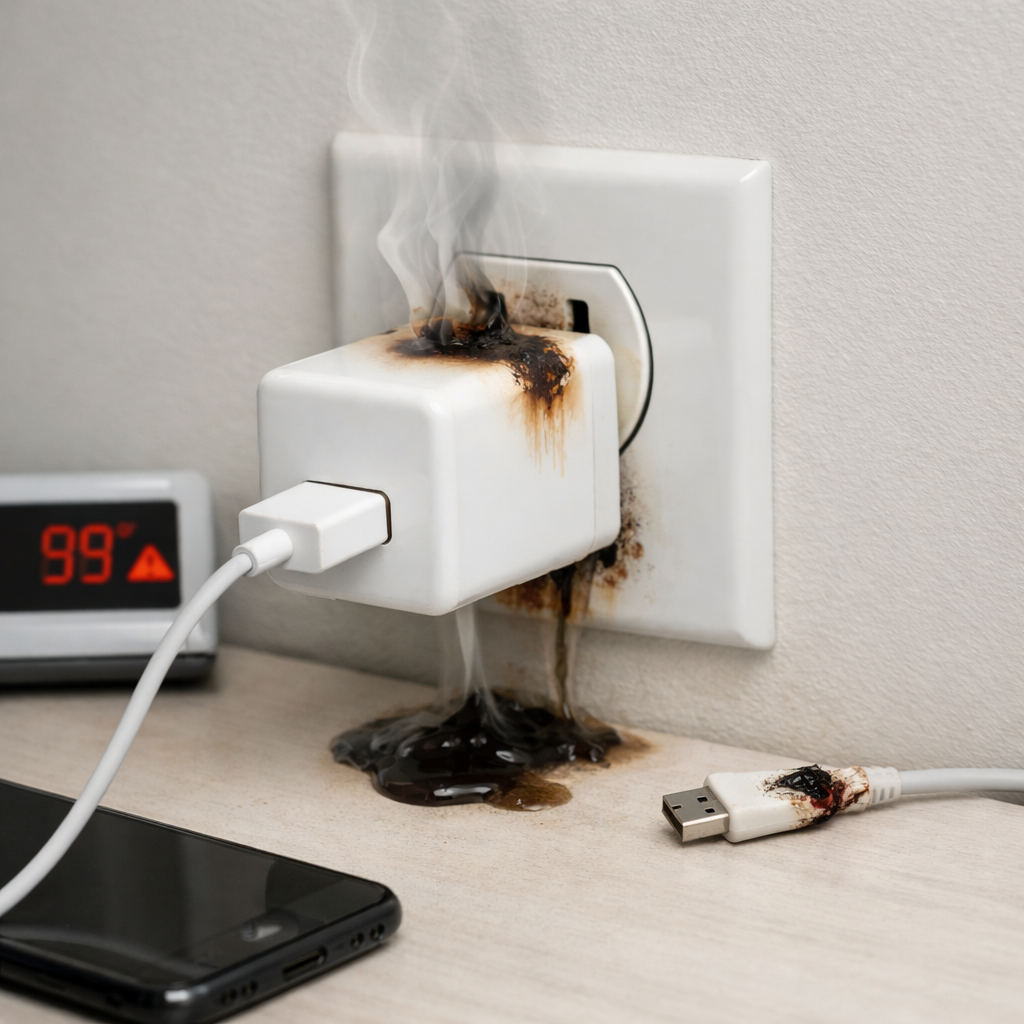
Safety note: if you notice a burning smell, smoke, visible melting, or sparking, unplug at the wall immediately and do not test further.
How to Fix It
- Fix 1 (easiest): Improve ventilation by moving the charger to an open, hard surface and keeping it uncovered; better airflow lowers internal temperature fast.
- Fix 2: Reduce charging demand by pausing heavy use while charging, lowering screen brightness, and turning off fast charging if your device allows it; less wattage means less heat.
- Fix 3: Replace the cable with a certified, correct-rated one (USB-C with the right wattage/PD rating, or the manufacturer’s cable); a good cable reduces resistance heating at the connector.
- Fix 4: Use the correct charger for your device (right wattage and standard) and avoid questionable adapters; an efficient, properly matched charger runs cooler under the same load.
- Fix 5 (advanced/last resort): Replace the wall outlet or stop using that circuit if the plug fit is loose or the outlet warms up; poor contact can overheat and is a fire risk.
Signs of Battery or Hardware Damage
- Battery swelling, bulging case, or the device rocking on a flat surface.
- Device overheating even when not charging, or sudden temperature spikes during light tasks.
- Rapid battery drain, sudden shutdowns, or the battery percentage jumping up and down.
- Charging port discoloration, melted plastic, or a connector that no longer fits snugly.
- Crackling noises, visible arcing, or a scorched smell from the charger, cable, or port.
- Repeated “liquid/debris in port” or “charging disabled due to temperature” warnings with multiple known-good chargers.
- Charging only works at certain angles, suggesting internal port damage or worn contacts.
When Repair Is No Longer Worth It
If a charger repeatedly overheats in open air with a correct cable and normal use, replacement is usually the safest choice. Chargers are sealed and not meant to be repaired at home, and recurring overheating often means internal parts are degrading.
As a rule, if the charger shows smell, buzzing, crackling, scorch marks, or makes outlets warm, don’t try to “get a little more life” out of it. Spending a bit more on a certified replacement is typically cheaper than replacing a damaged device port or dealing with a safety incident.
How to Prevent This Problem in the Future
- Charge in open air: keep the adapter uncovered and off beds, couches, and carpets.
- Avoid coiling cables tightly during charging; loops can trap heat and strain the connector ends.
- Match the charger to the workload: use the recommended wattage for laptops and fast-charging phones, and avoid underpowered adapters that run hot.
- Use certified cables and chargers (USB-IF, PD-certified, or the device maker’s); lower resistance and better quality control reduces heating.
- Keep ports clean and dry; gently remove pocket lint from the port area (without metal tools) so the plug seats fully.
- Don’t charge in hot environments (direct sun, warm car, near heaters); high ambient temperature reduces cooling performance.
- Periodically check outlet tightness; replace loose outlets and avoid overloaded, cheap power strips that trap heat.
FAQ
Is it normal for a charger to get warm?
Yes, mild warmth is normal because power conversion creates heat. It becomes a problem when it’s too hot to comfortably hold, when it smells, or when charging becomes unstable. Heat that increases over time usually points to poor ventilation or too much load.
Can an overheating charger damage my phone or laptop?
It can. Excess heat may cause charging to slow down or stop, and repeated overheating can stress the device battery and charging port. In worse cases, a failing charger or cable can create voltage instability that risks long-term wear.
Should I keep using it if it only overheats during fast charging?
If better airflow and lighter use keep the temperature reasonable, you can often continue by reducing the load or using a slightly lower wattage charger. If it still becomes very hot, or you notice smell, buzzing, or discoloration, stop using it and replace the charger or cable. Fast charging should not make a charger dangerously hot in normal conditions.
Mark Reynolds covers battery health, charging limits, and common device issues with a focus on clarity and practical fixes. For a deeper look, visit the full troubleshooting guide.
For a full overview of this issue and step-by-step solutions, read the complete troubleshooting guide.