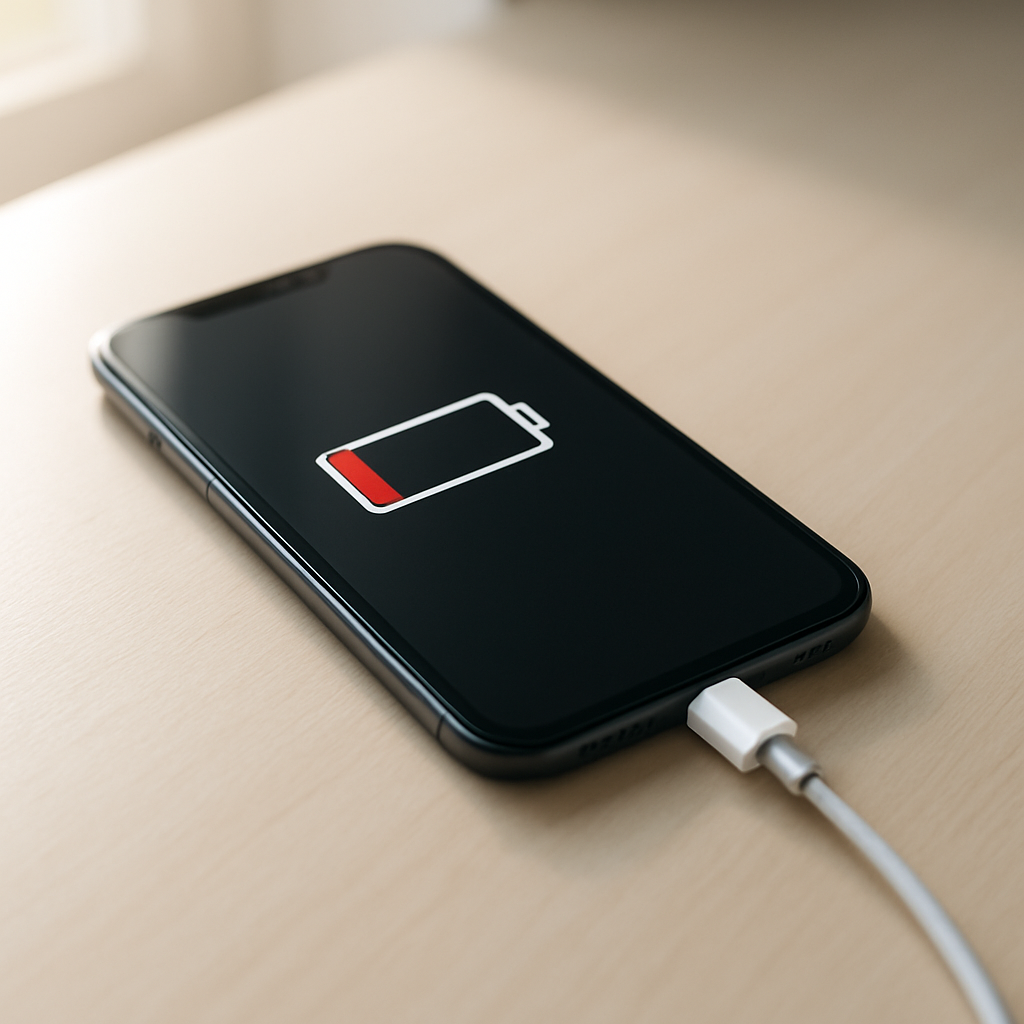
Phone Not Charging Fully? Causes and Fixes
Quick Answer
Most phones stop charging before 100% because of built-in battery protection, heat limits, or a charger/cable/port problem that reduces charging power near the top. It can also happen when the battery is aging and can’t “hold” the last few percent reliably.
It’s common for charging to slow down after about 80% and sometimes pause in the 90–99% range, especially with “optimized charging” features. If your phone eventually reaches 100% after extra time, that often points to normal protection behavior rather than a serious fault.
If you need a fast fix
- Unplug, let the phone cool for 10–15 minutes, then charge again with the screen off.
- Try a different cable and wall charger (preferably the original or a reputable fast charger).
- Check the charging port for lint and gently clean the opening with a dry, soft tool.
Quick Diagnosis Table
| Symptom | Most likely cause |
|---|---|
| Stops at 80–85% consistently, especially overnight | Battery protection/optimized charging limit |
| Stalls at 90–99% and feels warm | Overheating limit or charging slowed to protect the battery |
| Won’t go past a certain % unless you wiggle the cable | Loose/dirty port or failing cable connector |
| Charges to 100% only with one specific charger | Charger/cable not supplying enough power or incompatible fast-charge standard |
| Battery jumps from 20% to 5% later, or drains fast after “full” | Battery degradation or calibration issue |
Why This Happens
Phones don’t charge in a straight line. They charge quickly at lower percentages, then slow down near the top to reduce heat and stress on the battery.
That slowdown can look like “not charging fully,” especially if you’re watching the percentage minute-by-minute. For example, it might race to 70% in 30 minutes, then take another 45–90 minutes to crawl from 90% to 100%.
If your phone is hot, the system may pause or cap charging, so the percentage stops moving until temperatures drop. If the charger, cable, or port can’t deliver steady power, the phone may also stop early or “hover” at a high percentage.
Most Common Causes (Ranked)
- 1) Battery protection / optimized charging: Many phones intentionally stop at 80% or delay the last 10–20% to reduce wear, especially overnight or when it learns your routine.
- 2) Overheating or temperature limits: If the phone gets warm (gaming, thick case, hot car, wireless charging), it may slow down or pause charging before 100%.
- 3) Charger or cable can’t sustain power: Cheap, damaged, or low-watt chargers and cables can cause the charge rate to drop so much that the phone appears “stuck” near full.
- 4) Dirty or loose charging port: Pocket lint or oxidation prevents a solid connection, which often shows up as charging stopping early or only working at certain angles.
- 5) Battery degradation: Older batteries may struggle to reach or hold the top percentage, and the phone may end charging early to avoid instability.
- 6) Software glitch or battery percentage misread: After updates or crashes, the battery meter can be off, making 95% look “stuck” when the battery is actually still finishing.
If your phone starts reaching a higher percentage after you cool it down, switch chargers, or clean the port, that gradual improvement usually means the issue is connection, heat, or a charging limit setting rather than a major hardware failure.
How to Check the Problem Safely
- Check 1: Look for a battery protection setting like Optimized Charging, Protect Battery, or an 80% limit in Battery settings, and note whether it’s enabled.
- Check 2: Feel the phone during charging. If it’s hot to the touch or warm around the camera/CPU area, remove the case and move to a cooler spot.
- Check 3: Swap one thing at a time: first the cable, then the wall adapter, then the outlet. If one swap fixes it, you’ve found the weak link.
- Check 4: Inspect the charging port using a bright light. If you see lint packed at the back, the plug may not seat fully, causing intermittent charging.
- Check 5: Compare wired vs wireless charging (if available). If wireless reaches 100% but wired doesn’t, the port/cable is more likely than the battery.
Safety note: avoid using metal pins or spraying liquid cleaners into the port, and don’t charge a phone that’s wet or showing signs of swelling.
How to Fix It
- Fix 1 (easiest): Disable any 80% charge limit (if you need full charge today) or temporarily turn off optimized charging. This removes intentional caps that can look like a charging fault.
- Fix 2: Cool the phone while charging: remove the case, stop gaming/video calls, and keep it out of sunlight. Lower heat lets the phone resume the final top-off safely.
- Fix 3: Use a quality charger and cable that matches your phone’s fast-charging standard. A stable, higher-watt setup prevents the charge rate from collapsing near 90–99%.
- Fix 4: Clean the charging port gently: power off the phone, then use a dry wooden toothpick or soft anti-static brush to lift lint out. A fully seated connector often restores normal charging to 100%.
- Fix 5 (advanced/last resort): Recalibrate the battery meter by charging to 100%, using it down to around 10–15%, then charging back to 100% uninterrupted once. This can fix a stuck percentage reading, but it won’t restore a worn battery.
Signs of Battery or Hardware Damage
- The phone gets unusually hot during simple charging (not heavy use) or smells like chemicals.
- The battery percentage drops suddenly (for example, 60% to 30%) or jumps around while charging.
- The phone shuts down at 10–30% or restarts when you open the camera or a game.
- The back cover or screen is lifting, or the phone rocks on a flat table (possible battery swelling).
- Charging only works when the cable is held at a certain angle, even after cleaning.
- The charging port looks bent, loose, discolored, or has visible pin damage.
- It takes dramatically longer than it used to (for example, 4–6 hours on a good charger) with no setting changes.
When Repair Is No Longer Worth It
If the phone is several years old, has multiple issues (poor battery life plus a loose port plus overheating), or can’t reliably stay on, repair may not be the best value. A battery replacement can be worthwhile, but a port replacement plus battery plus diagnostics can approach the cost of a newer device.
As a rule, consider replacement if repair costs are more than about one-third to one-half of the phone’s current resale value, or if you need dependable all-day power for work or safety. If the device is still supported with updates and the only problem is a worn battery, replacing the battery is often the smartest option.
How to Prevent This Problem in the Future
- Use reputable chargers and cables, and replace cables that feel loose or have bent connectors.
- Avoid charging in hot places (car dashboards, direct sun) and remove thick cases if the phone warms up.
- Don’t game or run heavy apps while fast charging; heat is the main reason charging slows or stops early.
- Keep the port clean by avoiding pocket lint buildup and periodically checking with a light.
- If your phone offers an 80% limit, use it on most days and only go to 100% when you truly need it.
- Prefer wired charging when you need a full charge quickly; wireless charging often generates more heat and may cap earlier.
- Update your phone regularly, since battery and charging management improvements often come through firmware and OS updates.
FAQ
Why does my phone stop charging at 80%?
This is usually a battery protection feature, sometimes called optimized charging or an 80% limit. It reduces battery wear by avoiding the most stressful part of charging. If you need 100% for travel, you can often turn the limit off in Battery settings.
Is it bad if my phone never reaches 100%?
Not necessarily. Many phones slow down or pause near full to control heat, and some intentionally stop at 80–90% depending on settings and usage patterns. It’s more concerning if the maximum keeps dropping over weeks, charging becomes inconsistent, or the battery life is clearly shrinking.
Why does it get stuck at 99% for a long time?
The last 1–5% is a slow “top-off” phase designed to protect the battery and reduce heat. If the phone is warm, it may slow down even more or pause until it cools. Try charging with the screen off in a cool room and using a reliable charger and cable.
For a full overview of this issue and step-by-step solutions, read the complete troubleshooting guide.