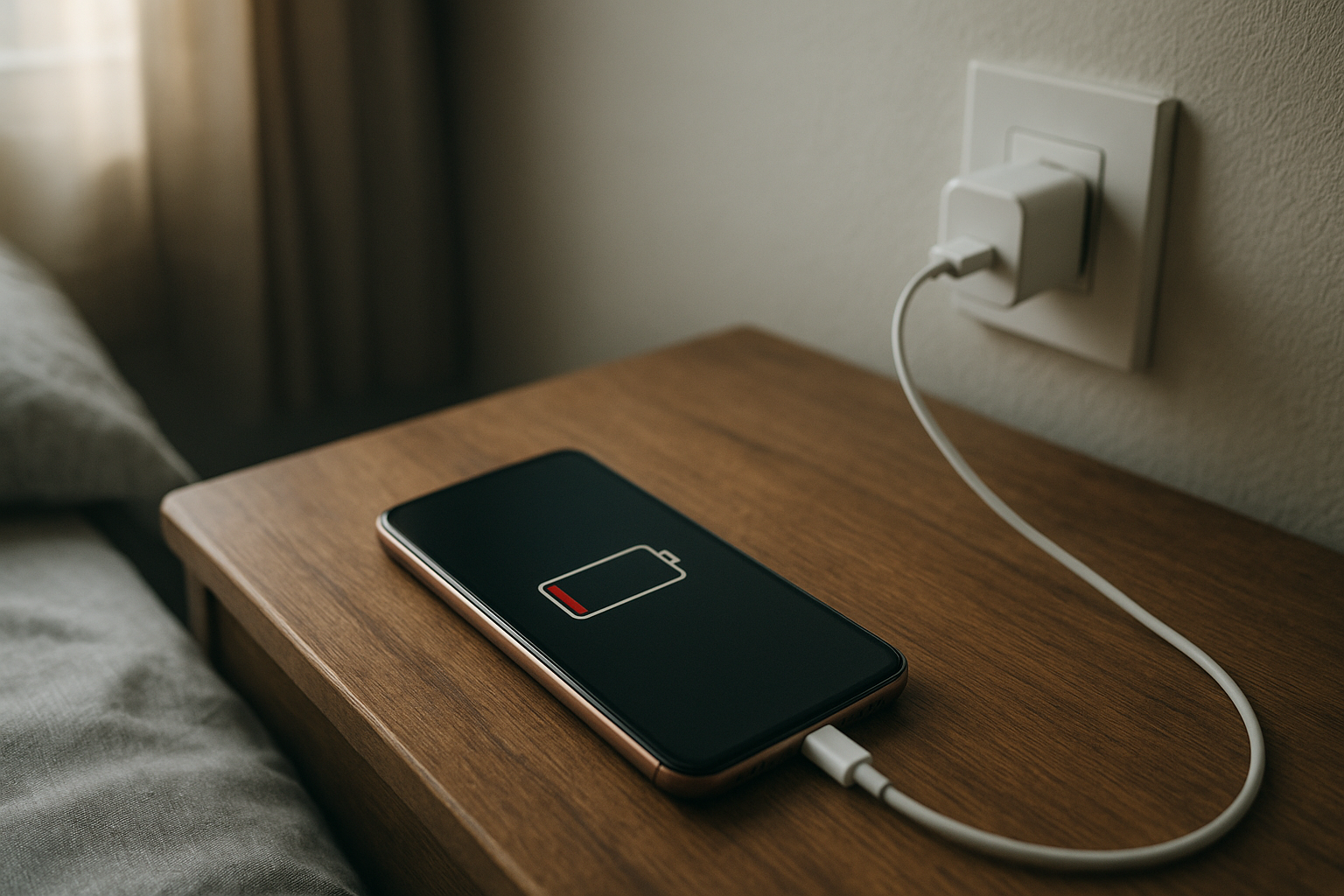
You install a phone update at night because it seems responsible. Better security, smoother performance, maybe a few bug fixes. Then the next day, your battery is suddenly sliding downhill before lunch. By midafternoon, you are looking for a charger when that usually never happens.
That shift is hard to miss. Your phone is not dead, exactly, but it no longer feels dependable. It gets a little warmer in your hand. The percentage drops faster than your habits would explain. And once you notice it, it is hard to ignore.
I think that is what makes this specific problem so annoying. You did the thing you were supposed to do, and somehow daily use got worse.
Why This Situation Feels So Frustrating
A battery problem after an update does not just feel like a technical glitch. It feels personal because your phone is tied to everything else. Work messages, maps, alarms, rides, school apps, family calls, two-factor codes. If the battery suddenly stops lasting through the day, the whole day starts to feel less stable.
There is also that strange sense of betrayal. You trust the update because updates are supposed to improve the phone, not turn it into something you have to babysit. So when the battery starts draining faster, it creates this low-level tension where you keep checking the screen and doing mental math about whether you will make it to evening.
It is stressful in a quiet way.
And if the phone starts warming up during basic tasks, that makes it worse. Warmth feels like a clue, but not a clear one. You know something is working harder than it should, but you do not know if that is normal after an update or the beginning of a bigger issue.
What People Usually Notice First
For a lot of people, the first sign is simple: the phone no longer makes it through work or school. A battery that used to be at 45 percent by late afternoon is now down near 15. Same routine, same apps, same brightness, different result.
Sometimes it shows up overnight. You go to bed with a decent charge and wake up to a much lower number than expected, which is how missed alarms and rough mornings happen. That can feel especially unfair because the phone was barely being used.
Travel makes the issue feel bigger. If you are out all day without easy access to charging, battery drain stops being a mild inconvenience and starts feeling like a real risk. No maps, no boarding pass, no way to reach someone easily. Even normal use starts to feel expensive.
Then there is the heat. Maybe not dangerously hot, but warm enough to notice during texting, browsing, or listening to audio. Something feels off.
Why It Can Be Confusing
The confusing part is that software updates are supposed to help. So when your battery life gets worse right after one, it is natural to wonder if the update caused a problem, if the phone is just adjusting, or if the battery was already aging and the update only made it more obvious.
That uncertainty is what traps people. Do you wait a few days and hope the phone settles down? Or do you start changing settings right away? Nobody wants to overreact, but nobody wants to keep losing battery all day either.
In some cases, the phone really is doing extra work for a short time after an update. It may be reorganizing files, refreshing apps, or recalculating things in the background. That can temporarily increase battery use and a bit of warmth. If you want a more grounded explanation of why this can happen after an update, it helps to see that not every bad battery day means permanent damage.
Still, that does not make it less irritating when you are living with it.
The Hidden Impact on Daily Use
Battery drain changes how you use your phone even before it fully runs out. You start holding back. Maybe you skip streaming something on the train. Maybe you keep the screen dimmer than you want. Maybe you avoid taking pictures because you are trying to conserve power for later. It quietly chips away at convenience.
That matters more than people admit. Phones are supposed to reduce friction in daily life, not create it. When the battery becomes unpredictable, productivity takes a hit because you are distracted by the device instead of relying on it. You charge more often, you carry cables, you rethink plans, and you pay attention to battery percentage in moments where you should be focusing on other things.
It sounds small until it keeps happening.
Then it starts to feel like you cannot trust the device in the same way.
When It’s Probably Nothing Serious
If the battery drain started immediately after the update and begins to calm down within a day or two, it is often just a temporary adjustment period. The same goes for mild warmth that fades once the phone finishes whatever background work it is doing. That kind of short-term weirdness is frustrating, but it does not always point to a lasting problem.
If your phone is still charging normally, not shutting down at random, and not getting unusually hot, that is also somewhat reassuring. It may simply need a little time before battery performance settles back into a more familiar pattern.
Not every post-update battery scare turns into a serious device issue. Sometimes it really does pass.
When You Should Pay More Attention
If the drain continues for several days with no improvement, that is when it deserves a closer look. The same is true if the phone gets noticeably hot during light use, loses a large amount of battery overnight, or starts needing multiple charges in a single day when that was never normal before.
Aging batteries can also get exposed by updates. A phone that was already getting by on a worn battery may suddenly feel much worse when new software asks a little more from it. That does not always mean the update broke anything. It may have revealed a weakness that was already there.
And if the phone becomes unreliable during basic daily use, it is worth taking seriously. Missed alarms, battery crashes during travel, and shutdown anxiety are not minor if your phone is part of how you get through the day.
Simple Ways to Improve the Situation
The safest approach is usually the least dramatic one. Give it a little time if the update was recent. Restart the phone if you have not already. Check whether a specific app seems to be draining more than usual, especially one that updated around the same time. Sometimes the problem is not the phone itself but an app behaving badly after the new software went in.
It also helps to ease off anything that adds extra strain while things settle down. High screen brightness, constant background refreshing, and heavy location use can make a rough battery day feel worse. That is not a magic fix, but it can give you some breathing room.
If your phone has been running hot and draining fast for more than a few days, it may be time to look at battery health or get support from the manufacturer. You do not have to guess forever.
That part matters.
Trying to fix it quickly is understandable. But making a bunch of big changes at once can make it harder to tell what actually helped.
Conclusion
A phone battery draining fast after an update is frustrating because it messes with something basic: trust. You expect your phone to be there when you need it, all day, without drama. When that changes overnight, it is unsettling.
Sometimes the issue is temporary and fades as the phone settles. Sometimes it is a sign that the battery was already wearing down or that an app is struggling with the new software. Either way, the stress is real because the phone is part of how daily life stays on track.
It is not completely broken. But it is not right either.
And when a device you rely on starts acting differently, wanting answers fast is a very normal reaction.