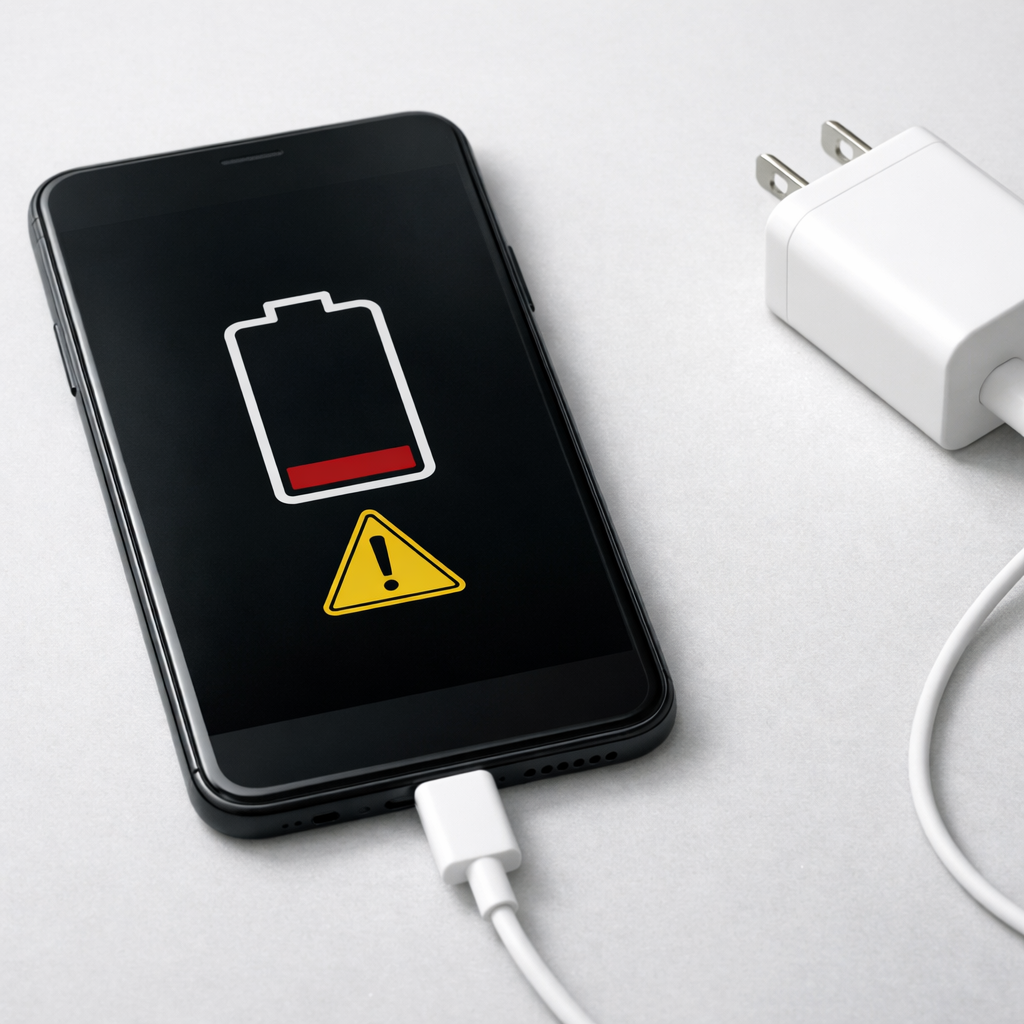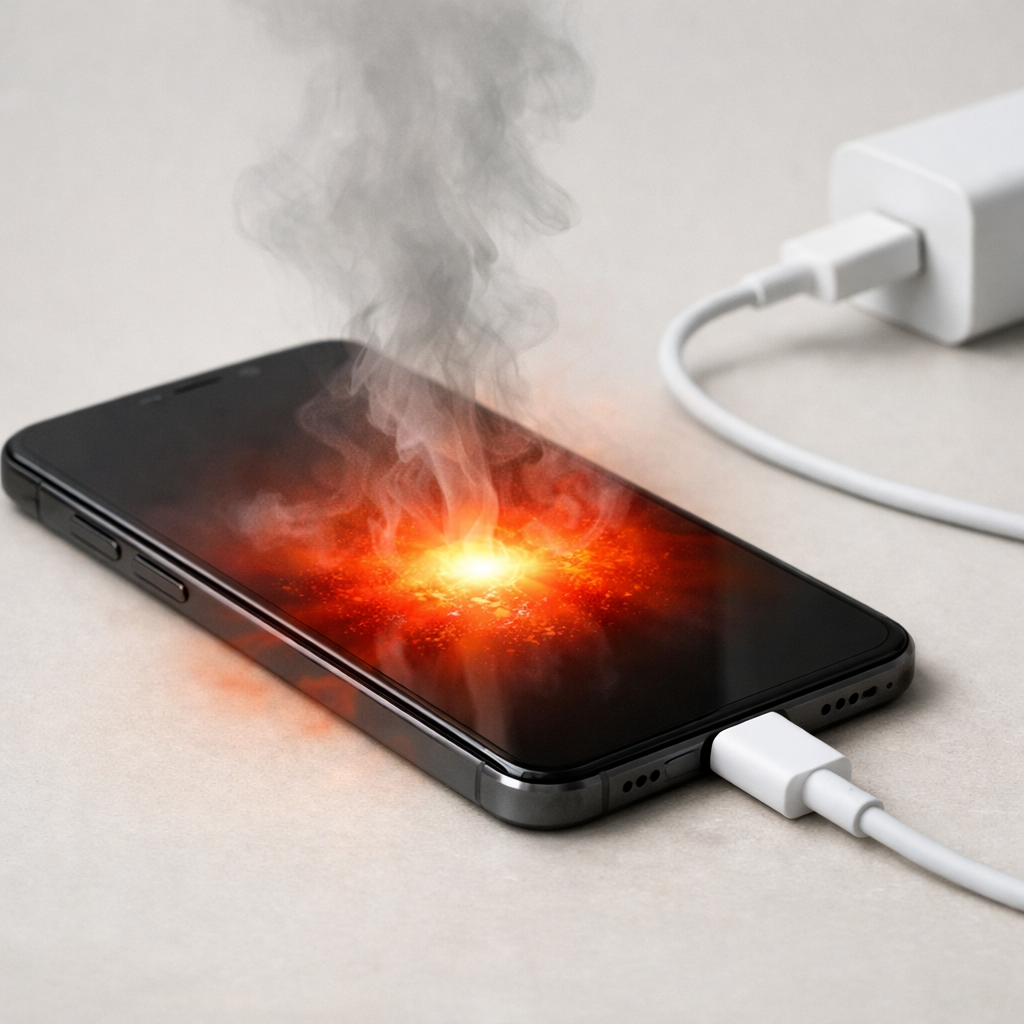
Device Overheating While Charging — Battery Stress or Charging Fault?
Quick Answer
The most likely cause is battery degradation: as a battery ages, it holds less charge and wastes more energy as heat while charging. That extra heat can show up even when you’re using the correct charger, because the battery is working harder to accept and store power.
This usually means your battery’s retention capacity has dropped over time from normal wear, repeated full charges, and heat exposure. It’s common to notice charging heat after 18–36 months of daily use, or sooner if the device often charges while being used.
If you need a fast fix
- Stop charging, remove the case, and let the device cool on a hard surface for 10–15 minutes.
- Switch to a known-good, manufacturer-rated charger and cable, and plug into a wall outlet (not a laptop port or loose power strip).
- Charge with the screen off and close apps, especially gaming, video calls, navigation, or hotspot.
Quick Diagnosis Table
| Symptom | Most likely cause |
|---|---|
| Device gets hot near 70–100% while charging | Aged battery + normal charge-taper behavior creating more heat at higher levels |
| Fast charging used frequently and heat is worse than before | Battery wear plus higher charging power increasing stress and warmth |
| Heat happens even when the phone is idle, screen off | Battery degradation or a failing charging component causing inefficient charging |
| Heat spikes only with one cable/charger | Faulty cable/charger or poor connection causing resistance and heat |
| Battery percentage jumps, stalls, or drops soon after unplugging | Reduced retention capacity or inaccurate battery calibration from aging |
Why This Happens
A healthy battery stores most of the incoming energy as usable charge. An older battery stores less efficiently, so more of that energy turns into heat during charging, especially as it approaches full.
In real life, this looks like a device that used to charge cool now feeling warm or hot at the same charger. You might also see shorter battery life, more sudden drops from 20% to 5%, or a battery that looks “full” but drains quickly.
As retention capacity declines, the device may run the charging system longer or at higher effort to reach the same percentage, and that extra effort becomes heat you can feel.
Most Common Causes (Ranked)
- 1) Battery degradation (reduced retention capacity): As the battery ages, internal resistance tends to rise, so charging creates more heat and less usable stored energy.
- 2) Charging while using high-power features: Gaming, video streaming, hotspot, or navigation raises CPU and radio heat, stacking on top of charging heat.
- 3) Fast charging and high-watt chargers: Higher power can be safe, but an older battery may run hotter under the same fast-charge profile than it did when new.
- 4) Poor ventilation or heat-trapping accessories: Thick cases, charging on a bed/sofa, or direct sunlight can trap warmth and make normal charging feel like overheating.
- 5) Cable, charger, or port resistance: A worn cable, dirty port, or loose connector wastes power as heat and may cause slower charging plus warmth.
- 6) Background activity or software issues: A stuck sync, backup, or update can keep the device busy during charging and raise temperatures unexpectedly.
If temperature improves after changing one variable (like removing the case or switching chargers), that usually indicates a manageable stress issue rather than sudden hardware failure.
How to Check the Problem Safely
- Check 1: Feel where the heat is strongest. Heat concentrated at the battery area suggests battery stress; heat mostly at the plug/port suggests cable/connector resistance.
- Check 2: Test with a different known-good charger and cable that meet the device’s recommended specs. If heat drops significantly, your original charger/cable is likely the trigger.
- Check 3: Charge from 20% to 80% with the screen off and airplane mode on (if possible). If it’s much cooler, background activity and radios were adding heat.
- Check 4: Compare heat at 30–60% versus 80–100%. Older batteries often get noticeably warmer near the top because charging slows down and becomes less efficient.
- Check 5: Look at battery health (if your device reports it) or review battery usage to spot an app that stays active during charging.
Safety note: if the device is too hot to comfortably hold, unplug it immediately and let it cool before troubleshooting further.
How to Fix It
- Fix 1 (easiest): Charge to 80–90% instead of 100% and unplug. It reduces time spent in the hottest, most stressful part of charging and often cuts heat noticeably.
- Fix 2: Use a certified, manufacturer-rated charger and a high-quality cable. This improves efficiency and reduces heat caused by poor connections or unstable power.
- Fix 3: Turn off fast charging (if your device allows) or use a lower-watt charger overnight. Slower charging is often cooler, especially for older batteries.
- Fix 4: Reduce load while charging: close heavy apps, disable hotspot, and avoid gaming or video calls. Less device workload means less combined heat.
- Fix 5 (advanced/last resort): Replace the battery if retention has clearly dropped (short runtime, sudden percentage drops, frequent warmth). A fresh battery usually restores cooler charging and steadier battery readings.
Signs of Battery or Hardware Damage
- Device becomes extremely hot quickly (within minutes) even when idle and charging.
- Battery swelling, lifted screen/back panel, or a device that no longer sits flat.
- Burning smell, discoloration near the port, or crackling/popping sounds.
- Charging repeatedly starts and stops, or the cable/port gets hot to the touch.
- Battery drains very fast after unplugging, or the device shuts off above 10–30%.
- Charging only works at certain angles or after wiggling the connector.
- Random reboots or “temperature too high” warnings during normal charging.
When Repair Is No Longer Worth It
If the device is older and overheating is paired with very short battery life, replacement can be more practical than repeated troubleshooting. A battery replacement is often worth it when the phone is otherwise reliable, but not if the device also has port damage, board issues, or multiple failing parts.
As a rule, consider replacement if repair approaches a large fraction of the device’s current value or if safety signs appear (swelling, burning smell, extreme heat). If a battery swap costs modestly and restores normal charging temperature and runtime, it’s usually the best value fix.
How to Prevent This Problem in the Future
- Keep daily charging between about 20% and 80–90% when practical to reduce battery stress and heat.
- Avoid heat while charging: don’t charge under pillows, in hot cars, or in direct sun.
- Use certified chargers and good cables; replace frayed or loose-fitting cables early.
- Limit fast charging when you don’t need it, especially on older batteries.
- Remove thick cases during long charging sessions if the device tends to run warm.
- Don’t combine heavy use with charging for long periods; let the device rest while topping up.
- Keep software updated and check for apps that run constantly in the background.
FAQ
Is it normal for my device to get warm while charging?
A little warmth is normal, especially with fast charging or when the screen is on. If it’s noticeably hotter than it used to be, that often points to battery aging and higher charging stress. Heat that’s uncomfortable to hold or triggers warnings is not normal and should be addressed.
Why does it overheat near 100% even when I’m not using it?
Many devices slow and fine-tune charging near full, and an older battery can make that stage less efficient and warmer. If it consistently gets hot at 80–100%, limiting charging to 80–90% can help. If heat is extreme or charging becomes unstable, battery replacement is a strong candidate.
Will a new charger fix overheating while charging?
It can, but only if the root cause is the charger, cable, or a poor connection creating extra resistance. If the battery’s retention capacity has dropped, a new charger may reduce some heat but won’t restore lost runtime or fully stop warming. Testing with a known-good charger is still a useful first step to rule out simple faults.
If you’re dealing with repeated battery issues, Mark Reynolds recommends focusing on simple checks before assuming hardware failure. You can find a broader breakdown in the battery troubleshooting guide.
For a full overview of this issue and step-by-step solutions, read the complete troubleshooting guide.