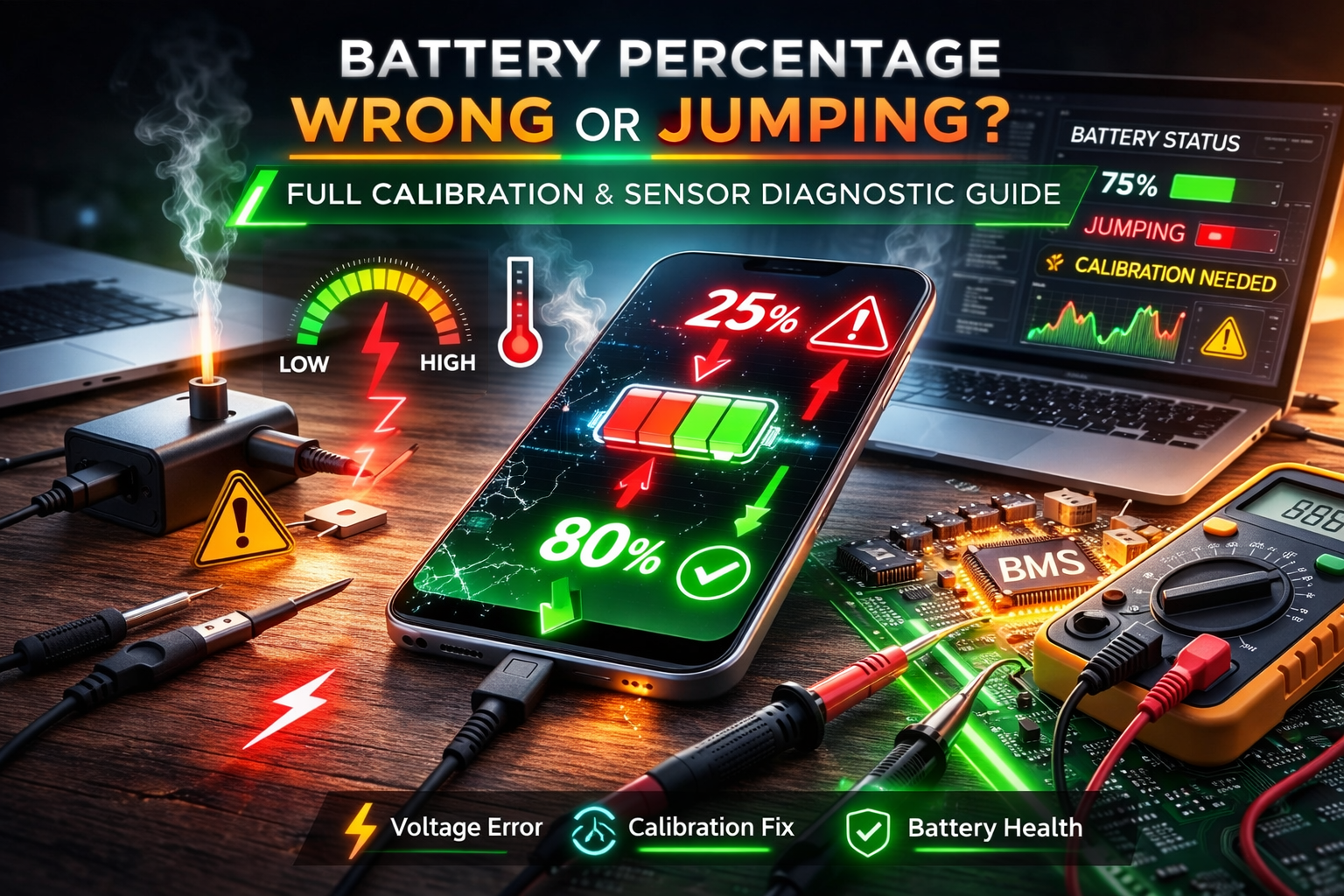
Battery Percentage Wrong or Jumping? Full Calibration and Sensor Diagnostic Guide
Quick Diagnostic Checklist
Restart the device to reset battery reporting
Perform one full charge and discharge cycle
Check battery health and cycle count
Review recent system updates
Check temperature conditions during use
Monitor battery percentage changes over time
What an incorrect battery percentage actually means
Batteries do not directly report their remaining percentage. Devices estimate charge level using a system called the fuel gauge, which calculates remaining energy based on voltage, current flow, temperature, and historical usage data.
If this estimation becomes inaccurate, the displayed percentage may jump, freeze, or drop suddenly even when actual battery capacity has not changed significantly.
How battery percentage is calculated
Modern devices use a Battery Management System (BMS) that tracks:
Voltage level
Charge and discharge rate
Battery temperature
Full charge capacity
Usage patterns over time
The system converts these measurements into an estimated State of Charge (SoC). Errors in measurement or calibration cause inaccurate percentage display.
Main causes of incorrect battery percentage
Calibration drift
Over time, the system loses accuracy when estimating full and empty battery levels, especially after repeated partial charging.
Battery aging
As battery capacity declines, voltage behavior changes, making estimation less precise.
Software estimation errors
Operating system updates or background processes may temporarily disrupt power monitoring.
Temperature effects
Cold or heat changes battery voltage temporarily, causing percentage fluctuations.
Sensor measurement inaccuracy
The internal fuel gauge chip may misinterpret current flow or stored energy.
Unstable charging patterns
Frequent short charging sessions reduce calibration accuracy.
Normal vs abnormal battery percentage behavior
Small fluctuations → normal recalculation
Sudden drops under heavy load → normal
Large jumps during light use → investigate
Device shuts off with charge remaining → abnormal
Professional recalibration procedure
Step 1 — Controlled discharge
Use the device normally until battery falls below 10%.
Step 2 — Rest period
Power off and leave unused for 30–60 minutes.
Step 3 — Uninterrupted full charge
Charge to 100% without using the device.
Step 4 — Stabilization
Keep device plugged in for an additional 30 minutes after reaching full charge.
Step 5 — Resume normal use
The system relearns battery capacity over several cycles.
Signs of calibration error
Battery percentage jumps suddenly
Indicator remains stuck for long periods
Battery drops quickly after unplugging
Charge increases unexpectedly
Signs of battery hardware failure
Device shuts down unexpectedly
Extremely short runtime
Battery drains very quickly
Percentage unstable even after recalibration
Safety warning
If inaccurate battery readings are combined with overheating, swelling, or rapid discharge, discontinue use. These are signs of battery degradation.
Prevention best practices
Perform full charge cycle occasionally
Avoid extreme temperatures
Keep software updated
Use stable charging accessories
Avoid repeated micro-charging cycles
When battery replacement is recommended
If calibration fails and runtime remains short, battery capacity has likely degraded beyond normal usability.
FAQ
Why does battery percentage jump suddenly?
The system recalculates remaining charge based on new voltage or usage data.
Can software updates affect battery percentage?
Yes. Updates can reset or modify battery estimation models.
Does recalibration damage the battery?
No. Occasional full cycles are safe for most modern batteries.
Can a new battery still show wrong percentage?
Yes. Calibration may be required after installation.
Author Expertise
This guide is based on battery management system operation, state-of-charge estimation methods, and lithium battery behavior under real usage conditions.
An incorrect battery percentage usually results from calibration drift, software estimation error, or battery aging. Proper recalibration and monitoring restore accuracy in most cases. Persistent instability indicates battery wear or measurement system malfunction.