
Phone Battery Drains While Screen Off? Causes and Fixes
Diagnose why your phone battery drains with the screen off by identifying background apps, notifications, network activity, and system processes, plus practical fixes to extend standby time.
Battery drain issues are one of the most common problems affecting smartphones, laptops, tablets, and other portable devices. When a battery loses charge faster than expected, the cause may come from software settings, background processes, charging behavior, or battery health.
The guides below explain the most common reasons why batteries drain quickly and how to troubleshoot the problem safely.
Diagnose why your phone battery drains with the screen off by identifying background apps, notifications, network activity, and system processes, plus practical fixes to extend standby time.
Phone Battery Drains Faster In Heat Introduction Many people notice their phone battery draining much faster during hot weather or
Learn how cold weather temporarily reduces lithium-ion battery life in phones and laptops, and how to tell normal cold-related drain from signs of permanent battery damage.
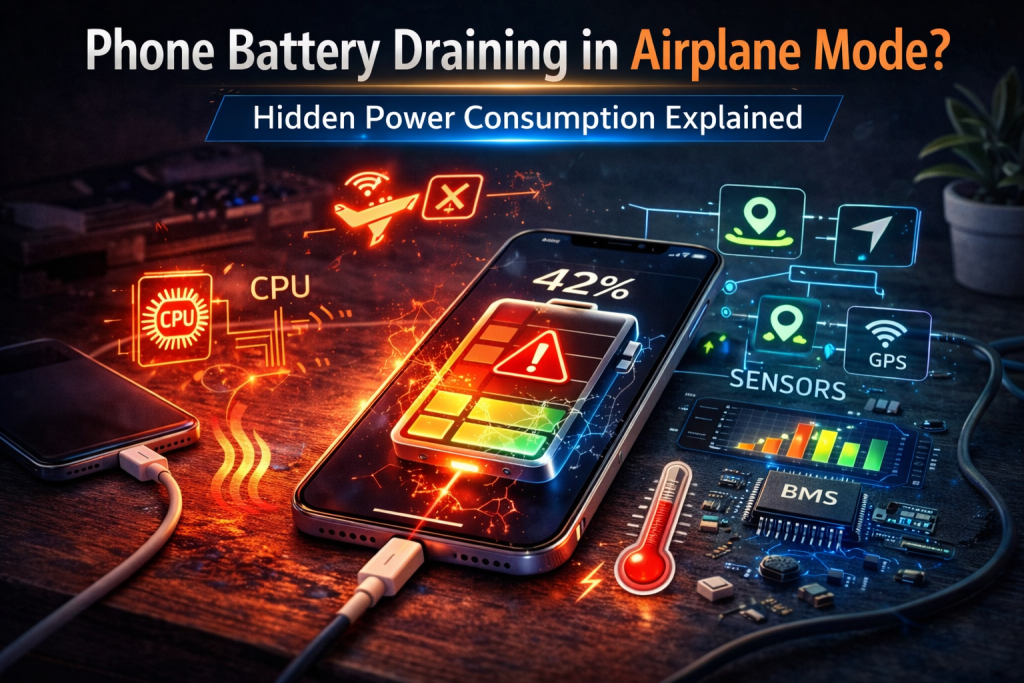
Phone Battery Draining in Airplane Mode? Hidden Power Consumption Explained Quick Diagnostic Checklist Check screen-on time while airplane mode is
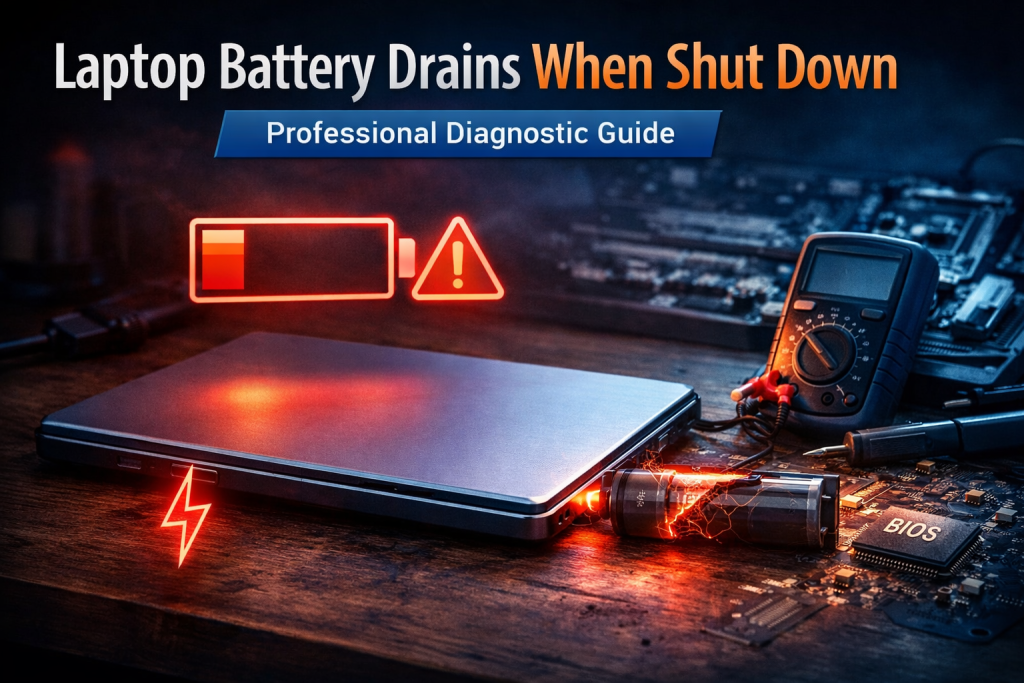
Laptop Battery Drains When Shut Down: Professional Diagnostic Guide Quick Diagnostic Checklist Confirm the laptop performs a full shutdown (not
Diagnose why your phone battery drains while idle by identifying hidden causes like background apps, unstable network signals, push notifications, or hardware-related power leaks.

Identify why your laptop battery drains quickly, from background apps to overheating or aging batteries, and learn targeted fixes to extend battery life and performance.
Diagnose why your laptop battery drains unusually fast by identifying background processes, incorrect power settings, battery aging, or issues with sleep mode not functioning properly.
Learn how to pinpoint the cause of rapid battery drain in your device by systematically checking for background apps, excessive power use, battery wear, or hardware issues.
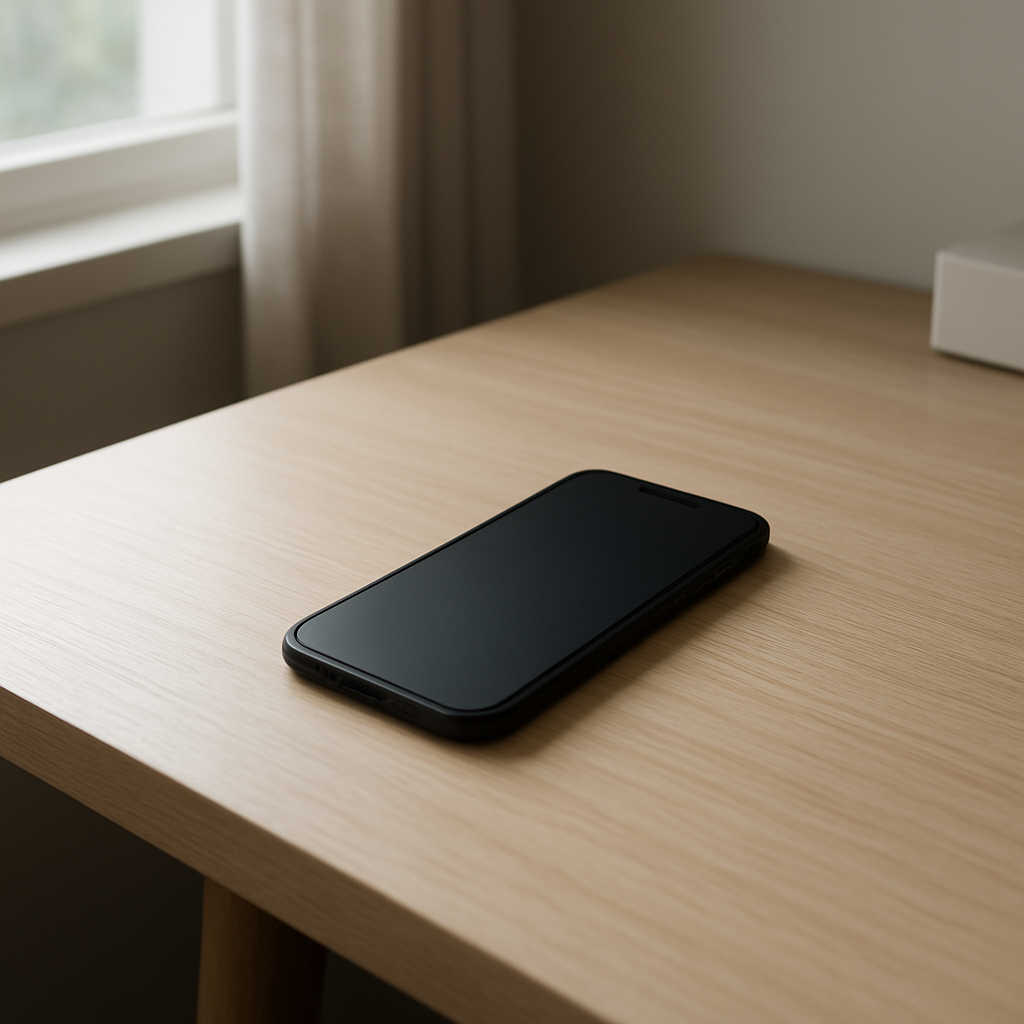
Diagnose why your phone battery drains while idle by identifying hidden causes like background apps, network activity, system processes, or hardware faults, and learn effective solutions.