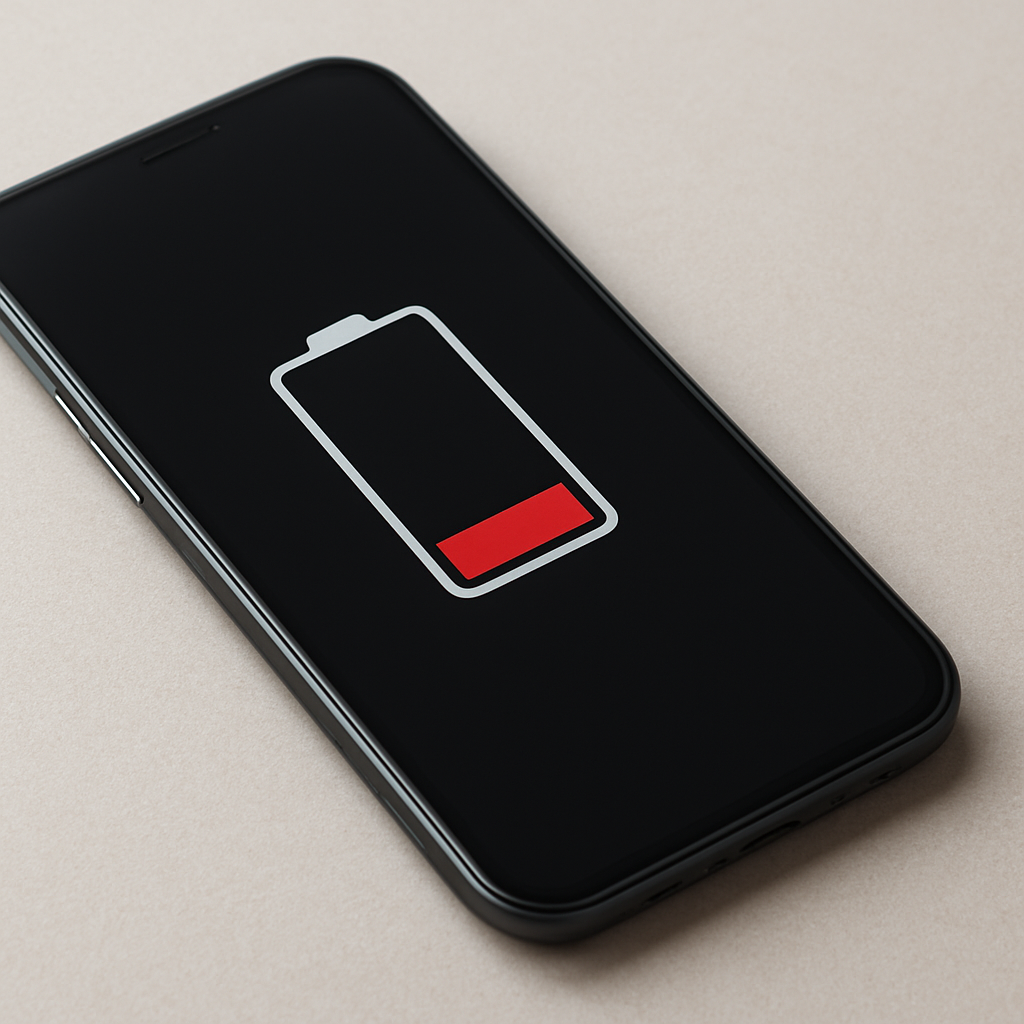
Battery Drains Faster In Cold Weather
Quick Answer
In cold weather, lithium-ion batteries temporarily deliver less usable power because low temperatures slow the chemical reactions inside the battery. Your phone, laptop, or EV may show a big drop in percentage, shut down early, or charge slowly even though the battery is not permanently “ruined.”
Most of the time, performance improves after the device warms back to room temperature, often within 15–60 minutes. Permanent damage is more likely if the battery is old, if it was repeatedly used or charged while very cold, or if problems continue even when warm.
If you need a fast fix
- Move the device to a warmer place and let it warm up gradually for 15–30 minutes before heavy use.
- Lower screen brightness and enable a power-saving mode to reduce peak power demand while the battery is cold.
- If it’s close to shutting down, plug into a charger and keep the device warm (for example, inside an inner pocket) while it charges.
Quick Diagnosis Table
| Symptom | Most likely cause |
|---|---|
| Battery percentage drops quickly outdoors but recovers somewhat indoors | Normal cold-weather behavior: reduced voltage and usable capacity until warmed |
| Device shuts off at 20–40% in the cold, then turns back on later | Cold-driven voltage sag triggers an early shutdown to protect the battery |
| Charging is very slow or stops when the device is cold | Charging protection limits current at low temperatures |
| Battery drains fast even in a warm room | Battery wear/aging, background apps, or a battery health issue unrelated to cold |
| Battery won’t charge, gets hot, swells, or device reboots randomly | Possible battery or hardware damage that needs service |
Why This Happens
Lithium-ion batteries rely on chemical reactions to move energy. When temperatures drop, those reactions slow down, internal resistance rises, and the battery can’t deliver power as easily.
In real life, that means a phone that lasts all day at 22°C can feel “half as good” at -5°C, especially during camera use, navigation, gaming, video calls, or anything that spikes power. Laptops may show a sudden percentage drop during a video meeting, and electric scooters may lose speed and range until the pack warms.
Cause leads to symptom like this: cold increases resistance, voltage sags under load, and the device interprets that sag as a low battery and reduces performance or shuts down to prevent instability.
Most Common Causes (Ranked)
- 1) Cold temperature reduces usable battery capacity: The battery temporarily holds and delivers less energy when it’s cold, so the same usage drains the percentage faster.
- 2) Voltage sag under load triggers early shutdown: High-demand tasks in the cold can make voltage dip, so the device powers off even when the indicator still shows 20–40%.
- 3) Charging is limited in the cold: Many devices throttle or pause charging to avoid lithium plating, so you may gain battery very slowly until it warms.
- 4) Battery age makes cold effects worse: Older batteries already have higher resistance; cold amplifies it, causing sharper drops and more shutdowns.
- 5) Background activity plus cold creates a double hit: Location services, weak-signal searching, and syncing can keep the device working harder while the cold battery struggles.
- 6) Very cold storage or repeated cold charging stresses the pack: Storing a battery near freezing at high charge, or charging in freezing temperatures, can accelerate wear over time.
If performance improves noticeably after warming and behaves normally indoors, that usually points to temporary cold-weather behavior rather than permanent damage.
How to Check the Problem Safely
- Check 1: Compare indoors vs outdoors: note how quickly the battery drops outside, then see if it stabilizes after 20–60 minutes at room temperature.
- Check 2: Look at battery health (if available): on phones and laptops, check the built-in battery health or cycle count to see if the battery is already worn.
- Check 3: Review usage and signal strength: check if the screen is bright, GPS is active, or the device has poor reception that forces extra power use.
- Check 4: Observe charging behavior: try charging at room temperature with a known-good cable and adapter to see if speed returns to normal.
- Check 5: Watch for recalibration clues: if percentage drops fast but then “sticks” at a lower value after warming, it may be cold-related voltage behavior rather than real capacity loss.
Safety note: do not heat your device with an oven, microwave, direct flame, or a high-heat hair dryer; fast heating can damage the battery and the screen.
How to Fix It
- Fix 1 (easiest): Keep it warm while using it by placing it in an inner pocket or insulated bag; warmer batteries deliver power more efficiently.
- Fix 2: Reduce peak power draw by lowering brightness, enabling Low Power Mode/Battery Saver, and avoiding heavy apps outdoors; fewer power spikes means less voltage sag.
- Fix 3: Warm up before charging: bring the device to room temperature, then charge; this restores normal charge speed and reduces stress on the battery.
- Fix 4: Update software and trim background use: install OS updates, disable unnecessary background refresh, and limit location polling; the device spends less time working hard on a weakened cold battery.
- Fix 5 (advanced/last resort): Replace the battery if health is low or shutdowns persist when warm; a fresh battery has lower resistance and handles winter loads much better.
Signs of Battery or Hardware Damage
- Battery drains quickly even at room temperature with light use.
- Unexpected shutdowns happen indoors, not just in the cold.
- Battery percentage jumps around wildly (for example, 60% to 20% in minutes) repeatedly even when warm.
- Device gets unusually hot during normal use or charging.
- Battery swelling, bulging case, lifted screen, or a device that no longer sits flat.
- Charging frequently fails with multiple known-good cables/chargers, especially if the port is clean.
- Frequent reboots, battery not detected messages, or a “service battery” warning.
When Repair Is No Longer Worth It
If the device works normally when warm but struggles only in cold conditions, repair is often unnecessary; changing how you carry and use it in winter may be enough. Repair becomes more worthwhile when the device shuts down indoors, battery health is poor, or the battery shows physical damage.
As a rule, consider replacement if battery replacement costs approach a large portion of the device’s current value, or if the model is old and already has other issues (slow performance, failing ports, limited updates). For newer devices, a battery replacement is usually the most cost-effective fix compared to replacing the entire device.
How to Prevent This Problem in the Future
- Keep devices close to your body in cold weather (inner pocket) instead of an outer jacket pocket or a bike mount.
- Avoid heavy tasks outdoors when it’s very cold; take photos, navigation, or video calls in shorter bursts if possible.
- Do not charge in freezing conditions; warm the device first and charge at room temperature when you can.
- Use an insulated case or pouch for long outdoor trips; it slows heat loss and reduces shutdown risk.
- Keep your battery between about 20% and 80% for daily use, especially in winter; very low charge plus cold increases shutdown odds.
- Store devices at moderate temperatures; don’t leave them in a parked car overnight in winter.
- Replace aging batteries before winter if health is already low; cold magnifies the weakness of worn cells.
FAQ
Is cold weather permanently damaging my lithium-ion battery?
Usually not. Cold mainly causes a temporary drop in usable capacity and power delivery, and it improves once the battery warms up. Long-term harm is more likely from repeatedly charging while the battery is very cold or from using an already worn battery that is pushed hard in freezing conditions.
Why does my phone die at 30% outside, then work again indoors?
That is typically voltage sag in the cold. When you use the phone, the cold battery’s voltage can dip below a safe threshold, so the phone shuts down even though some charge remains. After warming up, voltage recovers and the phone can turn on again.
What’s the safest way to warm a device that’s cold?
Warm it gradually at room temperature or in an inner pocket close to your body. Avoid direct high heat sources like a heater vent, hot water, or a hair dryer on high, because rapid heating can cause condensation and battery stress. Once it feels closer to room temperature, charging and performance should return closer to normal.
For a full overview of this issue and step-by-step solutions, read the complete troubleshooting guide.
Understanding how batteries behave over time can make troubleshooting much easier. Mark Reynolds breaks these patterns down in simple terms. You can explore more in the full guide.